The Penny-Pincher's Guide to Document Scanning: Services and DIY Options
Discover how to achieve affordable document scanning. Explore DIY methods, budget scanners, and cost-effective services to digitize your files.


The Easiest Solution
All you need:
Power Outlet
Wifi or Ethernet
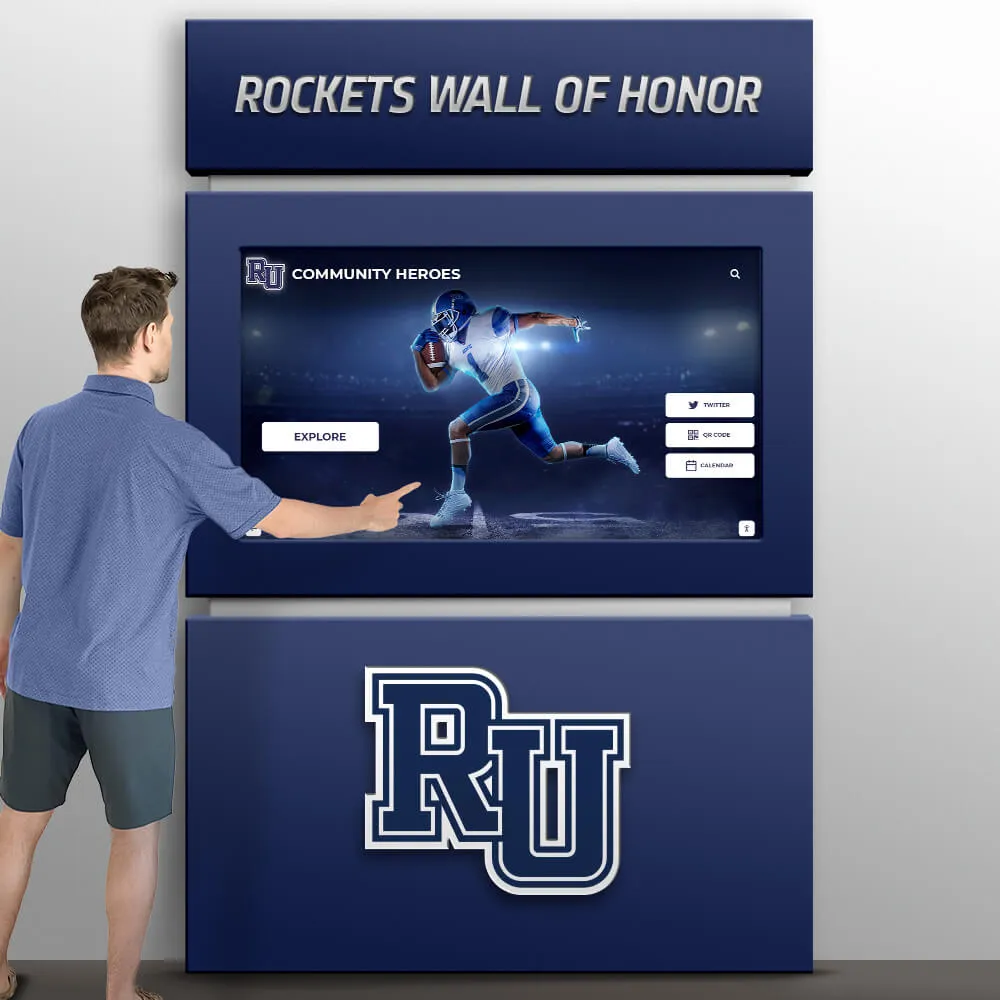
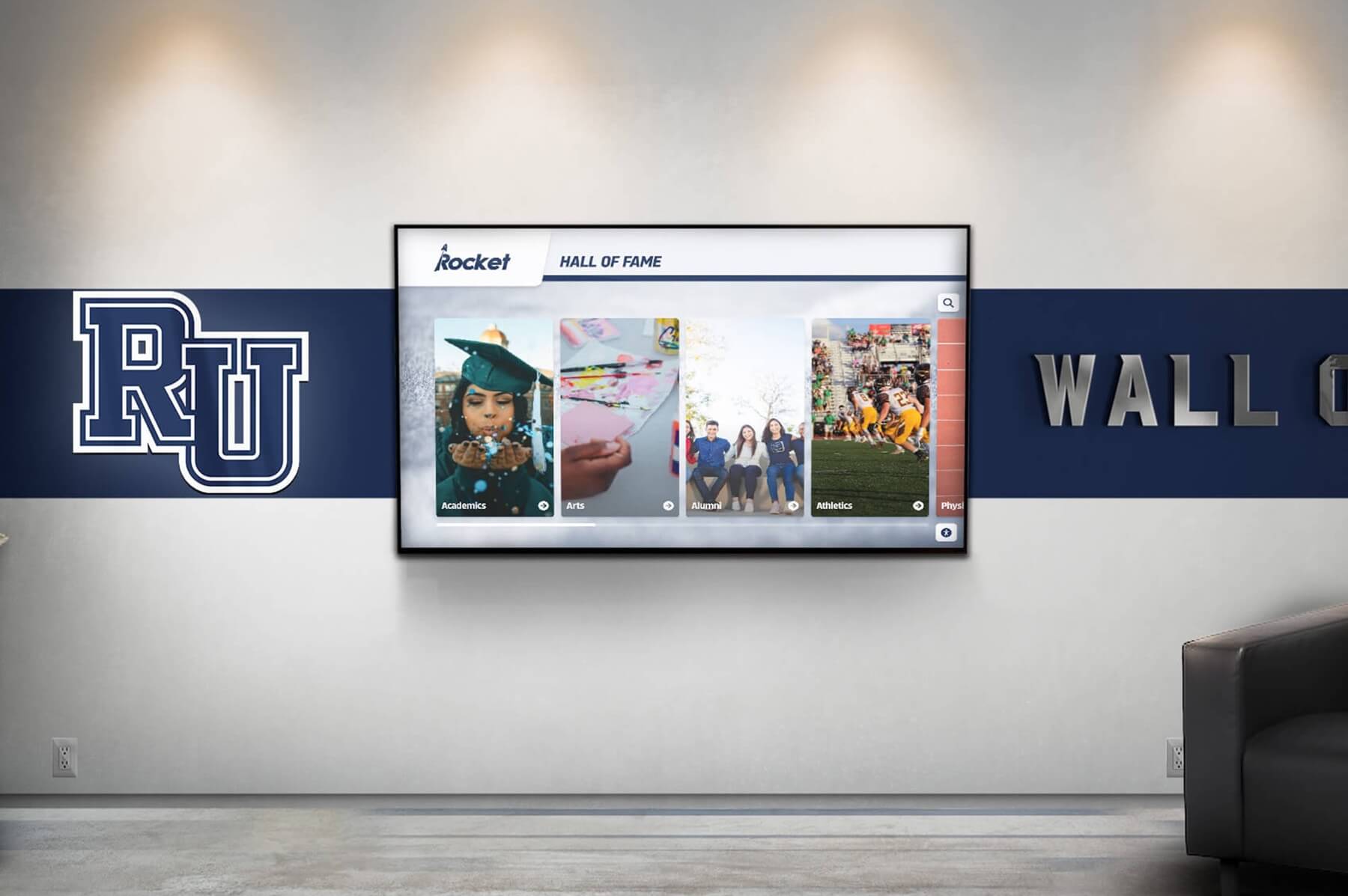
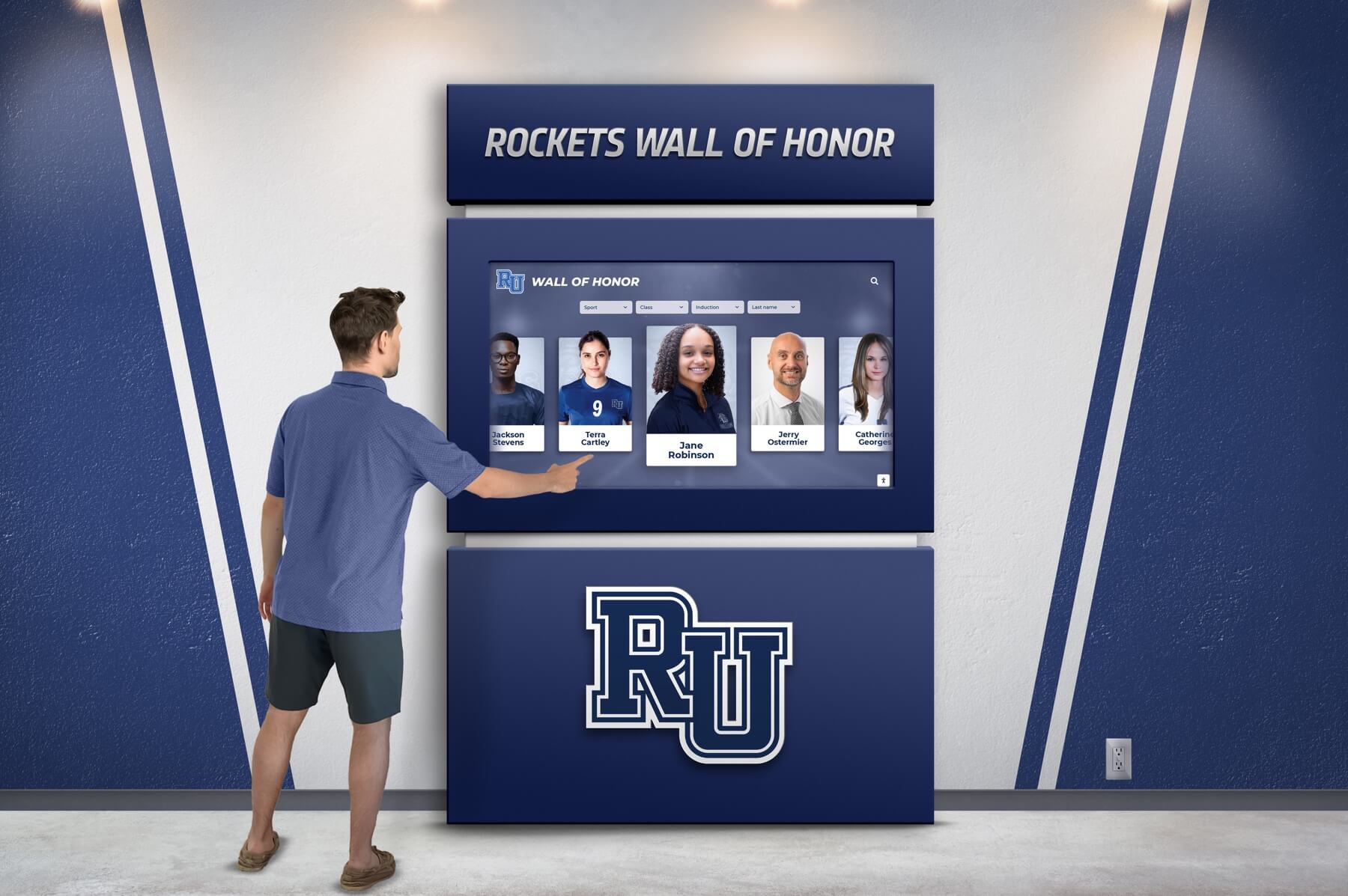
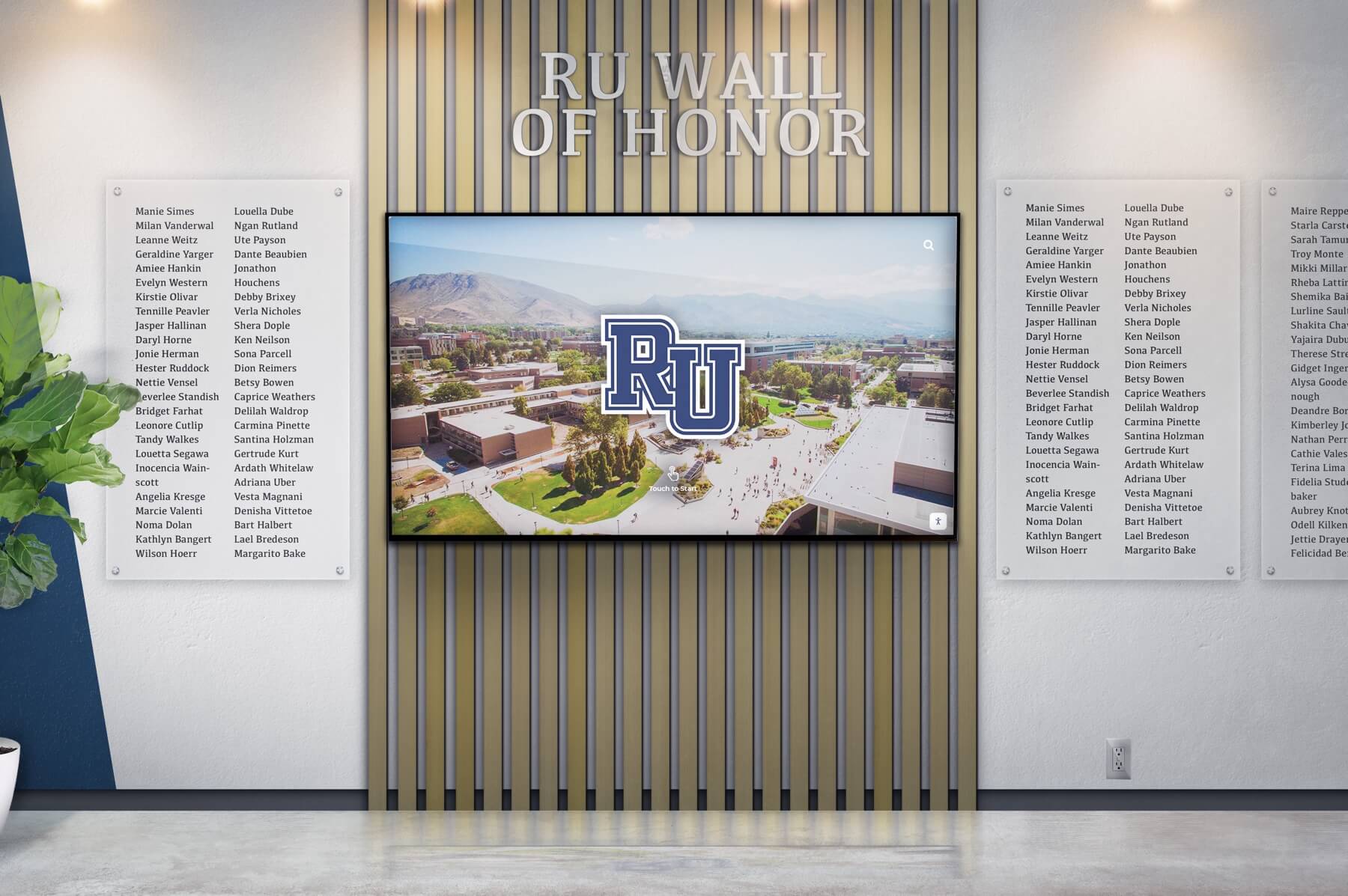
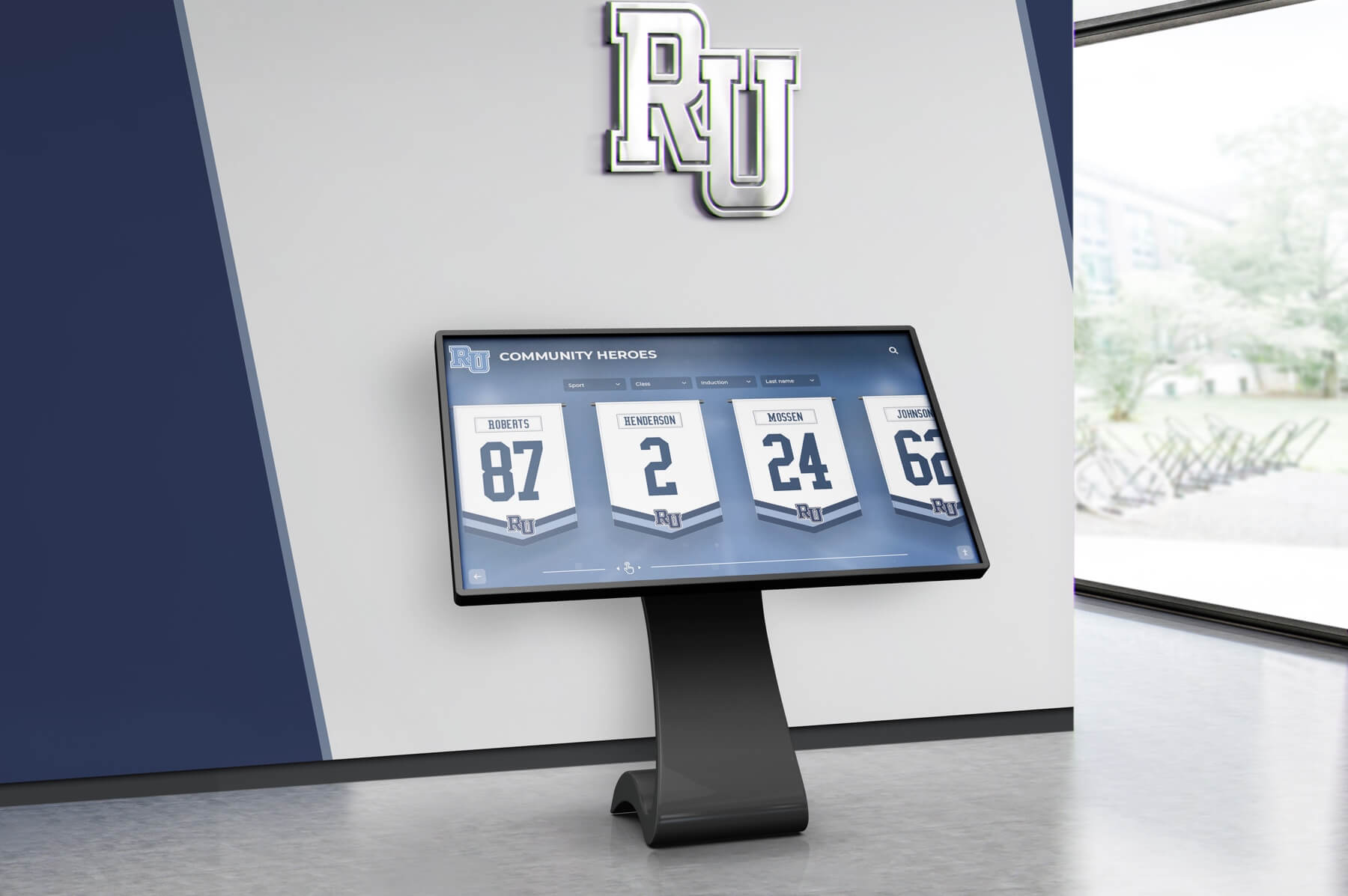
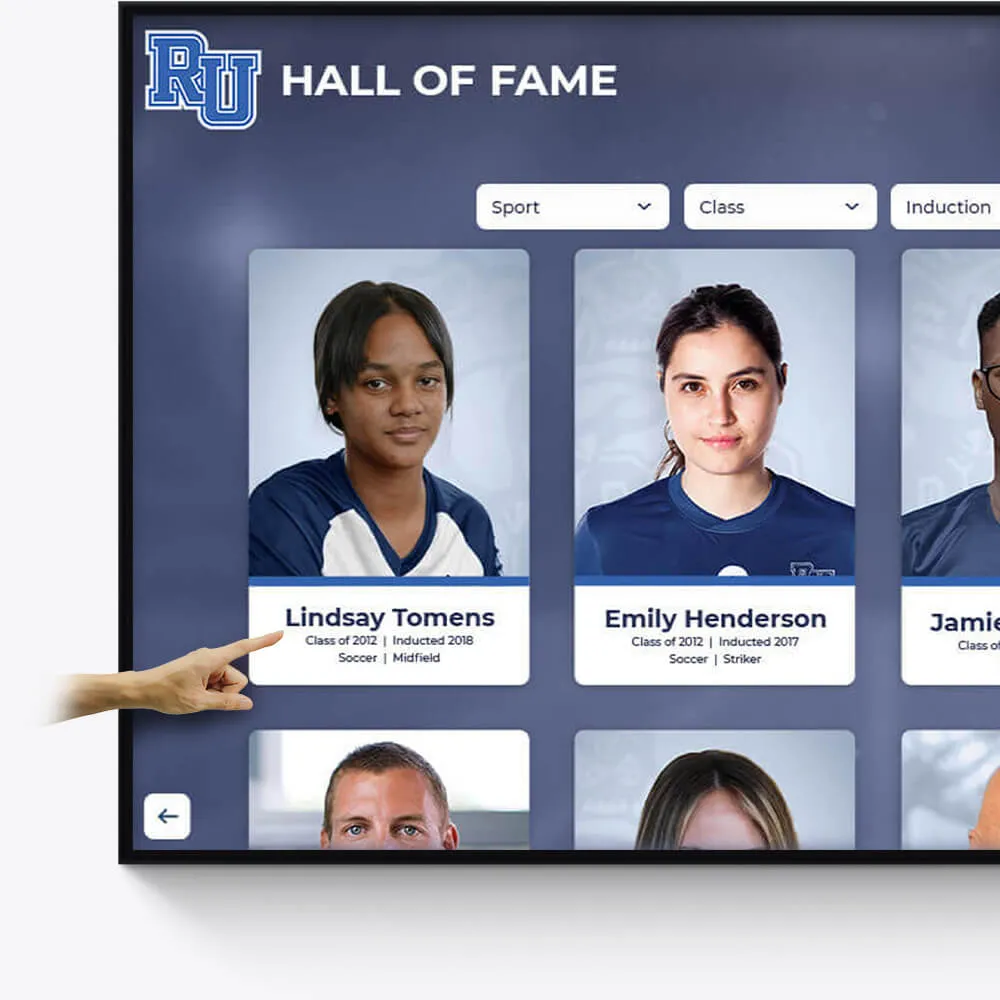
Hall of Fame
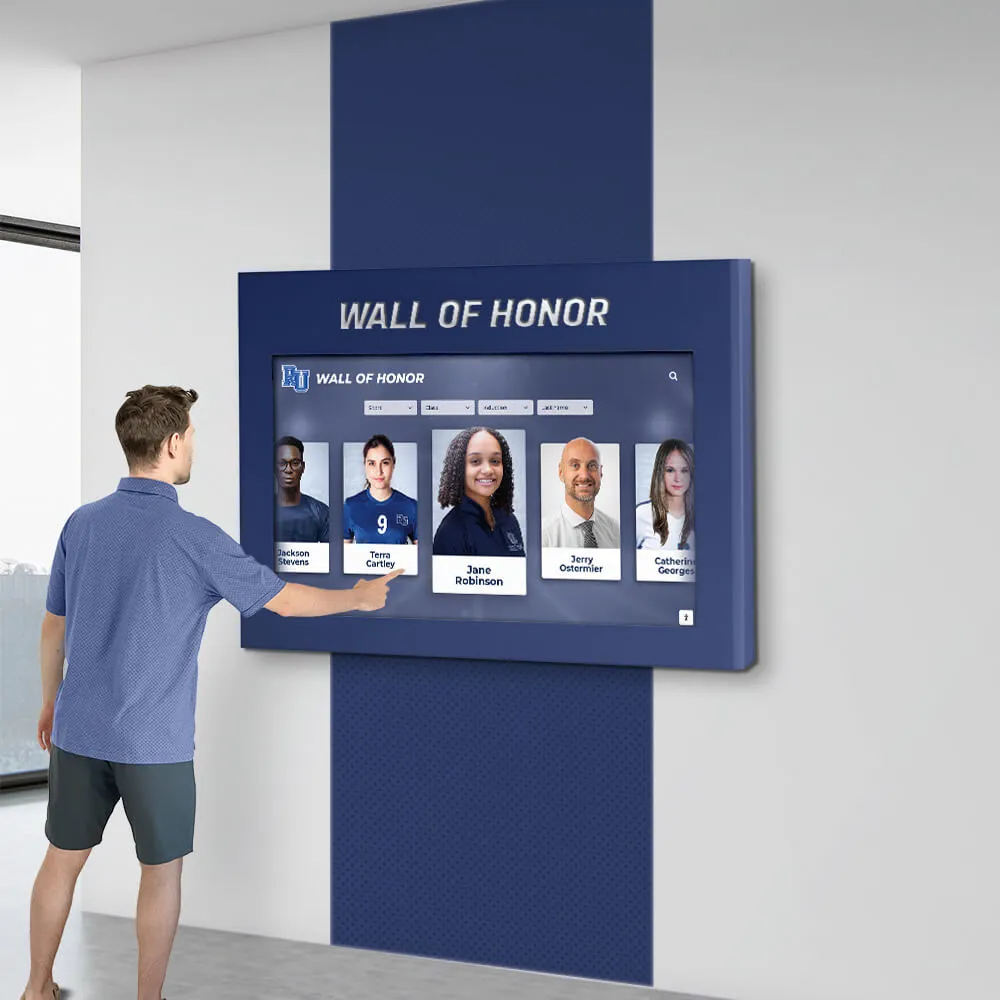
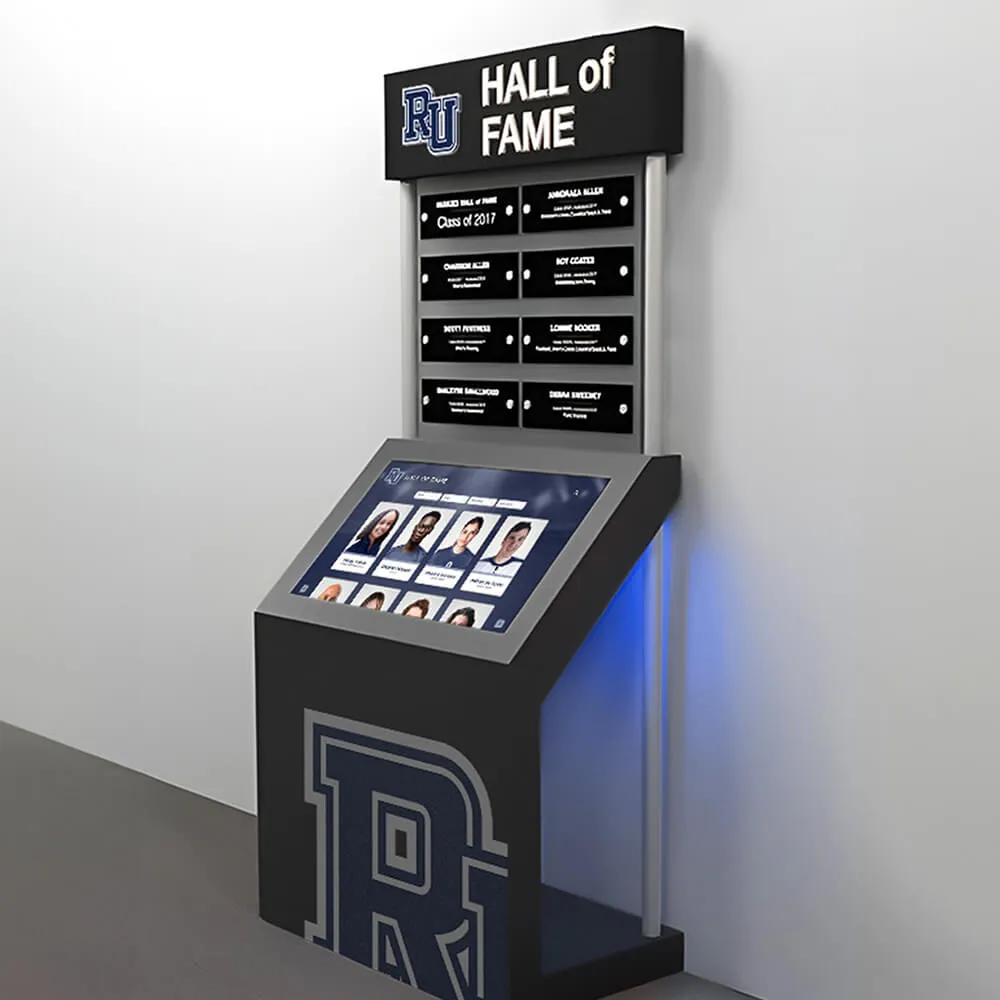
Celebrate the achievements of exceptional athletes and teams with our interactive Hall of Fame displays. Tailored to reflect your institution's rich history and spirit.
Customizable design to match school colors and branding
Easily updatable to add new inductees and achievements
Interactive elements to engage visitors and tell compelling stories
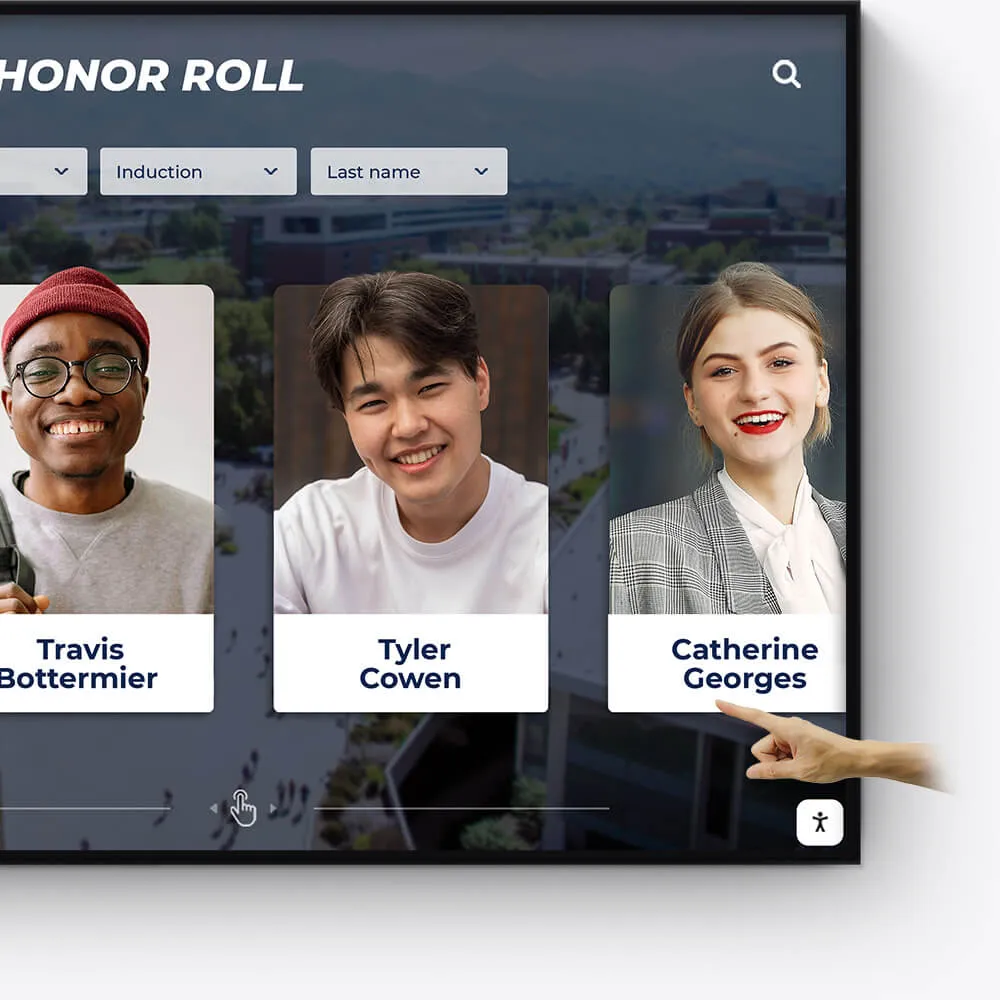
Academic Awards
Honor academic excellence with a dynamic and interactive display of student achievements, scholarships, and notable accomplishments.
Showcase academic high achievers and scholarship recipients
Feature departmental and individual academic milestones
Integrate with school databases for real-time updates
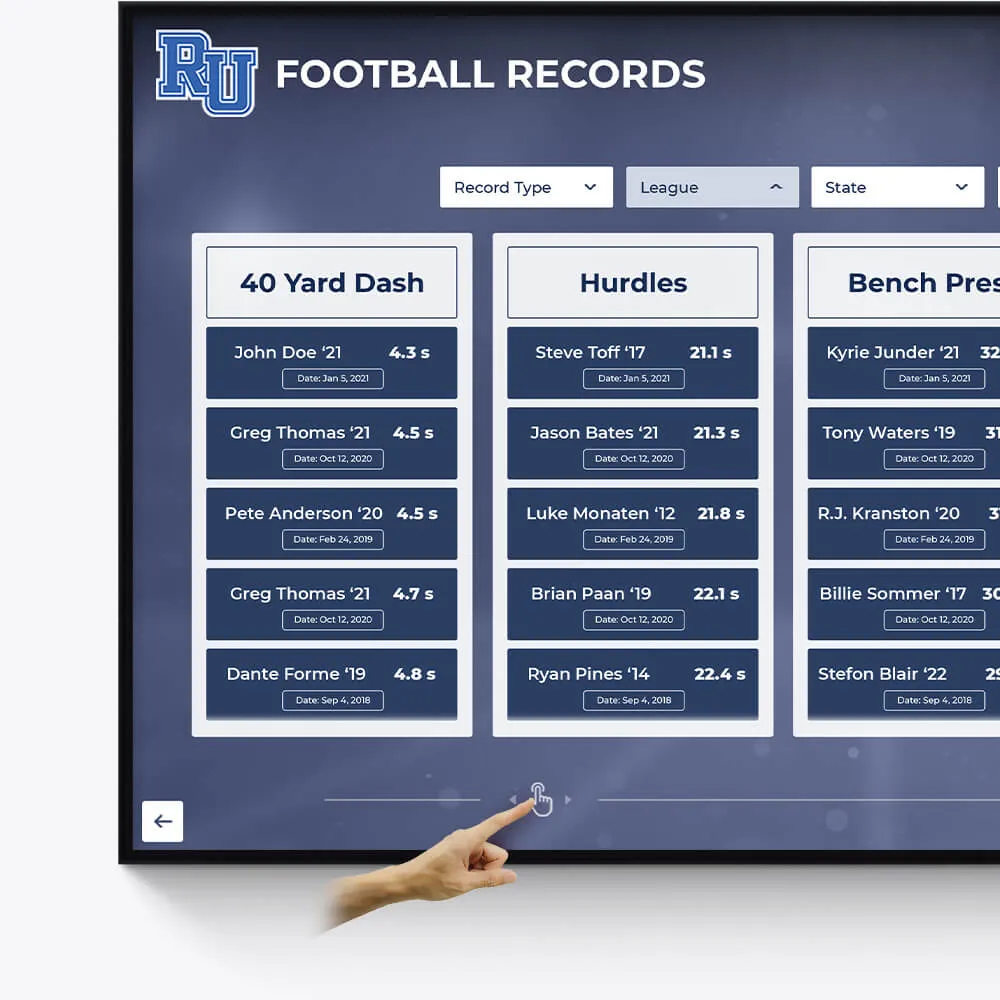
Record Boards
Immortalize outstanding athletic records and performances with our versatile digital record boards, ensuring lasting recognition.
Display current and historical record holders
Easy-to-update interface for new records
Engaging visuals to celebrate athletic achievements
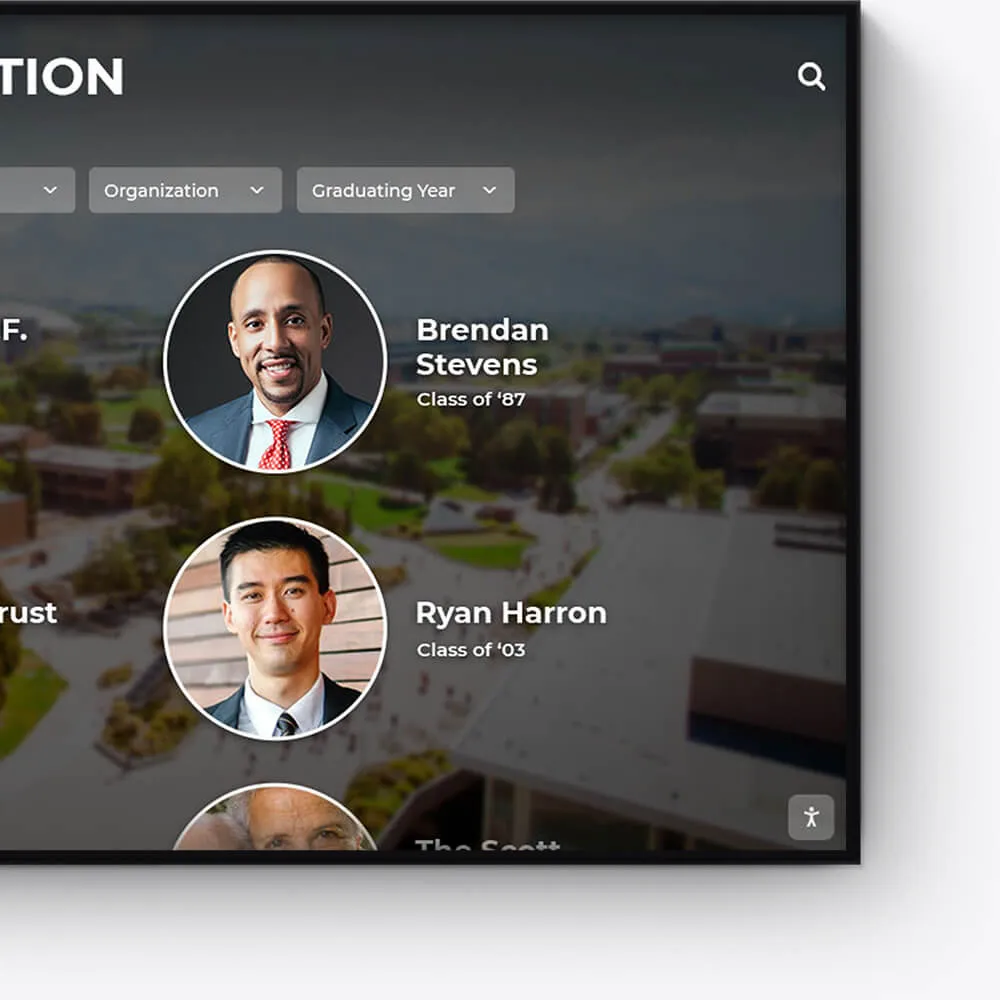
Donor Recognition
Acknowledge the generosity and impact of your donors with a dedicated and customizable digital display, fostering a culture of gratitude.
Highlight individual donors and their contributions
Incorporate donor stories and impact testimonials
Feature interactive donor walls with search functionality
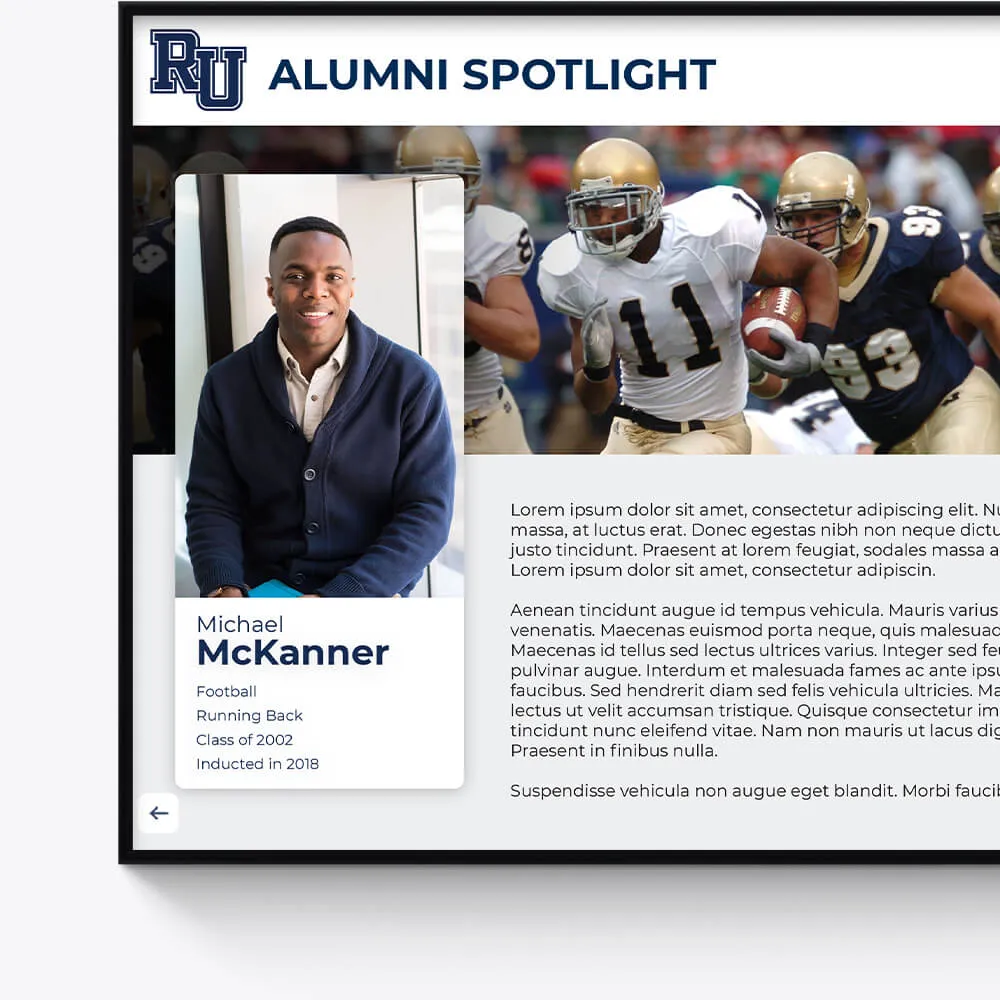
Distinguished Alumni
Showcase the success stories of your alumni, inspiring current and future students with a visually appealing and interactive alumni gallery.
Profile notable alumni with biographies and achievements
Link to alumni networks and success stories
Celebrate diverse paths and accomplishments post-graduation
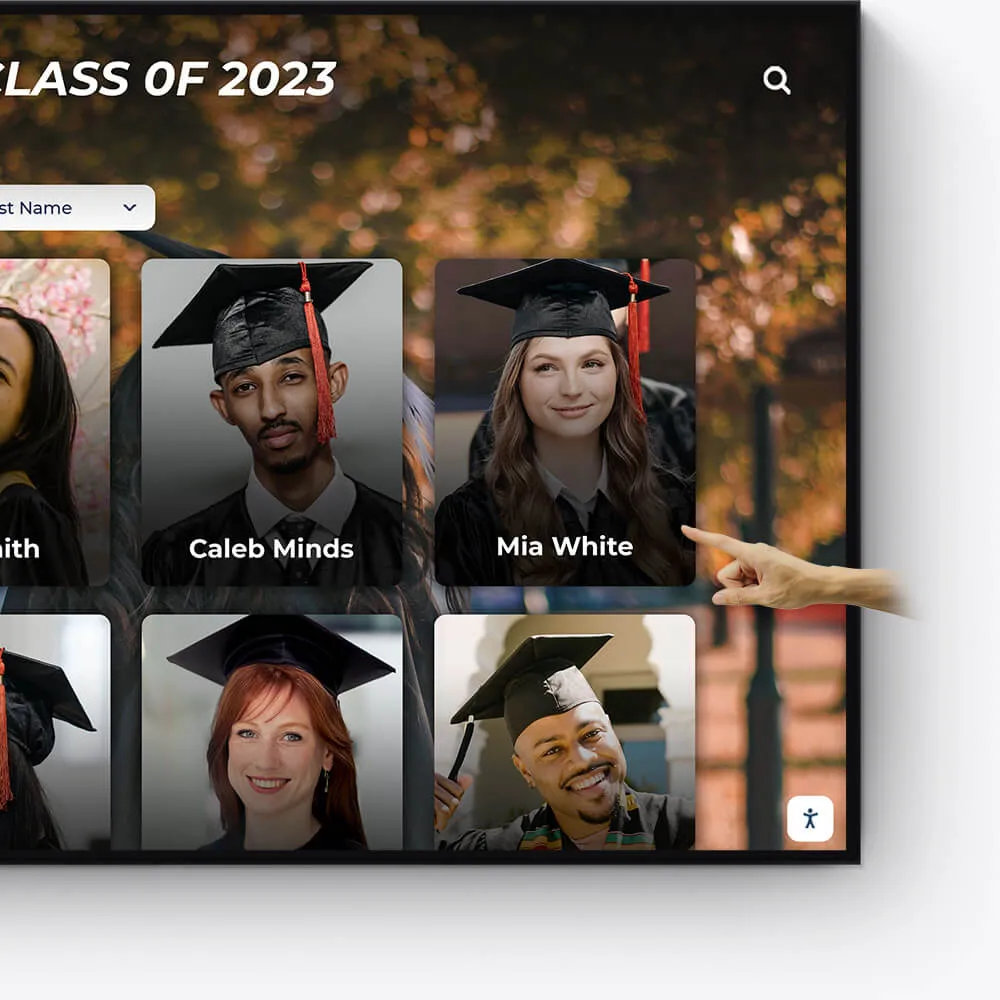
Graduation Honors
Celebrate your graduates' milestones with a dedicated display for cum laude, magna cum laude, and summa cum laude honorees.
Feature valedictorians, salutatorians, and honor graduates
Showcase graduation speeches and memorable moments
Offer a digital yearbook experience with graduate profiles

Team History
Chronicle the journey and milestones of your sports teams, creating an engaging historical narrative with our interactive displays.
Highlight championship wins and significant games
Showcase evolution of team uniforms and logos
Include past and present team rosters and coaches
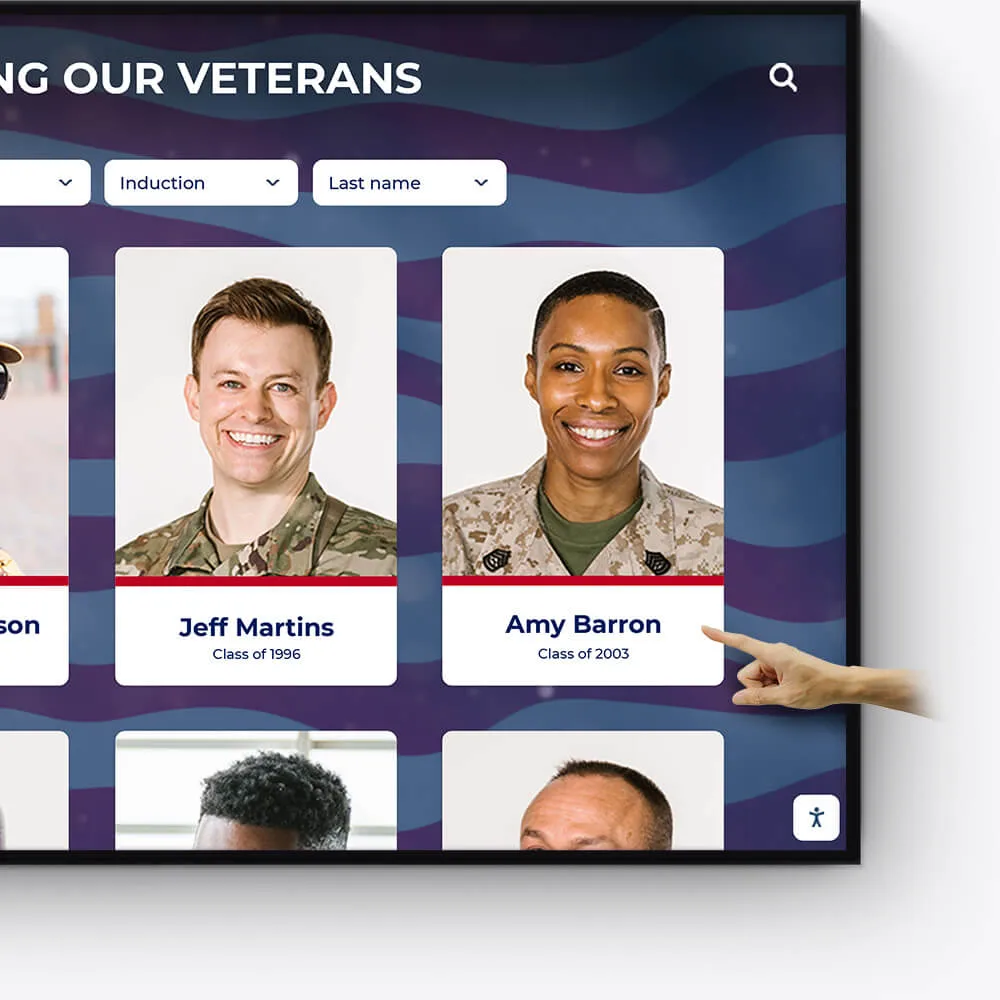
Wall of Honor for Veterans & Service Members
Honor the bravery, service, and sacrifice of veterans and active service members with a dedicated Wall of Honor. This tribute celebrates their commitment and the impact they have made in service to our nation.
Recognize the sacrifices and achievements of veterans and military personnel
Share personal stories, service histories, and accolades
Create a respectful and engaging tribute to those who serve
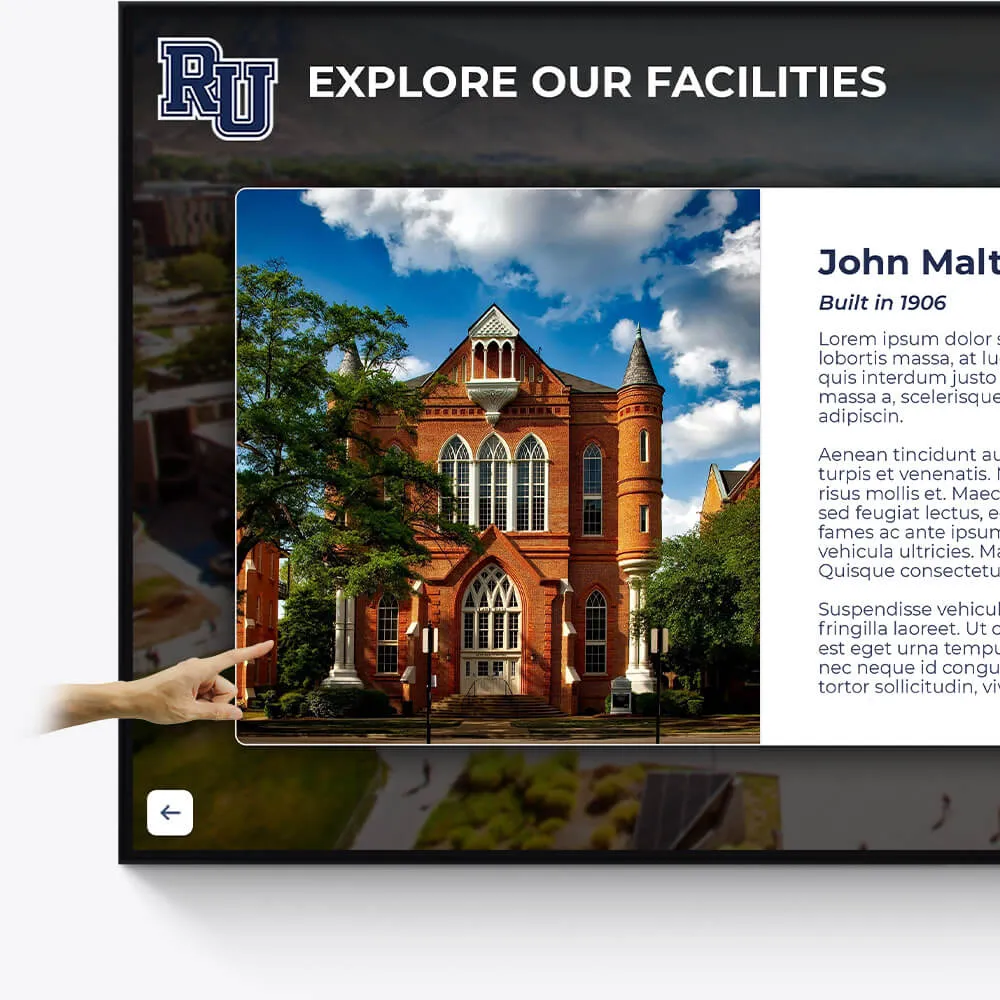
Facilities
Enhance the visitor experience at your facilities with interactive displays showcasing the history, features, and milestones of your buildings and grounds.
Provide virtual tours of your campus and facilities
Highlight renovations, expansions, and historical significance
Include donor recognition for facility contributions
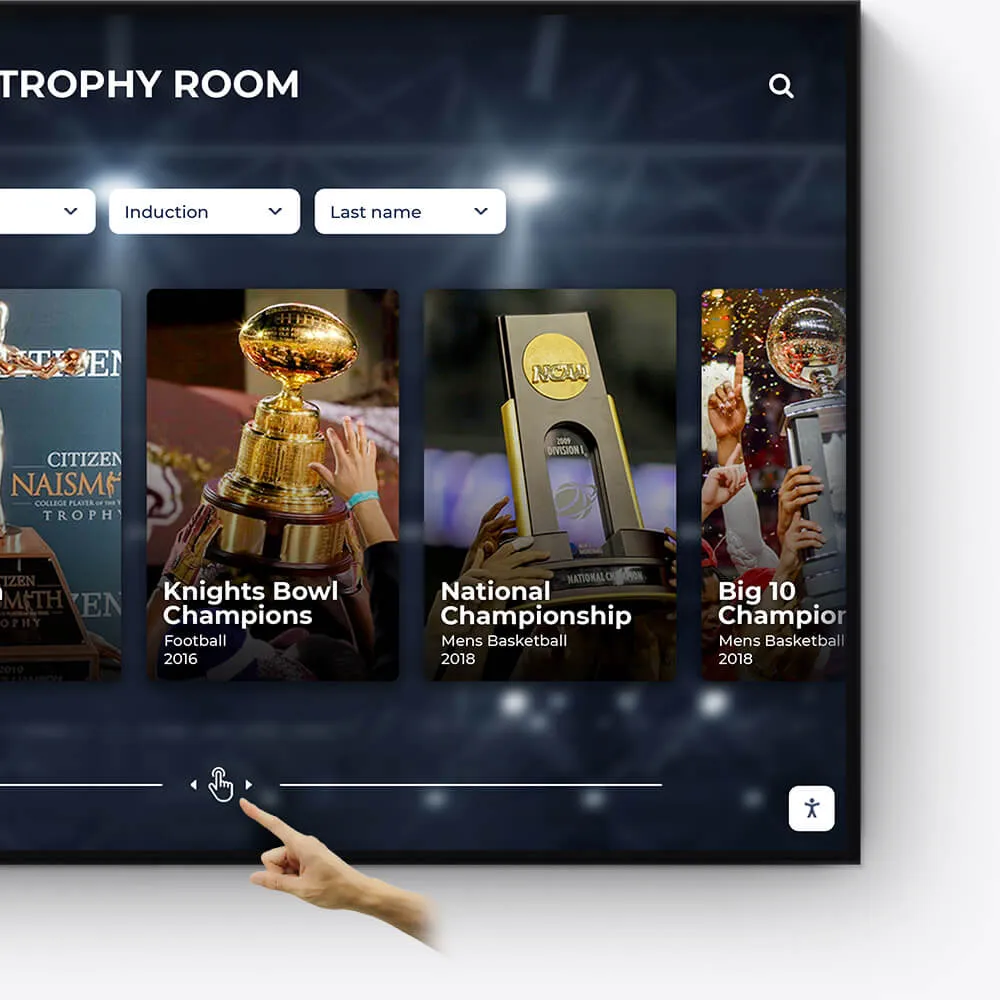
Awards
Showcase the diverse range of awards and honors received by your institution, students, and faculty in an engaging and interactive manner.
Feature departmental, athletic, and extracurricular awards
Highlight national and regional recognitions and rankings
Include interactive timelines of award achievements
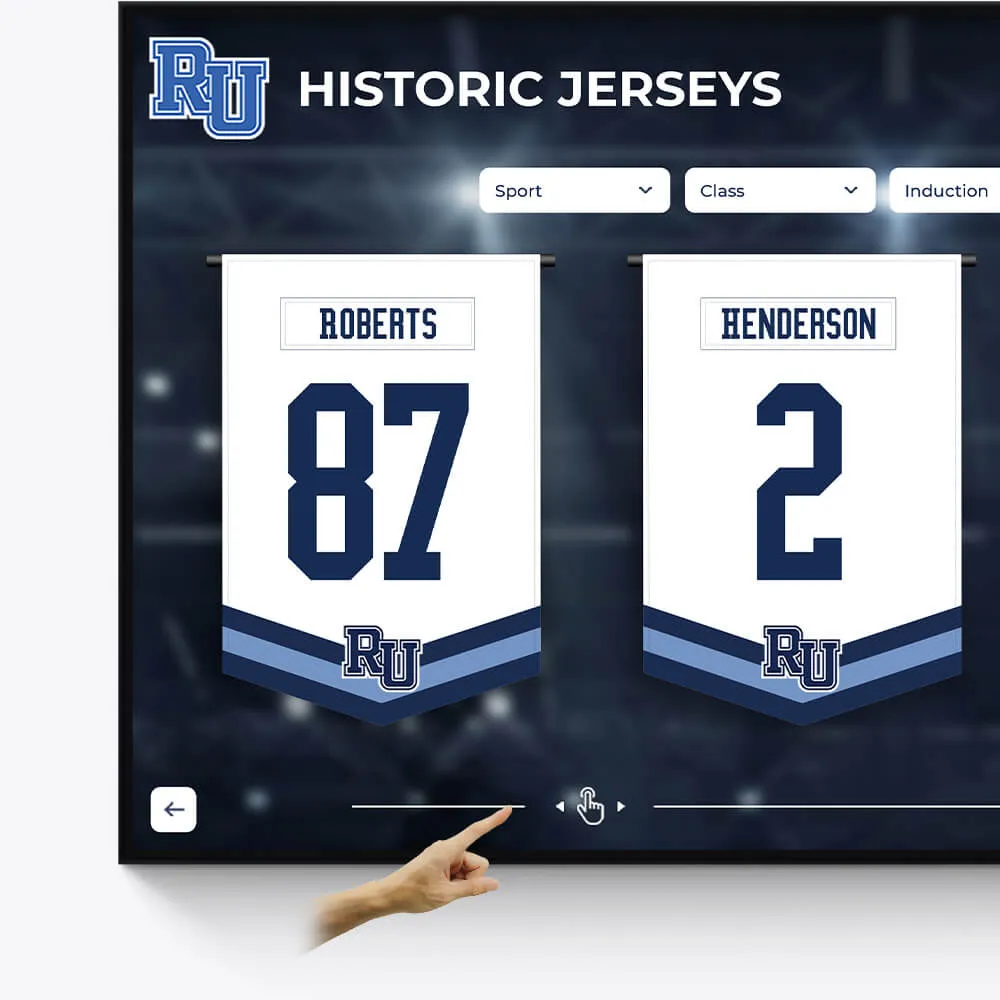
Olympians & Professional Athletes
Celebrate the extraordinary achievements of your alumni who have excelled in the Olympics or turned professional, showcasing their journey and successes.
Profile Olympians and professional athletes with their career highlights
Include achievements, accolades, and professional milestones
Share inspiring stories of dedication and triumph
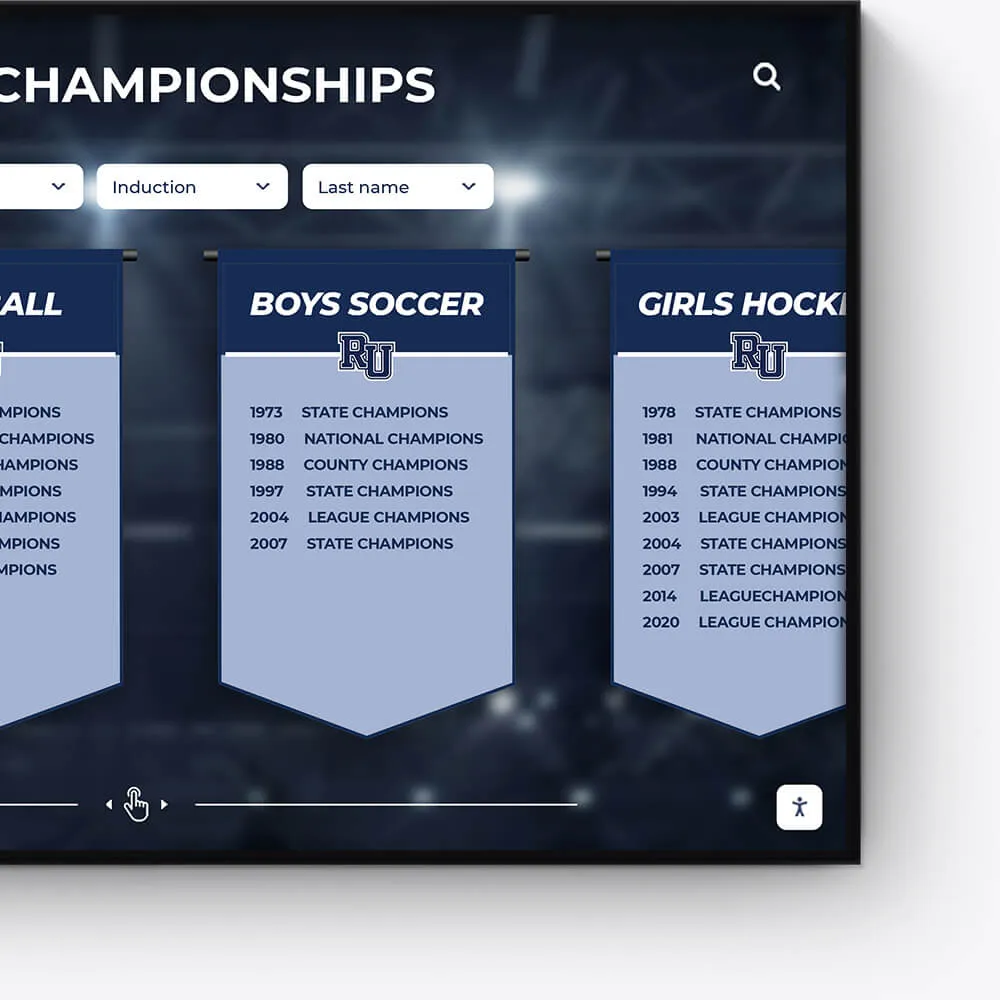
Plaques
Digitally transform traditional plaques into an interactive and dynamic format, offering a modern approach to recognition.
Convert legacy plaques into digital formats
Include detailed information and stories behind each plaque
Offer an interactive and engaging user experience

Music & Arts
Seamlessly repurpose old content, dynamically showcase new material, and intelligently adapt to events and announcements.
Make old content relevant again by targeting specific times and audiences
On-demand video access to concerts, a powerful tool for admissions and recognition
Elevated concert promotional content and digital programs
From Paper Piles to Digital Files: Why Every Organization Needs an Affordable Solution
Affordable document scanning has become essential for schools, businesses, and organizations drowning in paper documents. Whether you're dealing with student records, administrative files, or historical archives, the cost of digitizing documents doesn't have to break your budget.
Quick Answer: Your Affordable Document Scanning Options
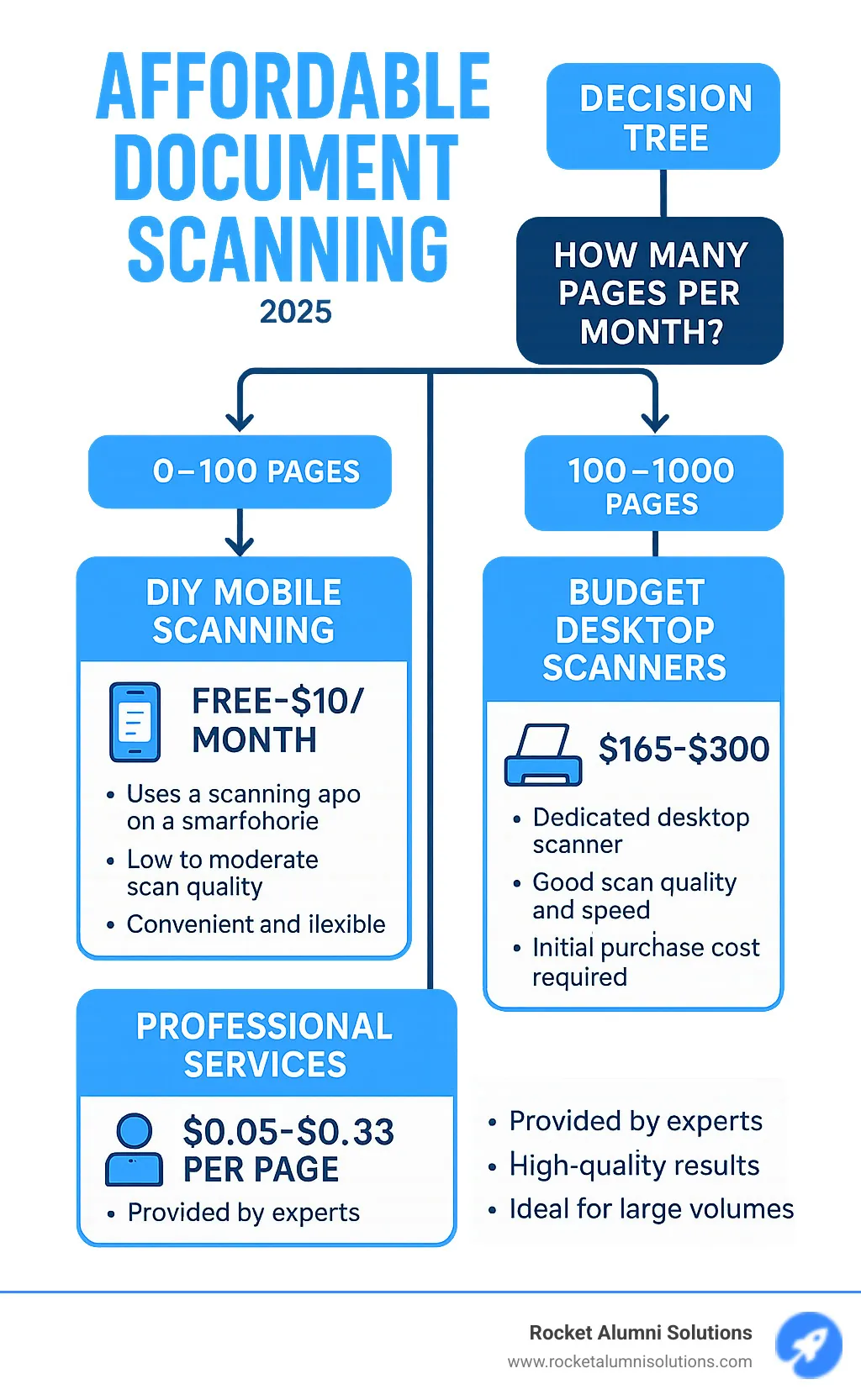
- DIY Mobile Apps: Free to $10/month (best for small volumes)
- Budget Document Scanners: $165-$300 (good for regular scanning)
- Professional Services: $0.05-$0.33 per page (ideal for bulk projects)
- Local Print Shops: Variable pricing (convenient for one-time needs)
The problem is real: paper documents get lost, damaged, or become impossible to find when you need them most. Fire, flood, or simple misplacement can destroy years of important records in minutes. Meanwhile, physical storage takes up valuable space and makes sharing information nearly impossible.
Digital scanning solves these problems by creating searchable, secure copies that can be accessed from anywhere. The question isn't whether to go digital - it's how to do it affordably.
You have two main paths: DIY scanning using your own equipment or apps, or outsourcing to professional services. DIY works great for ongoing, smaller volumes, while professional services excel at handling large backlogs or specialized documents like bound books.
The key factors in choosing your approach include:
- Volume: How many documents do you need to scan?
- Quality requirements: Do you need archival-quality scans?
- Time constraints: How quickly do you need this done?
- Budget: What can you afford upfront vs. ongoing costs?
I'm Chase McKee, Founder & CEO of Rocket Alumni Solutions, where we've helped schools digitize thousands of yearbooks and alumni records through affordable document scanning partnerships. Through growing our company to over $3 million in revenue, I've learned that the right digital archive strategy can transform how organizations preserve and access their most important documents.
The DIY Route: Scanning Documents on a Budget
Looking at a mountain of paperwork, you might think, "I can handle this myself." You're probably right! Affordable document scanning doesn't always mean hiring someone else. For many schools, small businesses, and organizations, the DIY approach offers real control over your budget and timeline.
Your scanning journey starts with choosing the right tool. You've got three main options: a dedicated document scanner, an all-in-one printer that scans, or simply using your smartphone. Each has its sweet spot depending on how many documents you're dealing with and what quality you need.
Key Features of an Affordable Document Scanner
When you're shopping for a dedicated scanner, certain features make the difference between a smooth experience and a frustrating one. Think of these as your must-have list for getting the most bang for your buck.
The Automatic Document Feeder (ADF) is your new best friend. Instead of lifting the scanner lid and placing each page by hand, you can load up to 200 pages (depending on your model) and let the scanner do its thing. This alone will save you hours of tedious work.
Duplex scanning means your scanner can capture both sides of a page in one pass. This is huge for efficiency - a scanner rated at 30 pages per minute suddenly becomes 60 images per minute when scanning double-sided documents. Your time is valuable, and this feature proves it.
Scan speed ranges from about 10 pages per minute for portable units up to 85 pages per minute for desktop models. The faster speeds mean less time standing around waiting, which translates to real productivity gains for your organization.
Resolution is measured in DPI (dots per inch), and for most documents, 200-300 DPI gives you perfectly readable results. Higher resolution creates bigger files without much benefit unless you're dealing with very fine print or images.
Connectivity options like Wi-Fi and USB give you flexibility in where you place your scanner. Wi-Fi connectivity is especially handy because you can scan directly to cloud storage or network folders without tying up a computer.
The bundled software that comes with your scanner often includes basic editing tools, PDF creation, and OCR (Optical Character Recognition). This software would cost extra if you bought it separately, so it's real added value.
Mobile Scanning Apps vs. Dedicated Hardware
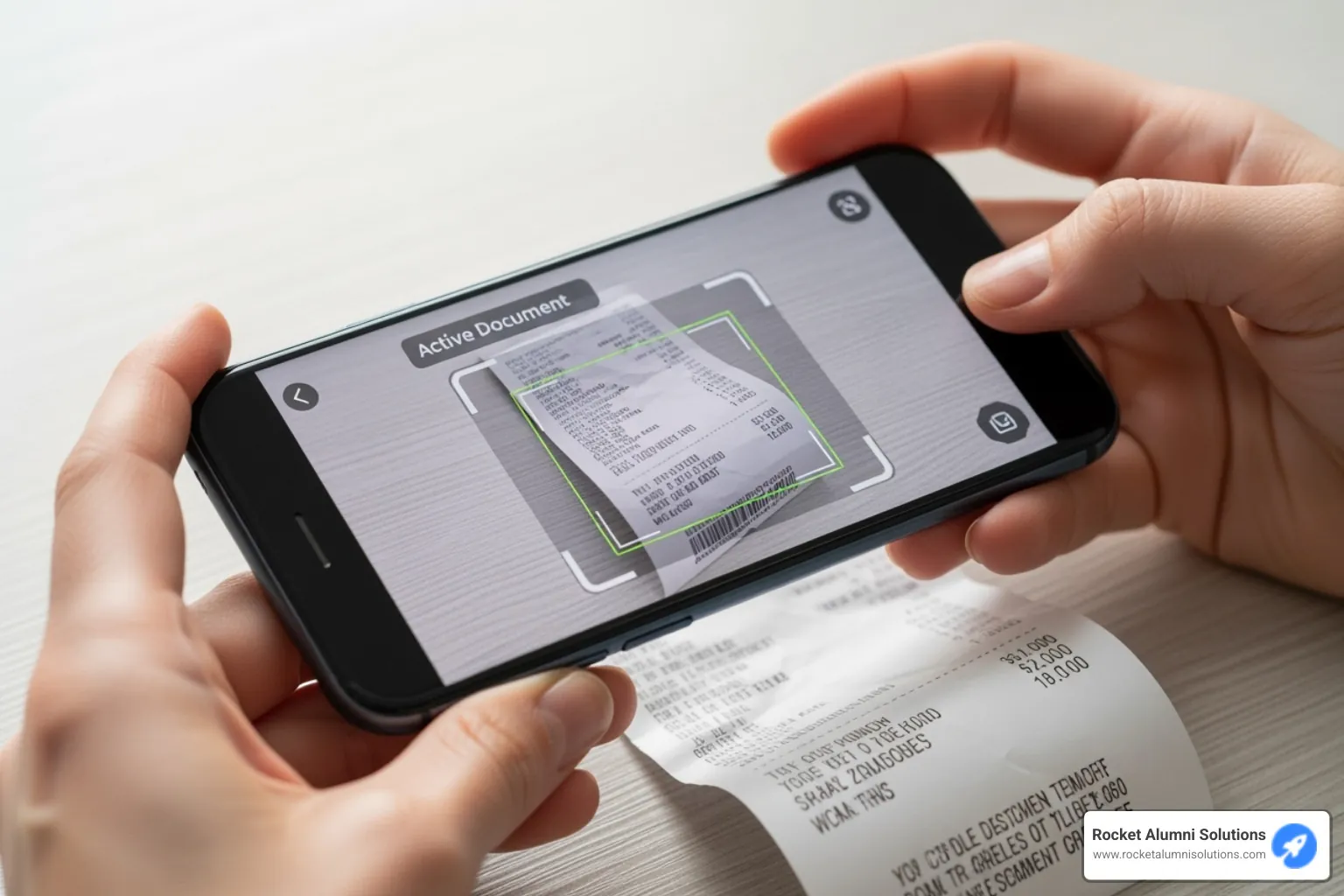
Let's be honest about mobile apps - they're incredibly convenient but have clear limitations. Your smartphone camera does a decent job for quick captures, and apps like these are perfect when you need to digitize a receipt or contract while you're out and about.
The beauty of mobile scanning is that it costs almost nothing beyond what you've already spent on your phone. Many apps are free, with premium features running about $10 per month. You can scan anywhere, anytime, and most apps handle basic OCR and PDF creation pretty well.
But here's where mobile apps struggle: volume and consistency. Scanning more than a few pages becomes tedious because you're positioning each page manually. Lighting conditions affect quality, and you'll notice the inconsistency when you're trying to create a professional-looking digital archive.
Dedicated hardware shines when you need to process stacks of documents regularly. An affordable document scanning setup with a basic dedicated scanner runs $165-$300, but the time savings add up quickly. These scanners handle duplex scanning automatically, maintain consistent quality, and many can be set up to scan directly to your preferred cloud storage or document management system.
| Feature | Dedicated Scanners | All-in-One Printers | Mobile Apps |
|---|---|---|---|
| Cost | $165-$300 (budget models) | $100-$500+ | Free to $10/month |
| Speed | Fast (10-85 ppm with ADF) | Moderate (5-20 ppm) | Slow (manual capture) |
| Quality | High and consistent | Good but variable | Depends on lighting |
| Best For | Regular scanning needs | Occasional use | Quick, on-the-go captures |
All-in-one printer/scanners sit in the middle ground. They're great if you need printing functionality anyway, but their scanning features usually aren't as robust as dedicated units. Think of them as the compromise choice - decent at everything, excellent at nothing.
The real question is how much scanning you'll actually do. If you're digitizing historical records, student files, or administrative documents on a regular basis, investing in dedicated hardware pays for itself in time saved. But if you just need to capture the occasional document, your smartphone might be all you need.
Finding Affordable Document Scanning Services: When to Outsource
Sometimes the smartest move is knowing when to let the professionals handle it. While DIY solutions work great for ongoing needs, there are times when outsourcing becomes the most affordable document scanning option - especially when you're facing thousands of pages, dealing with fragile materials, or working under tight deadlines.
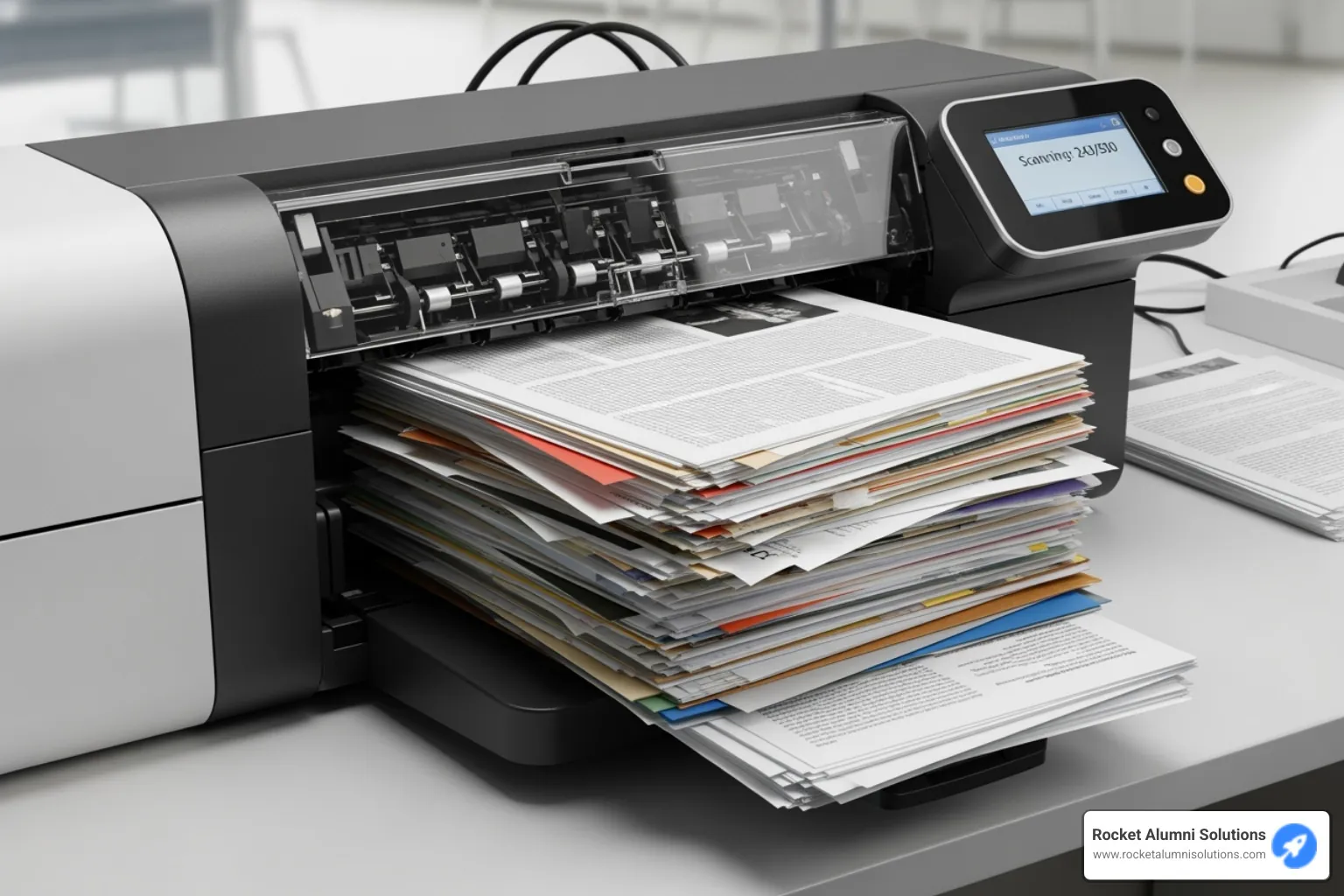
Consider this: if you have 50,000 pages, a fast desktop scanner at 30 pages per minute would take you nearly 28 hours of pure scanning time. That doesn't include prep work, quality checking, or organizing the digital files afterward.
Professional services shine when you need bulk document scanning for archives, on-site scanning for sensitive materials, or specialized handling for bound books and fragile documents. Even your local copy and print shops can be surprisingly cost-effective for smaller projects. You might even find scanning services at a local library for academic or research needs.
Understanding Service Pricing Models
Professional scanning services use several pricing approaches, and understanding these helps you compare quotes and avoid surprises.
Per-page costs are the most common pricing model you'll encounter. For black and white documents, expect to pay between $0.12 and $0.33 per page, depending on resolution and document complexity. Color scanning typically runs $0.25 to $0.99 per page. These rates usually include basic scanning, quality control, and standard PDF output.
Per-box pricing offers a flat rate approach that's easier to budget. Many services charge around $149 for a standard banker's box (15"x12"x10"), which can hold roughly 2,000-2,500 pages depending on paper thickness. This pricing model works well when you have uniform document types.
Here's where costs can add up: hourly rates for document preparation. Removing staples, paper clips, and sticky notes typically costs around $60 per hour. This might seem expensive, but proper prep is crucial for quality results and preventing equipment damage.
Volume discounts become significant for large projects. Many providers offer up to 15% off per-page rates for orders exceeding 100,000 pages. Always ask about tiered pricing - it can make a substantial difference on big jobs.
On-site service fees run approximately $395 per day plus per-page costs. This option makes sense for highly confidential documents or when you can't risk materials leaving your premises.
OCR upcharges vary widely, from $0.08 to $1.50 per page for advanced text recognition that maintains formatting and accuracy. We'll cover why this investment often pays off in the next section.
Finding Affordable Document Scanning Services
The key to finding affordable document scanning services is knowing where to look and what questions to ask.
Local print centers like FedEx Office offer convenient scanning for documents up to 11"x17", with both self-service and assisted options. While their per-page rates might be higher than bulk specialists, they're perfect for smaller, one-time projects where convenience matters more than rock-bottom pricing.
Specialized scanning companies focus exclusively on document digitization and typically offer the most competitive rates for high-volume work. Search for "bulk document scanning" or "document digitization services" in your area. These companies often provide comprehensive services including secure pickup, quality control, and multiple output formats.
When comparing quotes, provide detailed project information: total page count, document types (standard paper, receipts, photos), single or double-sided, color requirements, desired resolution, and timeline. The more specific you are, the more accurate your quotes will be.
Several factors affecting cost can significantly impact your final bill. Document prep is the big one - clean, unstapled documents cost less to process. Resolution matters too; higher DPI creates larger files and may cost more. Color vs. black and white makes a consistent difference, with color always commanding higher rates. Rush jobs typically carry premium pricing, and security needs like certified destruction or specialized handling add to costs.
Don't overlook academic resources either. University libraries and some public institutions offer scanning services that can be surprisingly affordable, especially for research or educational projects.
The bottom line? Professional services transform what could be weeks of DIY work into a streamlined process, often at a lower total cost when you factor in your time and the quality of results.
Opening up the Power of Your Digital Archive
Scanning documents is just the first step in your digital change journey. The real magic happens when you transform those scanned images into a powerful, searchable archive that actually saves you time and frustration. Without the right approach, you might end up with thousands of digital files that are just as hard to find as the original paper documents.
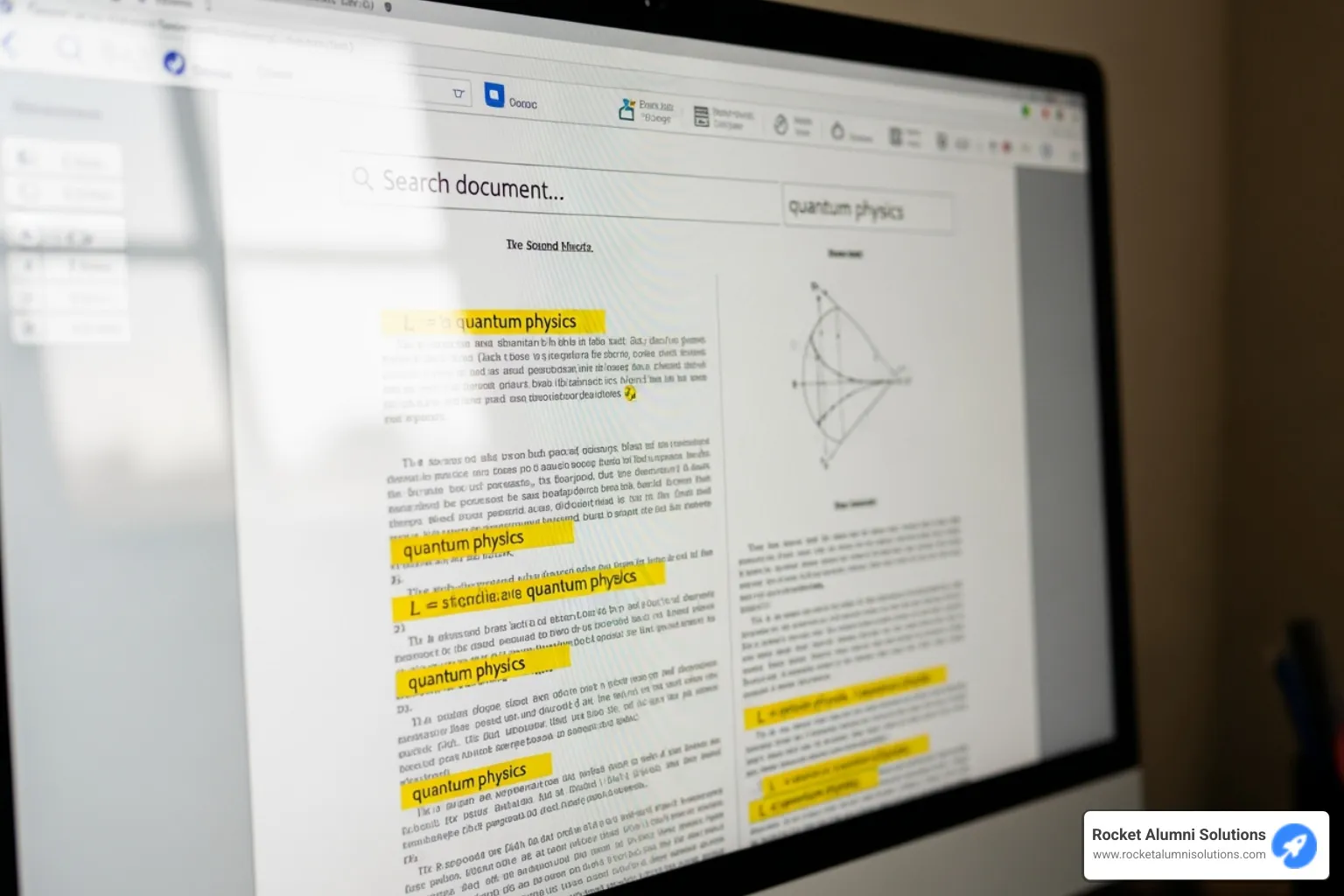
The difference between a useful digital archive and a digital mess comes down to two things: making your documents searchable and organizing them properly. When done right, you'll be able to find any document in seconds instead of spending hours digging through folders.
How OCR Makes Your Documents Searchable
Here's something that might surprise you: a scanned document is basically just a photograph of text. Your computer can't actually "read" the words in that image, which means you can't search for specific information within the document. That's where Optical Character Recognition (OCR) becomes your best friend.
OCR technology analyzes your scanned images and converts them into actual, searchable text. Think of it as teaching your computer to read. Modern OCR is incredibly accurate, with recognition rates exceeding 99% for clear, typewritten documents.
The change is remarkable. Instead of opening dozens of files to find that one invoice from last March, you can simply search for "March invoice Johnson" and find it instantly. You can even copy and paste text from your scanned documents, just like any other digital file.
The cost of OCR services varies depending on your needs. Basic OCR that makes documents searchable typically adds $0.08 to $0.33 per page to your scanning costs. More advanced OCR that preserves original formatting and layout can cost up to $1.50 per page. For most affordable document scanning projects, basic searchable PDF creation offers the best value.
The upfront investment in OCR pays for itself quickly. Consider how much time you spend looking for documents now, then multiply that by your hourly rate. Most organizations find that OCR saves them hours every month in document retrieval time.
Best Practices for Digital Organization
Even with searchable documents, good organization makes your digital archive truly powerful. The key is creating systems that make sense to everyone who needs to access the files, not just the person who set them up.
Start with consistent file naming conventions that tell you exactly what each document contains. A good system might look like this: 2024-03-15_Invoice_OfficeSupplies_StaplesStore.pdf. Anyone can immediately see the date, document type, subject, and source without opening the file.
Create logical folder structures that match how you actually think about your documents. You might organize by date (2024/March/), by project (NewBuilding/Permits/), or by document type (Contracts/Equipment/). The best system is the one your team will actually use consistently.
Take advantage of metadata and tags when possible. Many document management systems let you add keywords, categories, and other searchable information to your files. This creates multiple ways to find the same document, which is especially helpful when different people might search for it using different terms.
Choose between cloud and local storage based on your security needs and access requirements. Cloud storage services offer anywhere access and automatic backups, making them perfect for teams that work remotely. Local storage gives you complete control and often faster access, but requires you to handle your own backups and security.
The goal is creating a system where finding any document takes seconds, not minutes. When your digital archive works this well, you'll wonder how you ever managed with paper files. At Rocket Alumni Solutions, we've seen schools transform their record-keeping efficiency by implementing these same organizational principles with their digitized yearbooks and alumni documents.
The Real Payoff: Security, Savings, and Peace of Mind
The true value of affordable document scanning extends far beyond simply clearing out those overflowing filing cabinets. When you make the shift to digital, you're investing in a solution that pays dividends in ways you might not have considered.
Let's talk about the money first. Those metal filing cabinets taking up prime real estate in your office? That space could be put to better use. If you're paying for off-site storage, digitizing eliminates those monthly fees entirely. But the savings go deeper than just physical space.
Digital documents boost productivity in remarkable ways. Instead of hunting through folders for five minutes (or longer), you can find any document with a quick search. Your team members can access the same file simultaneously from different locations. No more "Sorry, someone else has that file" conversations.
The disaster protection aspect alone justifies the investment. Fire, flood, or even simple wear and tear can destroy years of important records in moments. Digital copies, especially when properly backed up, survive these disasters. Your student records, financial documents, and historical archives remain safe and accessible even if your building doesn't.
Remote access capabilities have become essential for modern organizations. When your documents are digitized and securely stored, authorized team members can access what they need from anywhere. This flexibility keeps operations running smoothly, whether someone's working from home or traveling.
Perhaps most valuable is the peace of mind that comes with knowing your important documents are secure, organized, and instantly retrievable. You can focus on your organization's mission instead of worrying about lost paperwork or compliance headaches.
Key Considerations for Document Security
Moving from physical to digital security requires a different approach, but the protection can actually be stronger than traditional filing systems.
Digital security measures form the foundation of protecting your scanned documents. Encryption protects your files both when they're being transferred and when they're stored. Think of it as a secure vault that only authorized people can open. Strong password policies and access controls ensure that only the right people see sensitive information.
When choosing secure cloud storage, look for providers with solid security certifications and clear privacy policies. These services often provide better disaster recovery than most organizations can achieve on their own. Learn more about data privacy and security to understand what protections to look for.
Certified document destruction becomes important once your scanning project is complete. For sensitive documents, simply throwing originals in the trash isn't secure enough. Professional destruction services ensure that physical copies are properly shredded, eliminating any remaining security risks. Many scanning services include this step in their process.
The human element matters too. Training your staff on digital document best practices, password security, and recognizing potential threats helps maintain the security of your entire system.
These security measures work together to create protection that's often stronger than traditional filing systems. You get detailed audit trails showing who accessed what documents and when, something impossible with physical files. This accountability and transparency can be invaluable for compliance and security monitoring.
Frequently Asked Questions about Document Scanning
When it comes to affordable document scanning, I hear the same questions over and over again. Let me share the answers that will help you make smart decisions about your scanning project.
What is the best resolution (DPI) to scan documents?
The "best" resolution really depends on what you're scanning and how you plan to use it. Think of DPI like the zoom level on a camera - higher numbers capture more detail, but they also create bigger files.
For everyday business documents like invoices, letters, and forms, 200-300 DPI hits the sweet spot. This gives you crystal-clear text that works perfectly with OCR software, without creating monster file sizes that eat up your storage space.
Got documents with tiny print or detailed graphics? Bump it up to 300-400 DPI. This extra detail helps capture those fine lines and small text that might get lost at lower resolutions.
For precious historical documents or photos you want to preserve forever, go with 600 DPI or even 1200 DPI. Yes, these files will be huge, but you're creating digital archives that could last for generations. Just make sure you have plenty of storage space!
Here's a practical tip: many legal departments require 300 DPI for official documents. When in doubt, this resolution gives you professional quality that meets most requirements.
How can I scan bound books or fragile documents without damaging them?
This question always makes me a little nervous because I've seen too many valuable documents get damaged by well-meaning people trying to force them through regular scanners.
Never, ever put a bound book through an automatic document feeder. You'll destroy the binding and probably tear pages. Instead, you need specialized equipment or professional help.
For bound books, look for scanners with a V-shaped cradle that lets the book rest naturally without straining the spine. Some flatbed scanners work too, but you'll need to be extra gentle when closing the lid. Professional scanning services often offer "book scanning without unbinding" - they have the right equipment and experience to handle your precious volumes safely.
Fragile documents need even more care. Use a flatbed scanner and handle each page like it's made of gold. Consider placing a clear protective sheet over the document before scanning. If the paper is brittle or torn, don't risk it - professional services have trained operators who know how to preserve delicate materials.
You only get one chance with irreplaceable documents. When in doubt, invest in professional help rather than risk permanent damage.
What's the difference between a document scanner and a flatbed photo scanner?
While both machines scan things, they're built for completely different jobs.
Document scanners are speed demons built for handling stacks of paperwork. They come with automatic document feeders that can zip through dozens of pages without you touching them. Many scan both sides at once (duplex scanning), and they're designed to work seamlessly with business software. Think of them as the workhorses of the scanning world.
Flatbed photo scanners are the artists. They focus on capturing every tiny detail with incredible color accuracy. You place each item manually on the glass, but you get museum-quality results. They're perfect for photos, artwork, or anything that needs that extra level of detail and care.
All-in-one printers try to be both, combining basic flatbed scanning with printing capabilities. Some even include small document feeders. They're decent for light-duty work, but they won't match the speed of a dedicated document scanner or the quality of a professional photo scanner.
The bottom line? If you're digitizing filing cabinets full of paperwork, get a document scanner. If you're preserving family photos or artwork, go with a photo scanner. For occasional use, an all-in-one might be perfect.
Conclusion: Your Next Step to a Paperless Life
Taking that first step toward a paperless environment might feel overwhelming when you're staring at years of accumulated documents. But here's the good news: affordable document scanning isn't just a dream - it's a practical reality that's well within your reach.
Throughout this guide, we've found that you have real, workable options. The DIY route with a trusty desktop scanner or even just your smartphone can handle your ongoing scanning needs beautifully. For those big, intimidating archive projects or delicate historical documents, professional services offer the expertise and equipment to get the job done right without breaking your budget.
Think about where you started reading this guide. Maybe you were drowning in filing cabinets or worried about losing important records to fire or flood. Now you understand how a simple mobile app can digitize receipts on the go, or how a $200 scanner with an automatic document feeder can process hundreds of pages while you grab coffee.
The change goes deeper than just clearing physical space. When your team can instantly search through thousands of documents instead of digging through filing cabinets, productivity soars. When your important records are safely backed up in the cloud instead of vulnerable to disasters, you sleep better at night. When remote team members can access the files they need from anywhere, collaboration flows naturally.
At Rocket Alumni Solutions, we've seen how powerful digitized archives can become. Our work with schools and athletic communities has shown us that digitized content isn't just about storage - it's about bringing memories and records to life. When yearbooks become animated flip books and historical documents become searchable digital treasures, the past connects with the present in meaningful ways.
We understand that every organization's journey to digital change is unique. That's why we've built our solutions around making digitized content not just accessible, but truly engaging through social media integration and mobile-friendly displays.
Your paperless future is closer than you think. Whether you start small with a mobile scanning app or dive in with a professional service for your entire archive, the first step is always the hardest. After that, you'll wonder why you waited so long to make the change.
Ready to turn your paper archives into dynamic digital assets that your community can actually use and enjoy? Let's explore how we can help make that vision a reality.
Explore digital archiving and yearbook scanning partnerships