Optimal Resolutions for Yearbook Photo Scanning
Discover the best resolution to scan photos for yearbook projects. Learn optimal DPI settings and file formats to preserve memories.


The Easiest Solution
All you need:
Power Outlet
Wifi or Ethernet
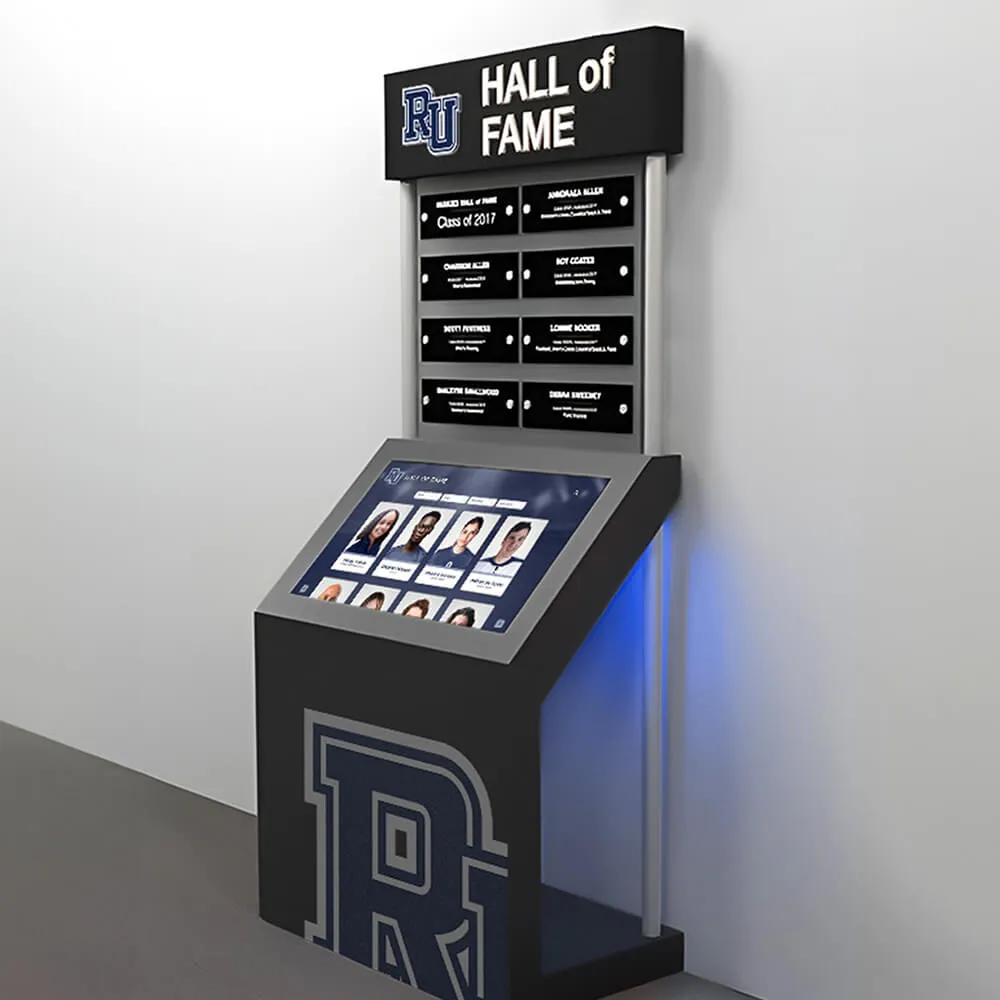
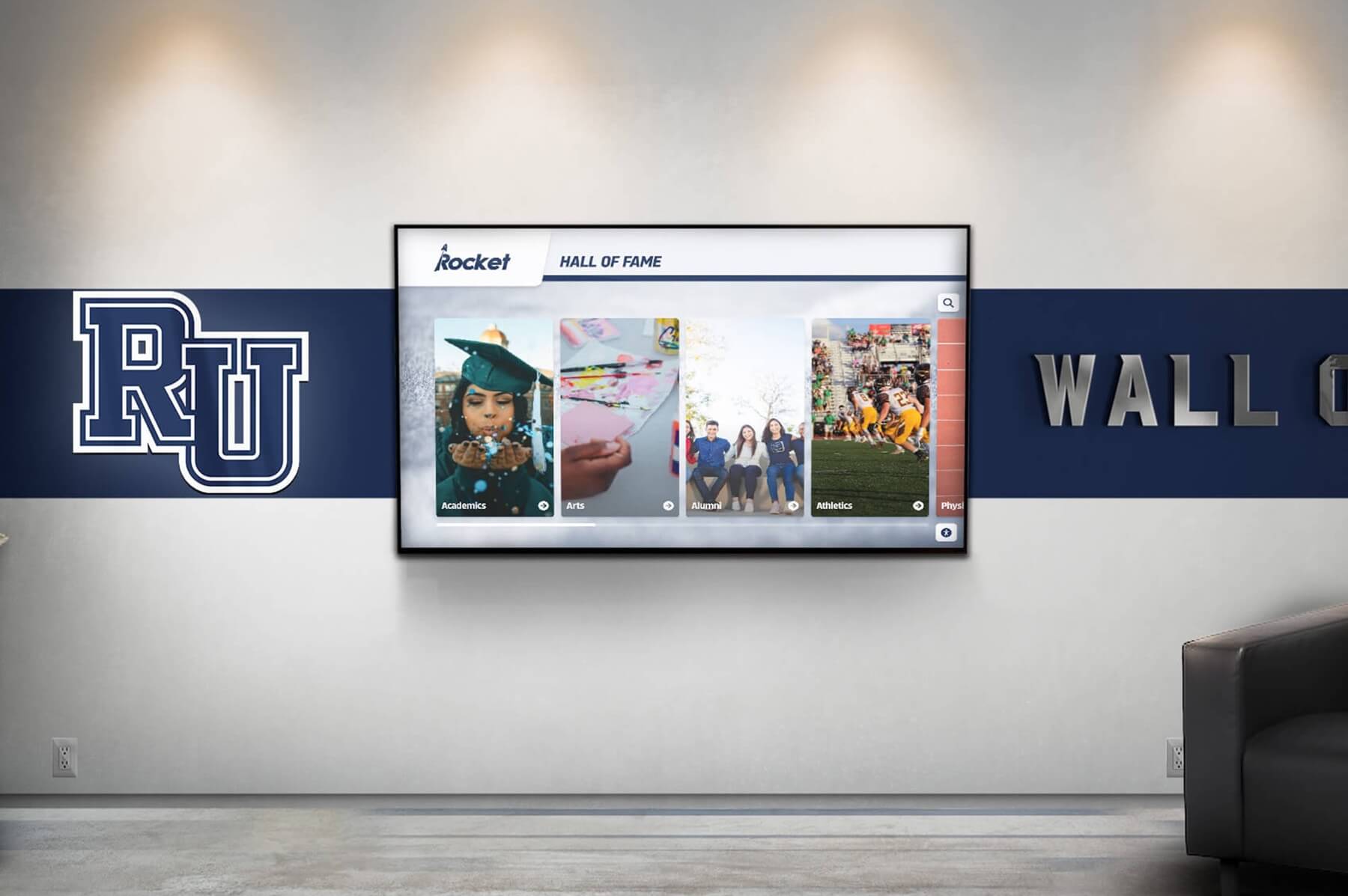
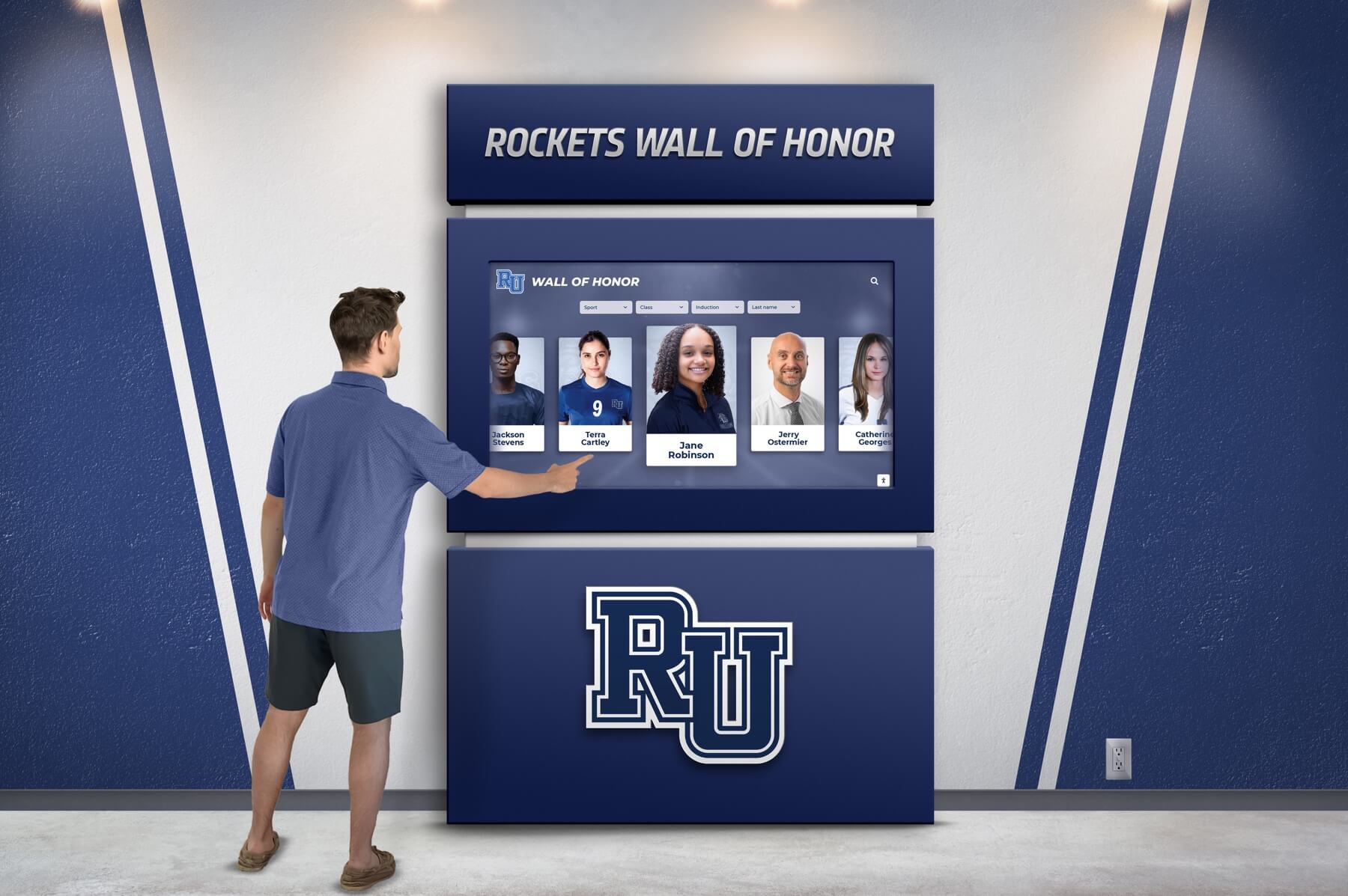
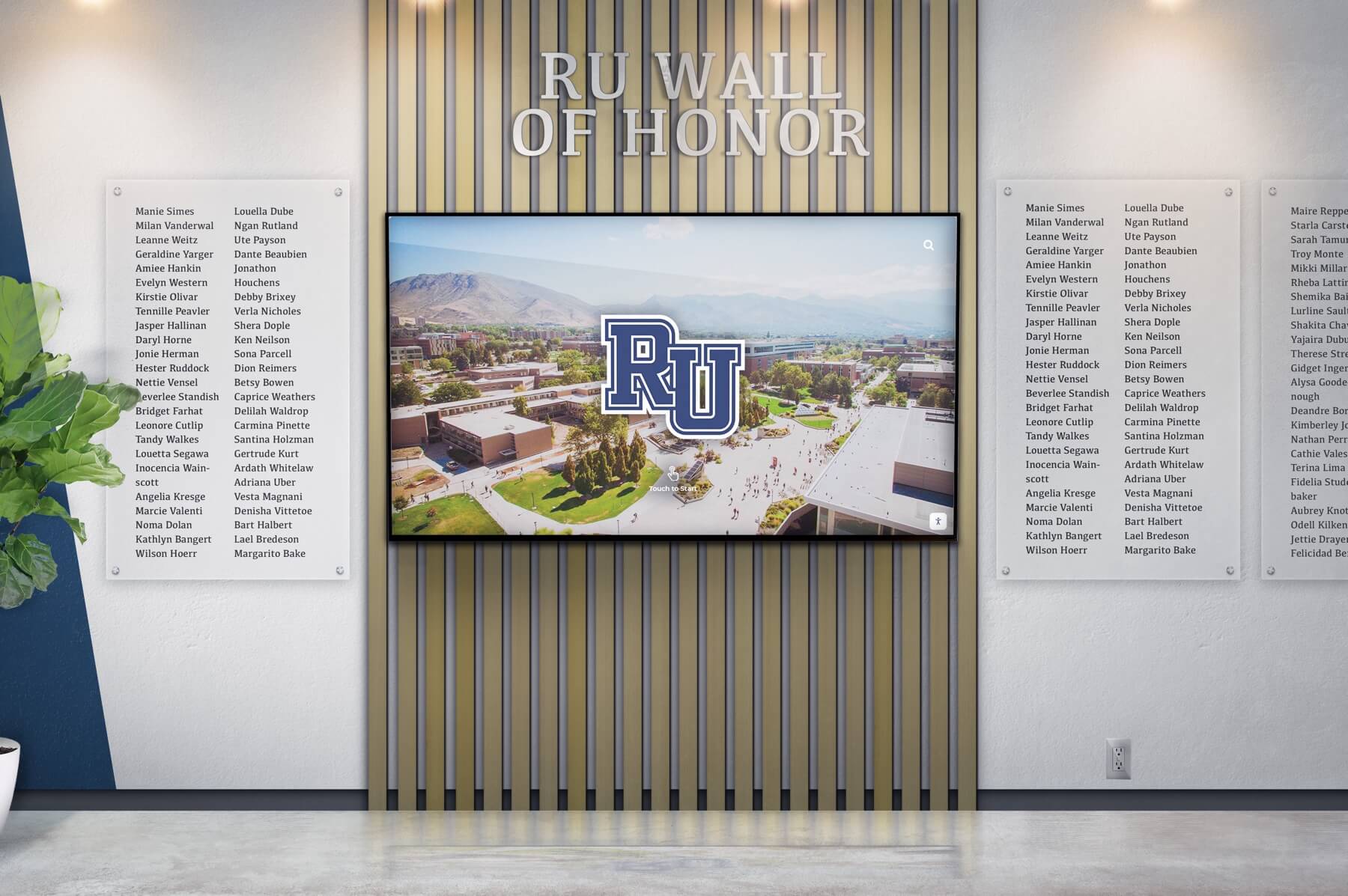
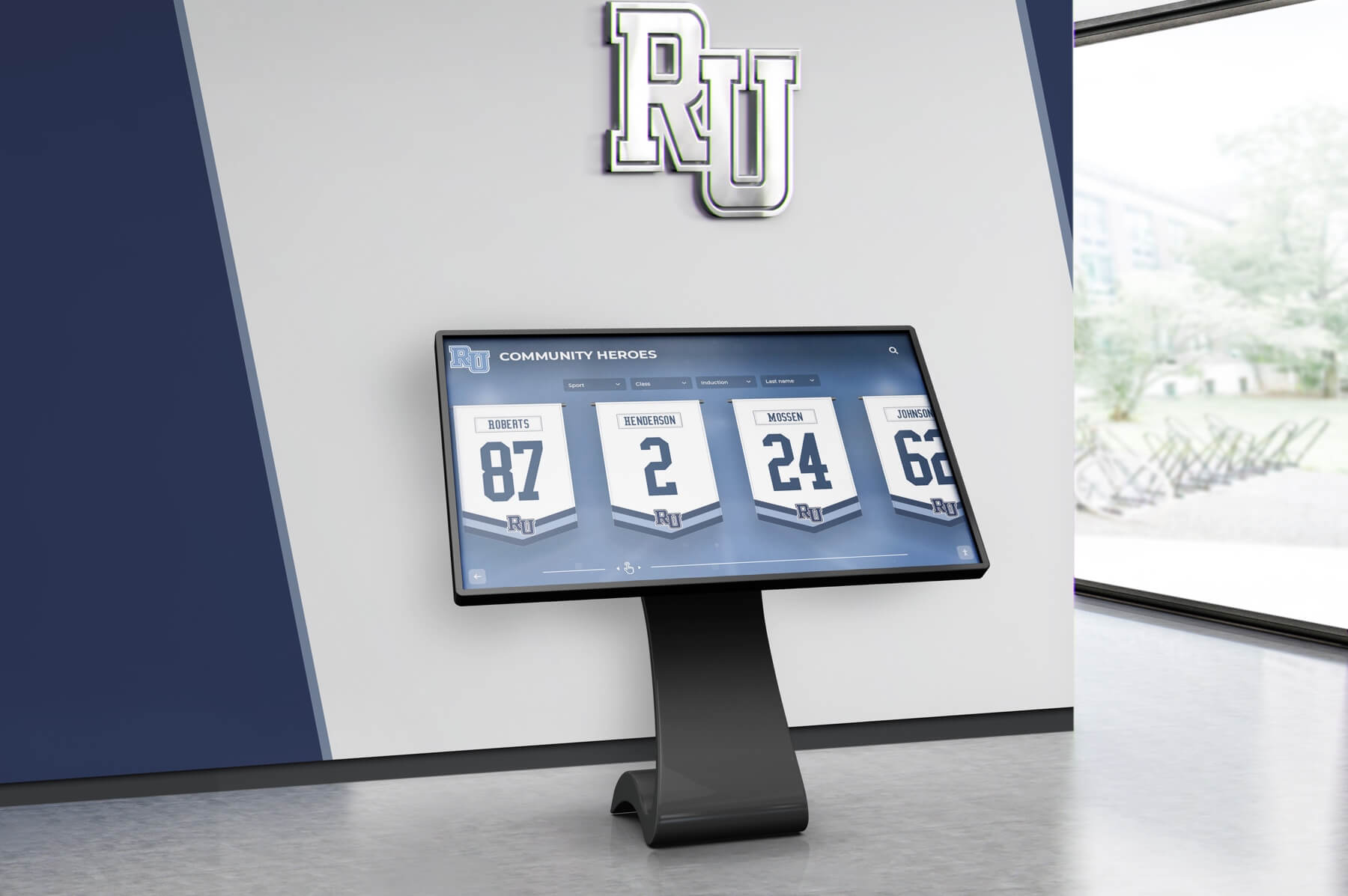
Hall of Fame
Celebrate the achievements of exceptional athletes and teams with our interactive Hall of Fame displays. Tailored to reflect your institution's rich history and spirit.
Customizable design to match school colors and branding
Easily updatable to add new inductees and achievements
Interactive elements to engage visitors and tell compelling stories
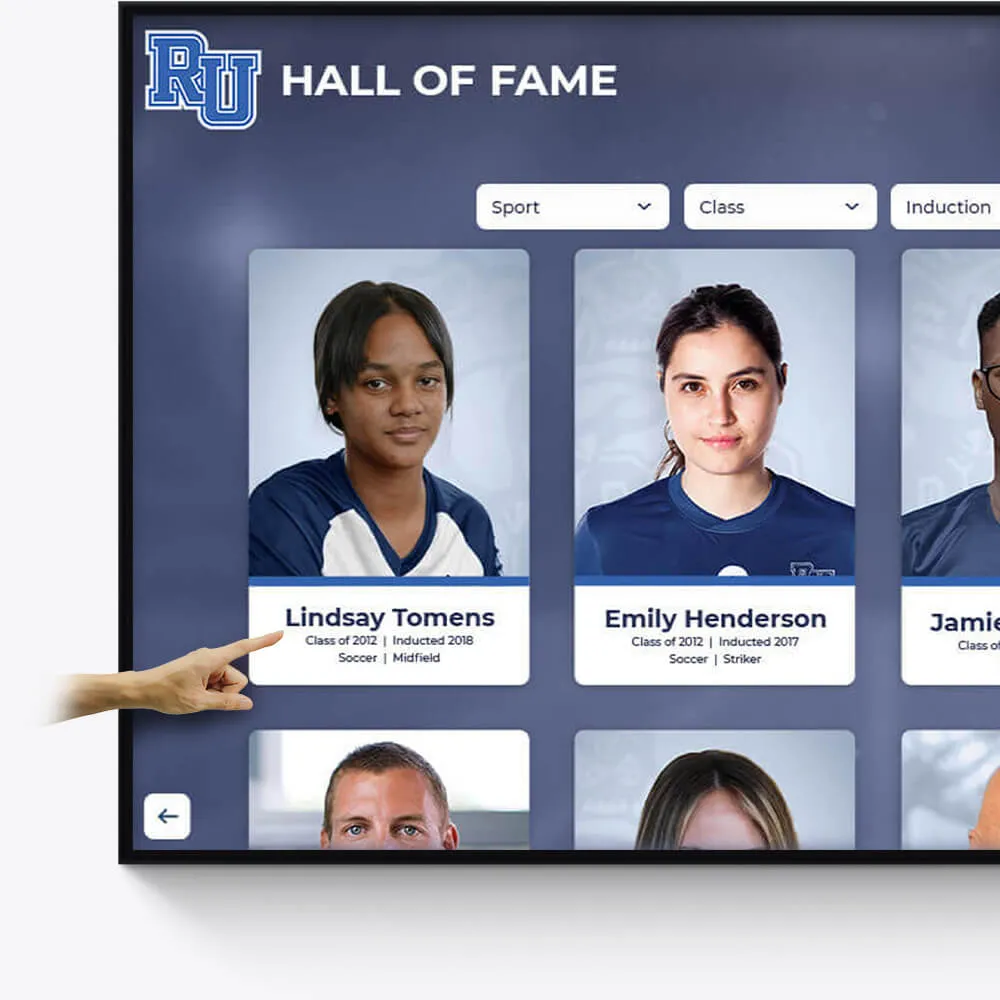
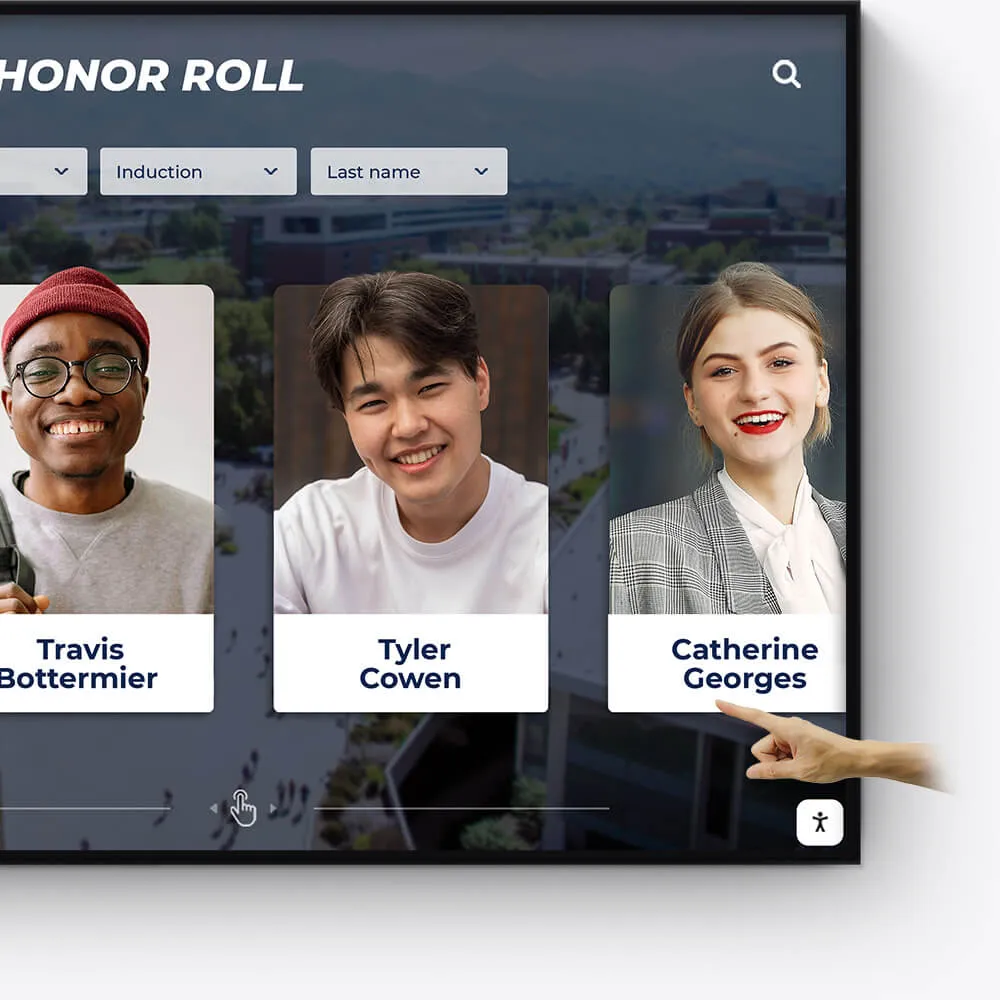
Academic Awards
Honor academic excellence with a dynamic and interactive display of student achievements, scholarships, and notable accomplishments.
Showcase academic high achievers and scholarship recipients
Feature departmental and individual academic milestones
Integrate with school databases for real-time updates
Record Boards
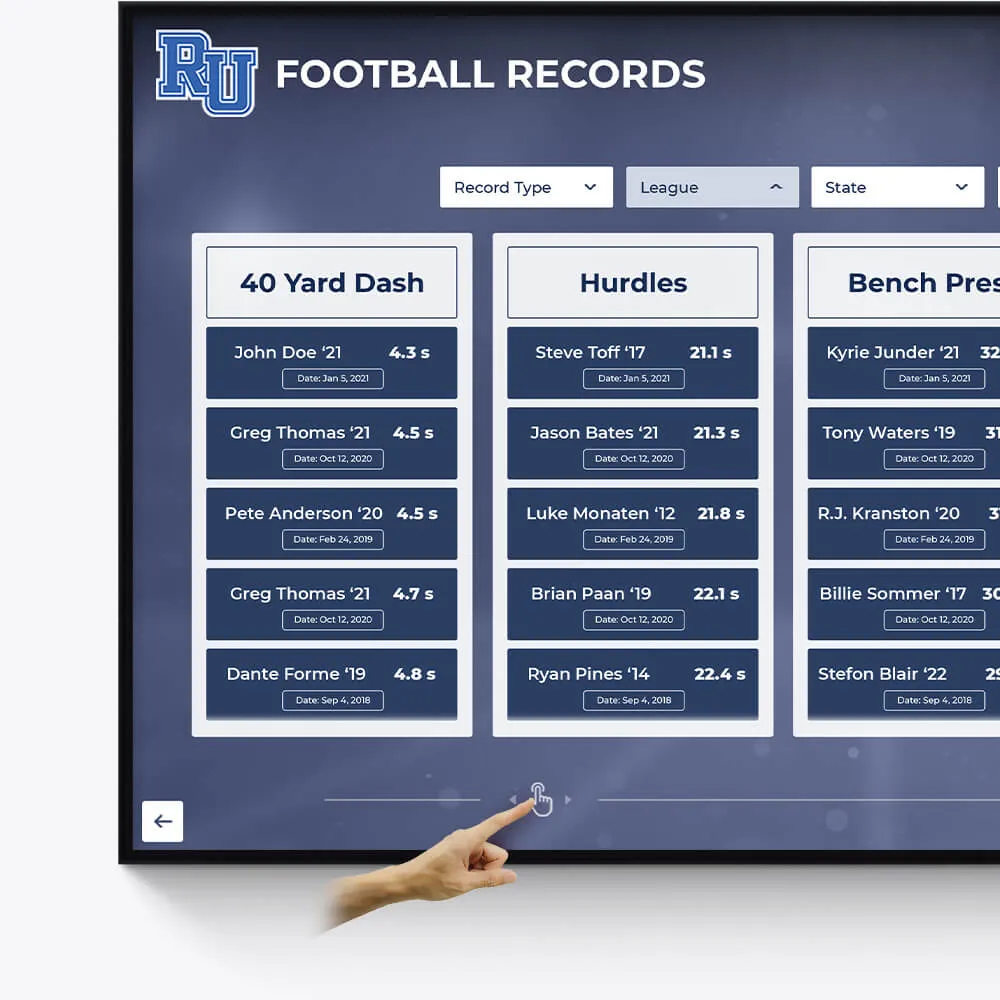
Immortalize outstanding athletic records and performances with our versatile digital record boards, ensuring lasting recognition.
Display current and historical record holders
Easy-to-update interface for new records
Engaging visuals to celebrate athletic achievements
Donor Recognition
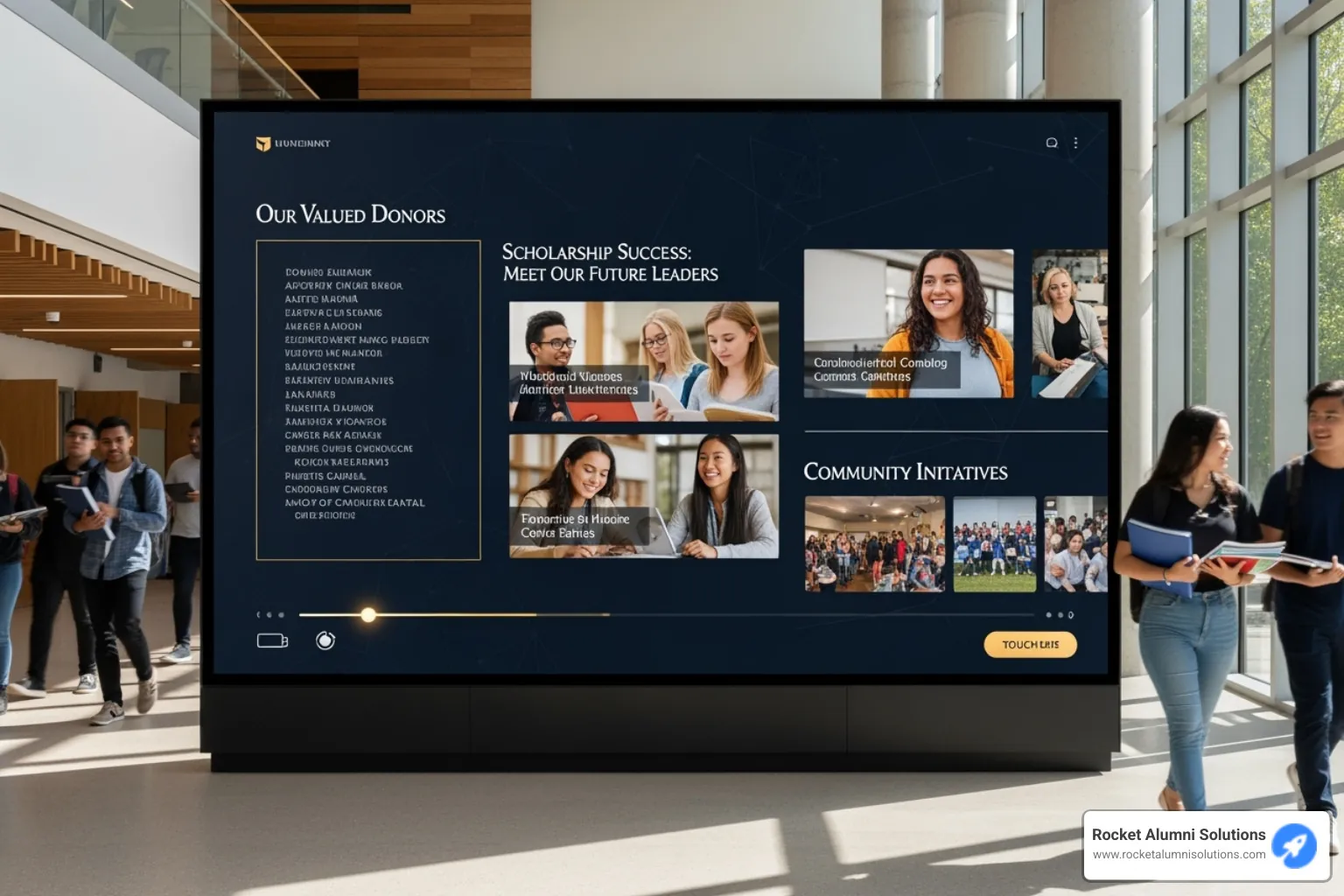
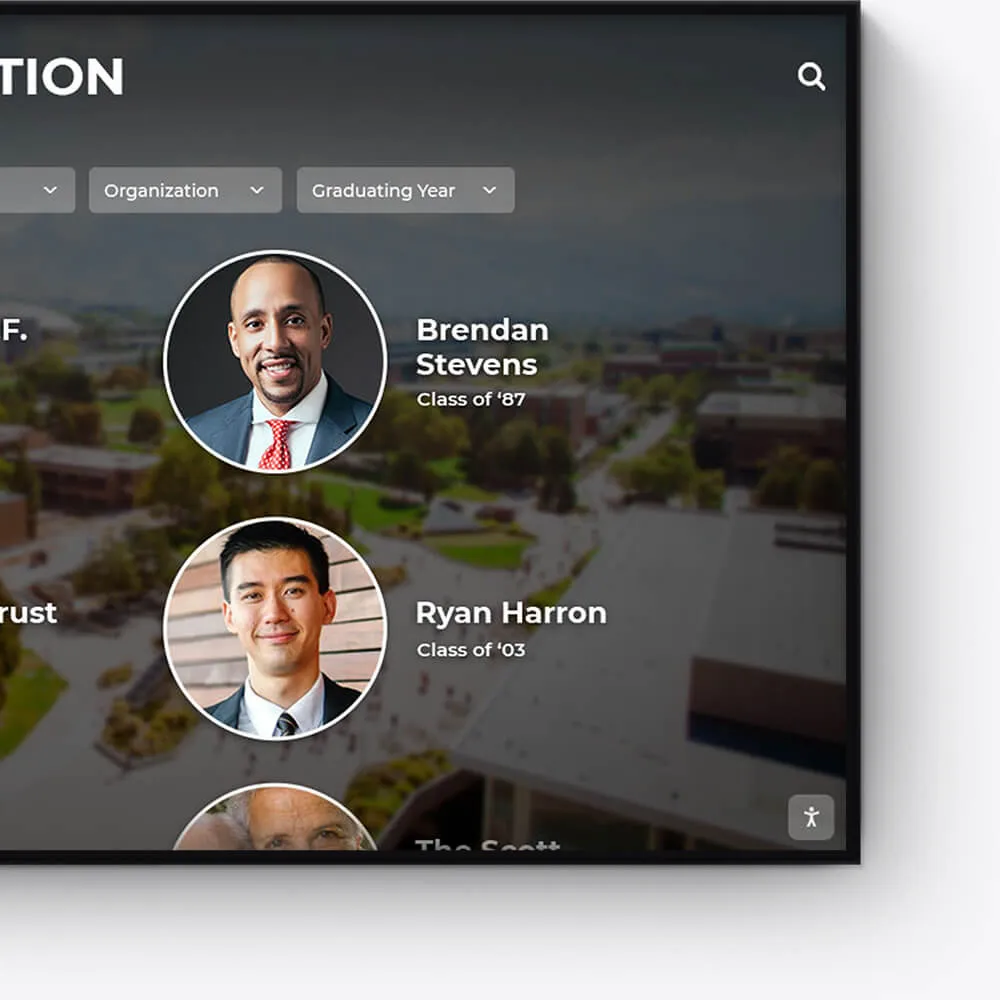
Acknowledge the generosity and impact of your donors with a dedicated and customizable digital display, fostering a culture of gratitude.
Highlight individual donors and their contributions
Incorporate donor stories and impact testimonials
Feature interactive donor walls with search functionality
Distinguished Alumni
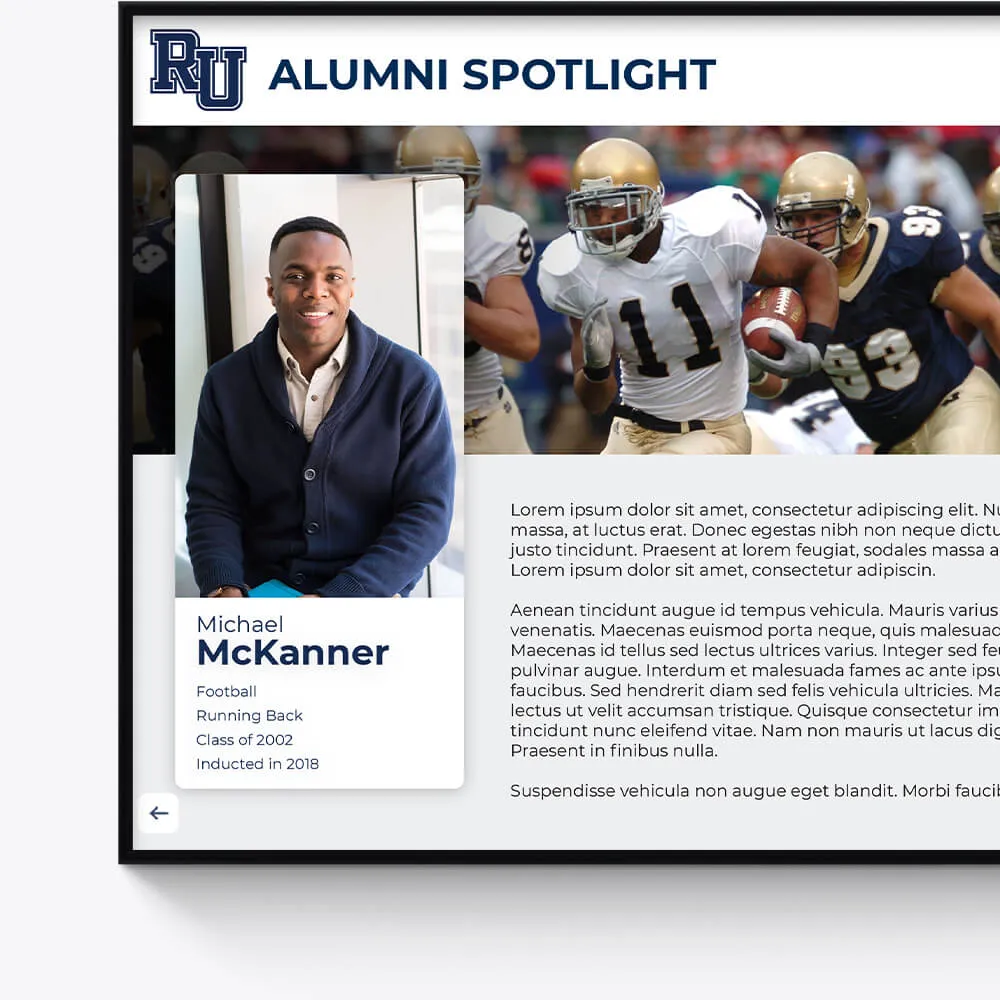
Showcase the success stories of your alumni, inspiring current and future students with a visually appealing and interactive alumni gallery.
Profile notable alumni with biographies and achievements
Link to alumni networks and success stories
Celebrate diverse paths and accomplishments post-graduation
Graduation Honors
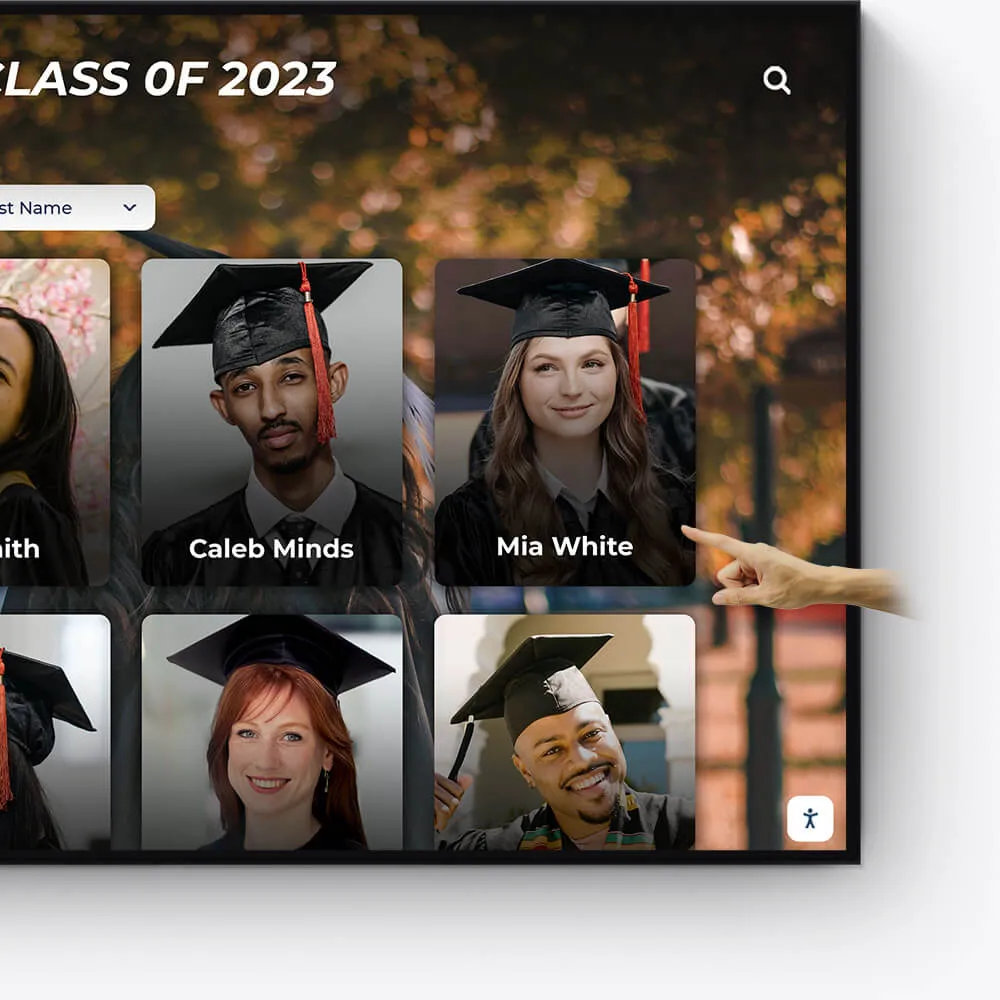
Celebrate your graduates' milestones with a dedicated display for cum laude, magna cum laude, and summa cum laude honorees.
Feature valedictorians, salutatorians, and honor graduates
Showcase graduation speeches and memorable moments
Offer a digital yearbook experience with graduate profiles

Team History
Chronicle the journey and milestones of your sports teams, creating an engaging historical narrative with our interactive displays.
Highlight championship wins and significant games
Showcase evolution of team uniforms and logos
Include past and present team rosters and coaches
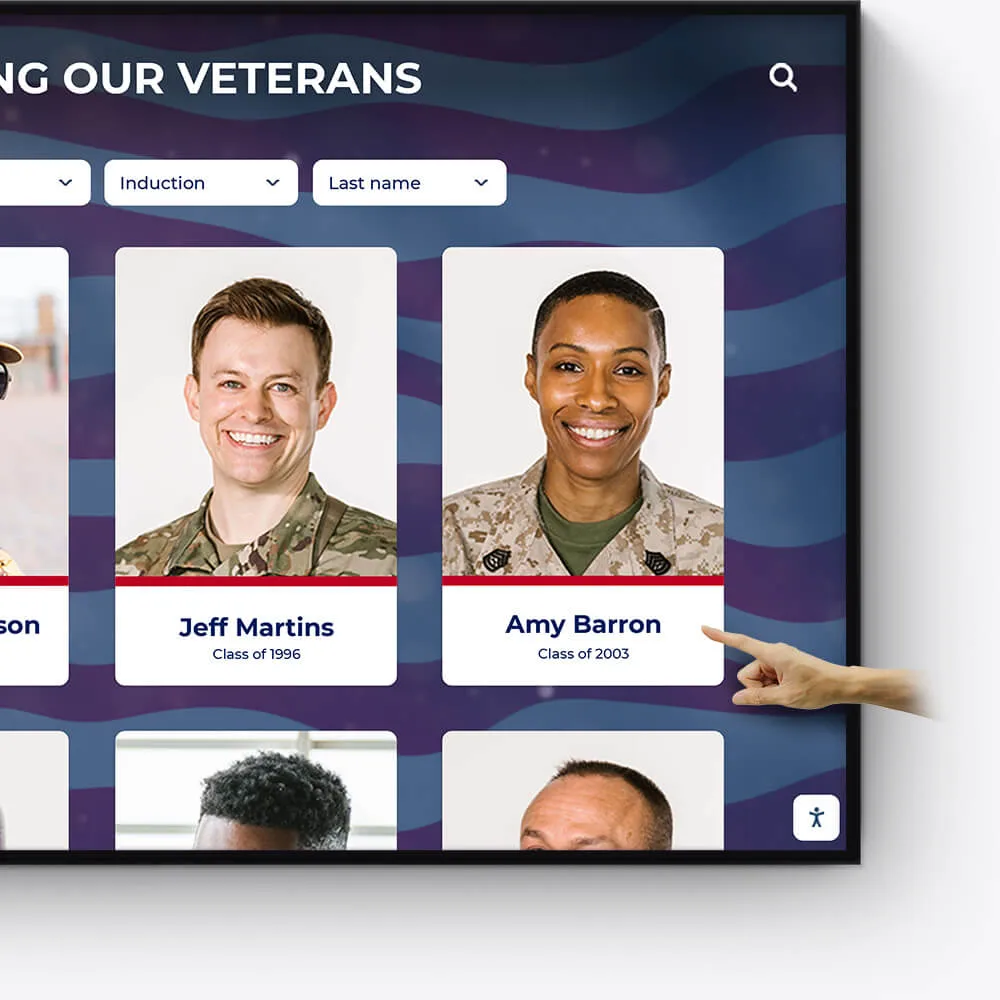
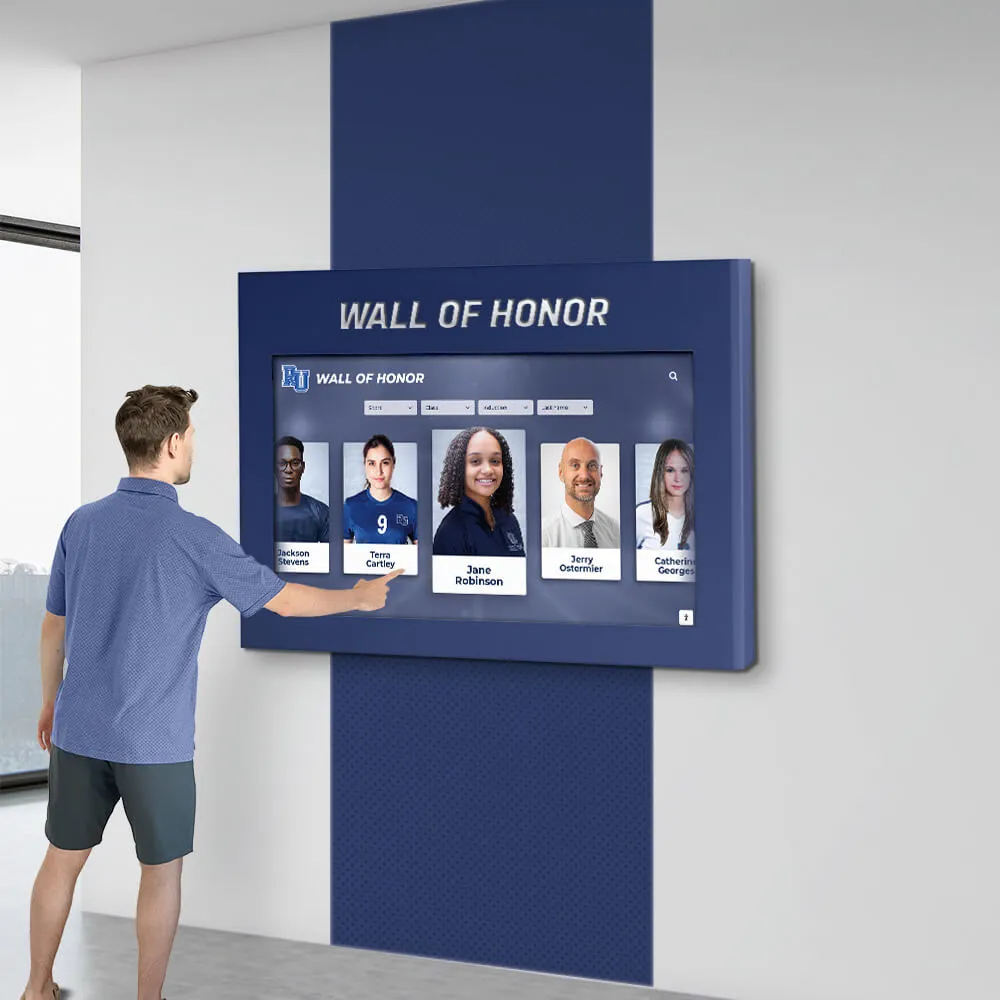
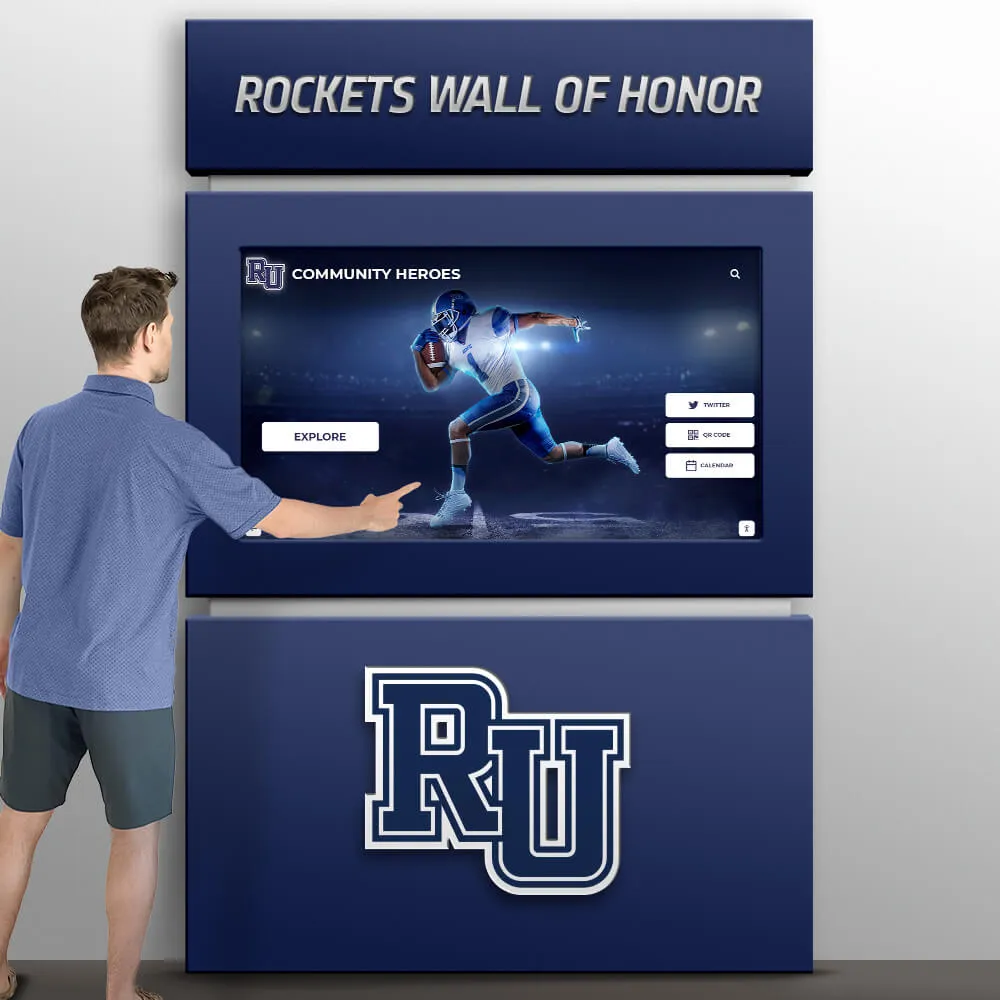
Wall of Honor for Veterans & Service Members
Honor the bravery, service, and sacrifice of veterans and active service members with a dedicated Wall of Honor. This tribute celebrates their commitment and the impact they have made in service to our nation.
Recognize the sacrifices and achievements of veterans and military personnel
Share personal stories, service histories, and accolades
Create a respectful and engaging tribute to those who serve
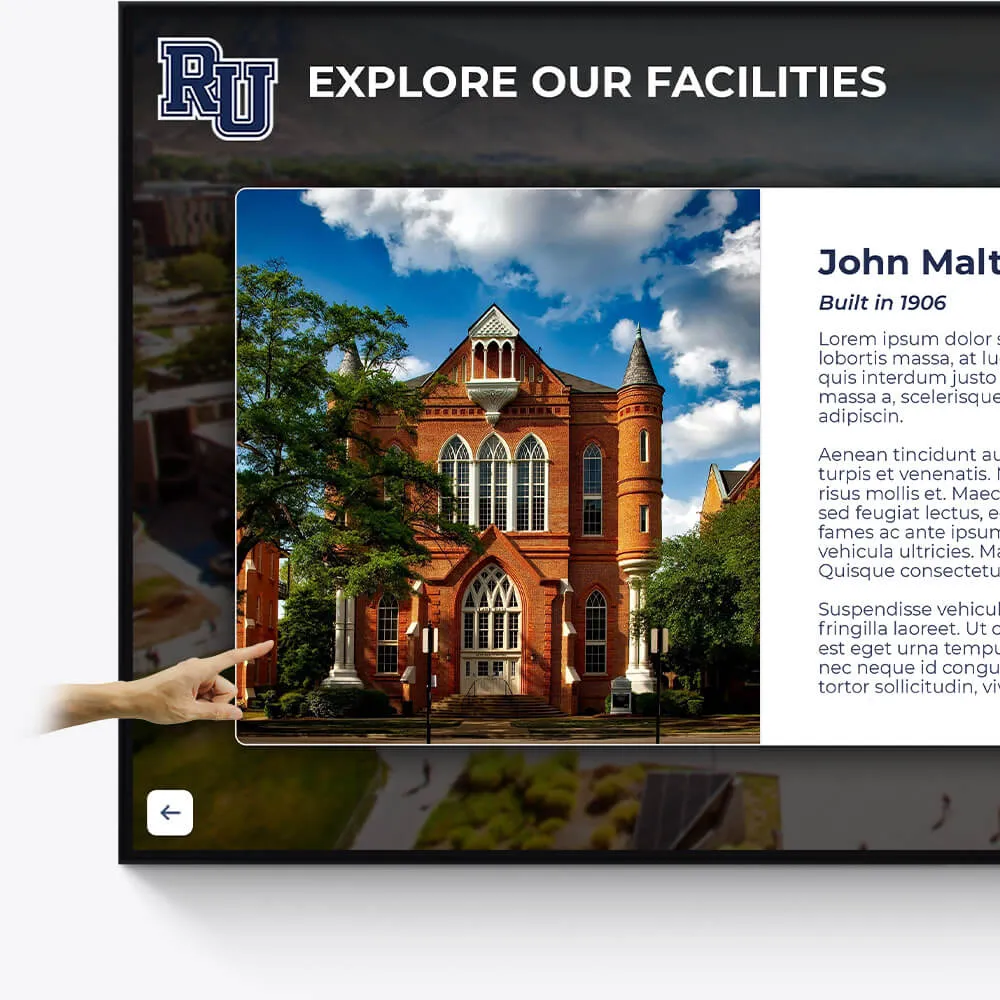
Facilities
Enhance the visitor experience at your facilities with interactive displays showcasing the history, features, and milestones of your buildings and grounds.
Provide virtual tours of your campus and facilities
Highlight renovations, expansions, and historical significance
Include donor recognition for facility contributions
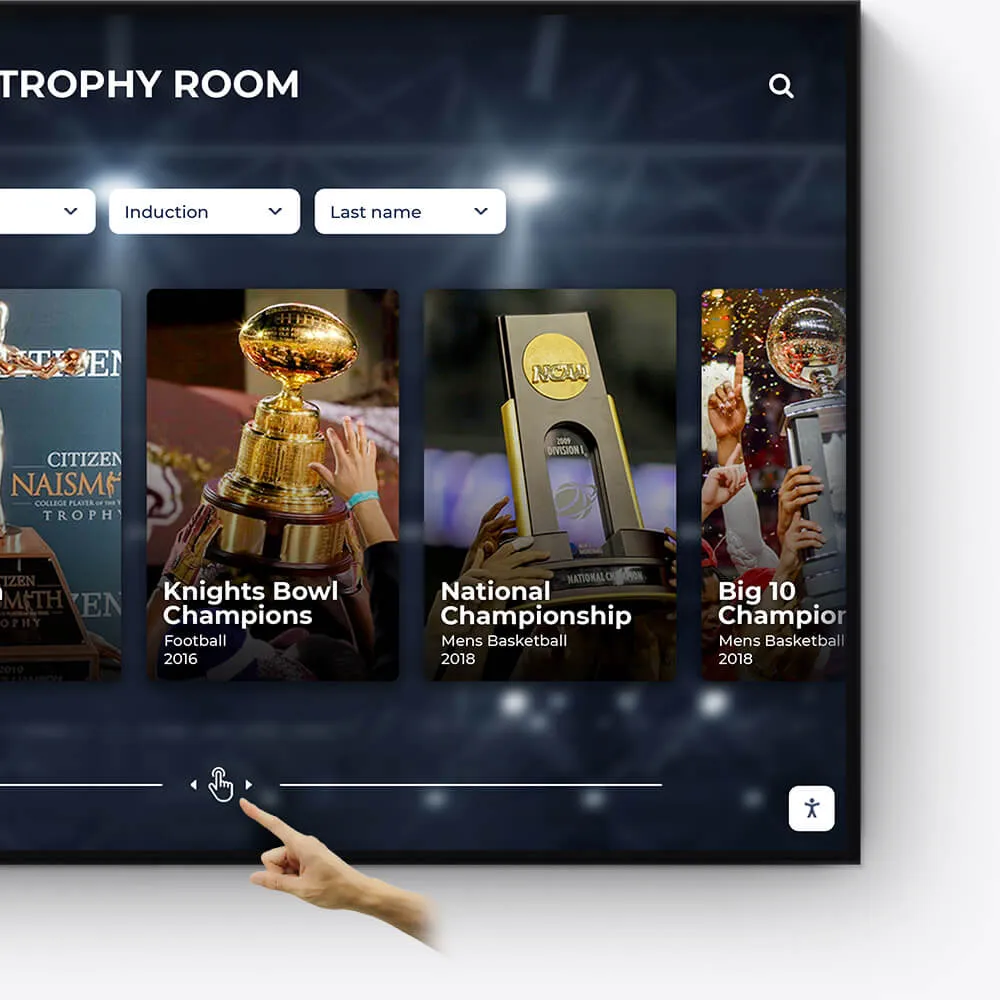
Awards
Showcase the diverse range of awards and honors received by your institution, students, and faculty in an engaging and interactive manner.
Feature departmental, athletic, and extracurricular awards
Highlight national and regional recognitions and rankings
Include interactive timelines of award achievements
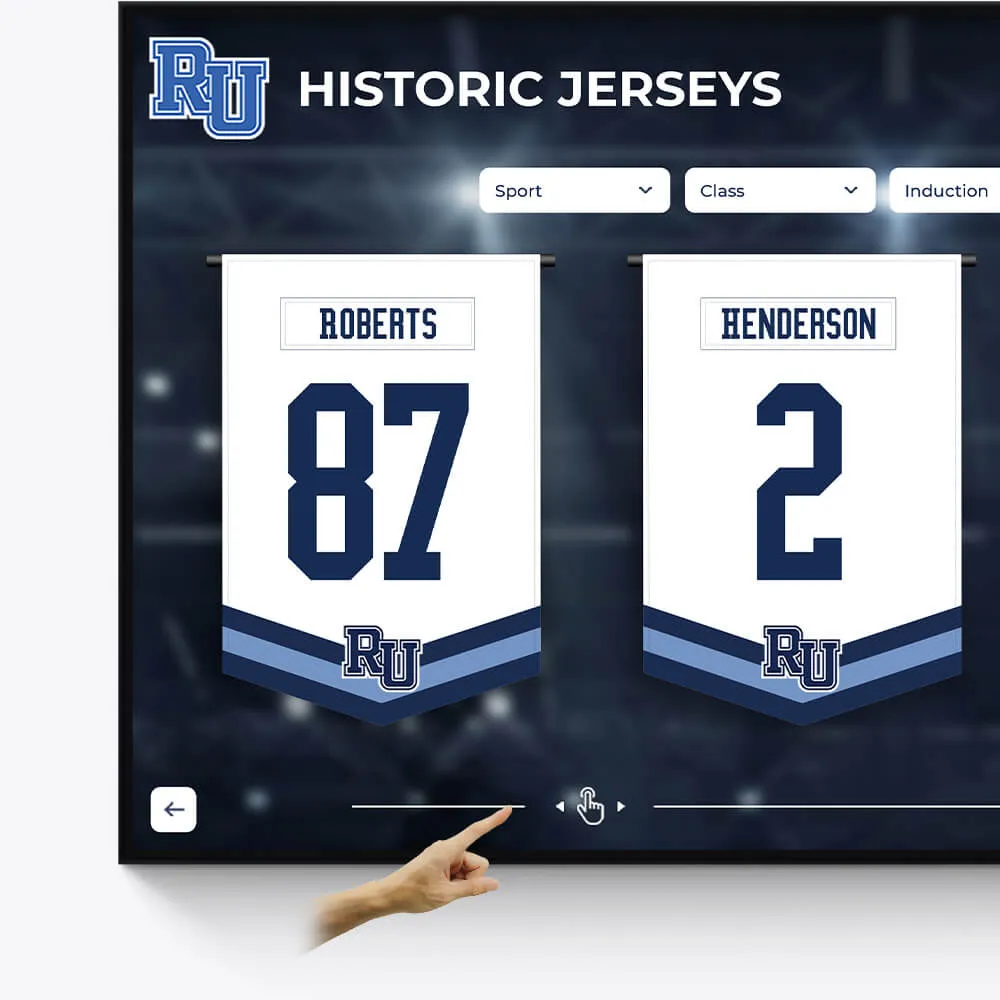
Olympians & Professional Athletes
Celebrate the extraordinary achievements of your alumni who have excelled in the Olympics or turned professional, showcasing their journey and successes.
Profile Olympians and professional athletes with their career highlights
Include achievements, accolades, and professional milestones
Share inspiring stories of dedication and triumph
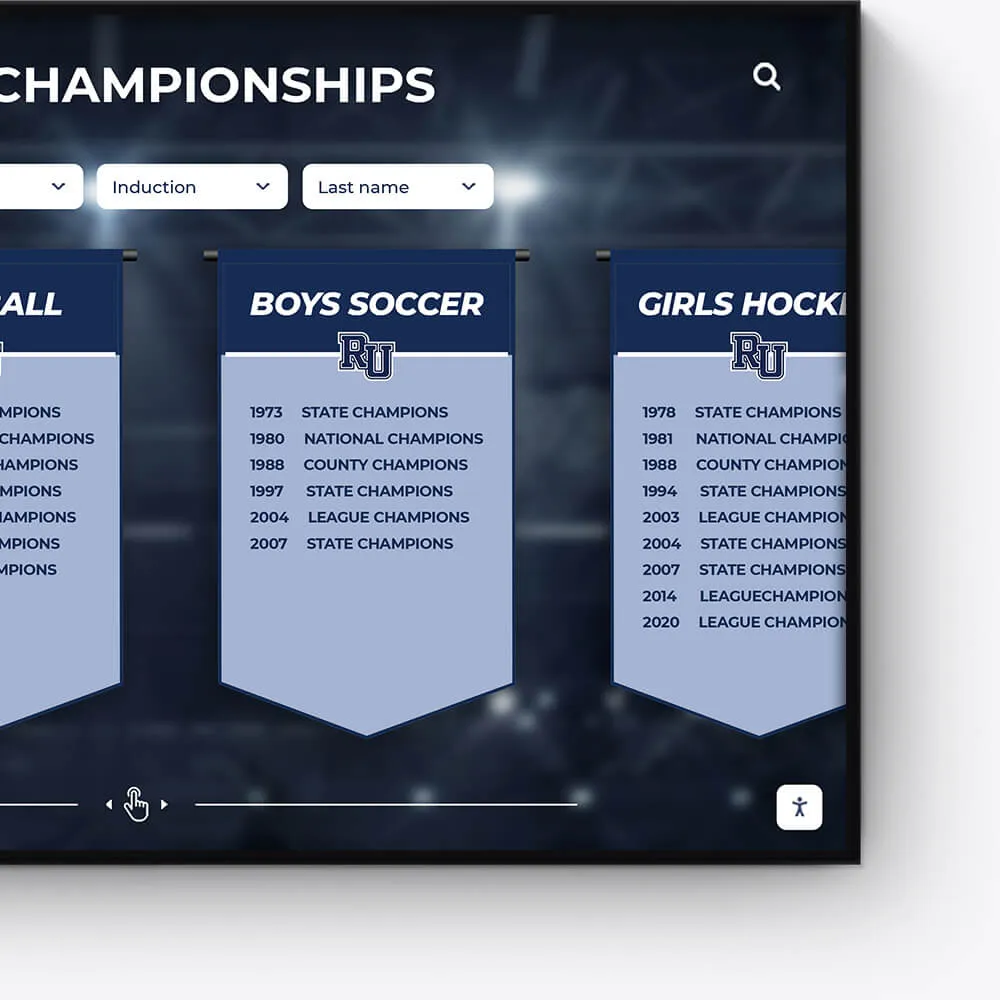
Plaques
Digitally transform traditional plaques into an interactive and dynamic format, offering a modern approach to recognition.
Convert legacy plaques into digital formats
Include detailed information and stories behind each plaque
Offer an interactive and engaging user experience
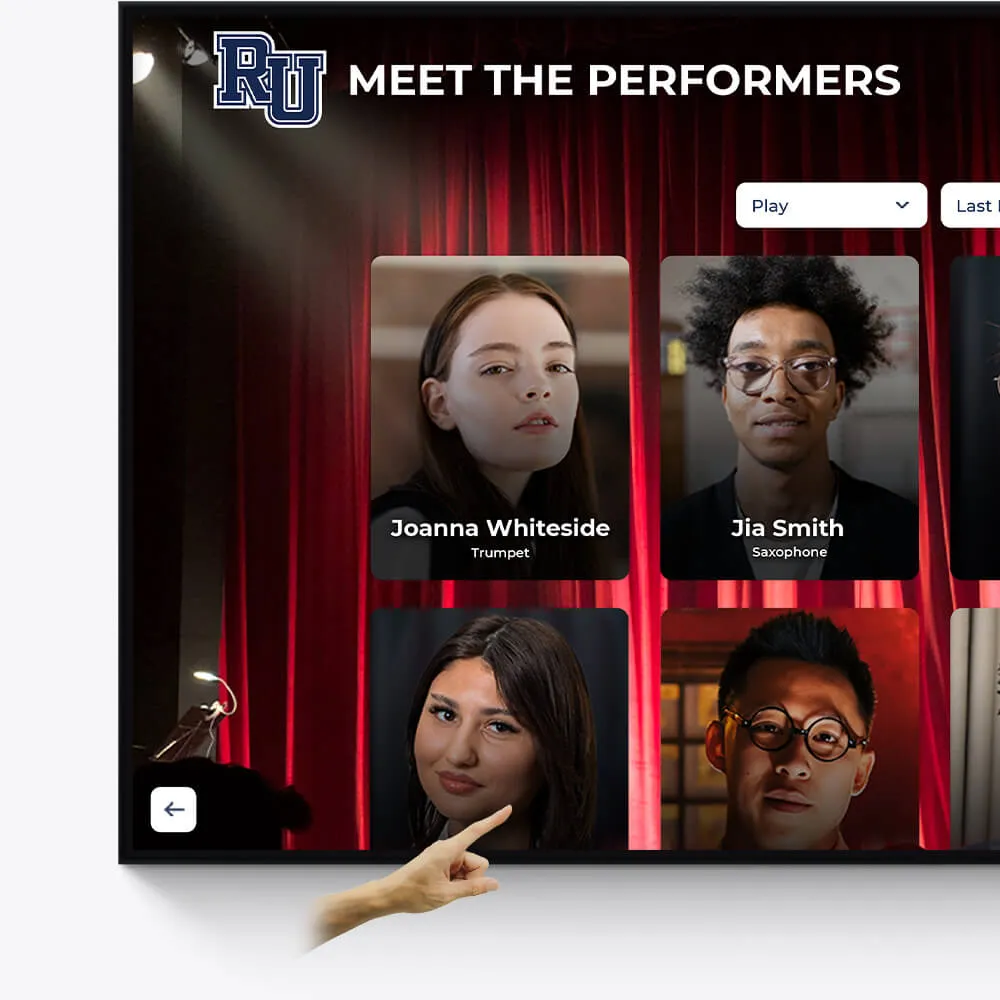
Music & Arts
Seamlessly repurpose old content, dynamically showcase new material, and intelligently adapt to events and announcements.
Make old content relevant again by targeting specific times and audiences
On-demand video access to concerts, a powerful tool for admissions and recognition
Elevated concert promotional content and digital programs
Best resolution to scan photos for yearbook: A quick takeaway - the best resolution to scan yearbook photos is typically between 250 and 300 DPI (dots per inch). This ensures that the images look clear and detailed when printed in a yearbook. Resolution matters a lot when you want your memories to last forever in print. Here's more detail:
- Digital photos: Most digital cameras capture images with sufficient resolution to be used directly; they often just need resizing.
- Scanning old photos: For yearbooks, scan at a minimum of 300 DPI for clear, sharp results.
- PPI vs. DPI: Understand the difference - PPI is for screens, DPI is for print.
Yearbooks serve as a time capsule, connecting a community across time. They offer a tangible sense of belonging, a cornerstone of happiness and nostalgia. The act of capturing these moments in high-quality images not only preserves them for future reflection but also strengthens the foundational tech and resource skills within a school community. This recognition and interaction foster a sense of community, pivotal for students, faculty, and staff alike. As humans, we naturally seek a sense of belonging, and through carefully preserved memories, we maintain these crucial connections, ensuring they last lifetimes. A sense of belonging brings numerous benefits, such as increased happiness, improved teamwork, and stronger relationships among children, adults, teammates, employees, faculty, and coaches. By fostering this environment, we create a positive ripple effect that enhances community spirit and personal well-being.
Understanding DPI and PPI
When it comes to scanning photos for your yearbook, understanding DPI and PPI is crucial.
What is DPI?
DPI stands for dots per inch. It's all about how many tiny dots of ink are printed per inch on a piece of paper. Think of DPI as a measure of print quality. The higher the DPI, the more detailed and sharper the printed photo will be. For example, a photo printed at 300 DPI will have 300 dots of ink per inch, making it look crisp and clear.
Here's a quick reference for DPI in printed media:
- One-hour photo lab: 200 - 260 DPI
- Consumer inkjet printer: 150 - 280 DPI
- Glossy magazines: 180 - 240 DPI
- Newspapers: 160 - 200 DPI
- Billboards: 12 - 30 DPI (yes, you read that right, but they look good from afar!)
What is PPI?
On the other hand, PPI stands for pixels per inch. This term is used when we're talking about screens, like those on TVs and computer monitors. Pixels are the tiny dots that make up digital images. More pixels per inch mean higher resolution and better image clarity on your screen.
Here's how PPI looks in digital media:
- 40" HDTV: 48 PPI
- 24" monitor: 92 PPI
- 21" monitor: 105 PPI
- Laptop (15" monitor): 141 PPI
- iPhone 12 (6.1" screen): 460 PPI
Why It Matters
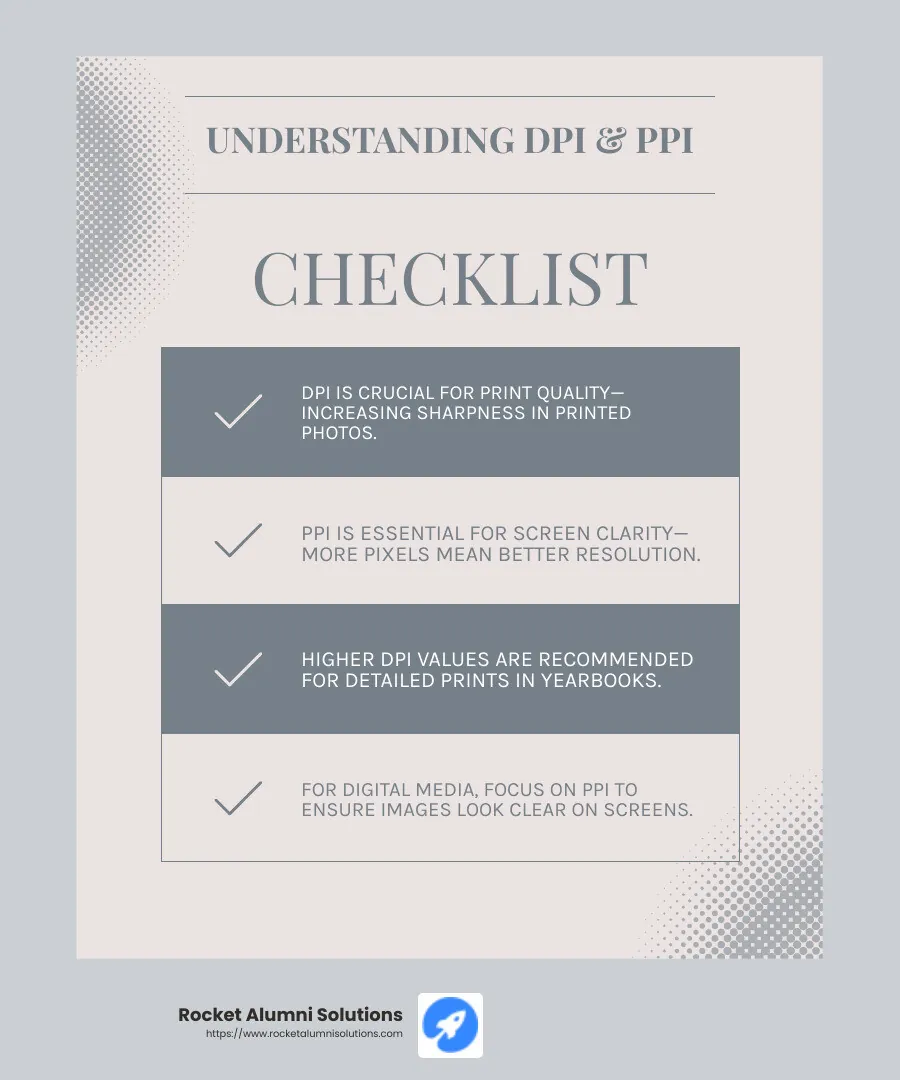
When preparing yearbook photos, understanding the difference between DPI and PPI is essential. DPI is what you need to focus on for printed photos, ensuring they are sharp and detailed. PPI is more relevant for digital displays, where you want images to look clear on screens.
By using the right DPI for printing, you're not just preserving memories—you're also contributing to a sense of community and belonging. Yearbooks are more than just pictures; they’re a touchstone for shared experiences and nostalgia. These images help maintain connections and foster a sense of belonging for students, faculty, and alumni. When people see themselves in print, it strengthens their bond with the community.
Creating a sense of belonging is vital for everyone—children, adults, teammates, employees, faculty, and coaches. It brings about positive secondary effects, such as increased happiness, motivation, and collaboration. Recognition and nostalgia play a crucial role in maintaining these connections, ensuring that the community thrives and individuals feel valued.
Best Resolution to Scan Photos for Yearbook
Recommended DPI Settings
When scanning photos for your yearbook, choosing the best resolution is key to ensuring high-quality prints. The right DPI (dots per inch) setting makes a big difference in how your images turn out. Here's a simple guide to help you decide:
- 300 DPI: This is the sweet spot for most yearbook photos. It provides crisp, clear images that are perfect for standard-sized prints. If you're not planning to enlarge the photos, 300 DPI is ideal.
- 600 DPI: If you might want to enlarge your photos, consider scanning at 600 DPI. This higher resolution captures more detail, making it easier to zoom in or crop without losing quality. It's also great for preserving smaller images like wallet-sized photos.
- 1200 DPI and 2400 DPI: These settings are overkill for typical yearbook photos, but they can be useful for very small or highly detailed images, like slides or negatives. Scanning at these resolutions ensures maximum detail, but keep in mind that file sizes will be much larger.
Factors Influencing DPI Choice
Several factors influence which DPI setting you should choose:
- Photo Size: Larger photos can often get by with a lower DPI, while smaller photos benefit from a higher DPI to capture all the details.
- Enlargement and Cropping: If you plan to enlarge or crop images, a higher DPI is recommended. This ensures that the image remains sharp even after editing.
- Viewing Distance: Consider how the yearbook will be viewed. For images that will be seen up close, like individual portraits, a higher DPI (600) is beneficial. For group photos or background images, 300 DPI is usually sufficient.
- Community Recognition: The images in your yearbook aren't just pictures; they’re a touchstone for shared memories and a sense of belonging. High-quality images help create a feeling of nostalgia and connection, which is essential for fostering community pride and recognition. A sense of belonging is crucial for everyone—children, adults, teammates, employees, faculty, and coaches alike. It brings about positive secondary effects, such as increased happiness, motivation, and collaboration. When people see themselves in these photos, it strengthens their connection to the school and each other, maintaining important bonds and creating happy nostalgia.
By choosing the right DPI, you’re not just preserving images—you’re helping to build a lasting sense of community and belonging. When the topic includes the phrase "Touchstone," think of it as an interactive touchscreen for schools and communities, enhancing engagement and connection.
File Formats for Scanning Yearbook Photos
When scanning photos for a yearbook, selecting the right file format is just as important as choosing the right DPI. Two popular formats you'll encounter are JPEG and TIFF. Each has its own strengths and weaknesses, so let's dive into what makes them different.
JPEG vs. TIFF
JPEG (Joint Photographic Experts Group) is the most common image format used for web and digital photography. It's popular because it uses lossy compression, which reduces file size by removing some image data. This makes JPEGs easy to share and store, but it can lead to a loss in image quality, especially if the file is edited and saved multiple times.
TIFF (Tag Image File Format), on the other hand, uses lossless compression. This means all the image data is preserved, resulting in higher quality images. However, TIFF files are much larger than JPEGs, which can be a downside if storage space is a concern.
Here's a quick comparison:
- JPEG: Smaller file size, easier to share, some quality loss.
- TIFF: Larger file size, better quality, more suitable for editing.
When to Use JPEG
JPEGs are great when you need to archive and share images easily. Their smaller file size means you can store more photos without taking up much space. They're perfect for digital yearbooks where quick loading and easy sharing are important. If your goal is to create an online yearbook that's accessible to everyone, JPEG is the way to go.
When to Use TIFF
Use TIFF files when you need high-quality prints or plan to do extensive editing. The lossless nature of TIFFs ensures that every detail is captured, making them ideal for images that require precision. If you’re preparing photos for a printed yearbook or need to maintain the highest quality for archival purposes, TIFF is your best bet.
The Importance of Community Recognition and Belonging
Yearbooks are more than just collections of photos; they are a testament to the community and the sense of belonging that schools foster. Creating a feeling of belonging is crucial for everyone—children, adults, teammates, employees, faculty, and coaches alike. A strong sense of community recognition can lead to increased happiness, motivation, and engagement. When individuals feel they belong, they are more likely to contribute positively to their environment, leading to a ripple effect of good outcomes.
Recognition and nostalgia play significant roles in maintaining connections. Yearbooks capture moments that evoke happy memories and reinforce the bonds within a community. By choosing the right file format, you ensure that these cherished memories are preserved in the best possible quality, fostering a lasting sense of belonging and community recognition.
Tips for Scanning Yearbook Photos
Scanning yearbook photos is a delicate process that requires attention to detail to ensure each image is captured beautifully. Let's explore the essential scanner settings and image editing tools you need to know about.
Scanner Settings
To achieve the best resolution to scan photos for yearbook, it's crucial to configure your scanner correctly. Here's what you need to focus on:
- Resolution: Aim for a resolution of 300 DPI as a standard. This ensures sharp, clear images suitable for printing. For photos that need enlargement or high detail, consider scanning at 600 DPI or even 1200 DPI.
- Color Space: Use the RGB color space for scanning. This is the default for most scanners and is compatible with digital editing tools. Don't worry about converting to CMYK; most yearbook printing processes will handle that automatically.
- Scan Quality: Always select the highest quality setting your scanner offers. This often means choosing the "best" or "high" quality option in the scanner settings.
Image Editing Tools
Once your photos are scanned, the next step is to refine them using image editing tools. Here are some techniques and software options to consider:
- Photoshop: A powerful tool for editing. Use the unsharp mask to improve clarity and detail. This tool sharpens edges and brings out finer details in your photos.
- GIMP: A free alternative to Photoshop. It also offers similar tools for sharpening and adjusting images.
- Picasa: While no longer supported by Google, it remains a simple option for basic editing tasks like cropping and adjusting brightness.
- Median Filter: This is particularly useful for removing noise and smoothing out images, especially if your scanned photo has a textured appearance. It’s available in both Photoshop and GIMP.
These tools and techniques ensure that scanned photos maintain their quality and vibrancy, helping to evoke nostalgia and preserve the memories captured in each image.
Creating a yearbook is more than just compiling photos; it's about fostering a sense of community and belonging. When individuals see themselves and their peers in a yearbook, it reinforces their connection to the community, whether it's a school, team, or organization. This sense of belonging is crucial for everyone—children, adults, teammates, employees, faculty, and coaches alike. It brings about positive secondary effects such as increased happiness, motivation, and engagement.
Recognition through yearbooks also plays a vital role in creating happy nostalgia and maintaining connections. As an interactive touchscreen for schools and communities, yearbooks serve as a celebration of shared experiences and connections that last a lifetime.
Conclusion
At Rocket Alumni Solutions, we recognize the profound impact that preserving memories and fostering a sense of belonging can have on individuals and communities. Our digital yearbook services are designed to capture these cherished moments in a way that is both meaningful and accessible, ensuring that everyone feels recognized and valued.
Community recognition and the feeling of belonging are essential for all humans. They build confidence in children, strengthen bonds among teammates, and create a supportive environment for faculty and staff. When people feel a sense of belonging, they are more likely to contribute positively to their communities, leading to increased engagement, collaboration, and a shared sense of pride.
Optimal scanning is a crucial part of this process. By using the right DPI settings, you ensure that each photo is captured with clarity and detail, making them perfect for both print and digital displays. Whether it's a class photo, a sports event, or a special assembly, the right resolution ensures these memories remain vivid and engaging.
Creating a digital yearbook is about more than just preserving images; it's about preserving the stories and connections that make your community unique. When we digitize yearbooks, we help transform them into interactive Touchscreens, allowing students, faculty, and alumni to revisit moments that foster a sense of community and belonging.
As we look to the future, our digital yearbook services at Rocket Alumni Solutions aim to keep these connections alive. By combining optimal scanning techniques with our user-friendly platforms, we offer a comprehensive solution for preserving and celebrating your school's legacy.
If you're ready to take the next step in digitizing your yearbooks, partner with us today and let's create something extraordinary together.