A Comprehensive Guide to Comparing Directory Touchscreen Software
Transform wayfinding & visitor experience with Directory Touchscreen Software. Explore features, hardware, ROI & benefits for modern spaces.


The Easiest Solution
All you need:
Power Outlet
Wifi or Ethernet
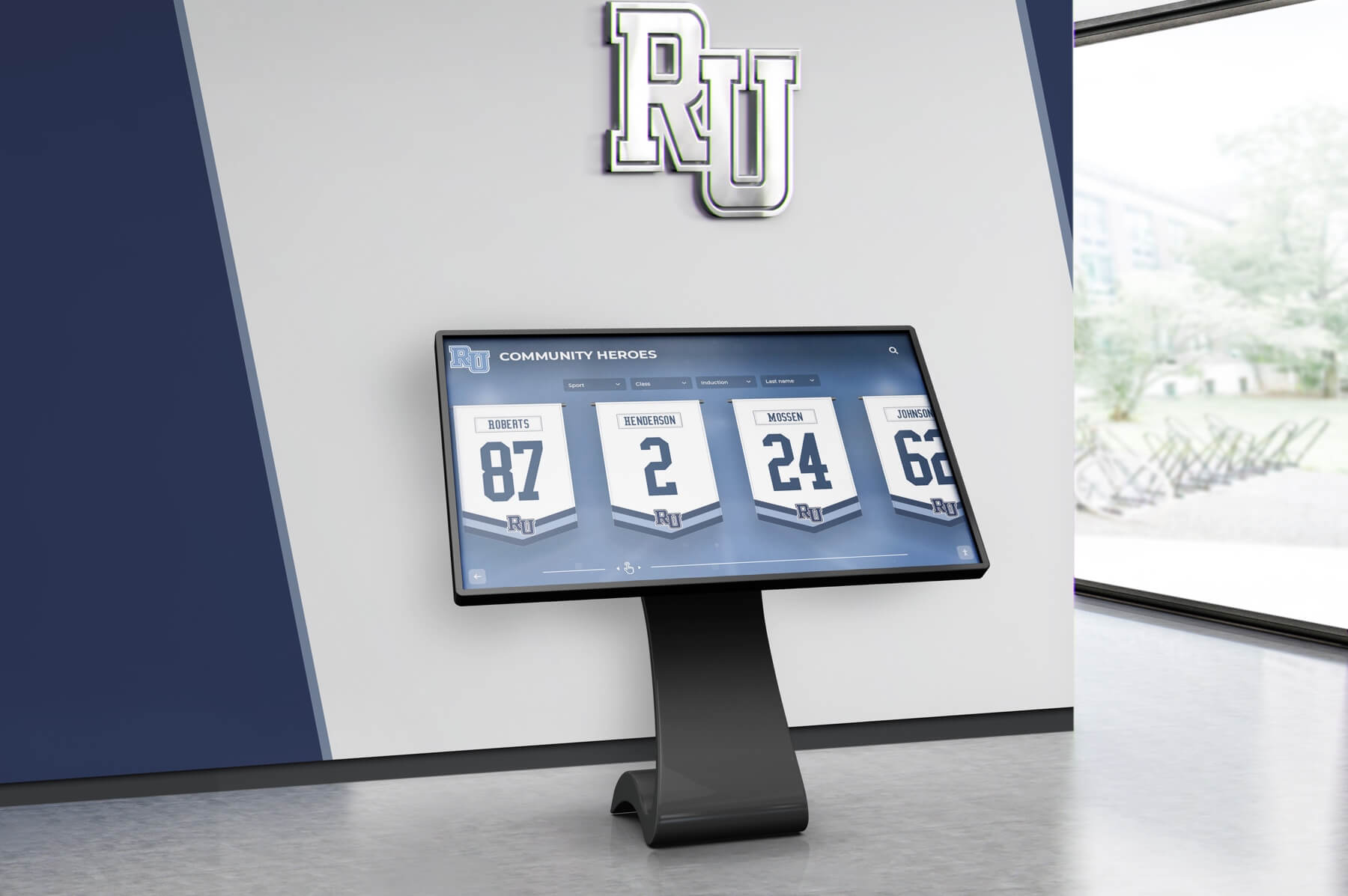
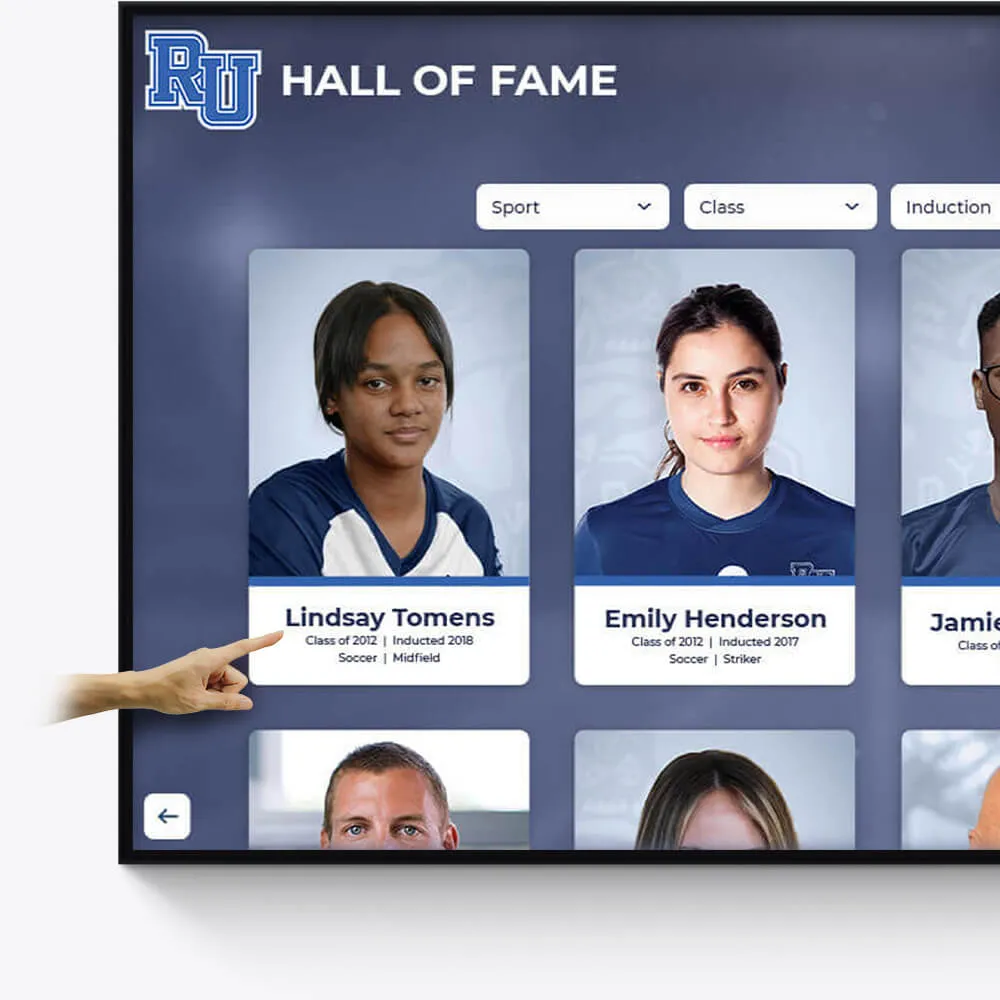
Hall of Fame
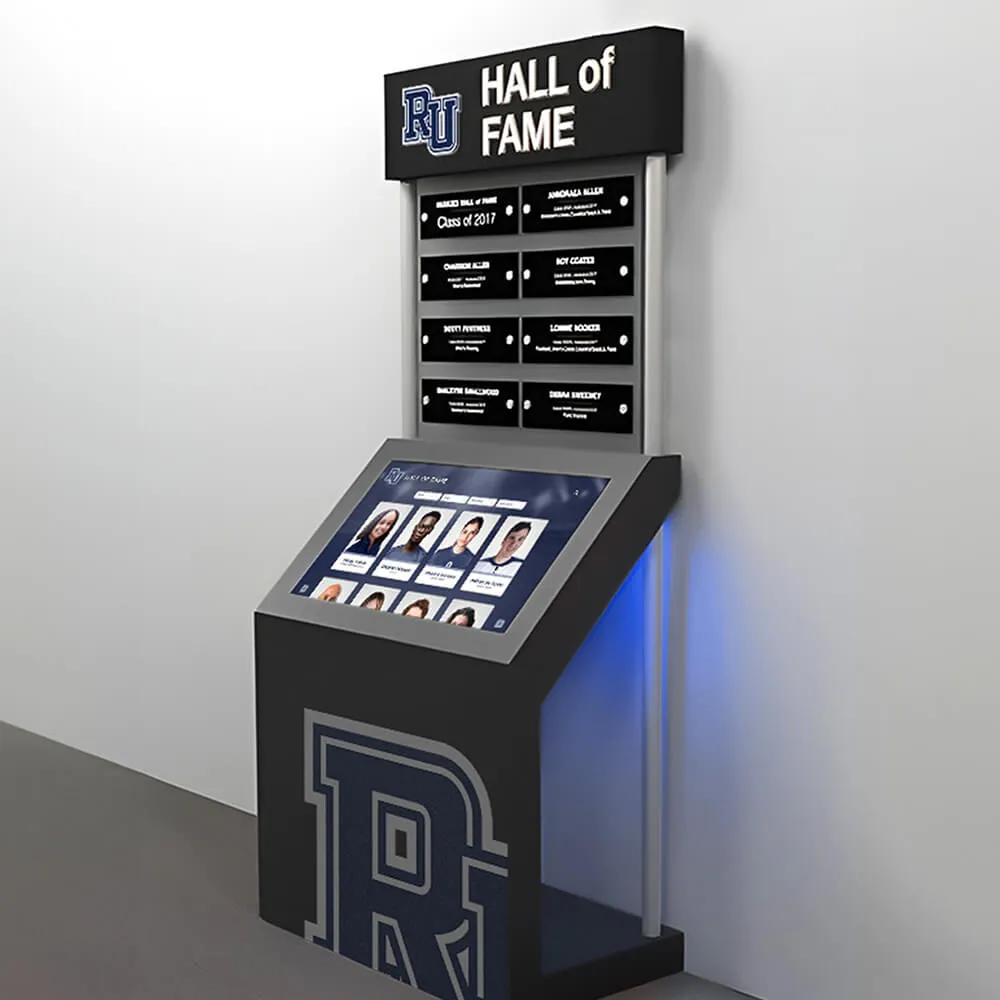
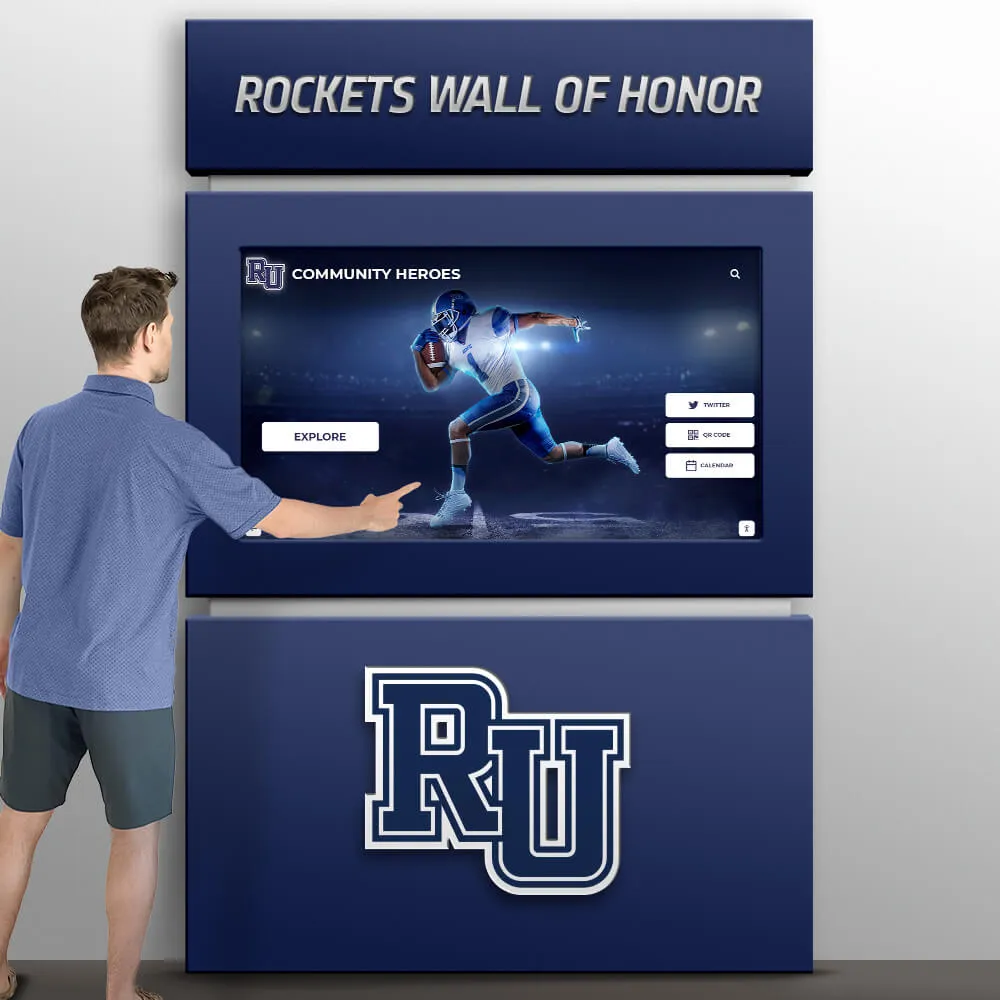
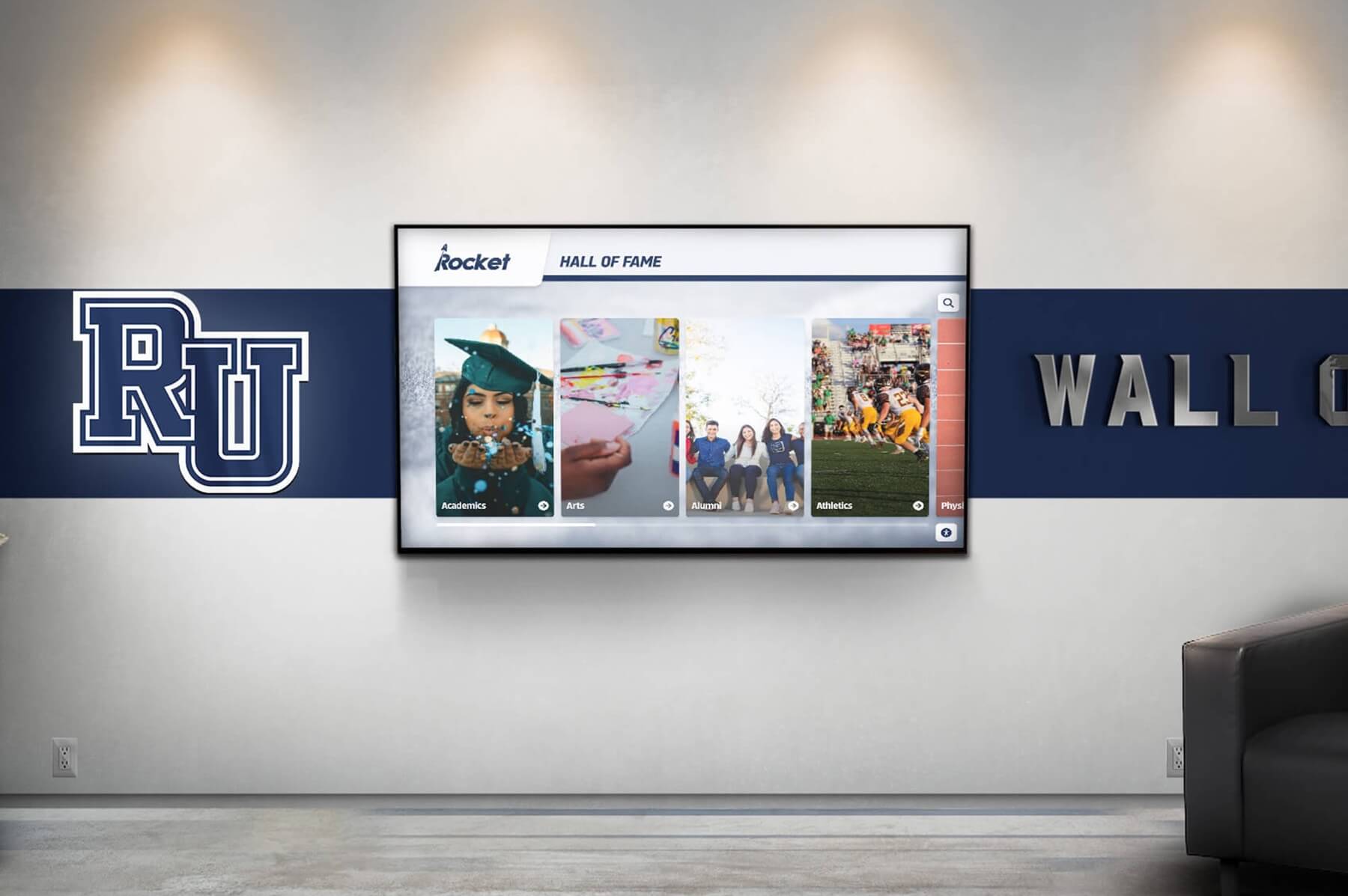
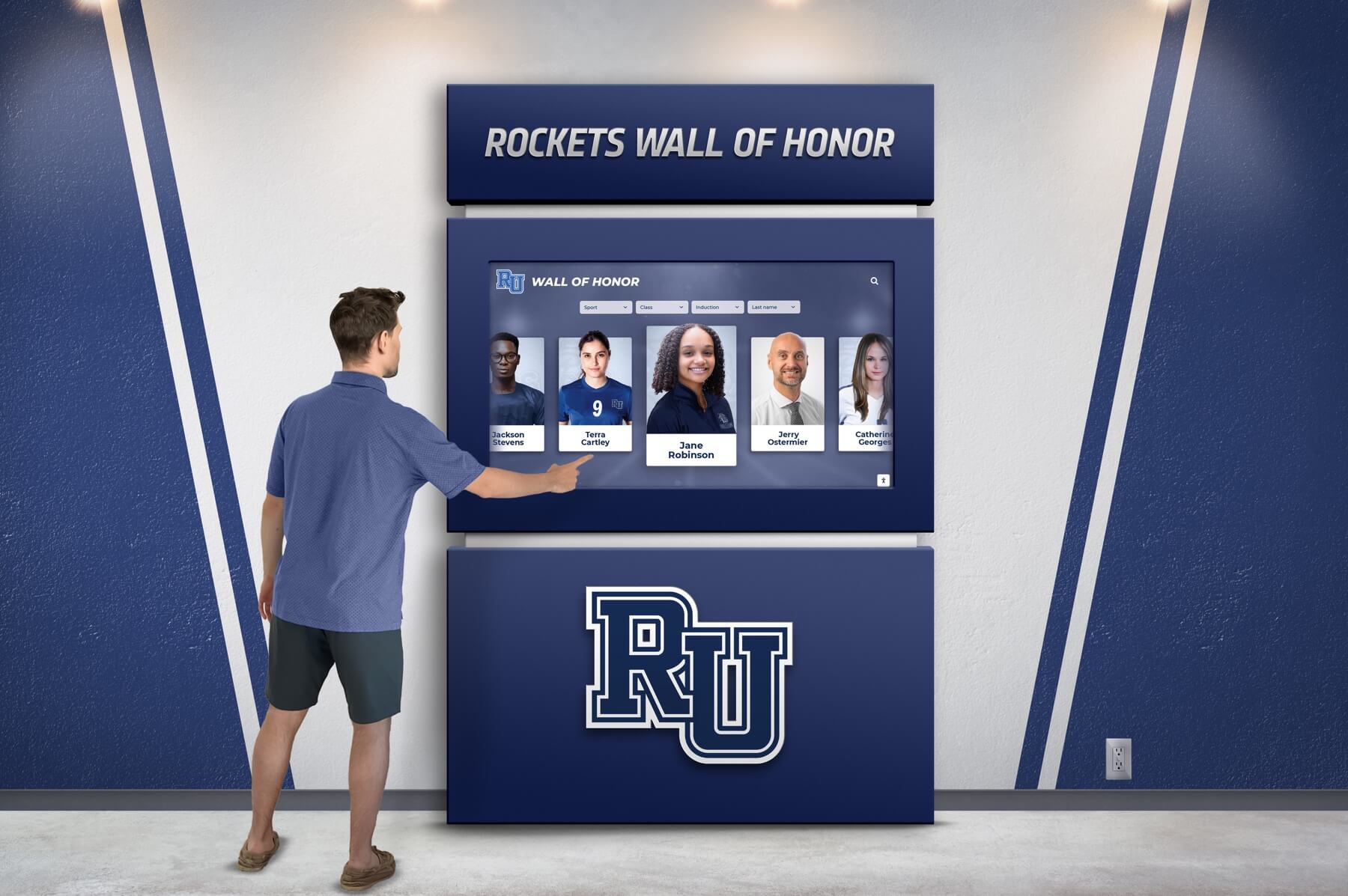
Celebrate the achievements of exceptional athletes and teams with our interactive Hall of Fame displays. Tailored to reflect your institution's rich history and spirit.
Customizable design to match school colors and branding
Easily updatable to add new inductees and achievements
Interactive elements to engage visitors and tell compelling stories
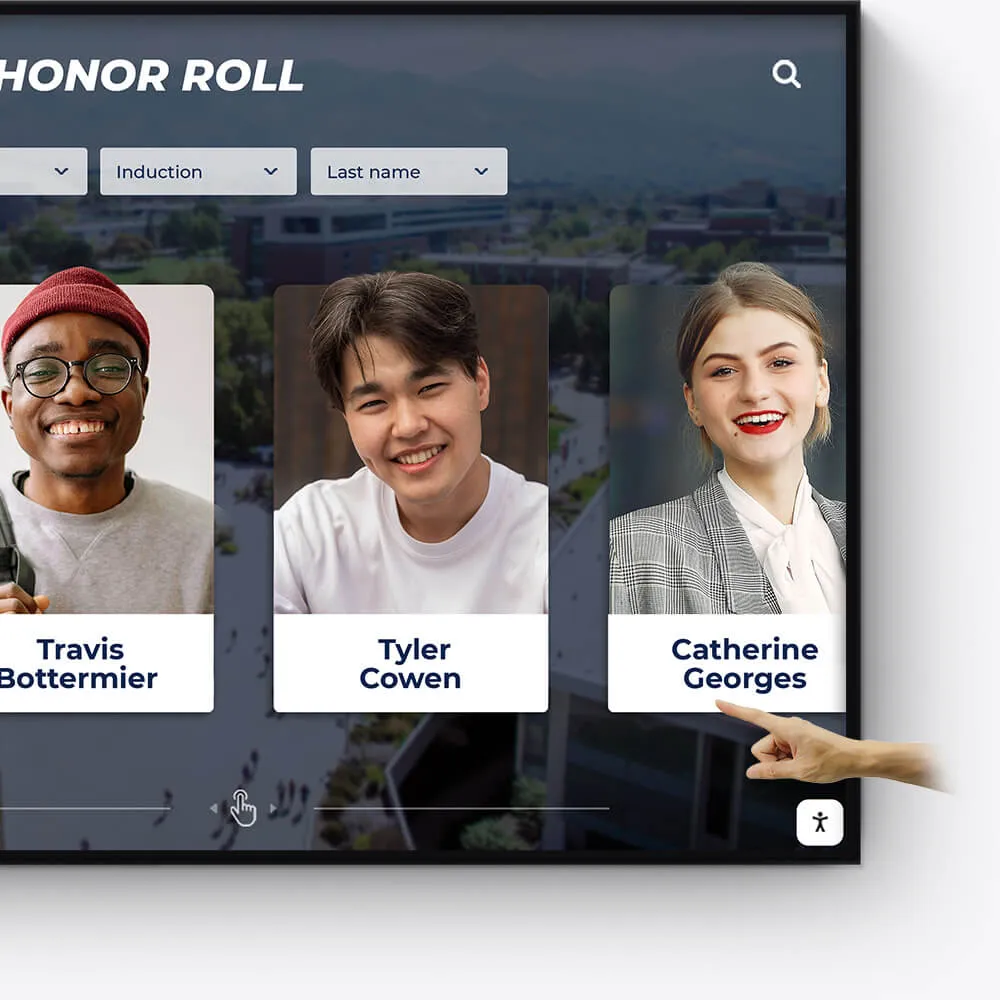
Academic Awards
Honor academic excellence with a dynamic and interactive display of student achievements, scholarships, and notable accomplishments.
Showcase academic high achievers and scholarship recipients
Feature departmental and individual academic milestones
Integrate with school databases for real-time updates
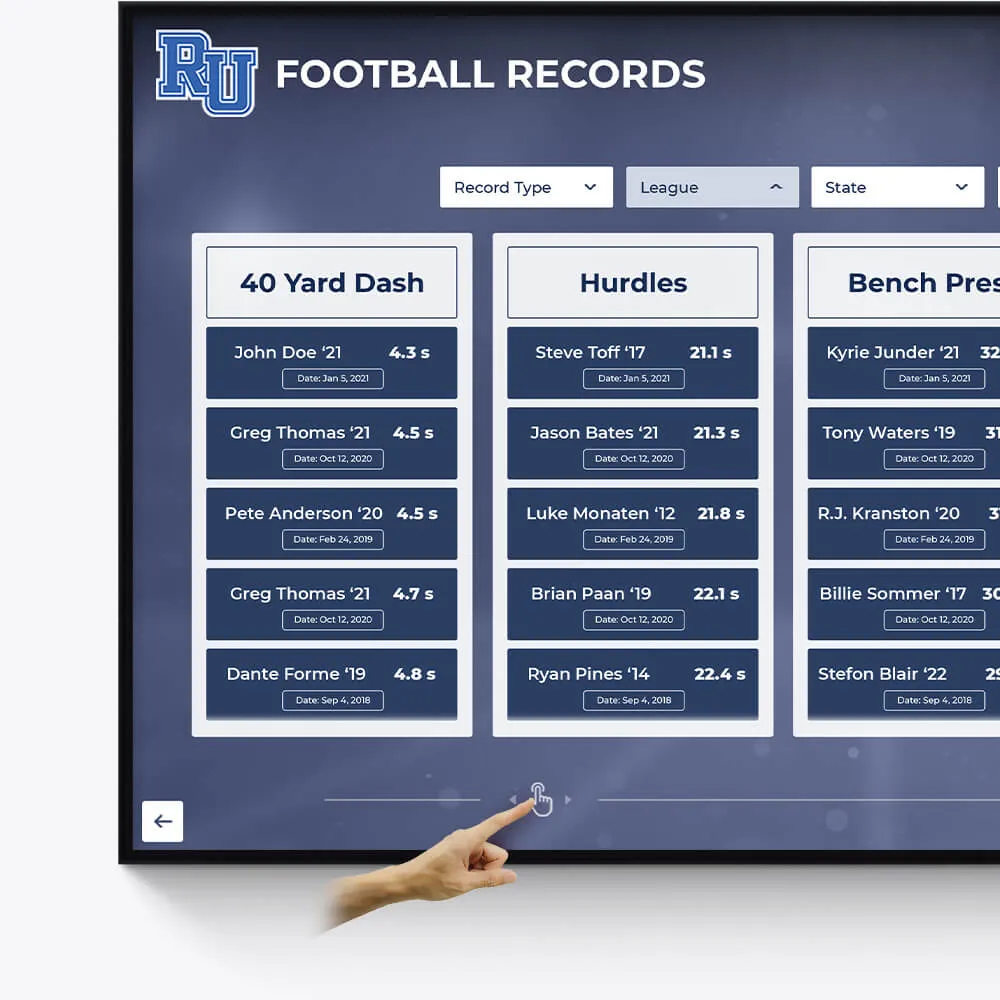
Record Boards
Immortalize outstanding athletic records and performances with our versatile digital record boards, ensuring lasting recognition.
Display current and historical record holders
Easy-to-update interface for new records
Engaging visuals to celebrate athletic achievements
Donor Recognition
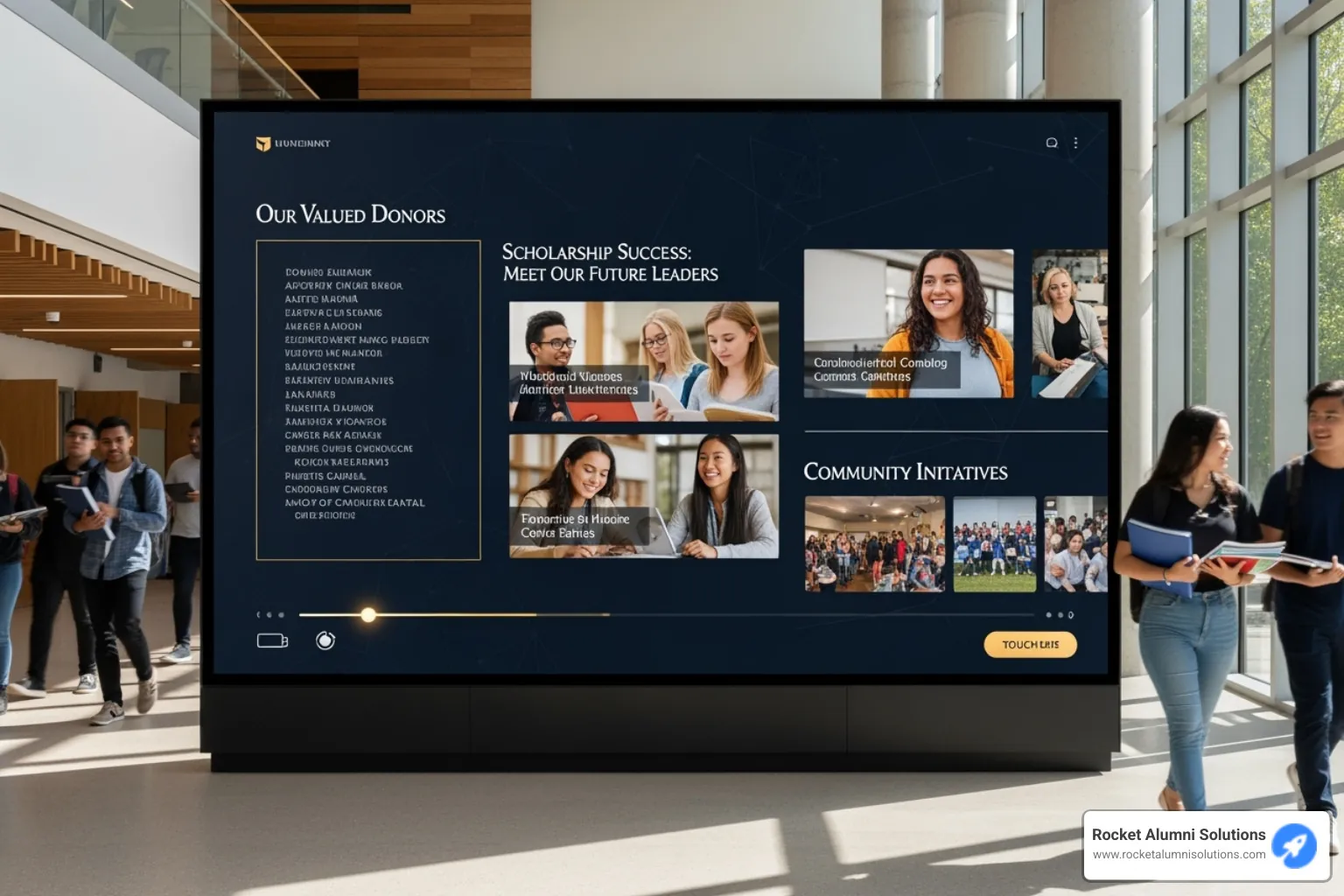
Acknowledge the generosity and impact of your donors with a dedicated and customizable digital display, fostering a culture of gratitude.
Highlight individual donors and their contributions
Incorporate donor stories and impact testimonials
Feature interactive donor walls with search functionality

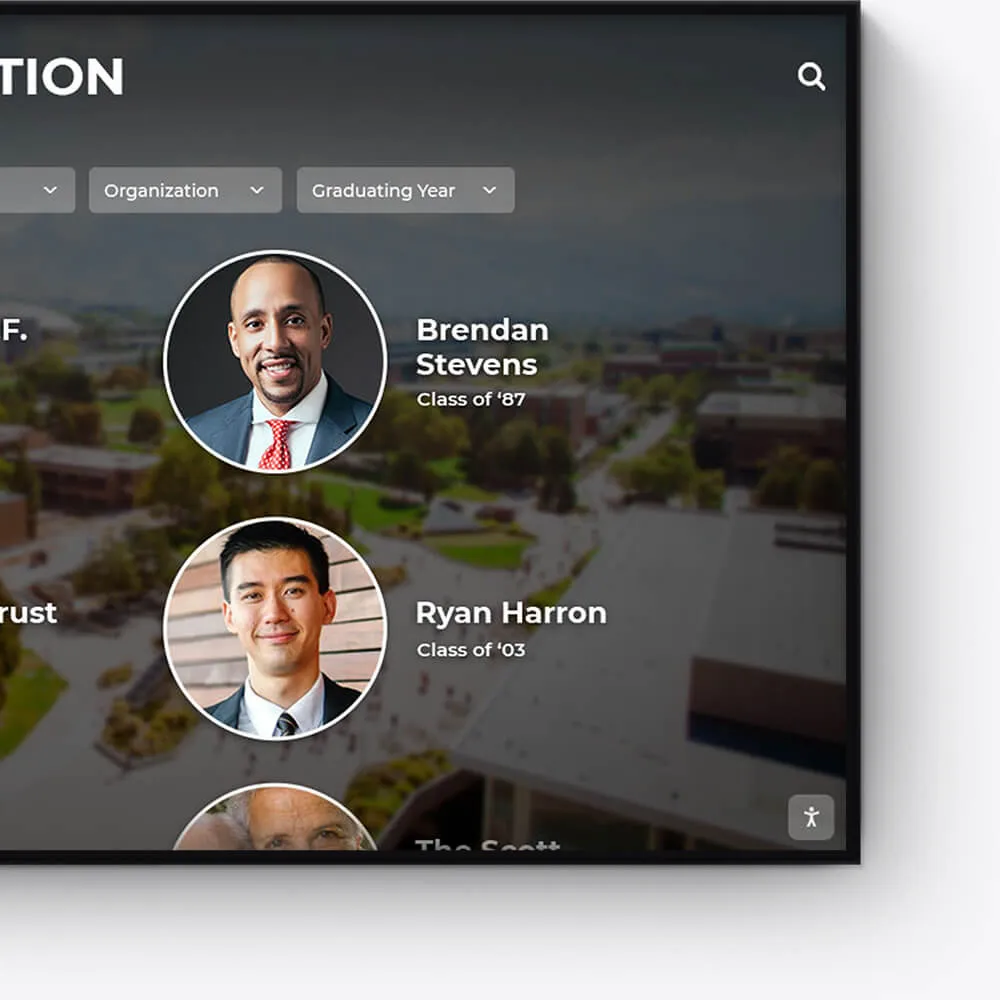
Distinguished Alumni
Showcase the success stories of your alumni, inspiring current and future students with a visually appealing and interactive alumni gallery.
Profile notable alumni with biographies and achievements
Link to alumni networks and success stories
Celebrate diverse paths and accomplishments post-graduation
Graduation Honors
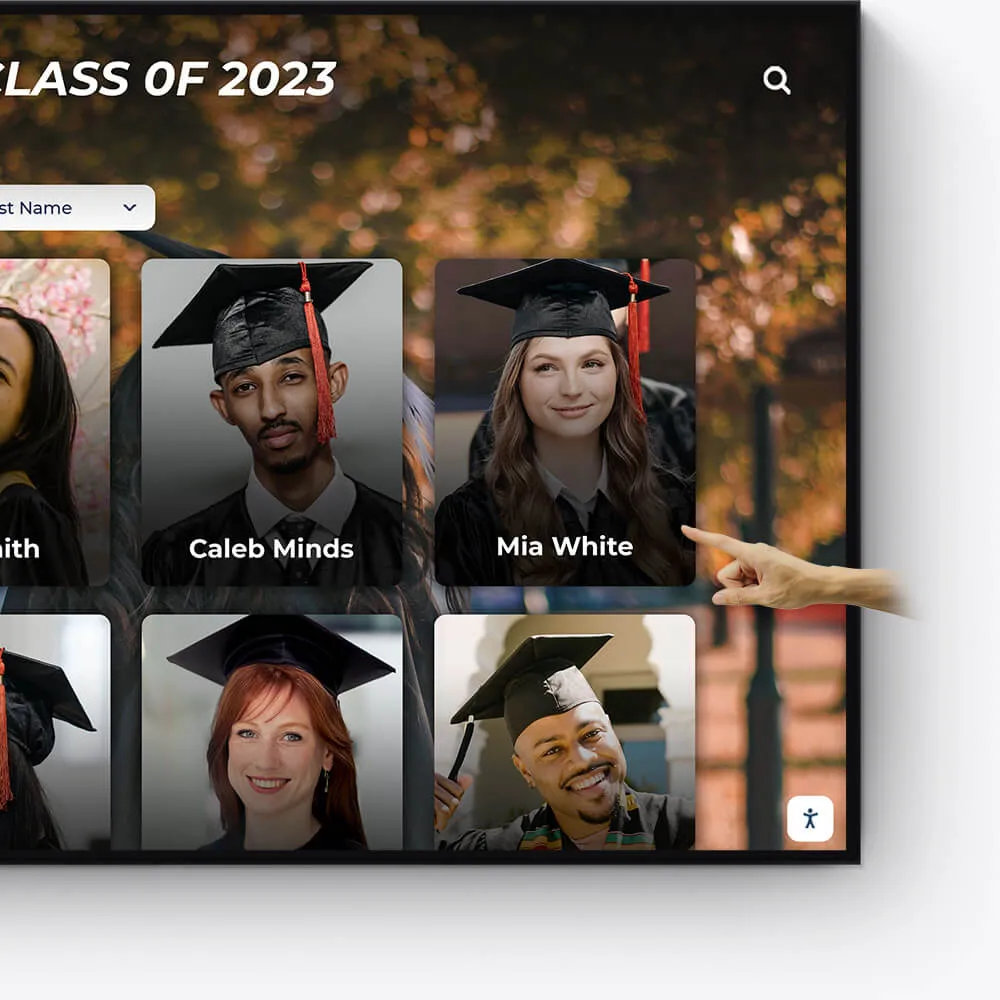
Celebrate your graduates' milestones with a dedicated display for cum laude, magna cum laude, and summa cum laude honorees.
Feature valedictorians, salutatorians, and honor graduates
Showcase graduation speeches and memorable moments
Offer a digital yearbook experience with graduate profiles

Team History
Chronicle the journey and milestones of your sports teams, creating an engaging historical narrative with our interactive displays.
Highlight championship wins and significant games
Showcase evolution of team uniforms and logos
Include past and present team rosters and coaches
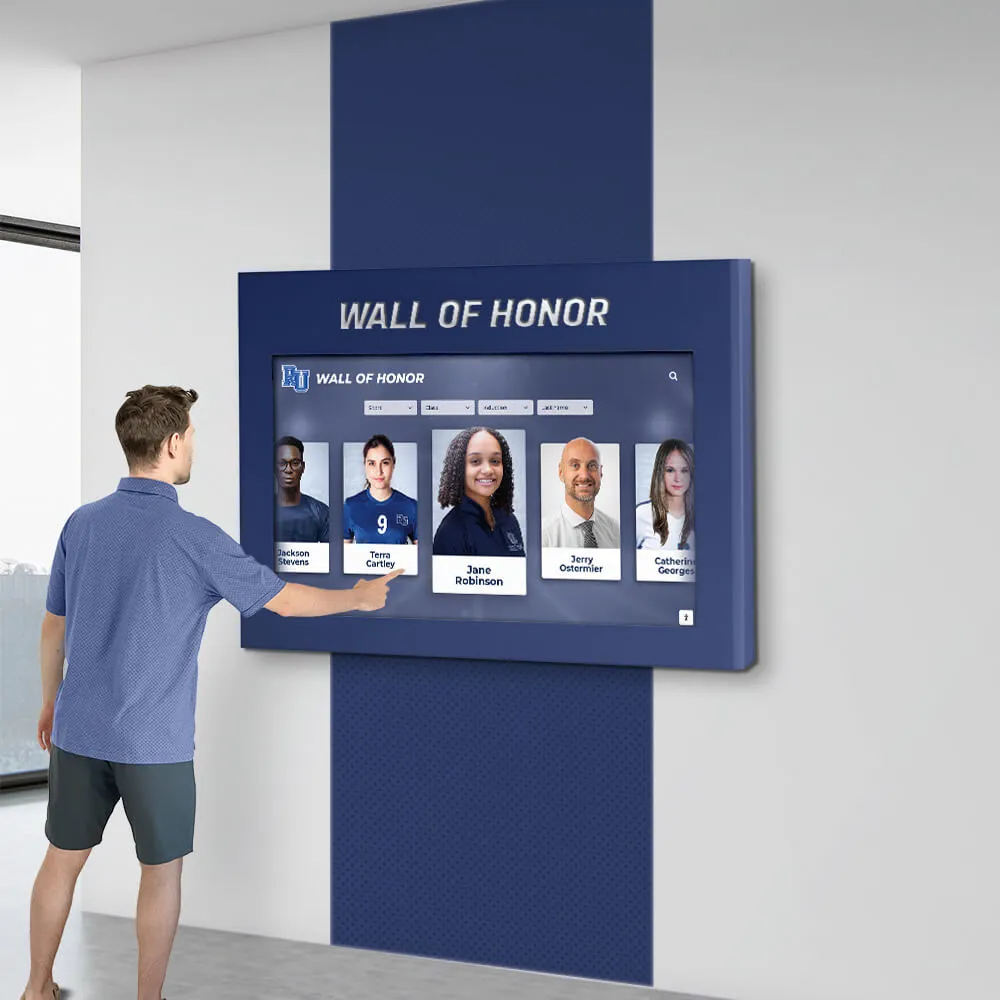
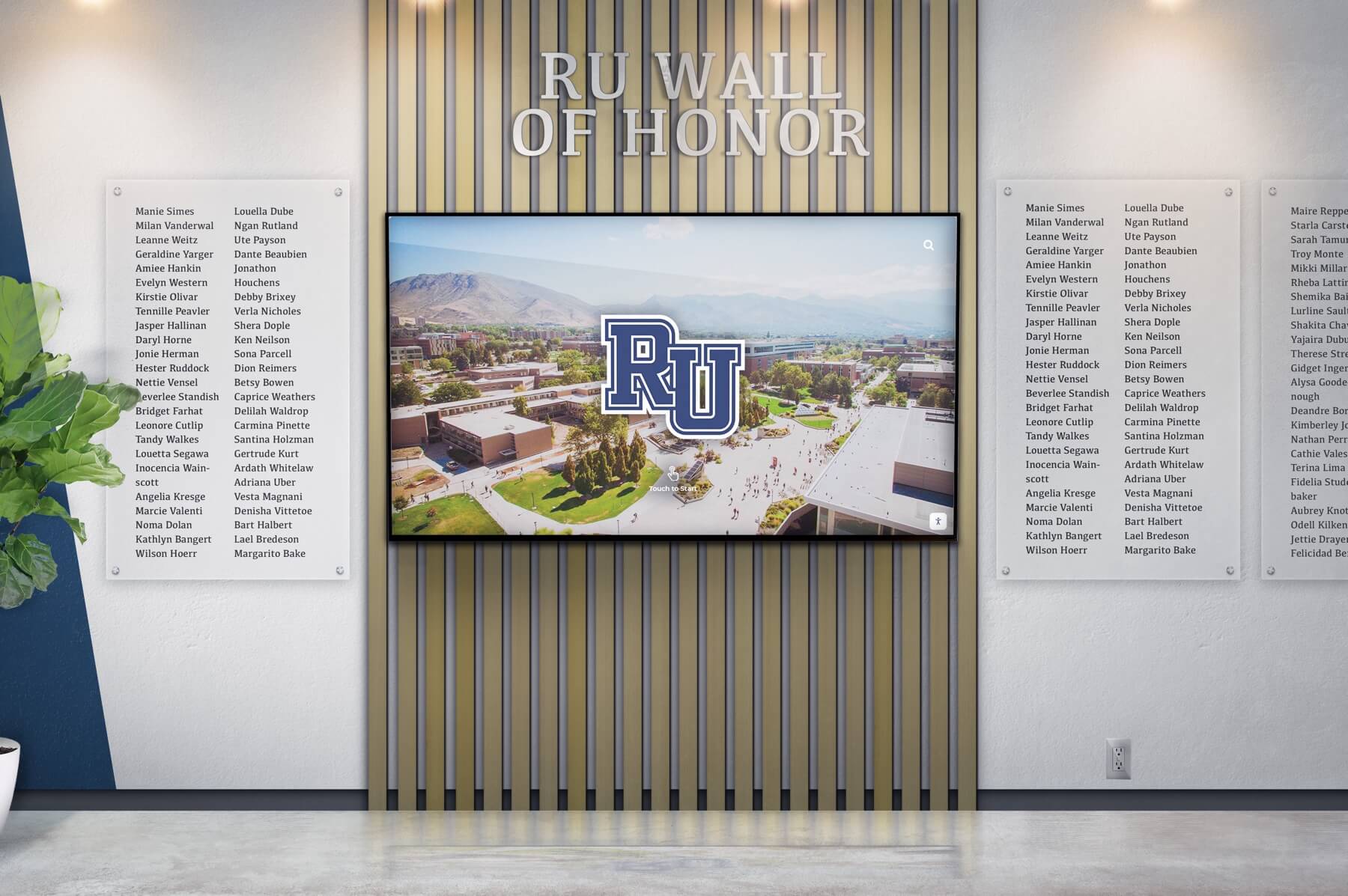
Wall of Honor for Veterans & Service Members
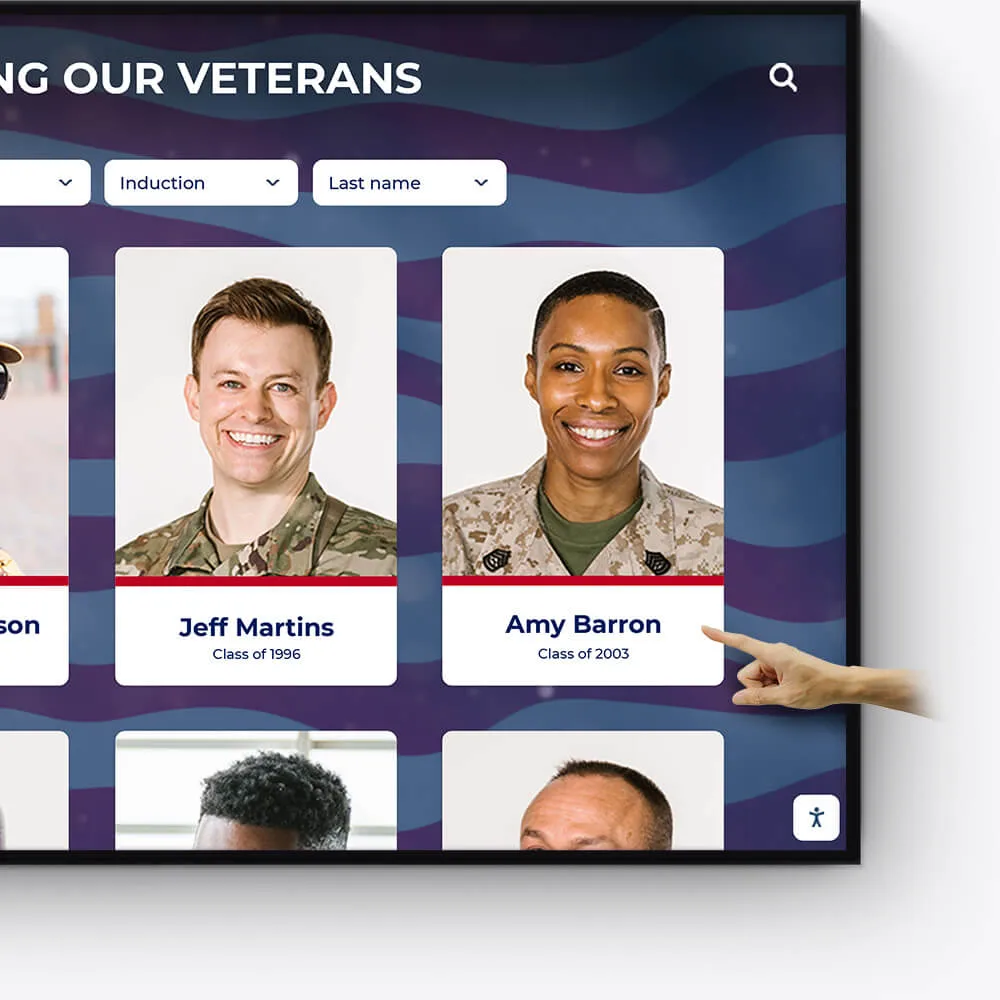
Honor the bravery, service, and sacrifice of veterans and active service members with a dedicated Wall of Honor. This tribute celebrates their commitment and the impact they have made in service to our nation.
Recognize the sacrifices and achievements of veterans and military personnel
Share personal stories, service histories, and accolades
Create a respectful and engaging tribute to those who serve
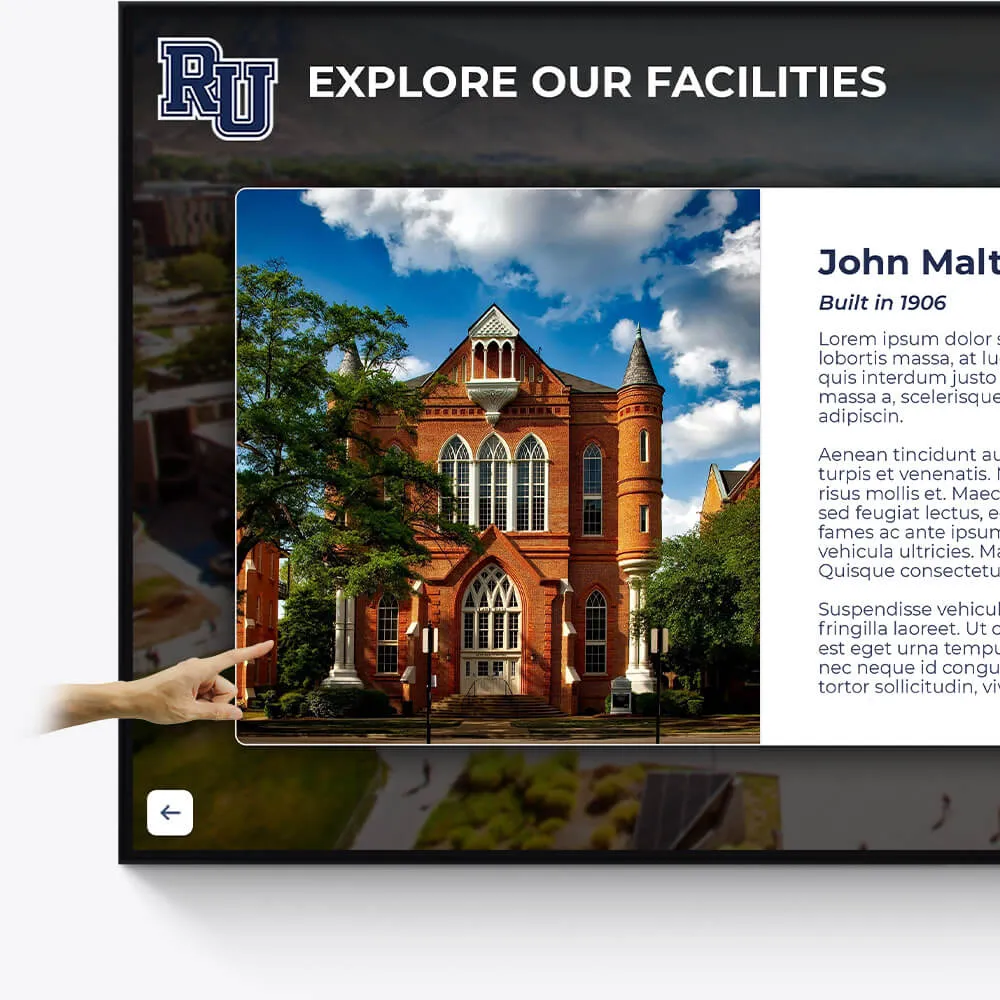
Facilities
Enhance the visitor experience at your facilities with interactive displays showcasing the history, features, and milestones of your buildings and grounds.
Provide virtual tours of your campus and facilities
Highlight renovations, expansions, and historical significance
Include donor recognition for facility contributions
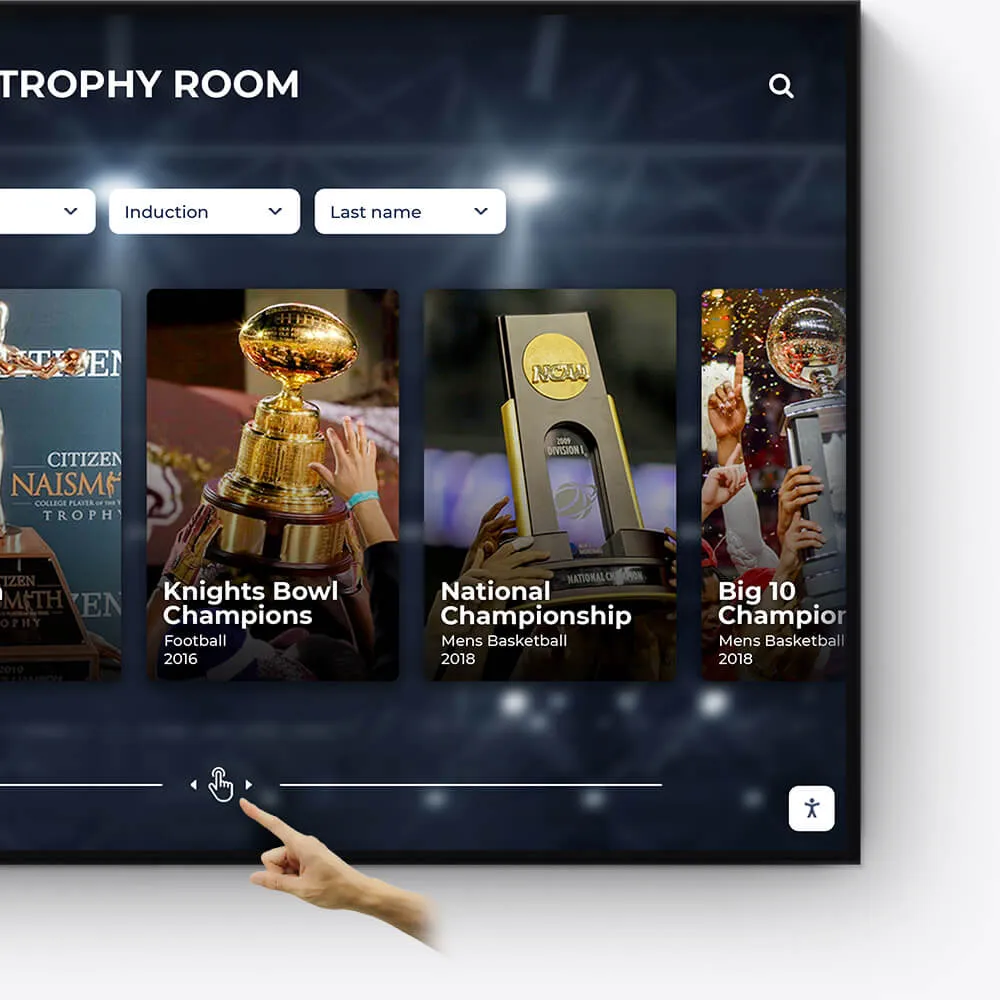
Awards
Showcase the diverse range of awards and honors received by your institution, students, and faculty in an engaging and interactive manner.
Feature departmental, athletic, and extracurricular awards
Highlight national and regional recognitions and rankings
Include interactive timelines of award achievements
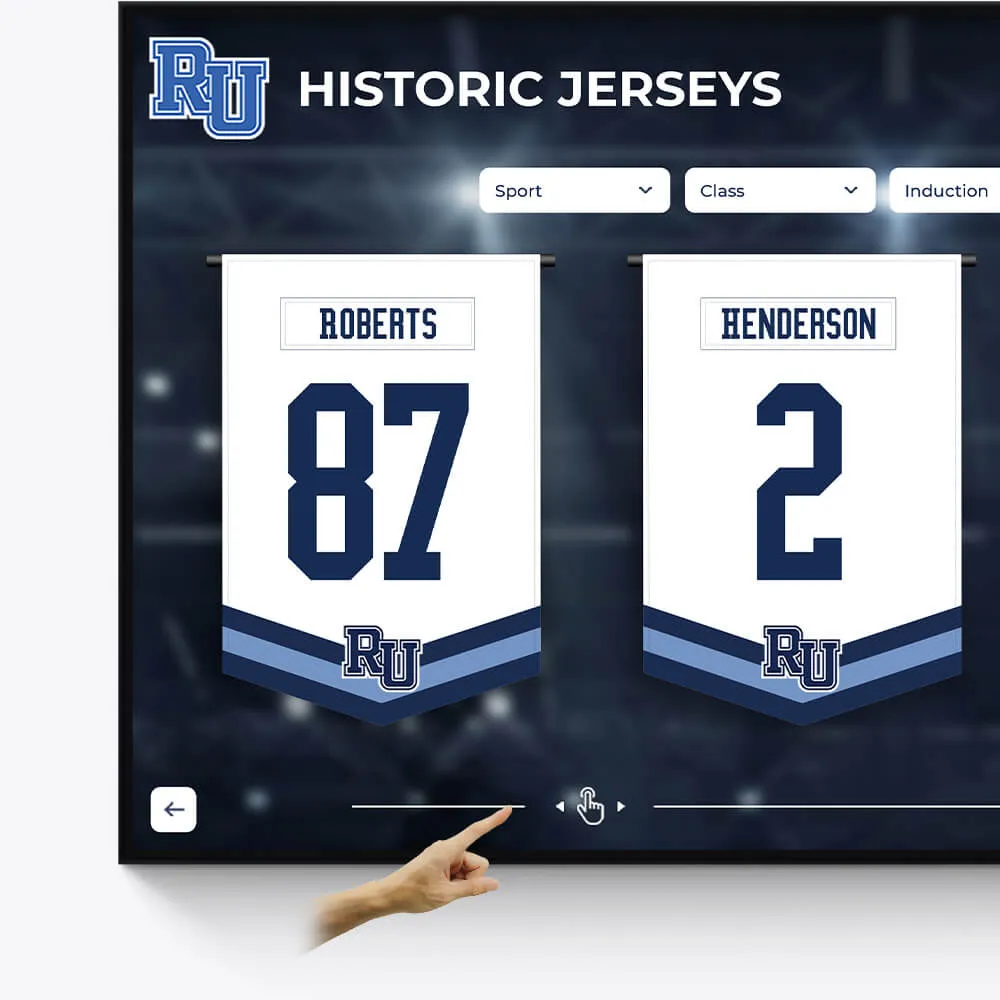
Olympians & Professional Athletes
Celebrate the extraordinary achievements of your alumni who have excelled in the Olympics or turned professional, showcasing their journey and successes.
Profile Olympians and professional athletes with their career highlights
Include achievements, accolades, and professional milestones
Share inspiring stories of dedication and triumph
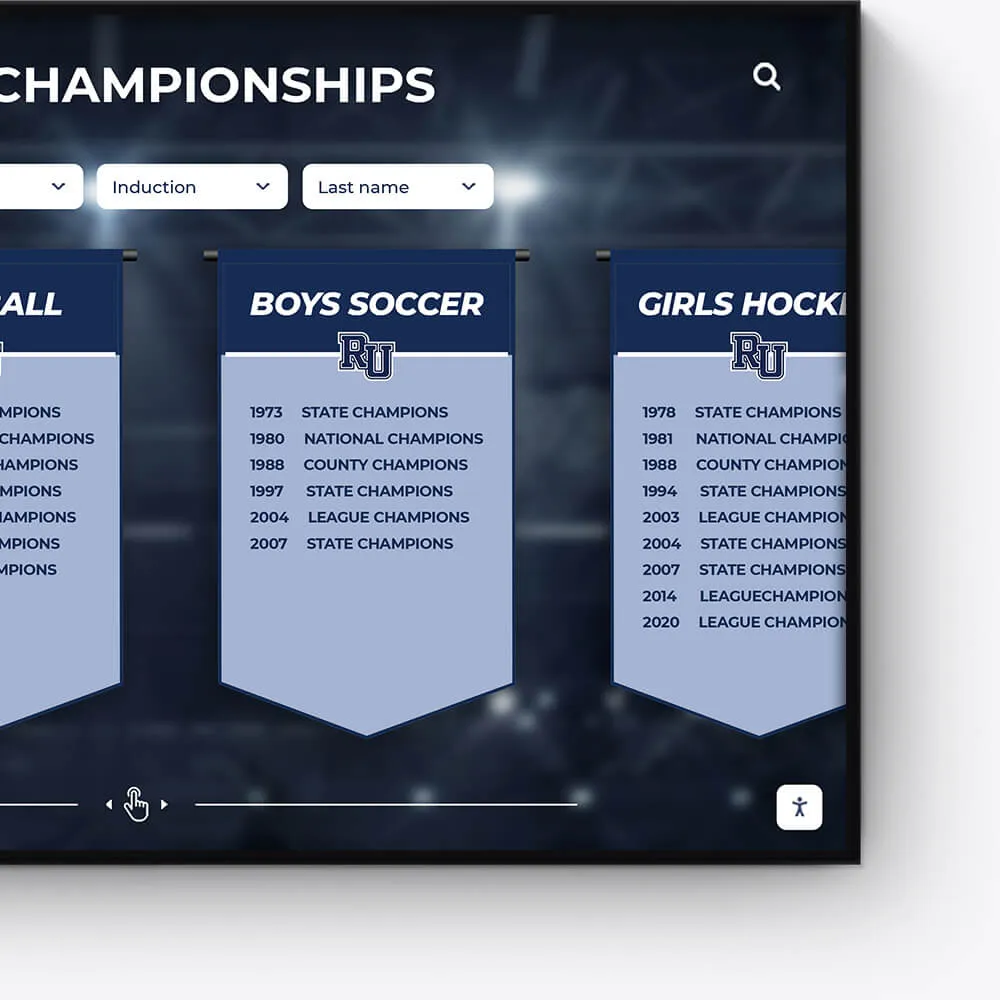
Plaques
Digitally transform traditional plaques into an interactive and dynamic format, offering a modern approach to recognition.
Convert legacy plaques into digital formats
Include detailed information and stories behind each plaque
Offer an interactive and engaging user experience
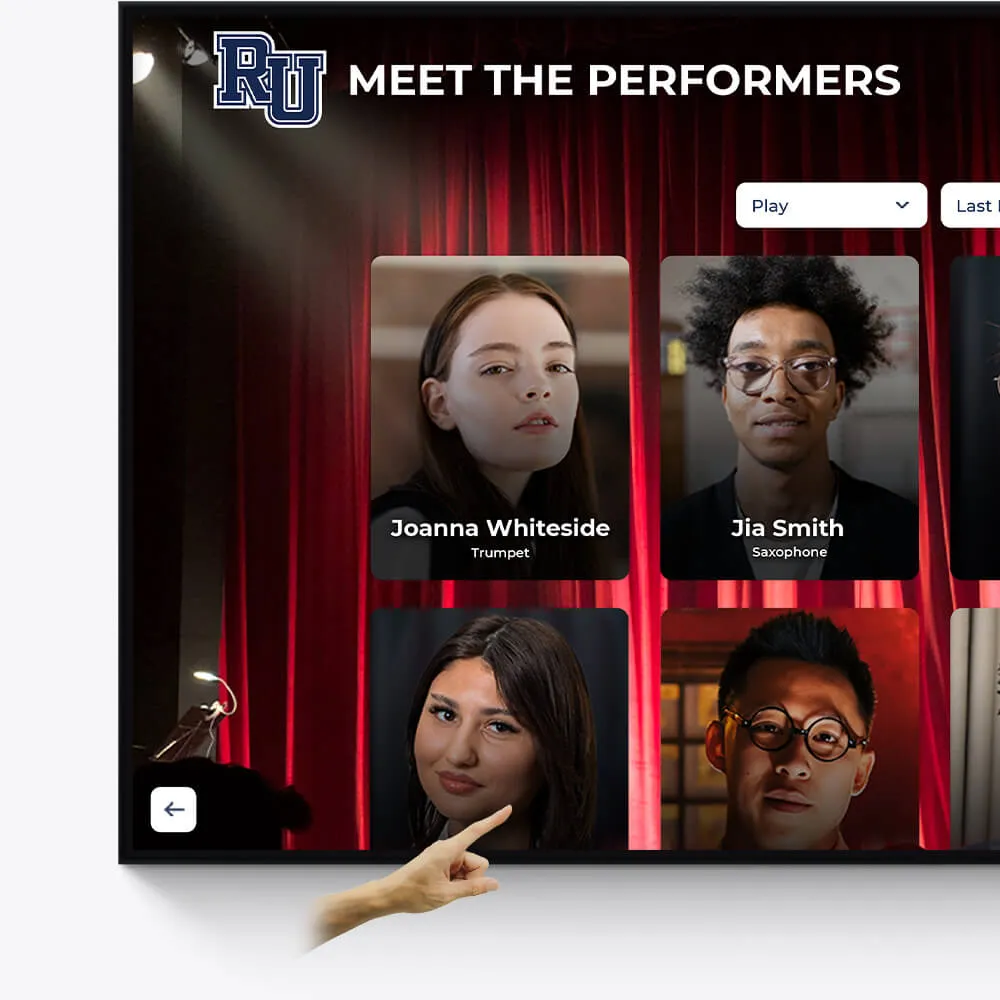
Music & Arts
Seamlessly repurpose old content, dynamically showcase new material, and intelligently adapt to events and announcements.
Make old content relevant again by targeting specific times and audiences
On-demand video access to concerts, a powerful tool for admissions and recognition
Elevated concert promotional content and digital programs
Why Directory Touchscreen Software is Revolutionizing Building Navigation
Directory Touchscreen Software is changing how people steer and interact with buildings, replacing outdated static signs with dynamic, interactive displays that provide real-time information and engaging user experiences.
Quick Answer for Directory Touchscreen Software:
- What it is: Interactive digital displays that replace traditional building directories
- Key features: Searchable tenant listings, wayfinding maps, real-time updates, multimedia content
- Main benefits: 40% increase in customer satisfaction, 30% reduction in visitor inquiries
- Technology types: Infrared, Capacitive, and InGlass touchscreen options
- Content management: Cloud-based systems with 60-second wireless updates
- Applications: Corporate buildings, schools, hospitals, malls, hotels
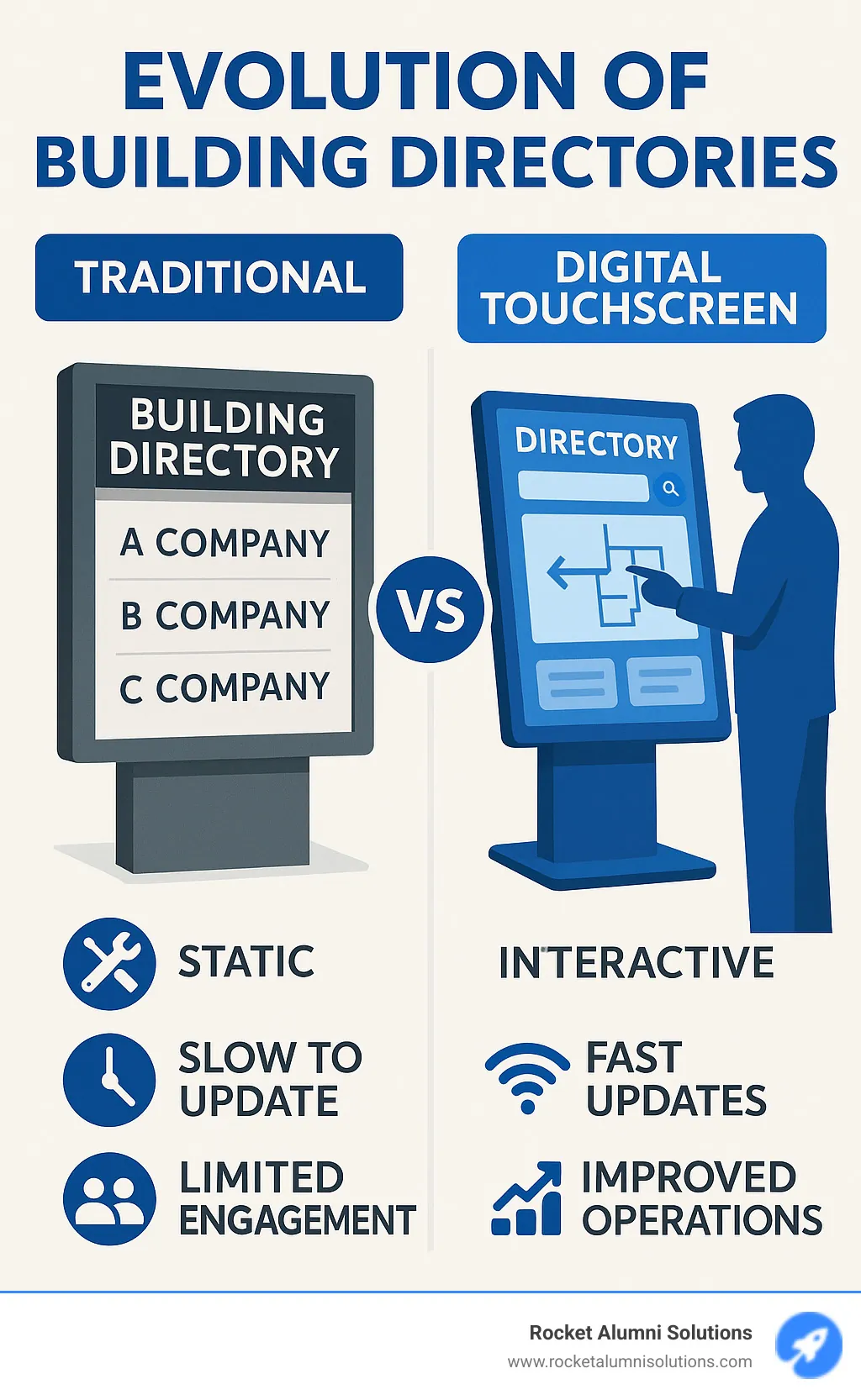
The shift from traditional printed directories to interactive touchscreen solutions represents more than just a technology upgrade - it's a complete reimagining of how buildings communicate with their visitors. Studies show that venues incorporating digital directories witness a 40% increase in customer satisfaction and a 30% reduction in visitor inquiries, streamlining operations while creating more engaging spaces.
Traditional print directories require an average of 2 hours to update, while digital alternatives push changes wirelessly within 60 seconds. This dramatic improvement in efficiency, combined with features like searchable databases, interactive maps, and multimedia content, explains why organizations across industries are making the switch.
I'm Chase McKee, Founder & CEO of Rocket Alumni Solutions, where we've helped 1,500+ schools transform their recognition displays through interactive touchscreen technology. My experience growing our Directory Touchscreen Software platform to $3M+ ARR has shown me how the right interactive solution can dramatically improve community engagement and operational efficiency.
Directory Touchscreen Software word roundup:
What is Directory Touchscreen Software and Why Does it Matter?
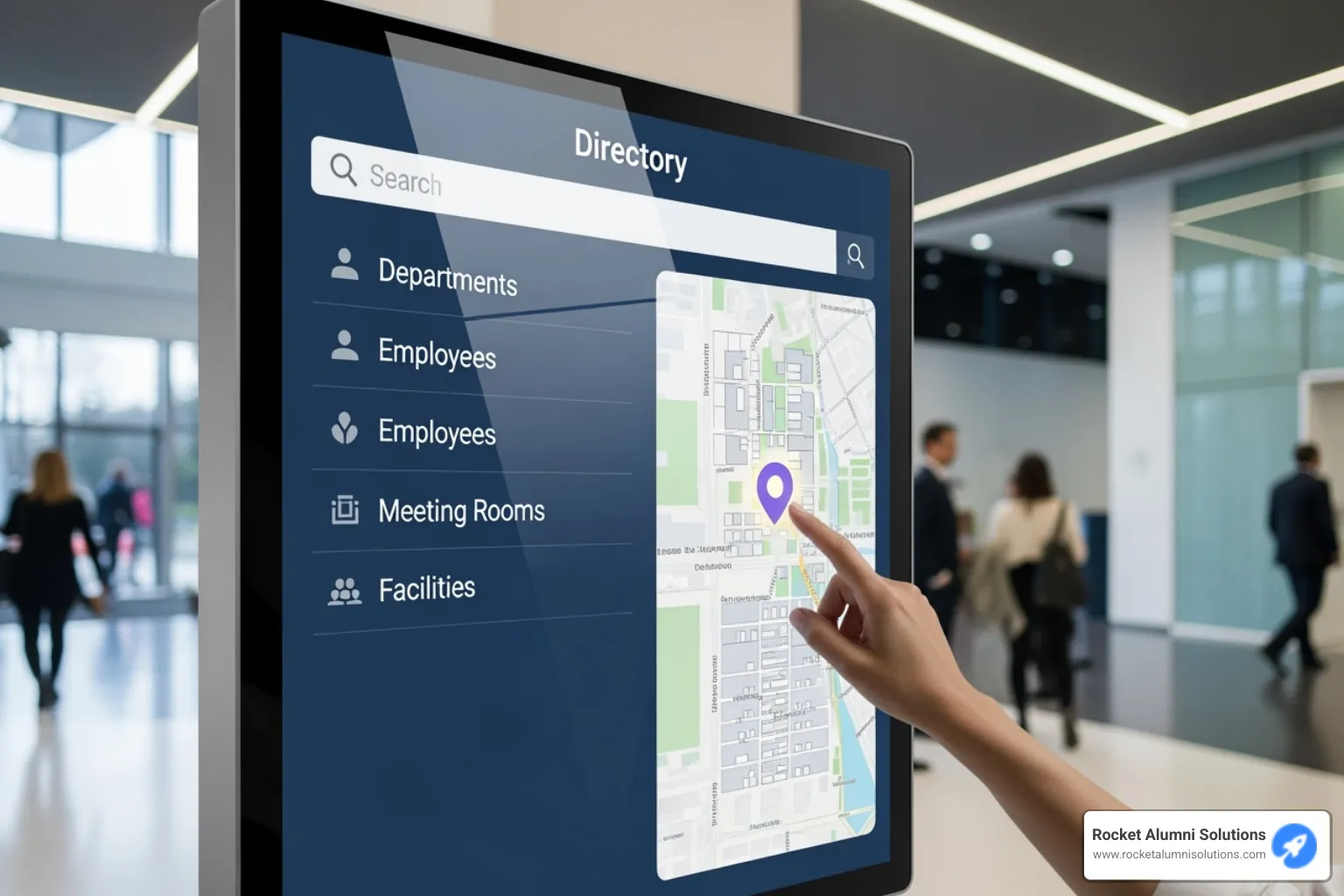
When you enter a busy building like an office, university, or hospital, you typically look for a directory. Instead of an outdated paper list, imagine a sleek, interactive screen powered by Directory Touchscreen Software.
At its core, Directory Touchscreen Software is the intelligence behind interactive digital displays, changing static signs into dynamic information hubs for a smoother, more intuitive user experience.
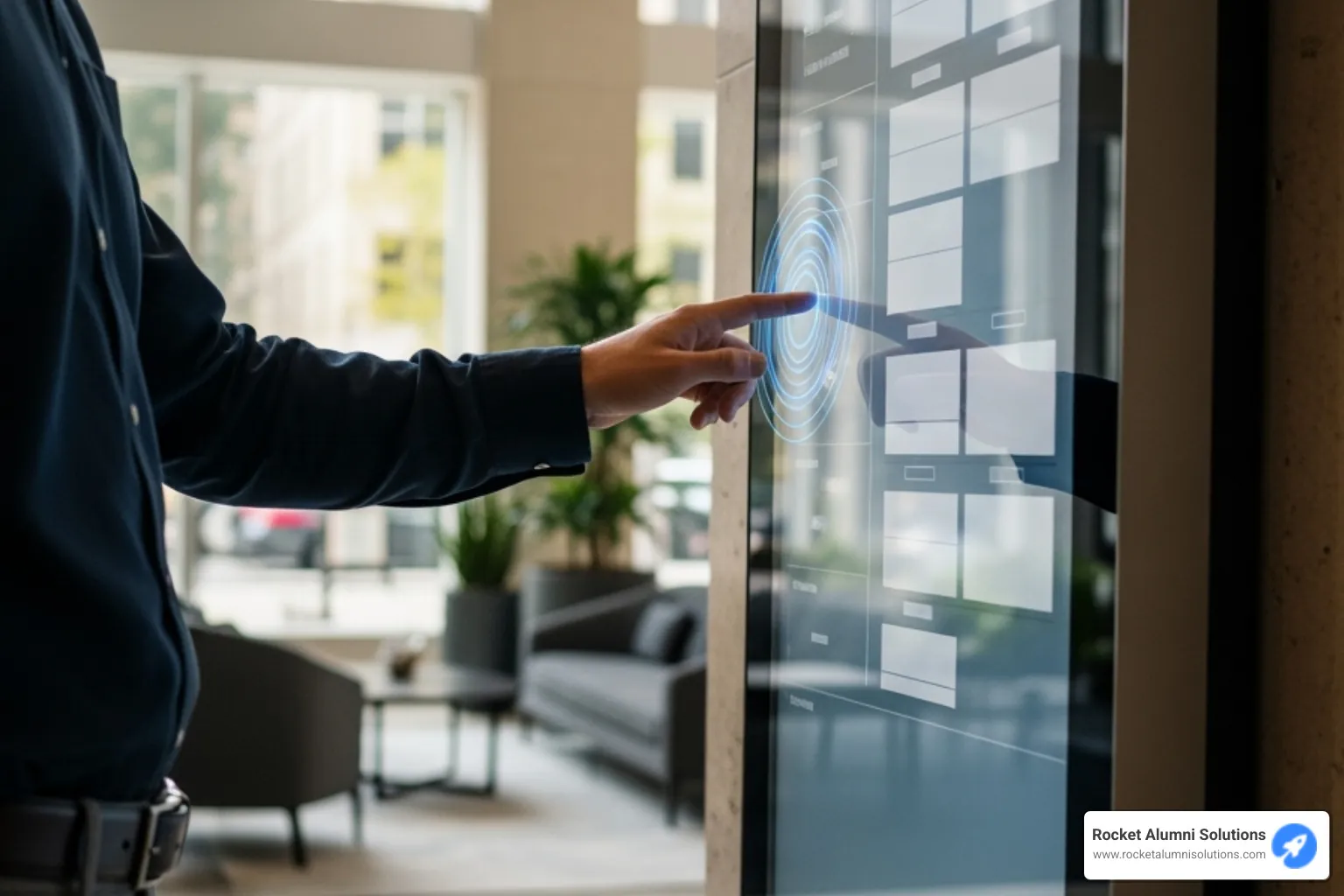
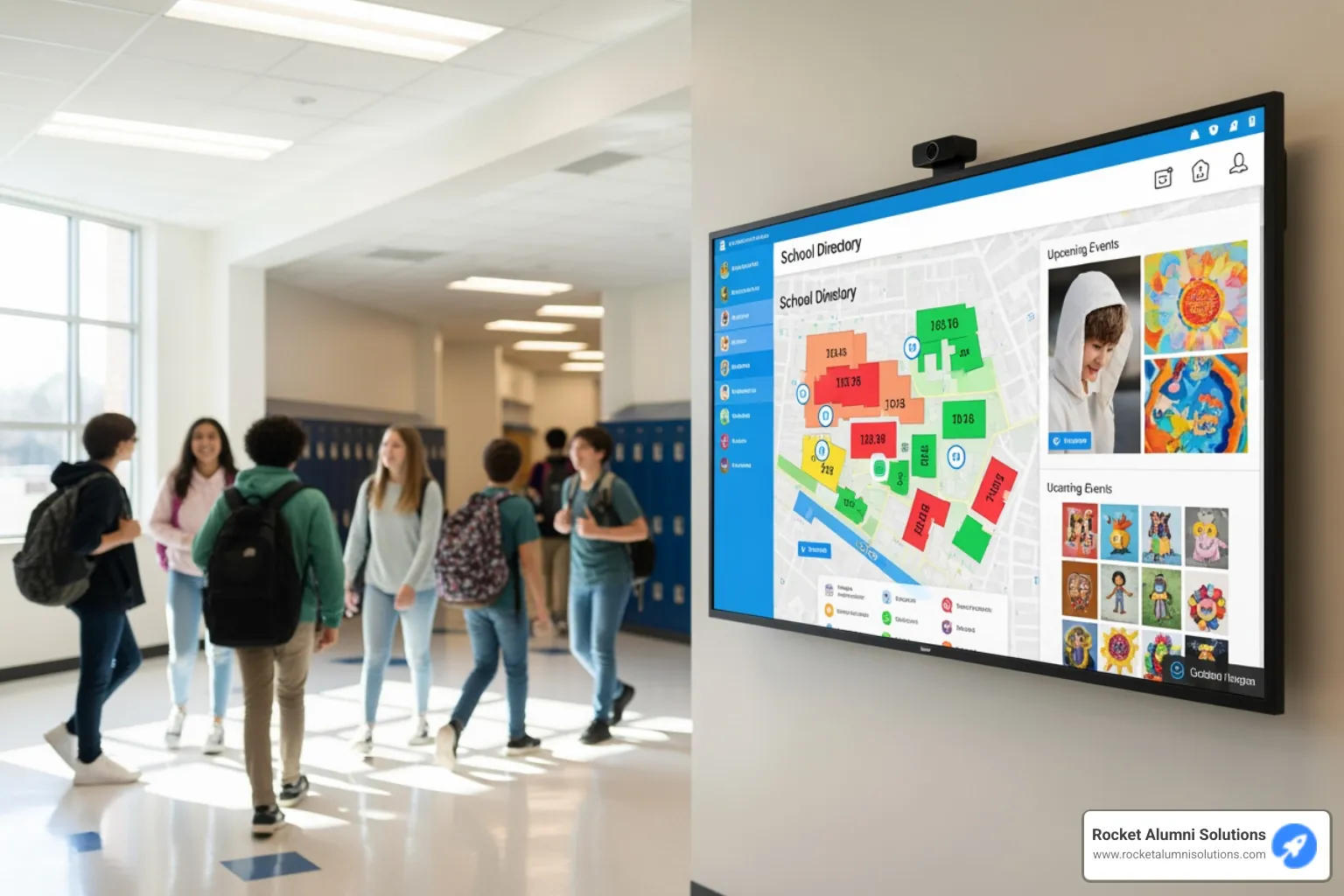
The software's primary function is digital wayfinding. With a simple tap, users can find offices, departments, or classrooms using interactive maps that provide step-by-step directions.
Beyond directions, the software provides tenant listings, important building information, event schedules, and real-time announcements. This accessibility helps visitors and reduces receptionist workload, with buildings reporting a 30% reduction in visitor inquiries.
A key advantage is the update speed. While traditional directories take hours to change, Directory Touchscreen Software updates wirelessly in 60 seconds. This efficiency ensures information is always current, making the software essential for modern properties aiming to streamline operations.
Essential Features of Modern Directory Touchscreen Software
Today's Directory Touchscreen Software is packed with smart features designed to make life easier for everyone:
- Searchable Directories: Users can quickly search by name, department, or keyword to find information, eliminating the need to scan printed lists.
- Interactive Maps & 3D Wayfinding: Dynamic maps offer more than static floor plans, highlighting routes, points of interest, and even providing 3D views for intuitive navigation.
- Multi-Language Support: The ability to switch languages makes directories accessible and welcoming to international visitors in diverse environments like airports or corporate campuses.
- ADA Compliance: Features like adjustable height, high-contrast modes, and screen reader compatibility ensure the system meets ADA (Americans with Disabilities Act) standards, making it accessible to all users.
- Emergency Alerts: In emergencies, directories can instantly display critical alerts, such as evacuation routes, becoming a vital communication tool.
- Analytics and Reporting: The software gathers usage data, providing valuable insights into visitor behavior that help managers improve content and understand traffic flow.
Interactive vs. Traditional: The Key Advantages
When comparing interactive digital directories to static signs, the benefits of Directory Touchscreen Software are clear:
First, there's Improved User Engagement. Interactive screens encourage active user engagement. Instead of just glancing, visitors use the display, which can increase interaction time by an average of 47%, creating a more dynamic experience.
Next, consider Improved Property Appeal. A sleek digital directory improves property appeal, making a space look more modern and professional by replacing outdated signs with an integrated communication hub.
Then there's Real-Time Information. Digital directories provide real-time information like weather, news, transit schedules, and event listings, ensuring content is always current, unlike static signs.
There are also Advertising Revenue Opportunities. Digital directories can feature ads or sponsorships, creating a new revenue stream for building owners and helping to offset the initial investment.
And let's not forget about Operational Efficiency. Beyond fast updates, digital directories reduce printing costs, eliminate manual sign-posting, and free up staff from answering repetitive questions, boosting overall efficiency.
Finally, all these advantages lead to Improved Customer Satisfaction. By making navigation easy and stress-free, digital directories create a better visitor experience, leading to a 40% increase in customer satisfaction and a lasting positive impression.
The Core Components: Hardware and Touchscreen Technology
Directory Touchscreen Software is the brain, but the hardware is the body. Choosing the right hardware is crucial as it's the foundation for all visitor interactions.
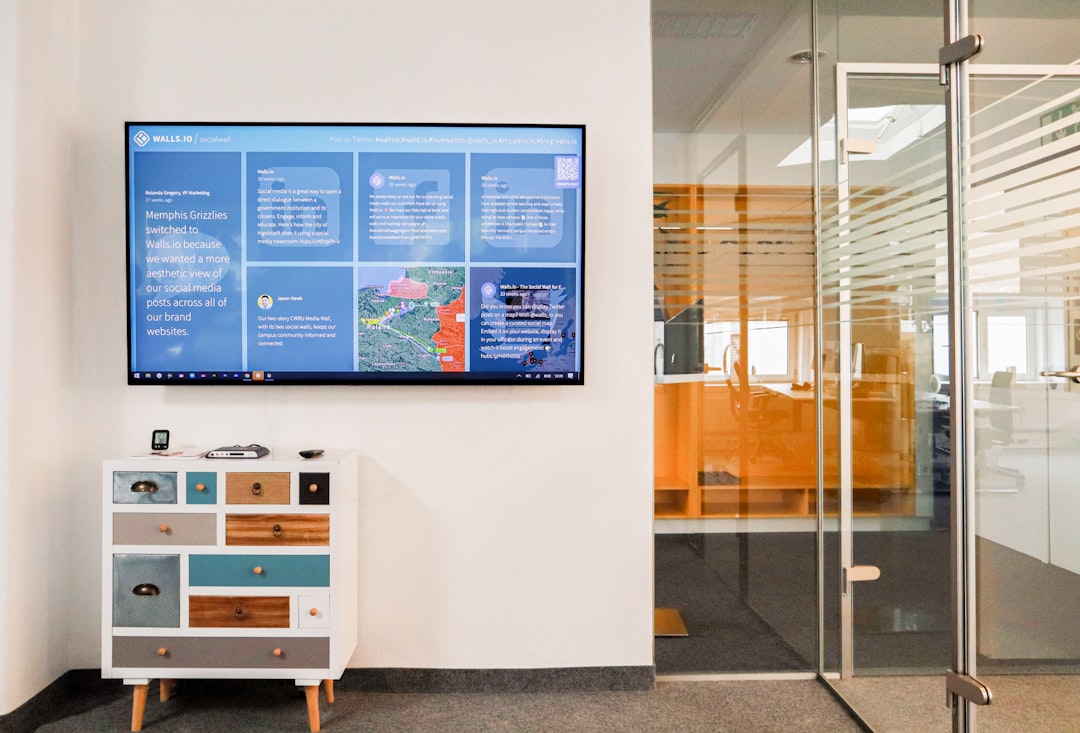
Hardware options include several choices. Freestanding kiosks act as digital greeters in lobbies and public spaces. These self-contained units can be sleek or rugged to suit high-traffic areas.
Wall-mounted displays save floor space and blend into walls, offering full functionality in sizes from 8 to 98 inches.
Outdoor-rated enclosures are built to withstand weather, featuring brighter displays for sunlight and temperature control for year-round operation.
Media players are the computers that power the displays, either integrated as a System on Chip (SoC) or connected via HDMI. Systems typically require a 110V outlet and internet. A hardwired Cat5 or Cat6 connection is recommended for reliability over wireless.
Comparing Touchscreen Technologies
Choosing the right touchscreen technology is critical for the user experience. Each type has its own strengths.
| Technology | Durability | Responsiveness | Multi-touch Capability | Cost | Environmental Factors |
|---|---|---|---|---|---|
| Infrared (IR) | Good, relies on light beams, less prone to scratches. | Moderate | Yes | Lower | Can be affected by direct sunlight or dust on bezel. |
| Capacitive (PCAP) | Excellent, scratch-resistant glass surface. | High, very fluid and precise | Yes, very robust | Higher | Less affected by light, but can be affected by water. |
| InGlass | Excellent, similar to PCAP. | High, very fluid and precise | Yes | Moderate-High | Good performance, less susceptible to interference. |
Infrared (IR) touch uses a grid of light beams to detect touch. It's a budget-friendly option, but can be affected by direct sunlight or dust.
Capacitive (PCAP) touch offers a smooth, responsive experience similar to smartphones. It uses electrical fields to detect touch and provides a premium feel, justifying its higher cost.
InGlass touch embeds sensors in the glass, balancing the performance of PCAP with a more moderate cost. It's a popular choice offering great responsiveness and practicality.
Choosing the Right Hardware for Your Space
Picking the perfect hardware requires matching it to your space, needs, and style.
Lobby size and foot traffic are key factors. A busy lobby may need multiple large displays, while a smaller space might only need a single wall unit.
Aesthetic considerations are important, as the display becomes part of your building's identity. Modern designs can blend in or stand out as a contemporary feature.
Indoor versus outdoor placement dictates hardware needs. Outdoor units require weather-resistant enclosures with improved brightness, while indoor units can focus more on aesthetics.
Budget constraints are a reality. We help find solutions that deliver maximum impact within your budget. A well-positioned smaller display can be more effective than a large one that's a poor fit.
Mastering Your Message: Content Management and Customization
The real magic of Directory Touchscreen Software isn't just in its shiny screen; it's in how incredibly easy it is to keep your content fresh and exciting! Think of it as having a friendly assistant who handles all your updates with a snap of their fingers.
At the heart of this easy management is a cloud-based Content Management System (CMS) dashboard. What does "cloud-based" mean for you? It means you can update your digital directory from anywhere with an internet connection. No more rushing back to the building, wrestling with paper printouts, or spending a couple of hours trying to make a simple change. With our system, your updates are sent wirelessly and appear on the display in a remarkable 60 seconds. Talk about fast!
We've made sure our CMS is super easy to use. Honestly, if you can type an email, you'll feel right at home. Most non-technical folks can master editing and updating content within just 15 minutes. This means anyone on your team can keep information current and lively. You can even set schedules for your content, so special announcements or ads pop up exactly when you want them to. Plus, with handy template libraries and strong brand customization options, your directory will always look perfectly aligned with your organization's unique style.
How to Update and Customize Your Directory Touchscreen Software
Updating and making your digital directory truly yours is a breeze. We've designed the process to be as simple and intuitive as possible.
You'll love our drag-and-drop editors. It’s just like arranging blocks on a screen! You can easily place text, images, or videos exactly where you want them. For content that changes often, our Directory Touchscreen Software can even connect to your existing data. This means it can sync up with simple spreadsheets, like a Google Sheet with millions of cells, or link directly to complex systems through APIs. Imagine your tenant list updating itself automatically! This saves you time and makes sure everything is always spot-on.
Need to share big documents or presentations? No problem! Our software can display long text documents or even large presentations. This means you can show detailed PDFs, helpful brochures, or full slideshows right on your directory. And remember that awesome 60-second wireless update? It ensures that any change you make is almost instantly live, keeping your visitors informed with the very latest information.
Making the directory truly yours is also a key part of the process. You can fully customize the branding with your organization's logos, specific colors, and even choose fonts that match your style. (We suggest a clear, easy-to-read font, about 20-30 points in size, like a sans-serif font). For our friends in educational and athletic communities, we offer even more specialized touches. You can create custom homepages, pull in social media feeds, show calendars, and even include QR codes for mobile access. Imagine unlimited entries for alumni, staff, or team profiles, with custom layouts that truly celebrate each person or group. You can also feature animated flip books for digital yearbooks or embed external websites. Plus, there's even space to add advertisements or sponsorships, which can open up new ways to generate revenue!
Opening Up Value: Key Benefits and Applications of Directory Touchscreen Software
Investing in Directory Touchscreen Software provides tangible benefits beyond a modern lobby display, impacting organizational efficiency and visitor satisfaction. Venues report a 40% increase in customer satisfaction, which translates to significant operational improvements.
When visitors can self-steer, staff are freed from giving repetitive directions to focus on more meaningful tasks. Visitors feel empowered, and front desk teams become more efficient. The reduced administrative workload is a key benefit, as staff can focus on high-value tasks, which can improve job satisfaction.
Directory Touchscreen Software also acts as a powerful communication hub. It instantly displays emergency alerts or important building updates, ensuring prompt and improved communication of critical information. The safety benefits are significant, as interactive wayfinding can guide people to exits during emergencies, and integration with security systems makes the directory a key part of your safety infrastructure.
Industries Benefiting from Digital Directories
Directory Touchscreen Software is versatile, benefiting nearly any organization with a physical location and visitors. It has been successfully leveraged across diverse industries.
Corporate offices and commercial real estate use these systems to simplify tenant management and create a professional first impression with modern wayfinding technology.
Healthcare facilities are a key application. In complex hospitals, digital directories reduce patient stress by providing clear guidance, doctor availability, and wait times.
University campuses and educational institutions are where our heart truly lies at Rocket Alumni Solutions. We help schools transform recognition displays into dynamic digital showcases. They guide visitors, celebrate achievements, and connect the community by displaying hall of fame inductees, digital yearbooks, and social media feeds.
Shopping malls and retail environments use digital directories to improve the shopper experience with promotions, store locators, and event listings, while generating ad revenue to offset costs.
Hotels and hospitality venues use these systems as digital concierges, offering information on attractions, amenities, and events. This improves guest satisfaction and reduces front desk inquiries.
Government buildings, museums, transportation hubs, and sports venues also use Directory Touchscreen Software to streamline services and improve visitor and fan experiences.
Calculating ROI and Operational Efficiency
The ROI for Directory Touchscreen Software comes from ongoing operational benefits, including cost savings and new revenue opportunities.
Reduced printing costs are substantial. Eliminating the recurring expense of designing, printing, and updating paper directories can save thousands annually.
Decreased staff time for visitor assistance translates to labor savings. A 30% reduction in visitor inquiries boosts team productivity, allowing staff to focus on higher-value tasks.
Potential advertising revenue opportunities can offset the investment. Selling ad space to tenants or local businesses creates a revenue stream that can cover system costs, sometimes within the first year.
Improved tenant and visitor retention is a valuable benefit. Positive experiences lead to higher return rates, recommendations, and lease renewals, strengthening community relationships.
Data-driven space management provides insights for better decision-making. Analytics on traffic patterns and popular destinations help optimize operations like cleaning and security, revealing further opportunities for savings.
At Rocket Alumni Solutions, we've seen how the right digital directory solution can transform not just a building's functionality, but its entire community culture. When technology removes barriers and creates connections, everyone benefits.
Frequently Asked Questions about Digital Directories
When people first learn about Directory Touchscreen Software, they naturally have questions. After helping 1,500+ schools and organizations make the switch to digital displays, I've heard just about every concern you can imagine. Let me address the most common ones.
How much does a digital directory system cost?
The honest answer? It depends on what you need, much like buying a car. You can get a reliable sedan or a luxury SUV - both will get you where you're going, but the features and price vary significantly.
Hardware costs form the foundation of your investment. This includes the display screen itself (ranging from compact 8-inch units to impressive 98-inch monitors or even multi-screen video walls), the enclosure type (freestanding kiosk, wall-mounted, indoor, or outdoor-rated), and the media player that runs everything.
Software licensing typically follows one of two models. Most providers offer SaaS (Software as a Service) subscriptions with monthly or yearly fees that include updates and support. Some still offer perpetual licenses, though these are becoming less common. At Rocket Alumni Solutions, we believe in transparent, flat-rate pricing for our software features, regardless of how many you choose to use.
Installation fees vary based on complexity. If you can hang a TV on a wall, you can probably handle a basic installation yourself using our step-by-step directions. More complex setups often benefit from professional installation, which ensures everything works perfectly from day one.
Don't forget about content creation costs for initial graphic design and custom integrations, plus maintenance plans for ongoing support and updates. These investments ensure your system stays current and runs smoothly for years to come.
Are digital directories difficult to install and maintain?
Not at all! Modern Directory Touchscreen Software solutions are designed with simplicity in mind, both for installation and daily use.
The installation process is surprisingly straightforward. Most systems need just two things: a standard 110V power outlet and an internet connection. We prefer hardwired Cat5 or Cat6 connections for reliability, but wireless and even LTE/cellular options work when wired connections aren't available.
Many providers offer turnkey solutions that handle everything - hardware, software, graphic design, and on-site installation. If you prefer the DIY approach, self-install packages come with clear instructions that most people can follow without trouble.
Ongoing support is where good providers really shine. We offer comprehensive training (most people master the content management system within 15 minutes), detailed documentation, and customer service for any questions that come up. Each system includes annual software support to keep everything running smoothly.
Software updates happen automatically since most systems are cloud-based. You'll get the latest features and security improvements without lifting a finger. Hardware lifespan is impressive too - digital displays are built to last, with outdoor units featuring special enclosures and temperature control for extra durability. Usually, routine cleaning is the only physical maintenance you'll need.
Can digital directories be made accessible for all users?
Absolutely! Making our solutions accessible to everyone isn't just important to us - it's essential. We design all our Directory Touchscreen Software with inclusivity in mind, following standards like ADA WCAG 2.1 AA.
ADA compliance features are built right into the system. This includes voice navigation capabilities that let users control the directory with spoken commands instead of touch. High-contrast modes improve readability for users with visual impairments by creating stark differences between text and background colors.
Screen reader compatibility ensures the software works seamlessly with external programs that convert on-screen text into spoken words for users who are blind or have severe visual impairments. We also support adjustable height kiosks for freestanding units, making them comfortable for users of all heights, including those in wheelchairs.
Clear design choices matter too. We use large, sans-serif fonts (typically 20-30 point size) with plenty of white space, ensuring text is easy to read for everyone. These aren't afterthoughts - they're core features that make your digital directory welcoming and useful for all visitors, regardless of their abilities.
The goal is simple: everyone who walks into your building should be able to find what they need quickly and independently. That's what good Directory Touchscreen Software delivers.
Conclusion
Directory Touchscreen Software represents so much more than swapping out an old paper sign for a shiny new screen. It's really about creating spaces that work better for everyone who walks through your doors.
Think about it - when visitors can easily find what they're looking for, when your staff isn't constantly interrupted with "Where's the bathroom?" questions, and when your building feels modern and welcoming, everyone wins. The numbers back this up too: that 40% increase in customer satisfaction and 30% reduction in visitor inquiries we've talked about aren't just statistics - they're real improvements that make daily life smoother for everyone involved.
The future of wayfinding is already here, and it's interactive, personal, and surprisingly intuitive. With robust hardware that can handle whatever your space throws at it, and cloud-based systems that let you update everything in 60 seconds from your phone, these digital directories truly empower visitors to help themselves. No more squinting at tiny text or wondering if the information is even current.
For schools and athletic programs especially, our Directory Touchscreen Software solutions do something really special. They turn those dusty trophy cases and faded plaques into living, breathing celebrations of achievement. Students love seeing their accomplishments displayed in vibrant, interactive formats that they can actually engage with and share.
Whether you're managing a corporate office, running a school, or overseeing any space where people need to find their way around, the benefits are clear. Reduced printing costs, happier visitors, more efficient operations, and a property that feels current and professional - it all adds up to a smart investment that pays for itself.
Ready to see what Directory Touchscreen Software can do for your space? We'd love to show you how easy it is to transform your visitor experience and create the kind of modern, efficient environment that makes everyone's day a little bit better.