A Comprehensive Guide to Interactive Displays
Discover the power of Interactive Media Display! Learn features, benefits, types, and TCO for enhanced engagement and communication.


The Easiest Solution
All you need:
Power Outlet
Wifi or Ethernet
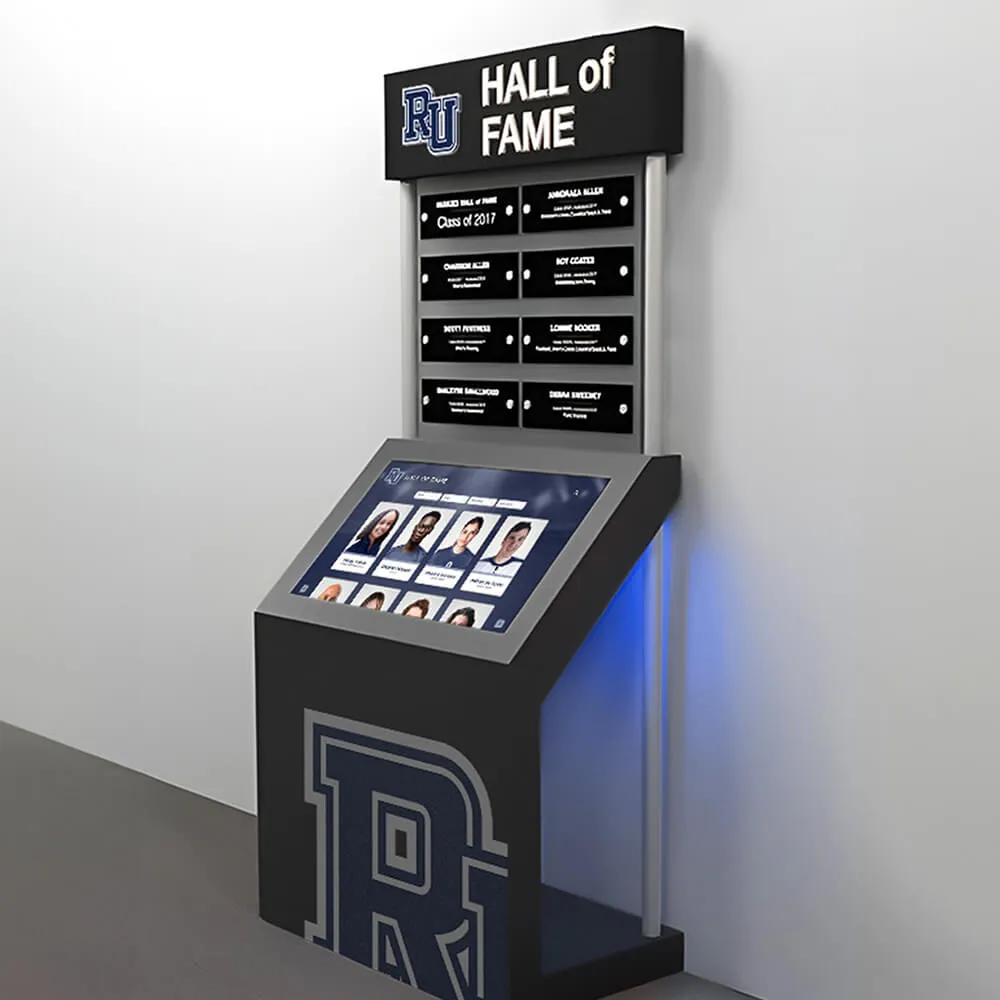
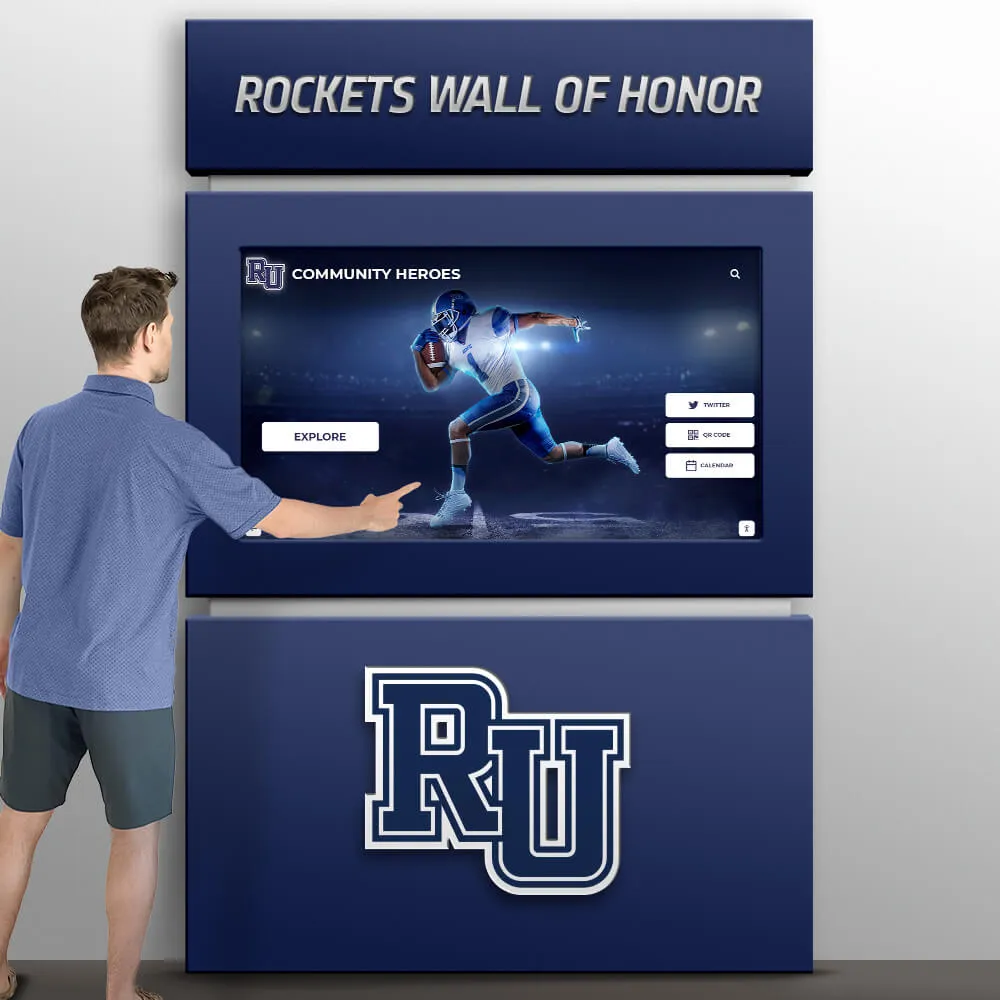
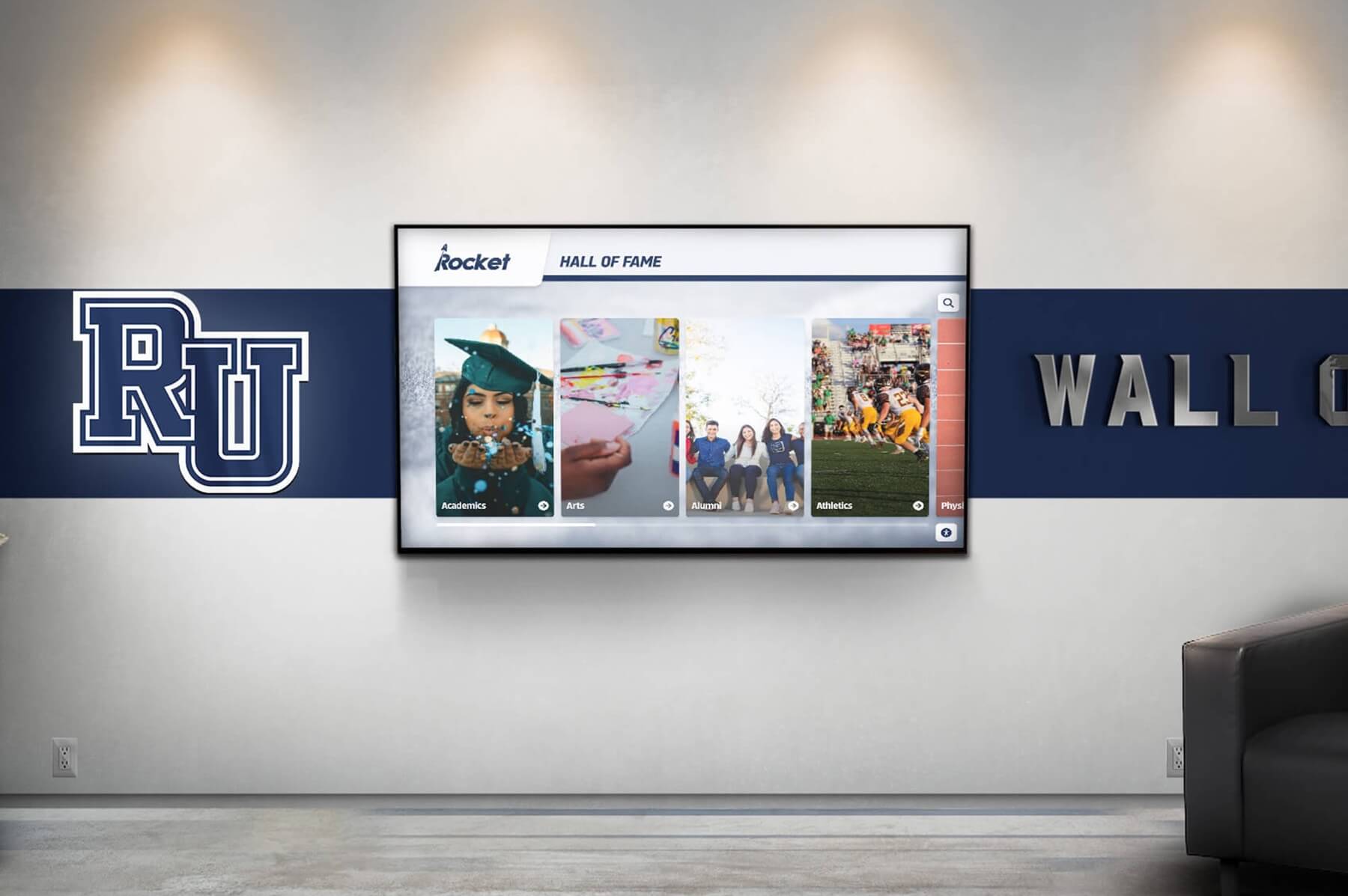
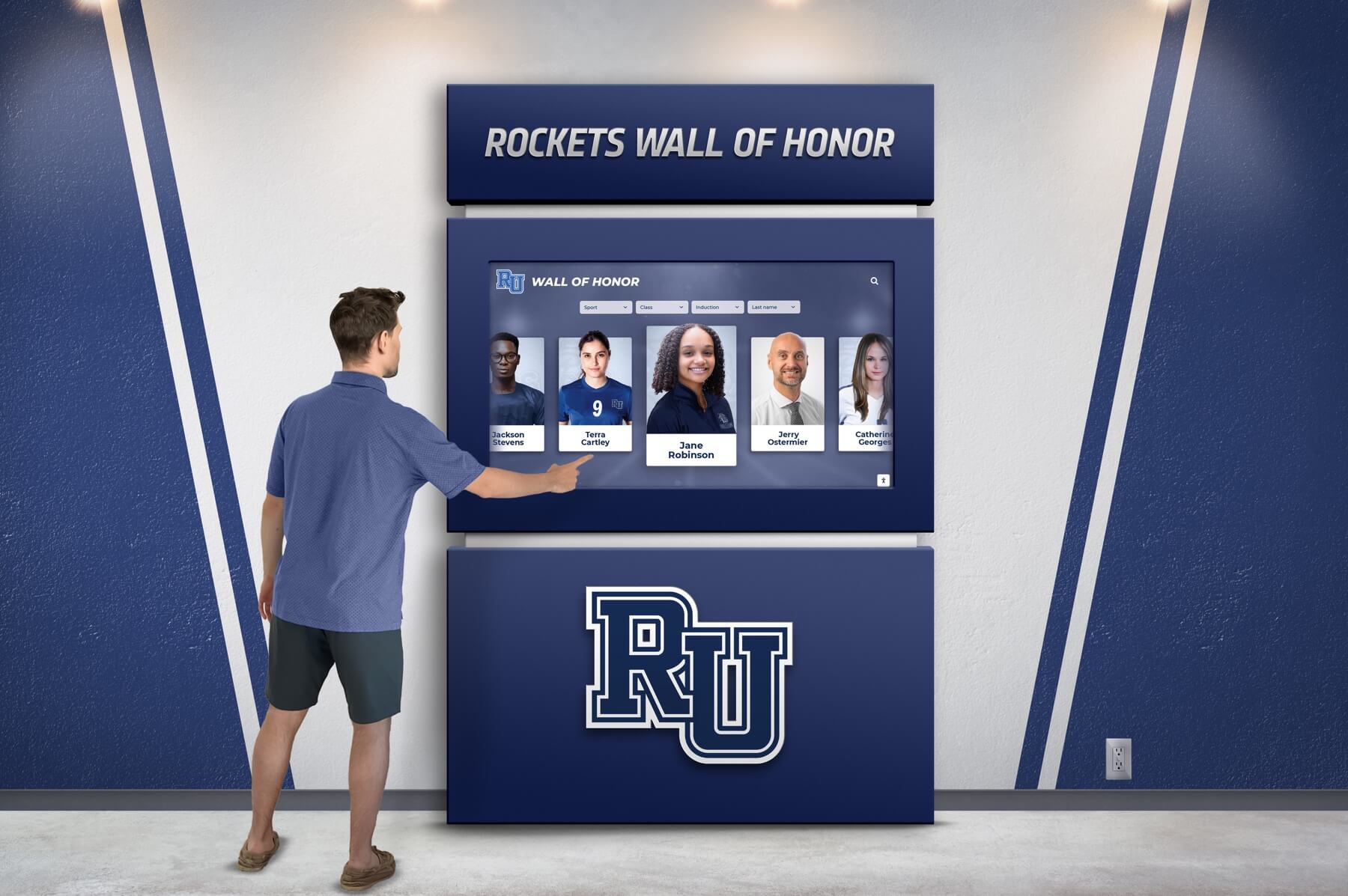
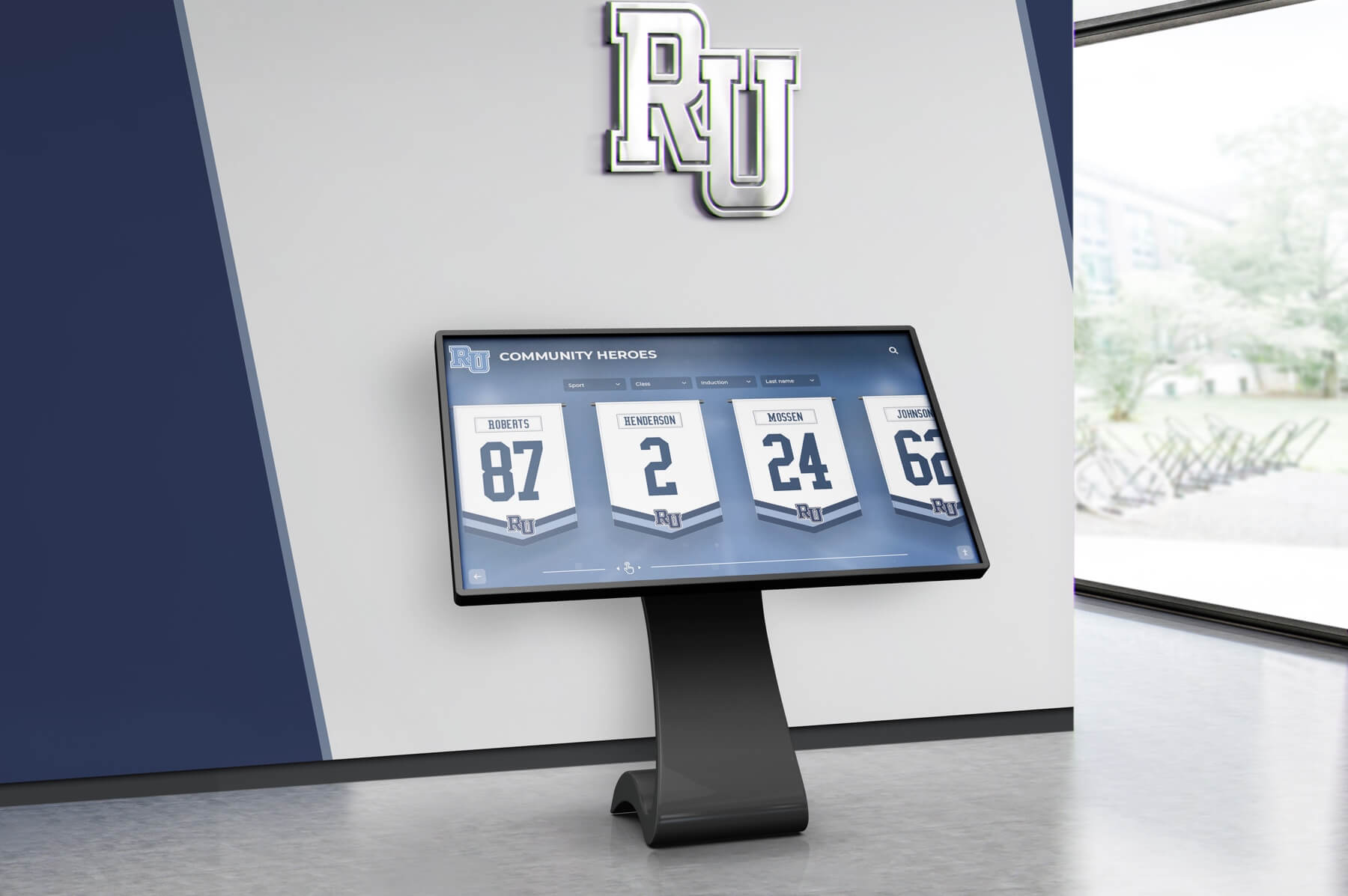
Hall of Fame
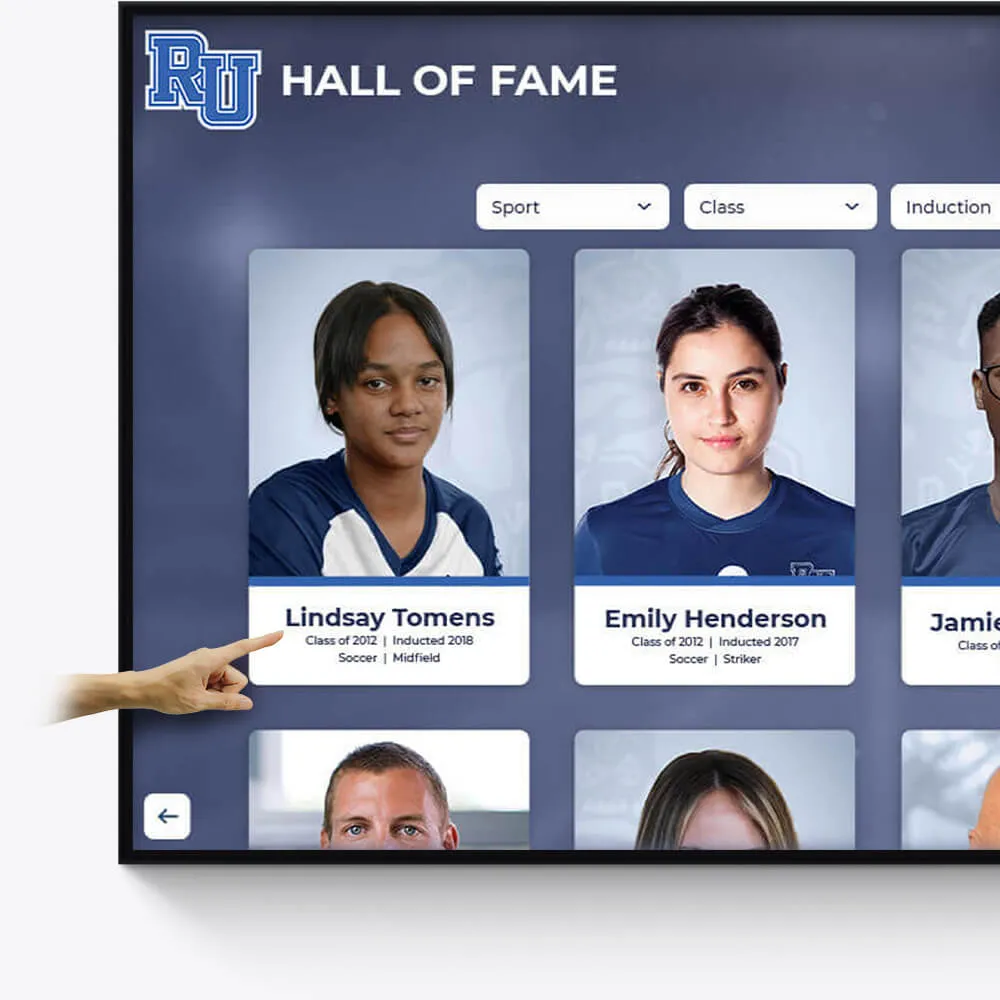
Celebrate the achievements of exceptional athletes and teams with our interactive Hall of Fame displays. Tailored to reflect your institution's rich history and spirit.
Customizable design to match school colors and branding
Easily updatable to add new inductees and achievements
Interactive elements to engage visitors and tell compelling stories
Academic Awards
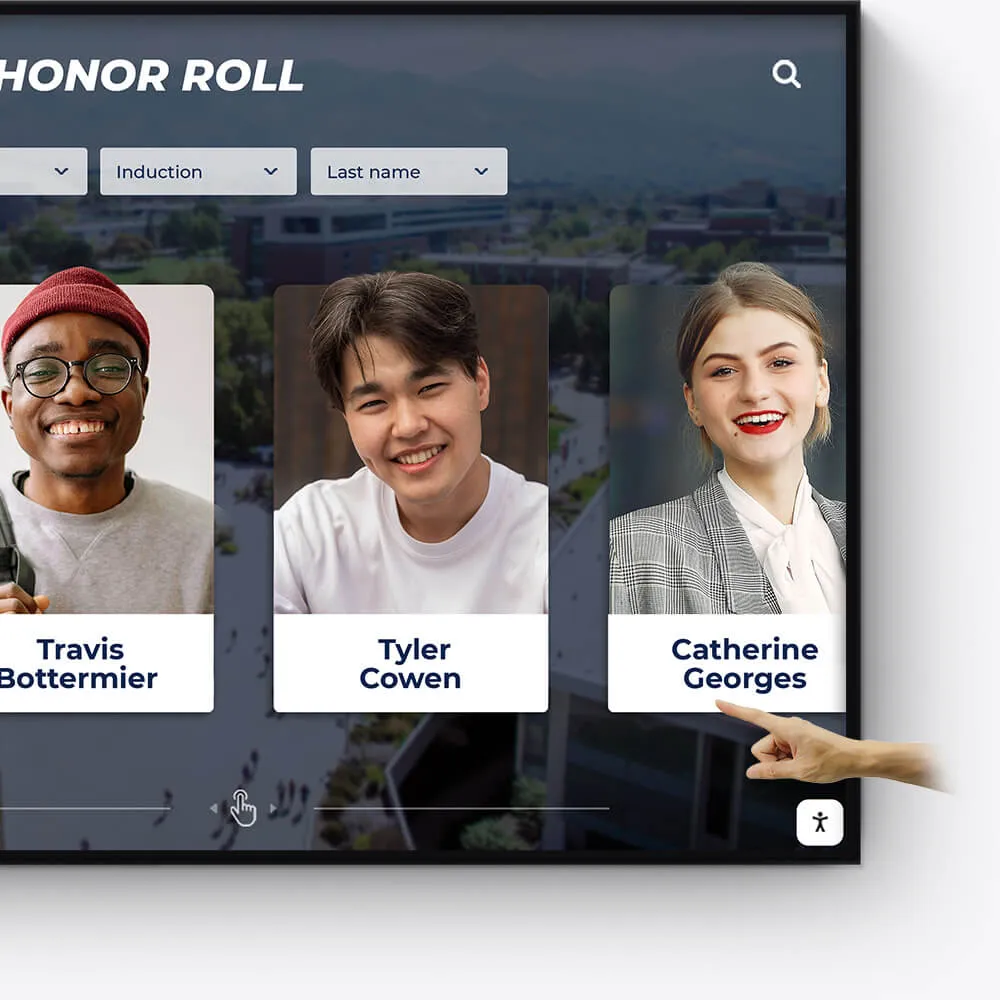
Honor academic excellence with a dynamic and interactive display of student achievements, scholarships, and notable accomplishments.
Showcase academic high achievers and scholarship recipients
Feature departmental and individual academic milestones
Integrate with school databases for real-time updates
Record Boards
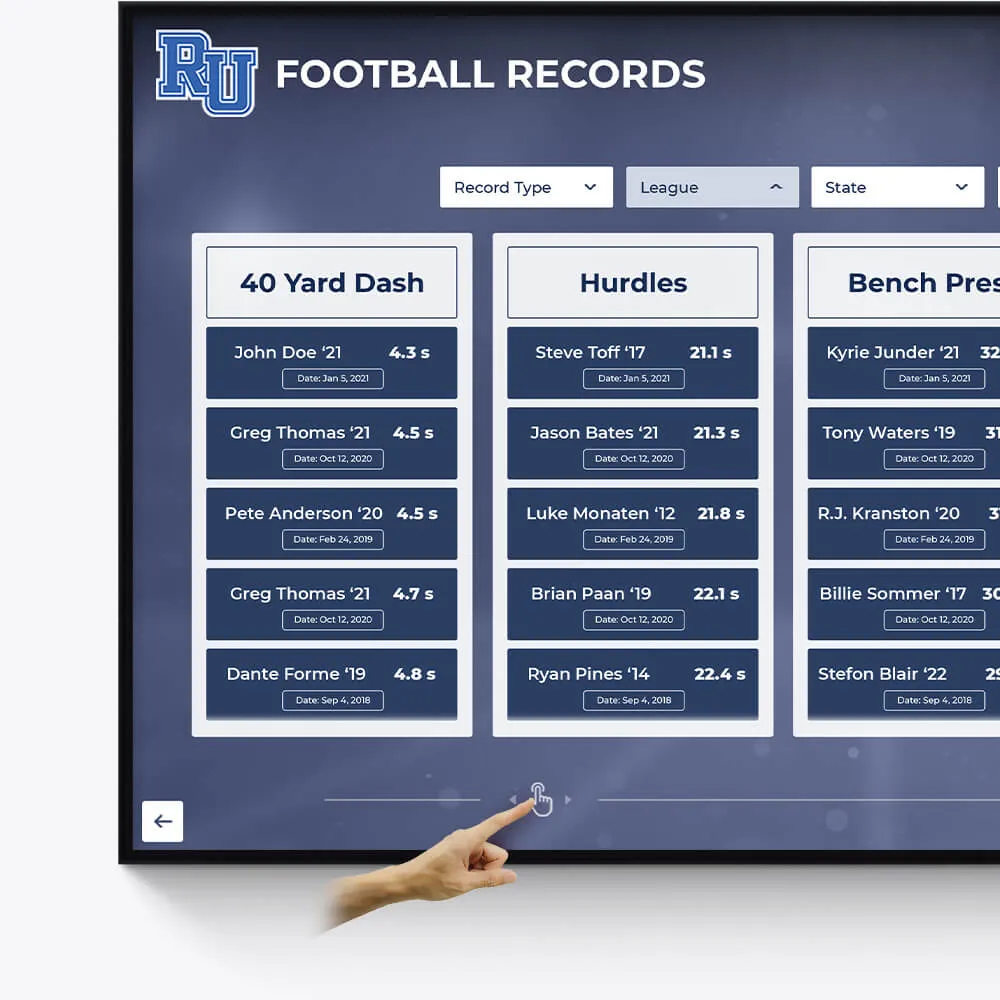
Immortalize outstanding athletic records and performances with our versatile digital record boards, ensuring lasting recognition.
Display current and historical record holders
Easy-to-update interface for new records
Engaging visuals to celebrate athletic achievements
Donor Recognition
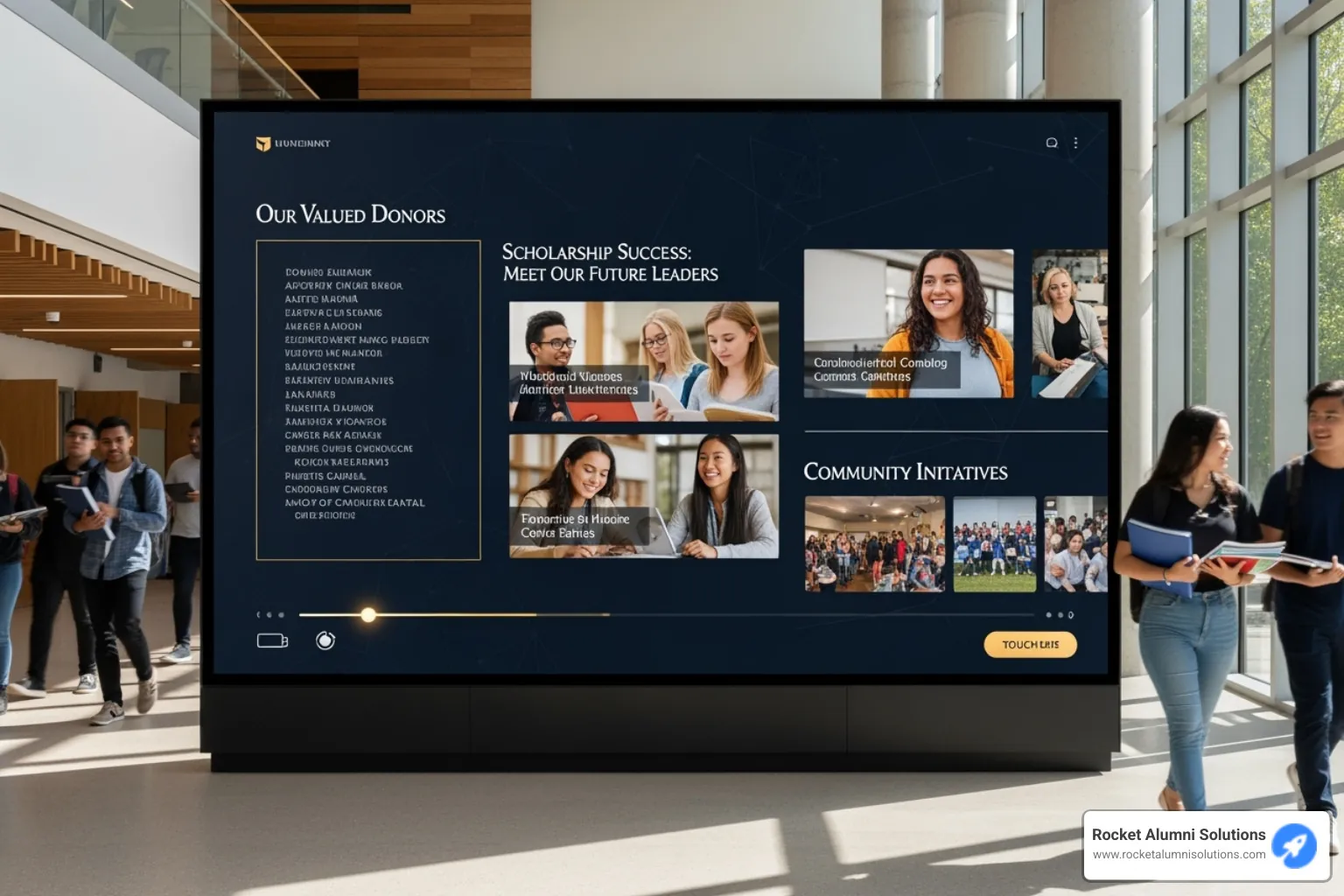
Acknowledge the generosity and impact of your donors with a dedicated and customizable digital display, fostering a culture of gratitude.
Highlight individual donors and their contributions
Incorporate donor stories and impact testimonials
Feature interactive donor walls with search functionality

Distinguished Alumni
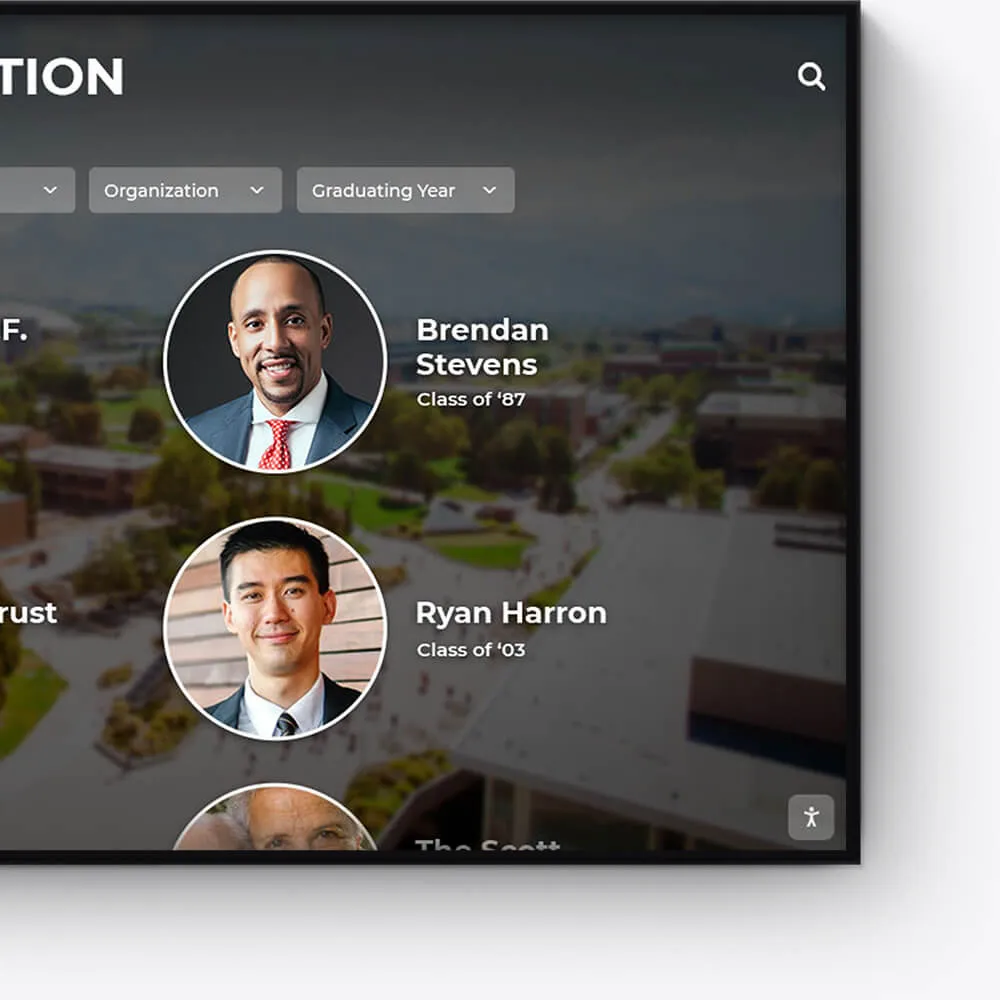
Showcase the success stories of your alumni, inspiring current and future students with a visually appealing and interactive alumni gallery.
Profile notable alumni with biographies and achievements
Link to alumni networks and success stories
Celebrate diverse paths and accomplishments post-graduation
Graduation Honors
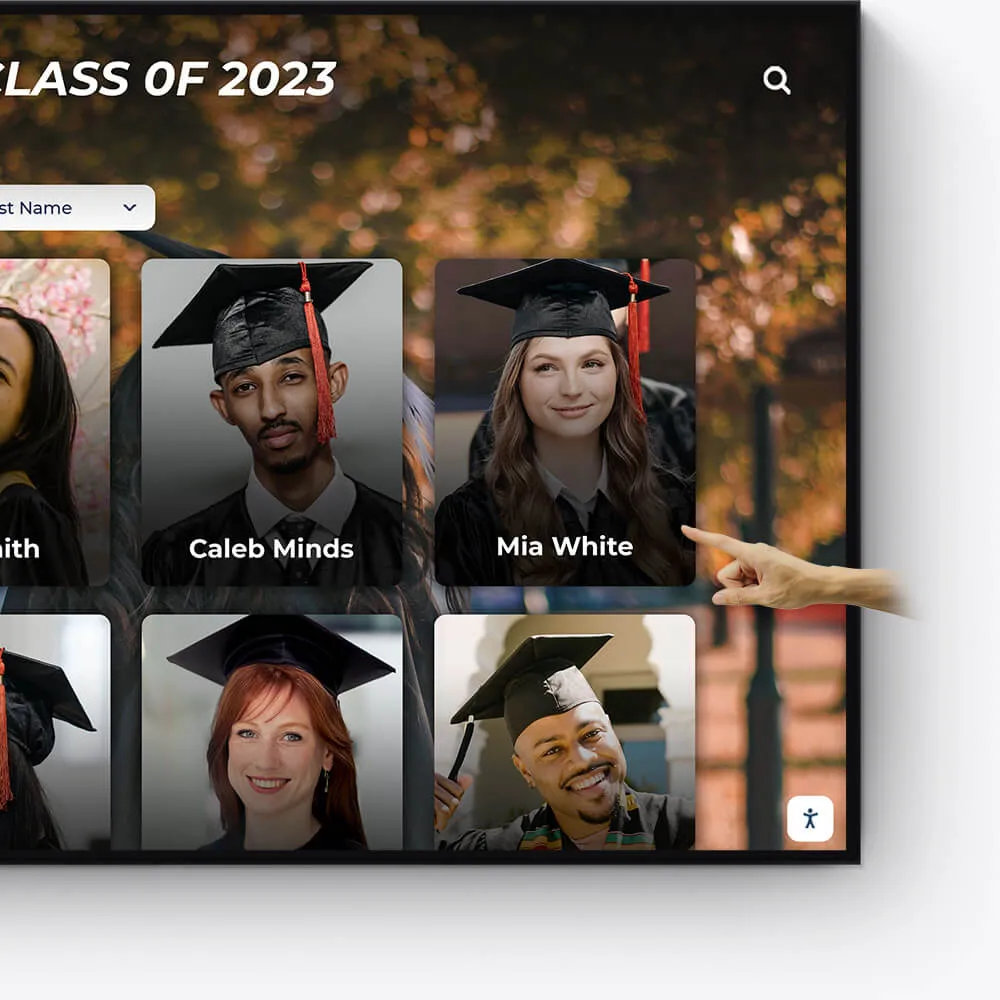
Celebrate your graduates' milestones with a dedicated display for cum laude, magna cum laude, and summa cum laude honorees.
Feature valedictorians, salutatorians, and honor graduates
Showcase graduation speeches and memorable moments
Offer a digital yearbook experience with graduate profiles

Team History
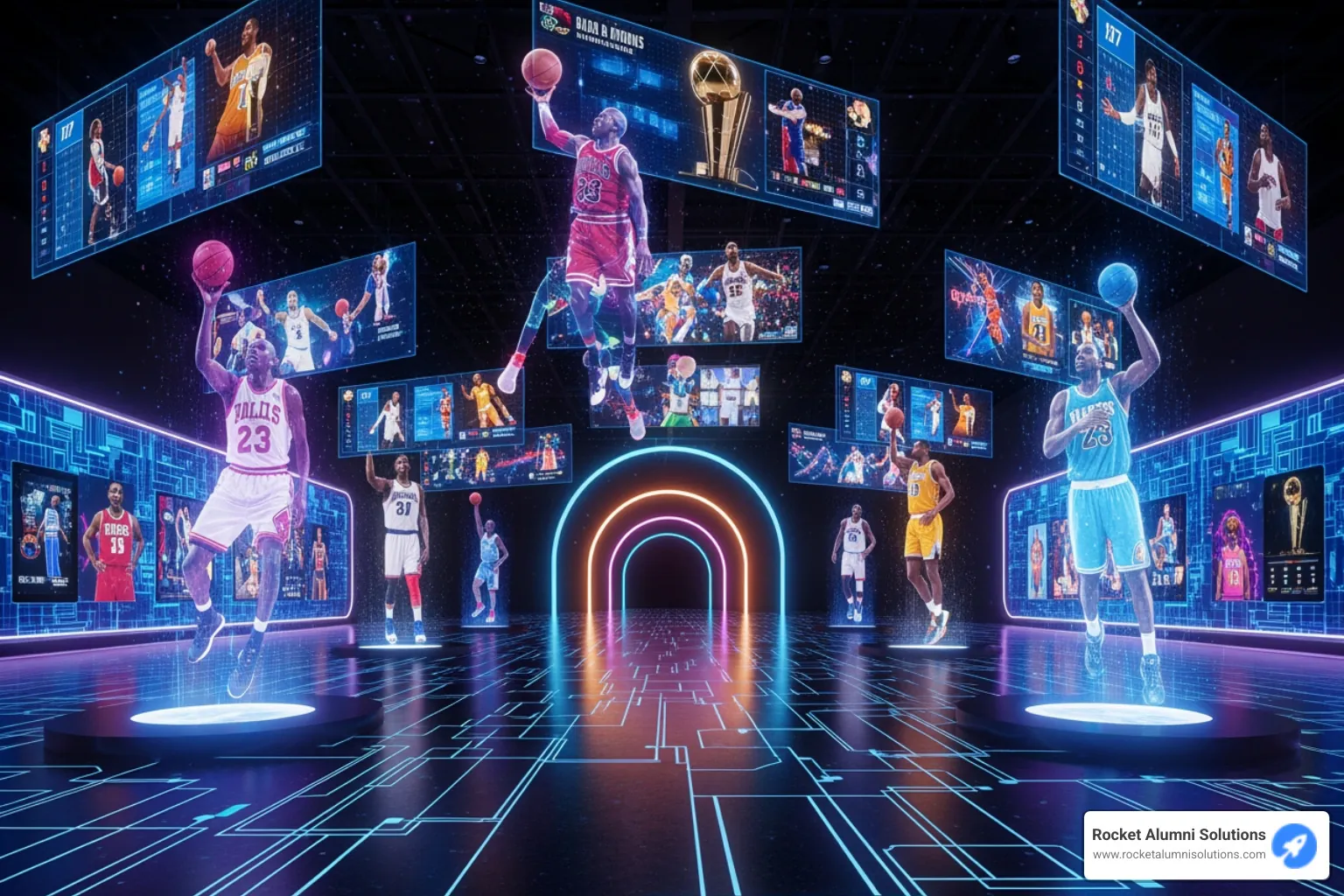
Chronicle the journey and milestones of your sports teams, creating an engaging historical narrative with our interactive displays.
Highlight championship wins and significant games
Showcase evolution of team uniforms and logos
Include past and present team rosters and coaches
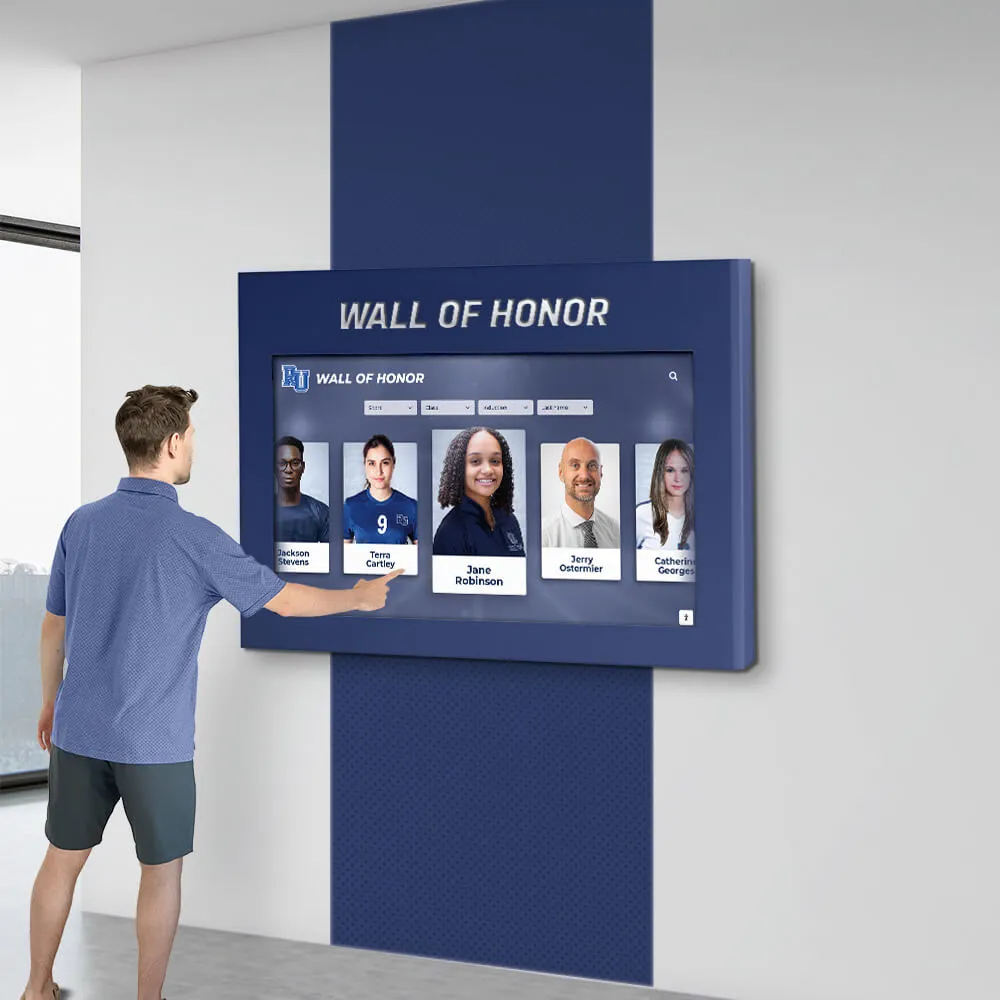
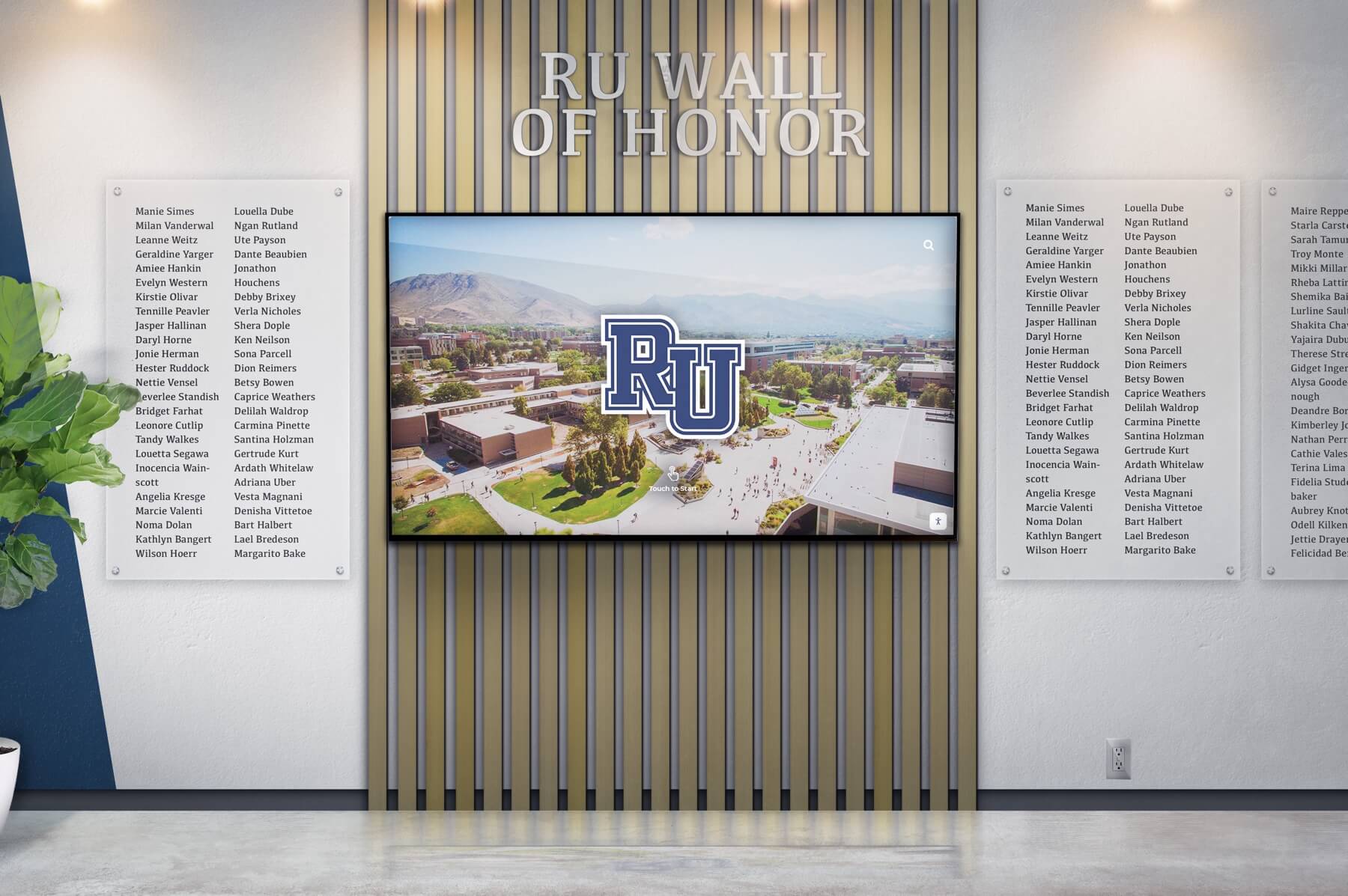
Wall of Honor for Veterans & Service Members
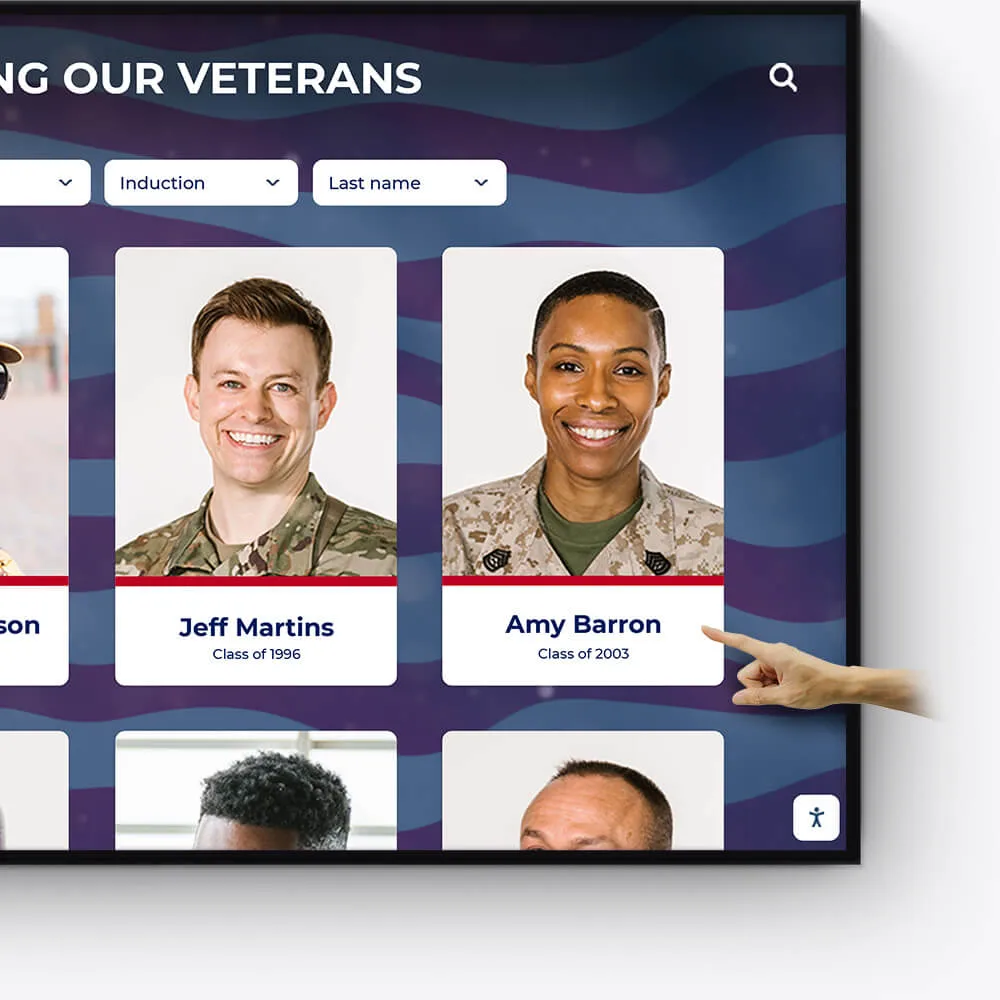
Honor the bravery, service, and sacrifice of veterans and active service members with a dedicated Wall of Honor. This tribute celebrates their commitment and the impact they have made in service to our nation.
Recognize the sacrifices and achievements of veterans and military personnel
Share personal stories, service histories, and accolades
Create a respectful and engaging tribute to those who serve
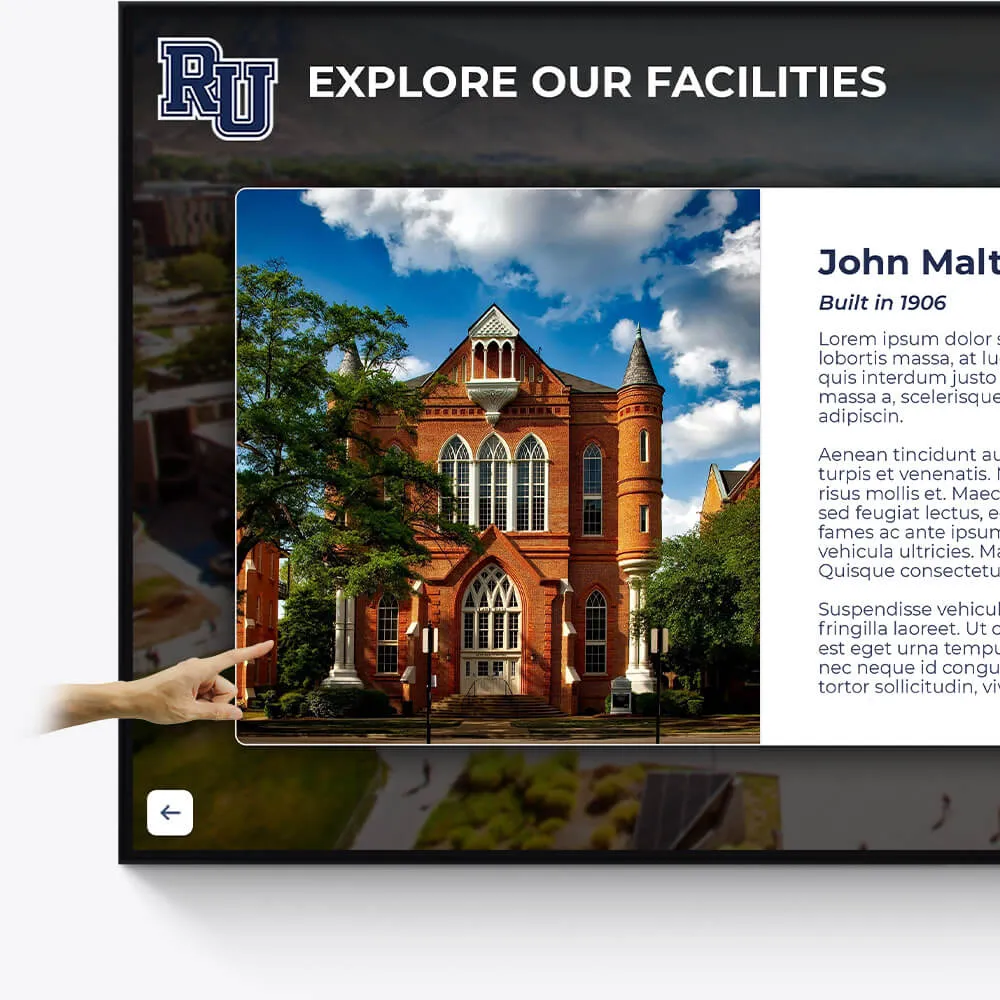
Facilities
Enhance the visitor experience at your facilities with interactive displays showcasing the history, features, and milestones of your buildings and grounds.
Provide virtual tours of your campus and facilities
Highlight renovations, expansions, and historical significance
Include donor recognition for facility contributions
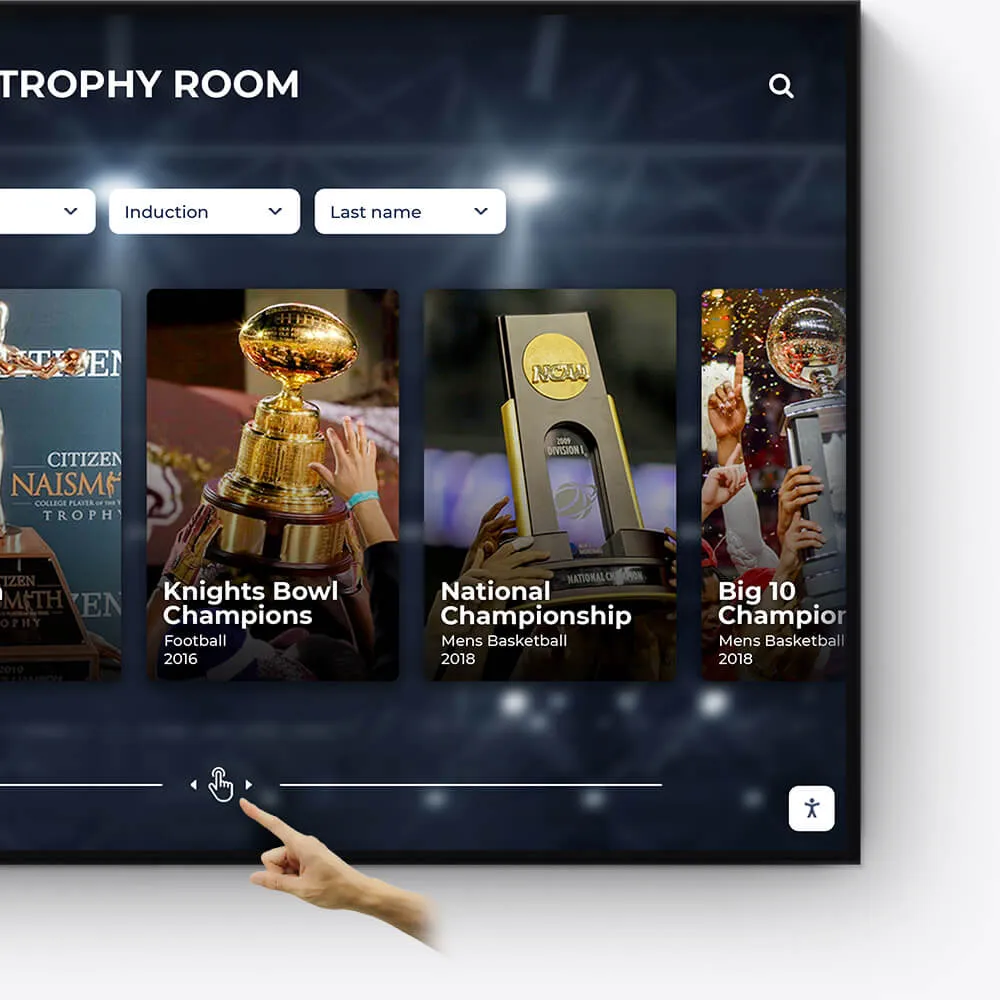
Awards
Showcase the diverse range of awards and honors received by your institution, students, and faculty in an engaging and interactive manner.
Feature departmental, athletic, and extracurricular awards
Highlight national and regional recognitions and rankings
Include interactive timelines of award achievements
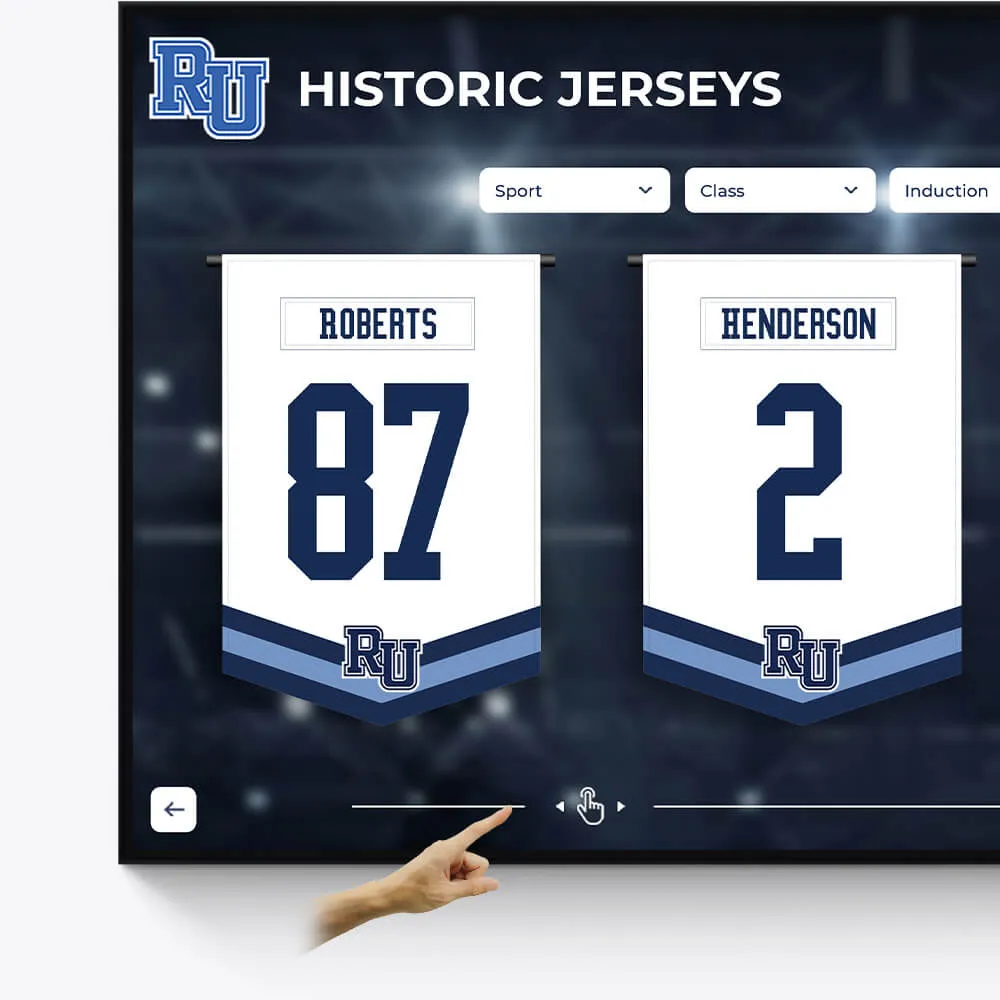
Olympians & Professional Athletes
Celebrate the extraordinary achievements of your alumni who have excelled in the Olympics or turned professional, showcasing their journey and successes.
Profile Olympians and professional athletes with their career highlights
Include achievements, accolades, and professional milestones
Share inspiring stories of dedication and triumph
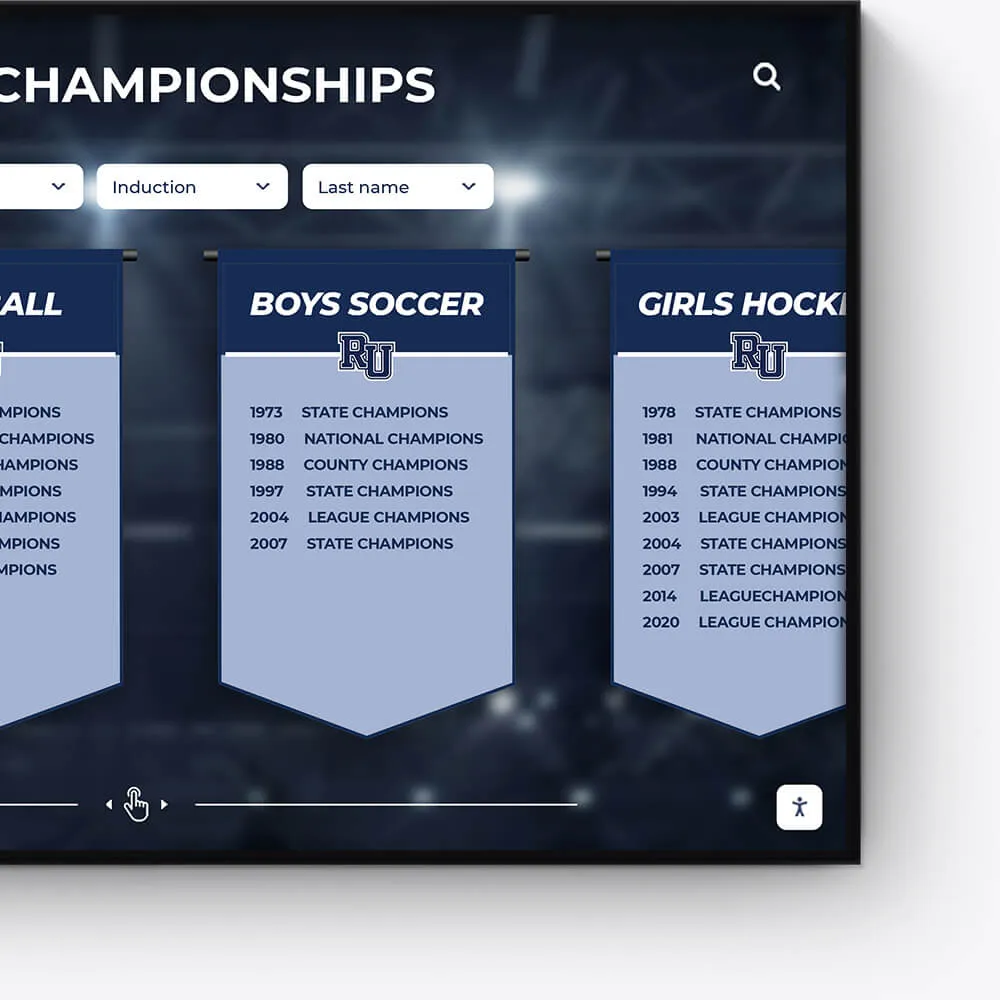
Plaques
Digitally transform traditional plaques into an interactive and dynamic format, offering a modern approach to recognition.
Convert legacy plaques into digital formats
Include detailed information and stories behind each plaque
Offer an interactive and engaging user experience
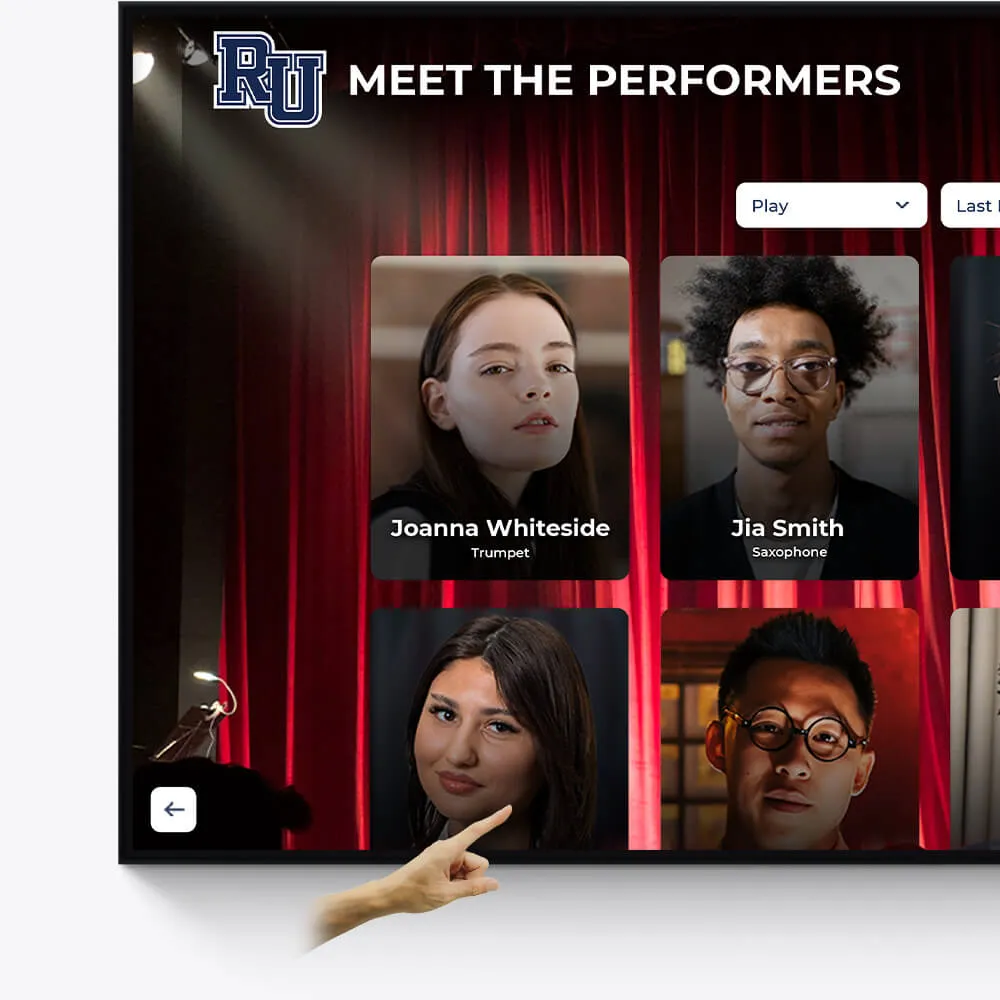
Music & Arts
Seamlessly repurpose old content, dynamically showcase new material, and intelligently adapt to events and announcements.
Make old content relevant again by targeting specific times and audiences
On-demand video access to concerts, a powerful tool for admissions and recognition
Elevated concert promotional content and digital programs
Why Interactive Media Displays Are Changing How We Communicate
An Interactive Media Display is a large-format touchscreen device that allows users to engage directly with digital content through touch, gestures, and integrated software. Unlike traditional static displays, these systems enable real-time collaboration, dynamic presentations, and immersive experiences across educational, corporate, and public spaces.
Key things to know about Interactive Media Displays:
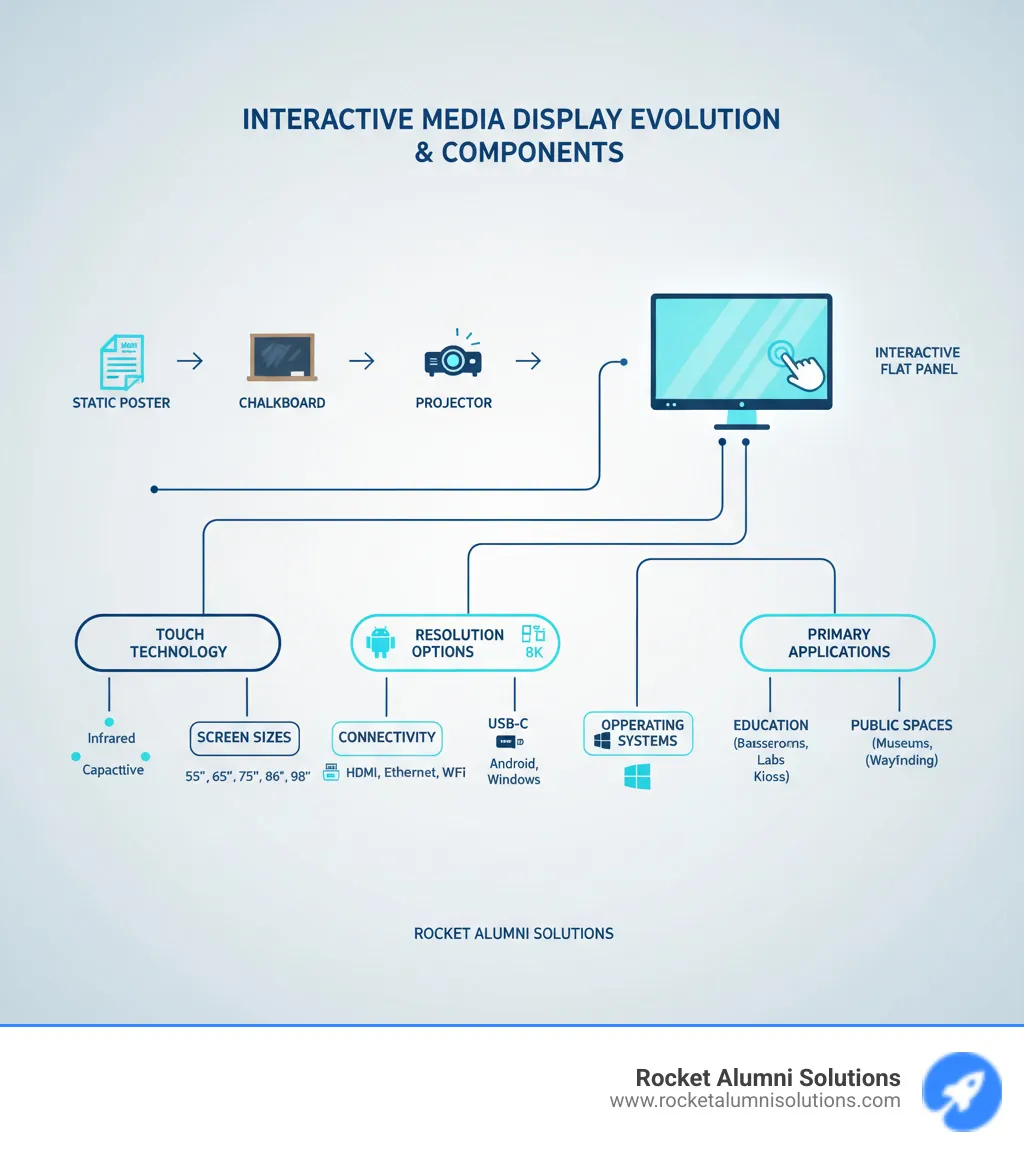
- Core Technology: Combines high-resolution screens (typically 4K UHD) with touch technology (infrared or capacitive) and integrated operating systems (Android or Windows)
- Common Sizes: Range from 32" to 98", with popular sizes being 65", 75", and 86"
- Primary Applications: Classrooms, boardrooms, retail kiosks, museums, wayfinding systems, and donor recognition walls
- Key Benefits: Improved engagement, improved collaboration, better information retention, and versatile content delivery
- Typical Lifespan: 3-5 years for media players and peripherals, with displays lasting longer
- Cost Range: From free (repurposed devices) to $1,500+ for dedicated media players, plus display hardware costs
The evolution from chalkboards to whiteboards to interactive panels represents more than just technological progress—it reflects a fundamental shift in how we share information and build community. As one industry insight notes, "interactive displays have become so ubiquitous with accessibility and inclusivity that many institutions use them" for everything from classroom learning to public wayfinding.
I'm Chase McKee, Founder & CEO of Rocket Alumni Solutions, where we've helped thousands of schools and organizations leverage Interactive Media Display technology to create engaging digital recognition experiences that increase donor engagement by over 25%. Through our work deploying touchscreen software across educational and athletic communities, I've seen how the right interactive display transforms passive viewers into active participants.
Find more about Interactive Media Display:
Core Technologies and Key Features to Consider
Choosing an Interactive Media Display is about more than picking a big screen. You're selecting a complete communication system that will shape how people interact, collaborate, and share information in your space. The technology inside these displays has evolved dramatically, and understanding what's under the hood helps you make a choice you'll be happy with for years to come.
The right display needs to feel responsive to the touch, show crystal-clear images, connect seamlessly with your existing devices, and run software that makes complex tasks simple. Let's break down what really matters.
Understanding Touch Technology and Display Quality
The touch technology is where the magic happens. It's what turns a passive screen into an active workspace. When you're evaluating displays, you'll encounter two main types of touch technology, each with its own strengths.
Infrared (IR) touch creates an invisible grid of light beams across the screen surface using LEDs and sensors around the bezel. When your finger (or a stylus, or even a gloved hand) breaks these beams, the system knows exactly where you touched. IR touch is cost-effective and works with any opaque object, making it forgiving in various environments.
Projected Capacitive (PCAP) touch works like your smartphone screen. A transparent conductive layer detects the electrical properties of your finger, offering incredibly precise tracking and a glass-smooth feel. PCAP really shines when it comes to multi-touch capability—some displays recognize up to 20 simultaneous touch points. This means multiple people can write, draw, and manipulate content at the same time without the system getting confused.
Display quality matters just as much as touch responsiveness. A beautiful, clear image makes content more engaging and reduces eye strain during long sessions. 4K UHD resolution (3840 x 2160 pixels) has become the standard, delivering four times the detail of older Full HD screens. Some premium models even offer 5K resolution for truly stunning visuals.
Screen size typically ranges from 24 inches for personal workstations up to 98 inches for large venues. The sweet spot for most classrooms and conference rooms falls between 65 and 86 inches, giving everyone in the room a clear view without overwhelming smaller spaces.
Brightness, measured in nits, determines how well you'll see the screen in bright rooms. Most quality displays offer between 300 and 700 nits. Higher brightness means you won't need to dim the lights every time you present, keeping the room comfortable and maintaining eye contact with your audience.
Anti-glare treatment is one of those features you don't think about until you need it. It minimizes reflections from windows and overhead lights, ensuring your content stays readable from every angle in the room.
The Role of Integrated Software and OS
Hardware gets all the attention, but the software and operating system are what make an Interactive Media Display truly useful day-to-day. This is where ease of use meets powerful functionality.
Many displays ship with an embedded Android OS, giving you a familiar, app-based interface right out of the box. You can browse the web, open files, and use annotation tools without connecting any external computer. It's perfect for quick meetings or presentations where you just need to jump in and start working.
For more demanding applications, a Windows-based OPS computer (Open Pluggable Specification) changes everything. This small, modular PC slides into a dedicated slot on the back of your display, essentially turning it into a powerful all-in-one Windows machine. The beauty of OPS is upgradability—you can swap in a newer, faster computer years down the road without replacing the entire display.
The built-in software suites vary by manufacturer, but they typically include essential tools for collaboration. Annotation tools let you mark up any content on screen—whether it's a PDF, a website, or a video feed—then save those notes for later. Digital whiteboarding provides an infinite canvas for brainstorming and sketching ideas with your team. Wireless screen sharing might be the most transformative feature, allowing anyone in the room to display content from their device without hunting for cables or adapters.
These integrated software features transform your display from a simple screen into a dynamic collaboration hub. For organizations looking to leverage these capabilities for recognition and engagement, more info about interactive touchscreen software shows how specialized applications can create truly memorable experiences.
Connectivity and Peripherals
An Interactive Media Display needs to play nicely with all your existing technology. Think of connectivity as the display's ability to speak multiple languages—the more it understands, the more versatile it becomes.
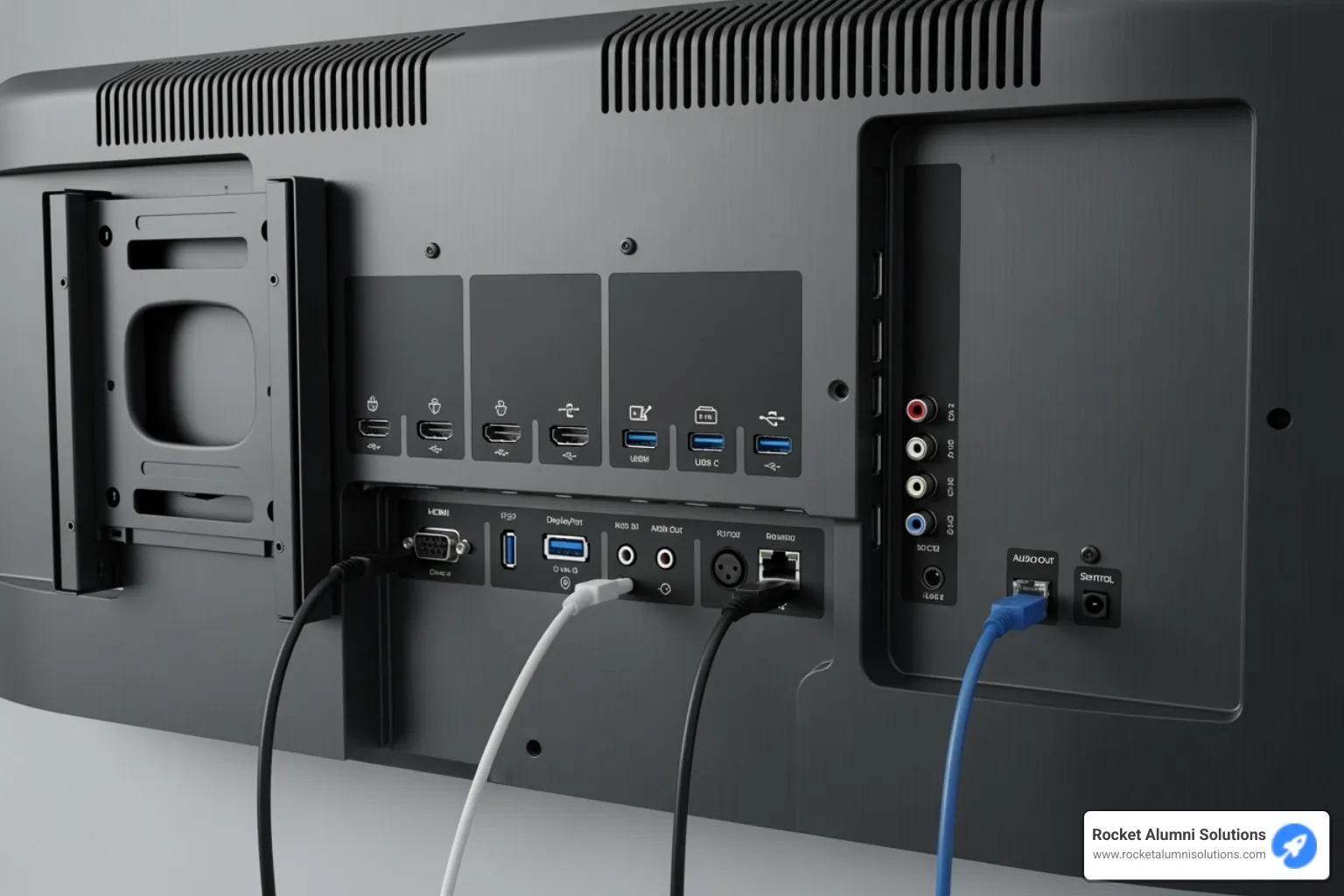
HDMI ports are the workhorse connection, linking laptops, document cameras, and media players to your display. USB-C is the new favorite, handling video, data, and even power delivery through a single neat cable. Wi-Fi and Bluetooth enable wireless connections to networks and peripherals like keyboards, mice, and speakers. For environments where security and reliability matter most, an Ethernet port provides rock-solid wired networking.
The right peripherals expand what your display can do. Mobile stands and carts equipped with VESA mounting standards let you wheel your display anywhere you need it—from classroom to classroom, or conference room to lobby. Integrated cameras and microphones turn the display into a complete video conferencing solution, essential for hybrid meetings where some participants are remote.
These connectivity options and peripherals ensure your display integrates seamlessly into your existing ecosystem rather than forcing you to work around its limitations. The goal is technology that feels natural and gets out of the way, letting you focus on the message rather than the medium.
The Benefits of an Interactive Media Display
There's something magical about watching someone interact with a screen for the first time—the moment they realize they can reach out, touch, and change what they're seeing. That's the fundamental shift an Interactive Media Display brings to any space. We're not just swapping out old technology for new; we're fundamentally changing how people connect with information and with each other.
Boosting Engagement and Collaboration
Think about the last presentation you sat through where you were just watching slides click by. Now imagine if you could have jumped up, moved things around on that screen, added your own ideas right there in the moment. That's the difference between passive viewing and active participation—and it's a game-changer.
With an Interactive Media Display, engagement isn't something we hope for; it's built right into the experience. When someone can physically touch the screen, draw on it, move elements around, their brain lights up differently. They're not just receiving information—they're shaping it, owning it, making it theirs.
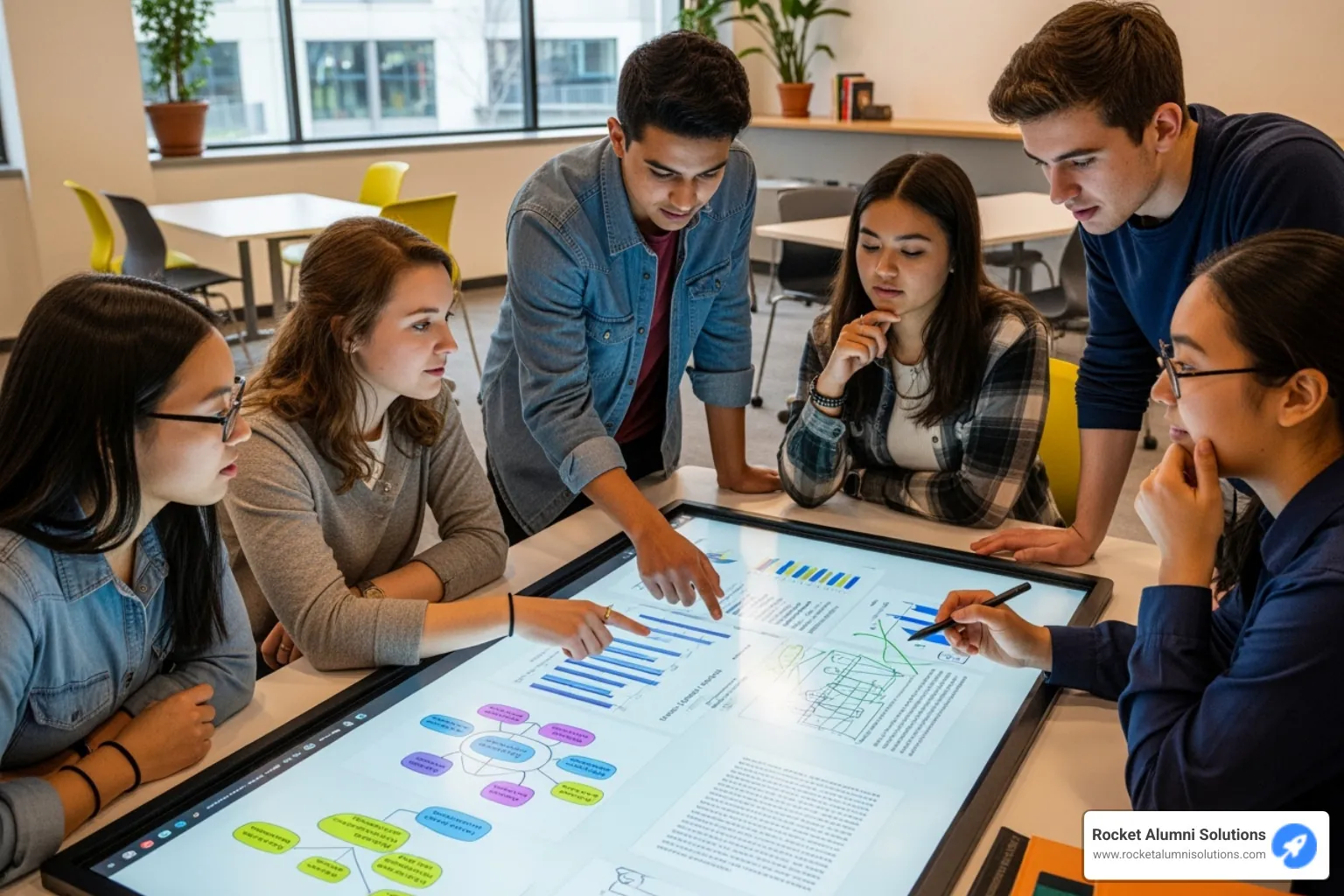
The multi-touch capability supporting up to 20 simultaneous touch points means this isn't a one-person show. Picture a group of students huddled around the display, each one contributing to a science diagram, or a marketing team sketching out campaign ideas together, all hands on deck—literally. This is where real collaboration happens, where ideas bounce off each other and build into something bigger than any one person could create alone.
The digital whiteboarding feature transforms brainstorming sessions from chaotic affairs with paper everywhere to organized, saveable, shareable experiences. Teams can sketch, write, diagram, and when they're done, everything is instantly saved and ready to share. No more frantically photographing whiteboards before someone erases them. Real-time feedback becomes natural when everyone can see changes happening instantly, accelerating both understanding and decision-making in ways that traditional presentations simply can't match.
Improving Communication in Education and Business
Communication is about more than just transmitting information—it's about making sure that information lands, sticks, and inspires action. Interactive displays excel at all three.
In our work with schools like Pontiac High School, Buford High School, and universities including Emory University and Northeastern University, we've watched teachers transform their classrooms. A history teacher can pull up primary source documents, let students annotate them directly, compare multiple perspectives side by side. A math teacher can work through complex equations while students follow along and even contribute their own solutions on the screen. These dynamic presentations create memorable lessons that students actually retain because they were part of creating them.
Beyond the classroom, these displays serve as communication hubs for entire schools. Daily schedules, emergency alerts, important announcements—all delivered through eye-catching, dynamic content that students and staff actually notice and read. It's modern communication for modern communities.
In business environments, the impact is equally profound. Corporate training modules become interactive experiences where employees don't just watch but participate in simulations, answer questions, and collaborate on case studies. The difference in knowledge retention is remarkable when people are actively engaged rather than passively listening.
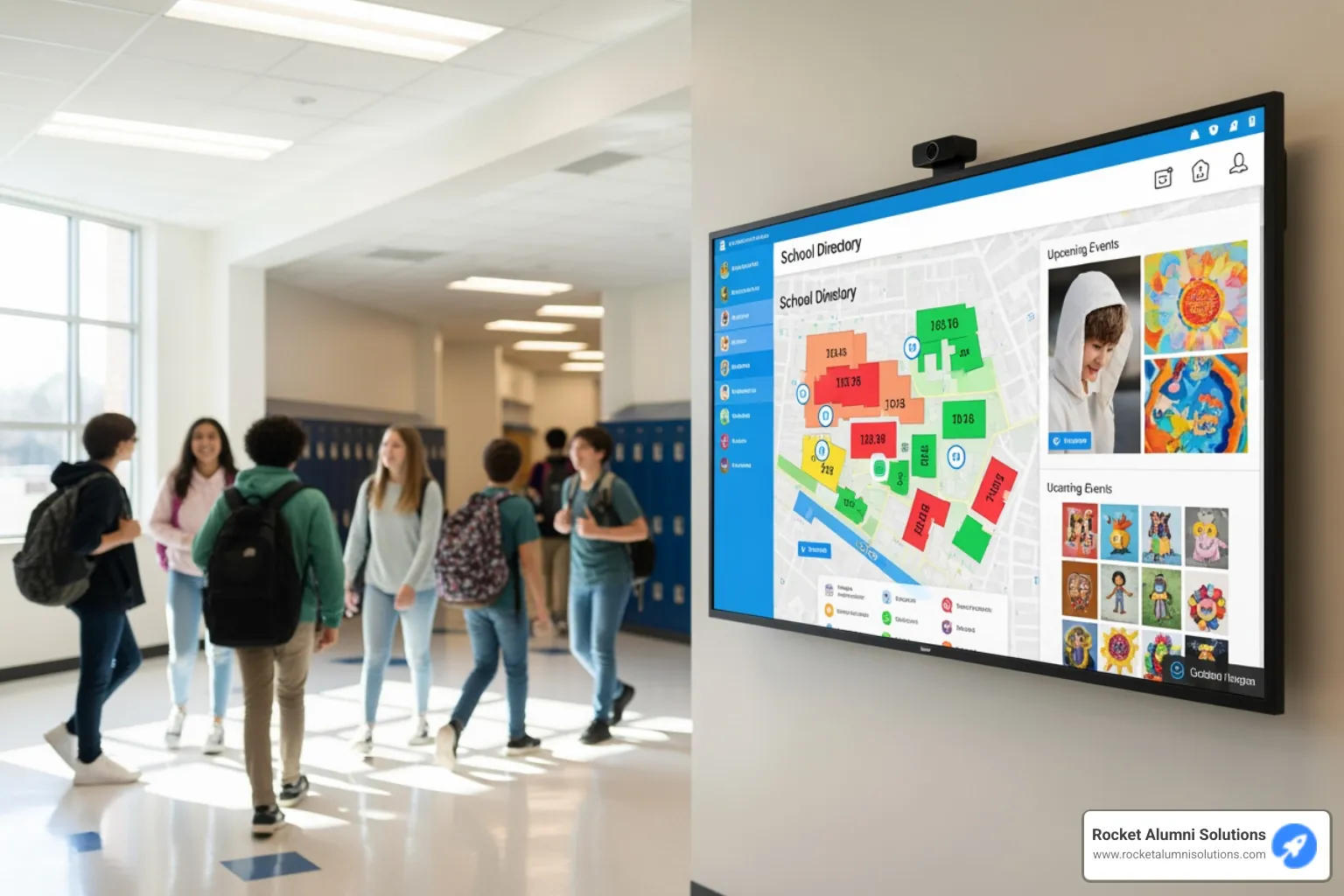
For large venues like corporate campuses, hospitals, and airports, interactive displays revolutionize wayfinding. Instead of static maps that leave visitors squinting and confused, interactive displays let people touch their destination, zoom in on specific areas, and get turn-by-turn guidance. We've seen these displays help visitors steer complex layouts with confidence and ease.
In retail settings, Interactive Media Display technology improves the entire customer experience. Shoppers can browse product catalogs, view detailed specifications, watch demonstration videos, and even place orders—all at their own pace, without waiting for assistance. This self-service capability doesn't replace human interaction; it complements it, freeing staff to focus on more complex customer needs.
The versatility across these different sectors—education, business, healthcare, retail—shows us that the core benefit remains the same: interactive displays turn information from something that happens to people into something that happens with people. That shift from passive to active, from viewing to participating, from receiving to creating—that's what makes these displays such powerful tools for communication in any environment.
Types of Interactive Displays and Their Applications
The world of Interactive Media Display technology is wonderfully diverse, and that's actually a good thing for us. Different environments call for different solutions, and understanding what's available helps us make the right choice—whether we're creating an engaging classroom, upgrading a retail experience, or designing a museum exhibit that visitors will remember for years.
Interactive Flat Panels (IFPDs) for Collaborative Spaces
When most people picture an Interactive Media Display, they're thinking of an Interactive Flat Panel Display (IFPD). These are the large touchscreens that have become the modern answer to chalkboards, whiteboards, and projectors. Walk into a progressive classroom or a forward-thinking boardroom today, and you'll likely see one mounted on the wall.
IFPDs are designed as all-in-one solutions, with built-in software, connectivity, and computing power. In classrooms, they've truly changed how teachers present lessons. Instead of writing on a static board, educators can display multimedia content, annotate directly on any material, and engage students with interactive exercises that make learning stick. The ability for multiple students to interact with the screen simultaneously turns passive lectures into active learning experiences.
In boardrooms and meeting spaces, these panels have transformed how teams work together. Meetings become more dynamic when everyone can contribute to the screen in real-time, whether they're brainstorming on a digital whiteboard, annotating a presentation, or video conferencing with remote colleagues. The days of fumbling with cables and waiting for projectors to warm up are thankfully behind us.
What makes IFPDs so popular is their versatility. They're equally at home in a small huddle room or a large auditorium, and they integrate seamlessly with the tools we already use. They're built for the kind of direct, hands-on interaction that makes collaboration feel natural.
Touch Screen Kiosks and Monitors for Public Use
While IFPDs excel in collaborative spaces, touch screen kiosks and standalone monitors shine in public settings where self-service and information access are priorities. These displays are typically smaller but built tough for continuous use by many different people throughout the day.
Think about the last time you were in a busy airport or hospital. Those wayfinding displays that helped you steer the complex layout? That's an Interactive Media Display at work. These information points allow visitors to find their way, check schedules, or access important information without needing assistance. Museums use them to let visitors dig deeper into exhibits, exploring content at their own pace and following their own interests.
In retail environments, these kiosks have become invaluable. Fast-food restaurants use them for self-ordering, reducing wait times and giving customers more control over their experience. Stores create interactive product catalogs that let shoppers explore entire inventories, customize options, and even complete purchases—all from a sleek touchscreen interface.
The beauty of these systems is their accessibility. They bring information and services directly to people in the moments they need them most. For those interested in creating these kinds of captivating digital experiences, exploring programs in Immersive Media Design can provide the creative and technical foundation to make the most of interactive display technology.
The Impact of an Interactive Media Display Video Wall
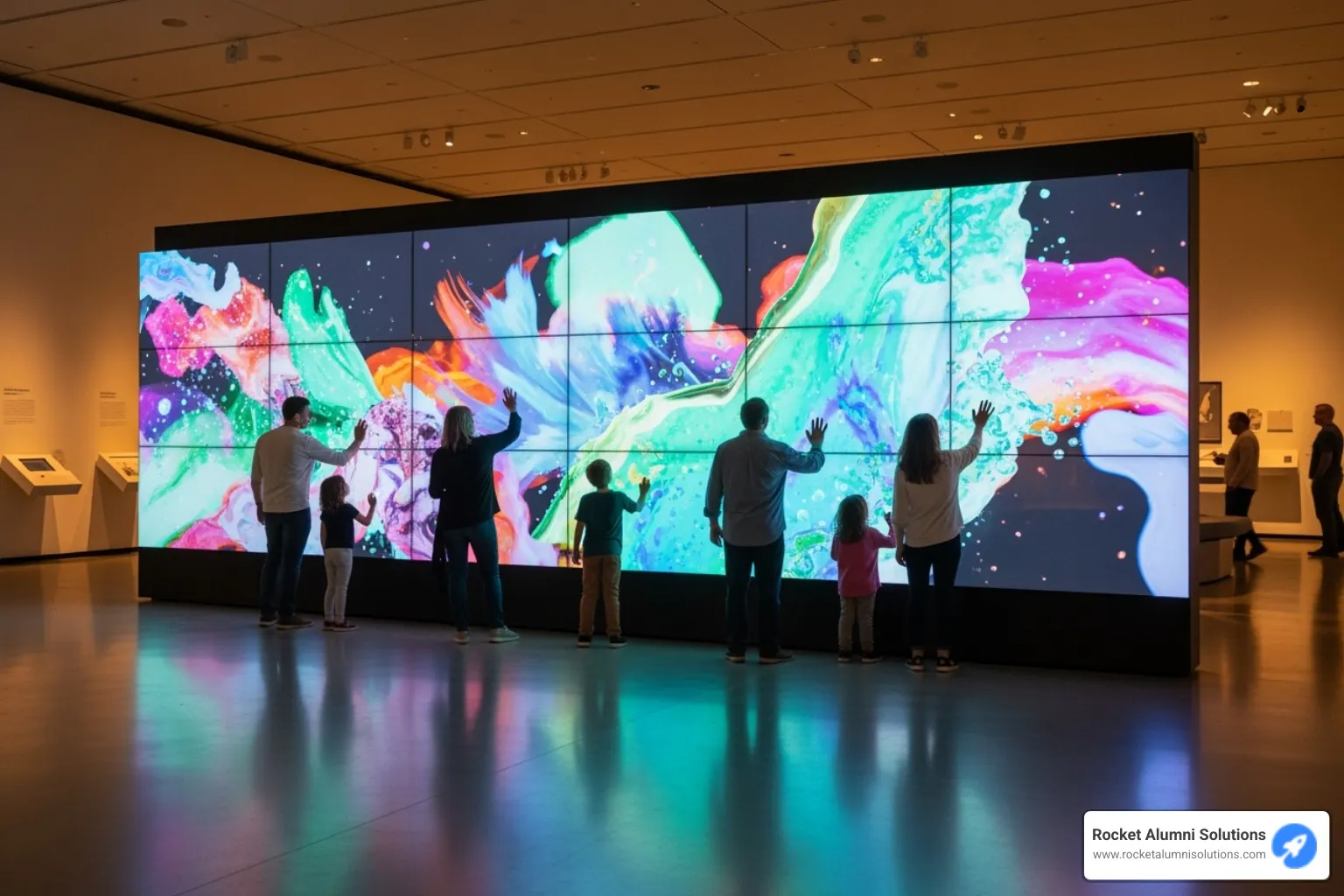
Now, if we really want to make a statement—to create something truly unforgettable—that's where interactive video walls come in. These aren't just large displays; they're multiple screens tiled together to form one massive, seamless interactive canvas. The visual impact is simply breathtaking.
We've seen these used brilliantly in museums for storytelling. Take the UNESCO Fagus Factory's Intermedia Wall, for example. This 5-meter-wide installation lets international visitors explore World Heritage Sites through intuitive touch and swipe gestures, bringing history to life in a way that static exhibits never could. It's the kind of experience that turns casual visitors into engaged learners.
For donor recognition, interactive video walls offer something special. Traditional plaques are nice, but imagine a dynamic display where donors can explore stories, view photos, and see the real impact of their contributions. It transforms recognition from a static list into an engaging celebration of generosity. This is where our work at Rocket Alumni Solutions really comes into play—we specialize in creating these kinds of meaningful digital recognition experiences that connect communities.
In command centers, these walls serve a critical function, giving operators a unified view of complex data across one massive interface. They can monitor situations, collaborate on solutions, and make time-sensitive decisions with all the information they need visible at once.
Digital art installations have also acceptd video wall technology, creating living artworks that respond to viewer presence and interaction. These installations change spaces, turning corridors and lobbies into dynamic, engaging environments that people want to explore.
Each type of Interactive Media Display serves a unique purpose, and choosing the right one depends on understanding our goals, our audience, and the experience we want to create. Whether it's fostering collaboration in a classroom, providing self-service in a retail space, or creating an immersive experience that visitors will talk about for years, there's an interactive display solution that fits perfectly.
Installation, Maintenance, and Total Cost of Ownership (TCO)
When we decide to bring an Interactive Media Display into our organization, we're making an investment that extends far beyond the initial purchase. The true value lies in understanding the complete picture: how it's installed, how we maintain it, and what it will cost us over its entire lifespan. This comprehensive view helps us budget wisely and sets us up for long-term success.
Installation and Setup Considerations
Getting your interactive display up and running properly is about more than just unboxing and plugging it in. The installation process can significantly impact both performance and longevity, so it's worth taking the time to do it right.
If you're planning a permanent installation, wall mounting offers a sleek, space-saving solution that keeps the display secure and at an optimal viewing height. Before we drill a single hole, though, we need to verify that the wall structure can handle the weight—these displays can be substantial, especially the larger models. Most displays follow VESA mounting standards, which means they'll work with a wide variety of commercial-grade mounts, giving us flexibility in positioning.
For environments where flexibility matters, mobile cart stands change the game entirely. Imagine wheeling your display from a classroom to the library, or from a conference room to the lobby for a special event. The key is choosing a cart that's genuinely sturdy and stable—the last thing we want is a top-heavy setup that could tip during transport, especially with those impressive 86-inch or larger displays.
When the installation involves large video walls or complex integrated systems, bringing in professional installers is money well spent. These experts ensure proper calibration, optimal placement for viewing angles and ambient lighting, and seamless integration with our existing AV infrastructure. They also handle the critical network configuration—whether that's running Ethernet cables for a rock-solid wired connection or optimizing our Wi-Fi setup for reliable wireless performance.
Don't overlook the physical environment, either. We need adequate clearance around the display for ventilation (these systems generate heat), accessibility for maintenance, and appropriate viewing distances based on screen size. Think about the ambient lighting in the space too—while modern displays offer impressive brightness, positioning matters for reducing glare and maximizing visibility.
Understanding the Total Cost of an Interactive Media Display
Here's where we need to think beyond the sticker price. The total cost of ownership (TCO) encompasses every expense we'll encounter over the display's working life. Understanding these components up front prevents budget surprises down the road and helps us make genuinely informed decisions.
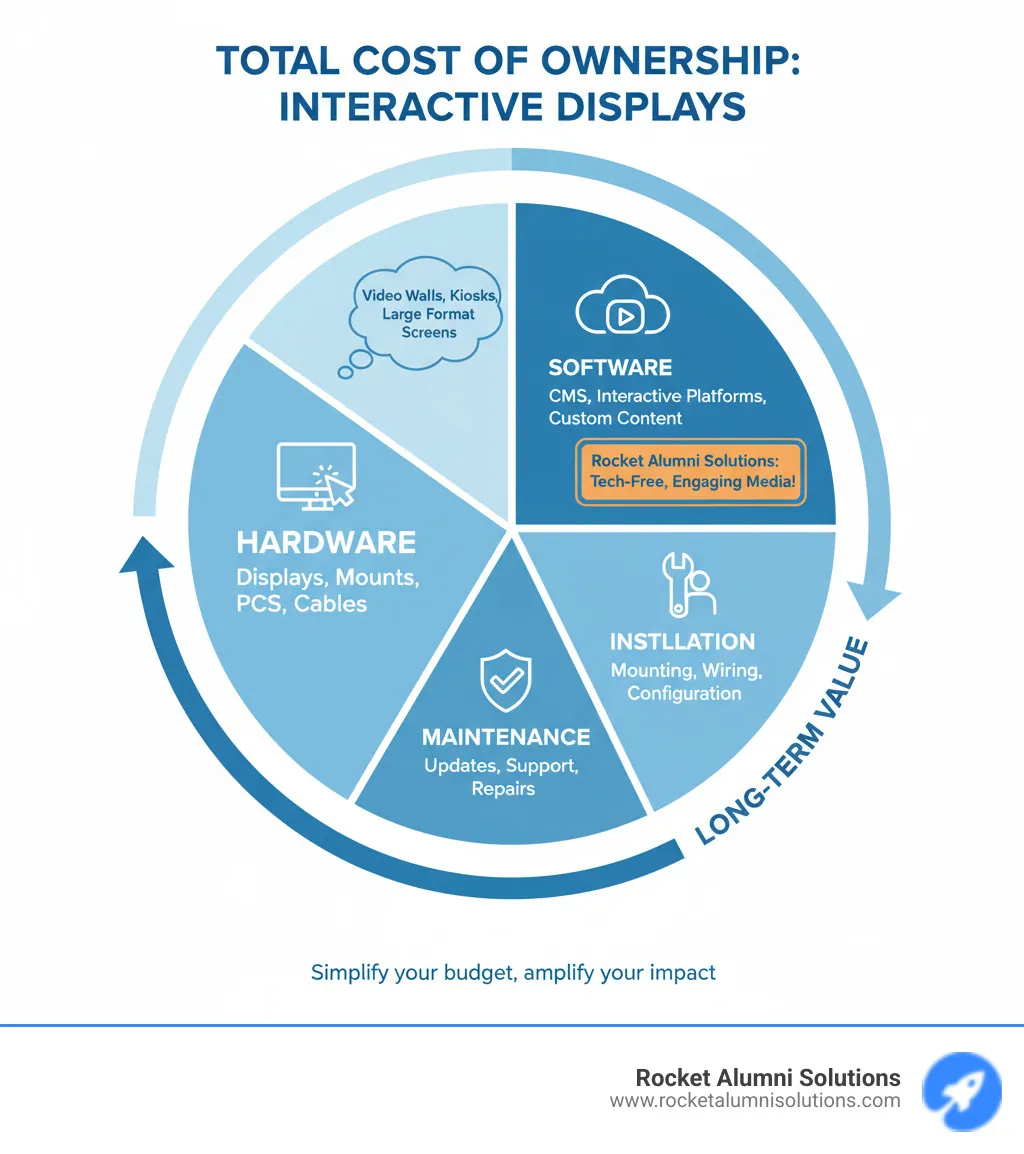
| Component | Description |
|---|---|
| Upfront Hardware Cost | The display itself, along with any necessary accessories like OPS computers, mobile stands, or mounting hardware. Prices vary widely based on size, features, and brand, ranging from a few thousand dollars for smaller units to $15,000+ for large-format displays with premium features. |
| Software Licensing Fees | Some displays include basic software at no extra charge, while others require annual subscriptions for advanced features like content management, remote monitoring, or specialized collaboration tools. These can range from free to several hundred dollars per year per display. |
| Installation and Training | Professional installation ensures everything works correctly from day one. Factor in the cost of mounting hardware, cable management, and any necessary construction work. Don't forget training—getting your team comfortable with the technology maximizes your investment. |
| Ongoing Maintenance | Displays are generally reliable, but periodic maintenance keeps them running smoothly. This includes software updates, occasional hardware repairs, and potential component replacements. The typical lifespan for media players and peripherals is around three to five years, while the displays themselves often last longer with proper care. |
| Energy Consumption | Modern displays are more energy-efficient than ever, but they still consume power—especially larger models running continuously. Calculate the estimated annual energy cost based on your usage patterns and local electricity rates. |
At Rocket Alumni Solutions, we've worked with countless schools and organizations to deploy interactive displays that showcase our customizable, tech-free media content. One thing we've learned is that the most successful installations are those where organizations plan for the complete lifecycle, not just the initial purchase. When you factor in all these costs from the beginning, you can make choices that deliver the best value over time—like opting for energy-efficient models, investing in quality mounting solutions, or choosing software platforms that grow with your needs.
The beauty of a well-planned Interactive Media Display installation is that it becomes a long-term asset, serving your community for years while adapting to new content and evolving needs. Whether you're showcasing donor recognition, presenting dynamic educational content, or creating engaging wayfinding experiences, understanding the true cost of ownership helps ensure your investment delivers lasting impact.