The Ins and Outs: Comparing Interactive Touchscreen Software
Unlock growth with Interactive Touchscreen Software. Learn key features, applications, and how to launch engaging interactive displays today.


The Easiest Solution
All you need:
Power Outlet
Wifi or Ethernet
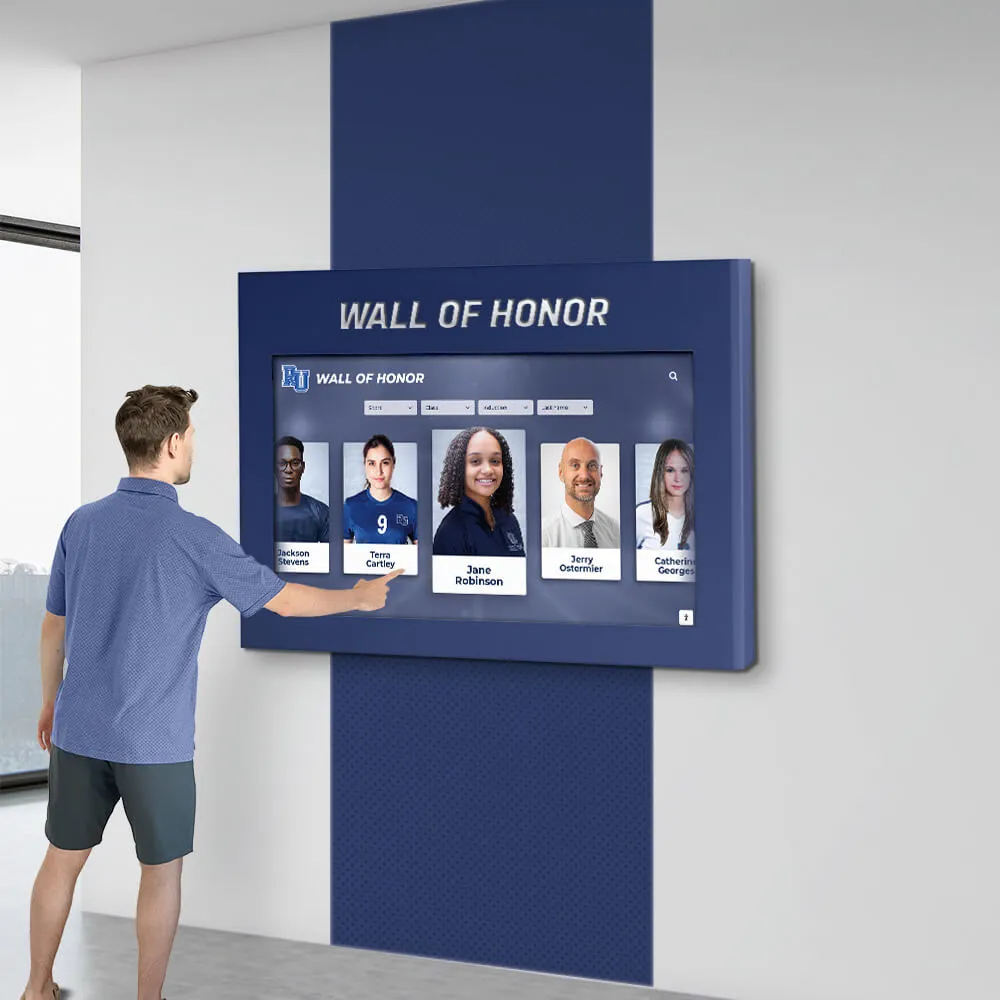
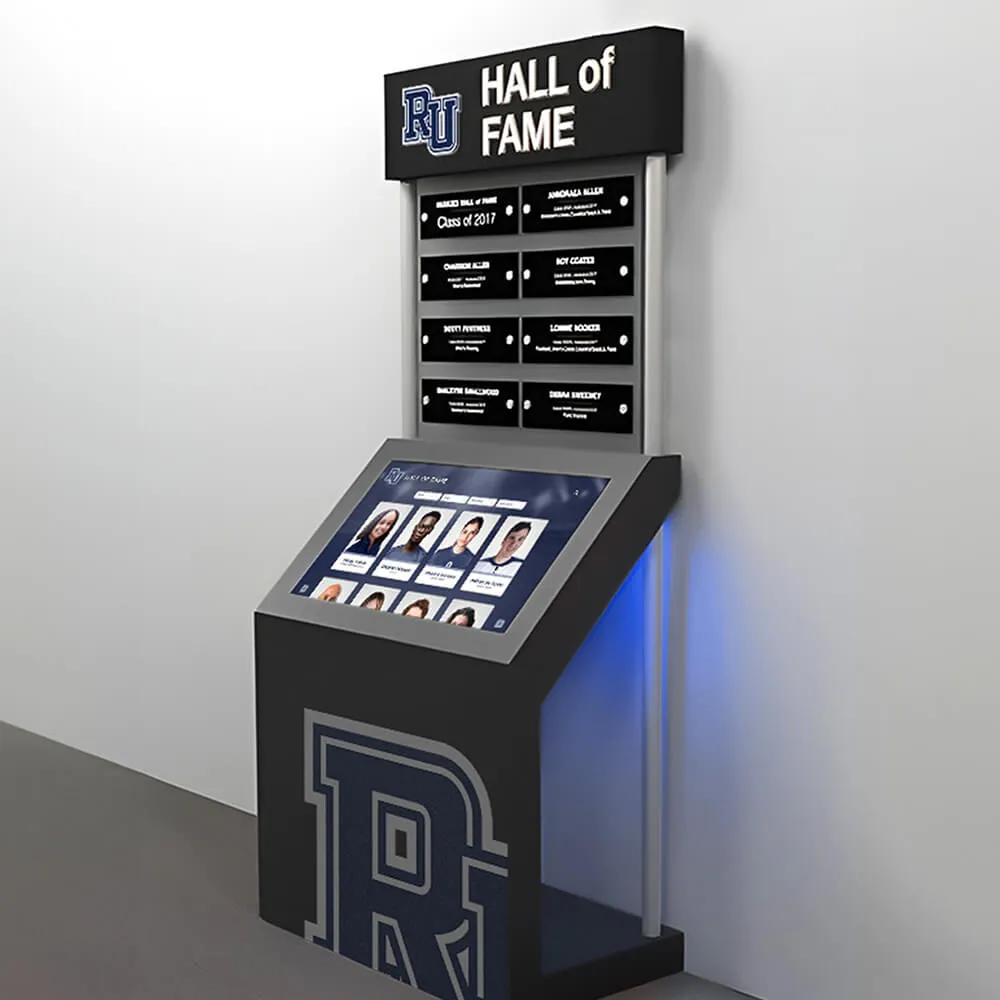
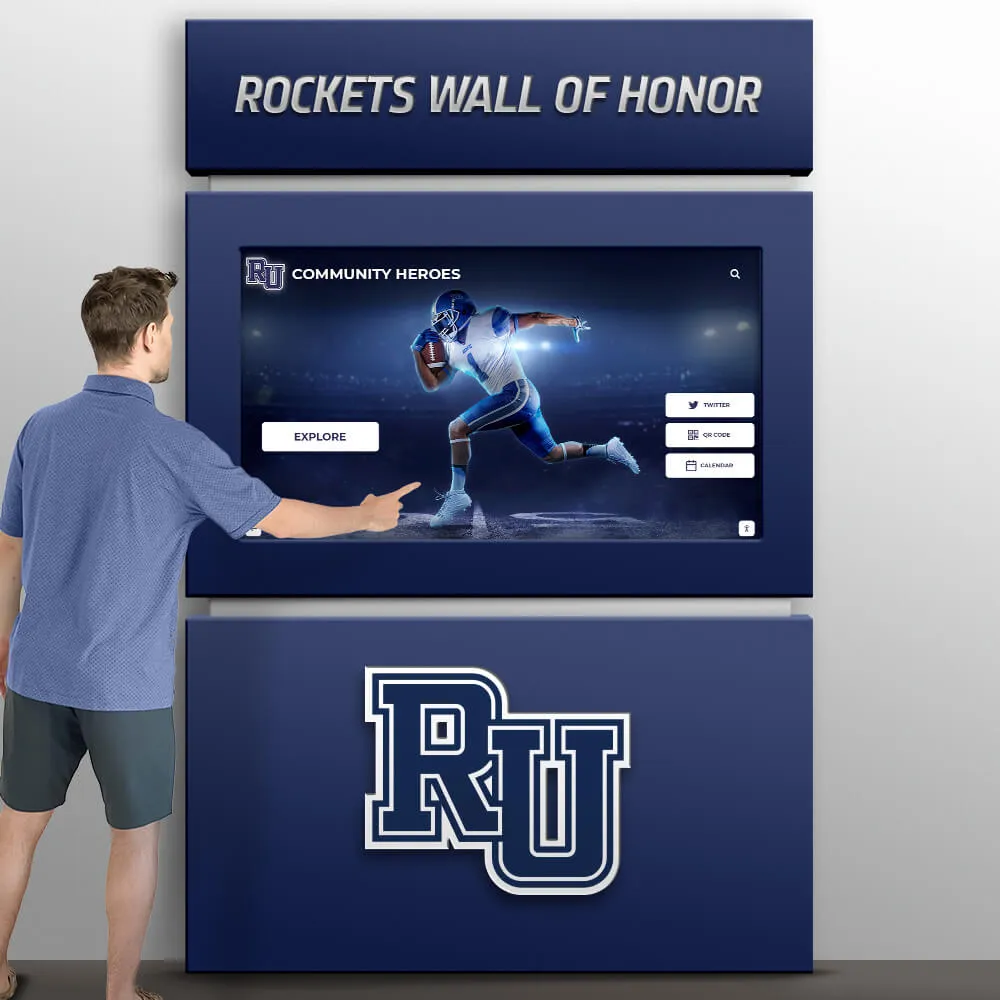
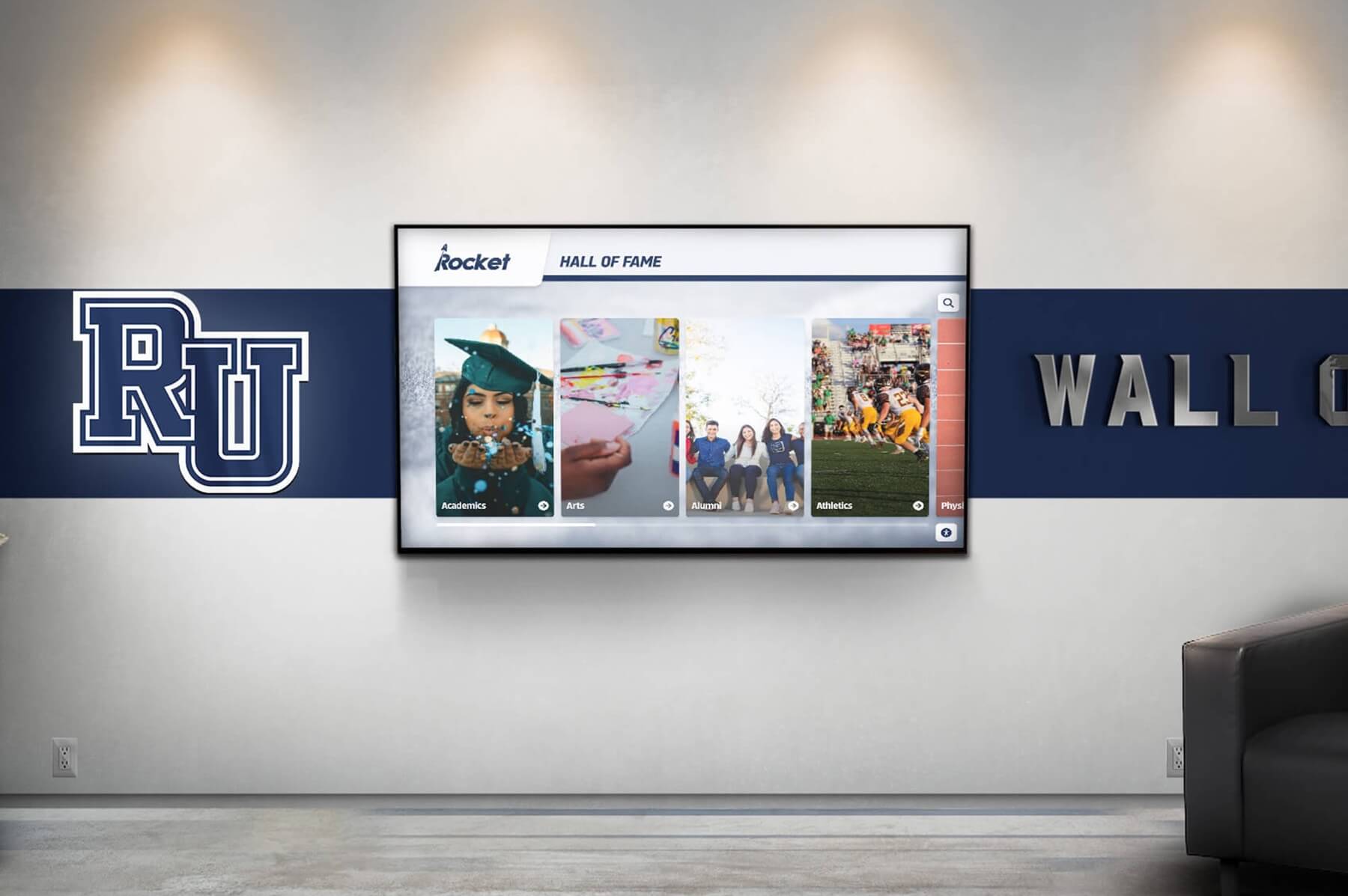
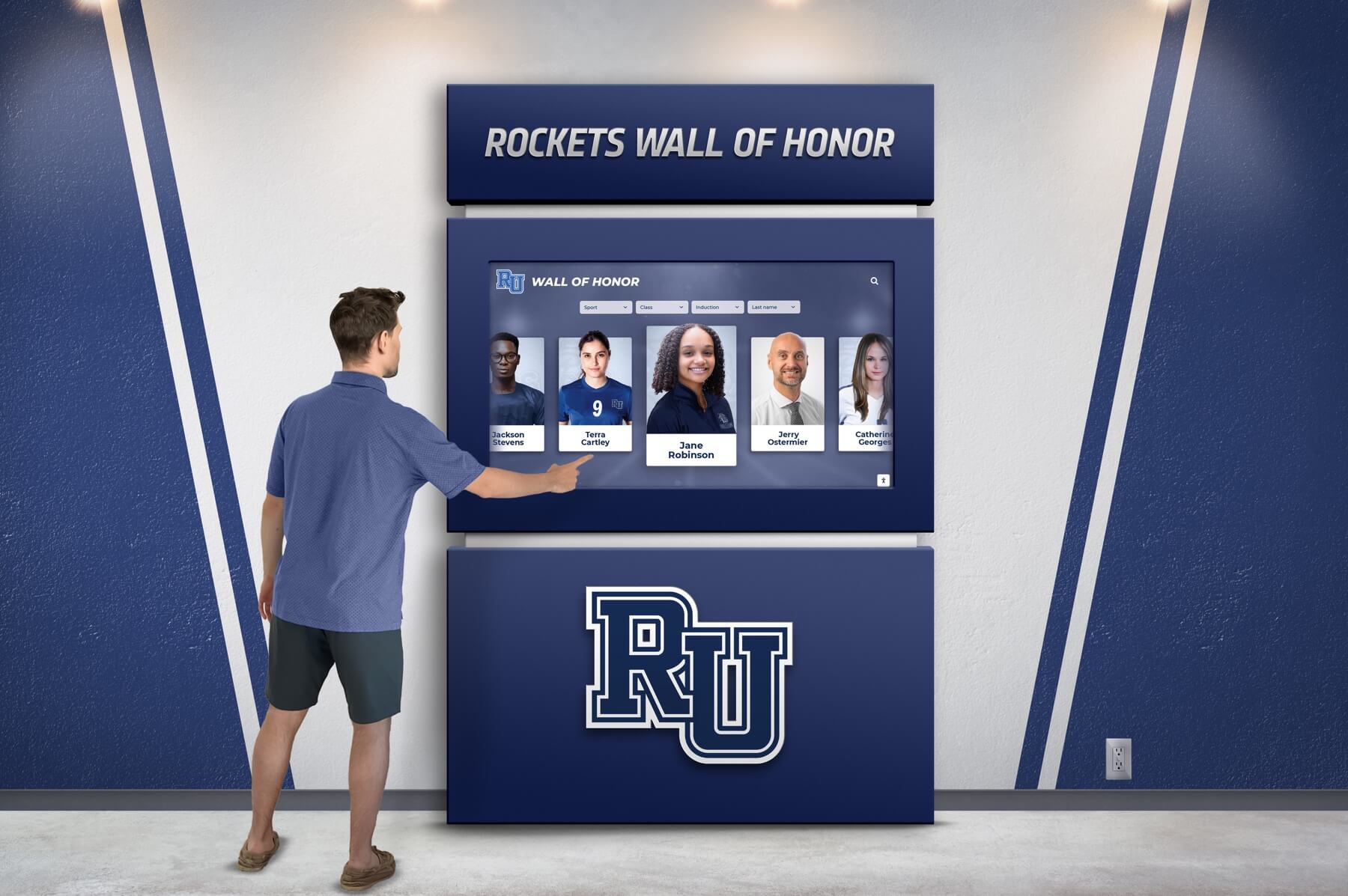
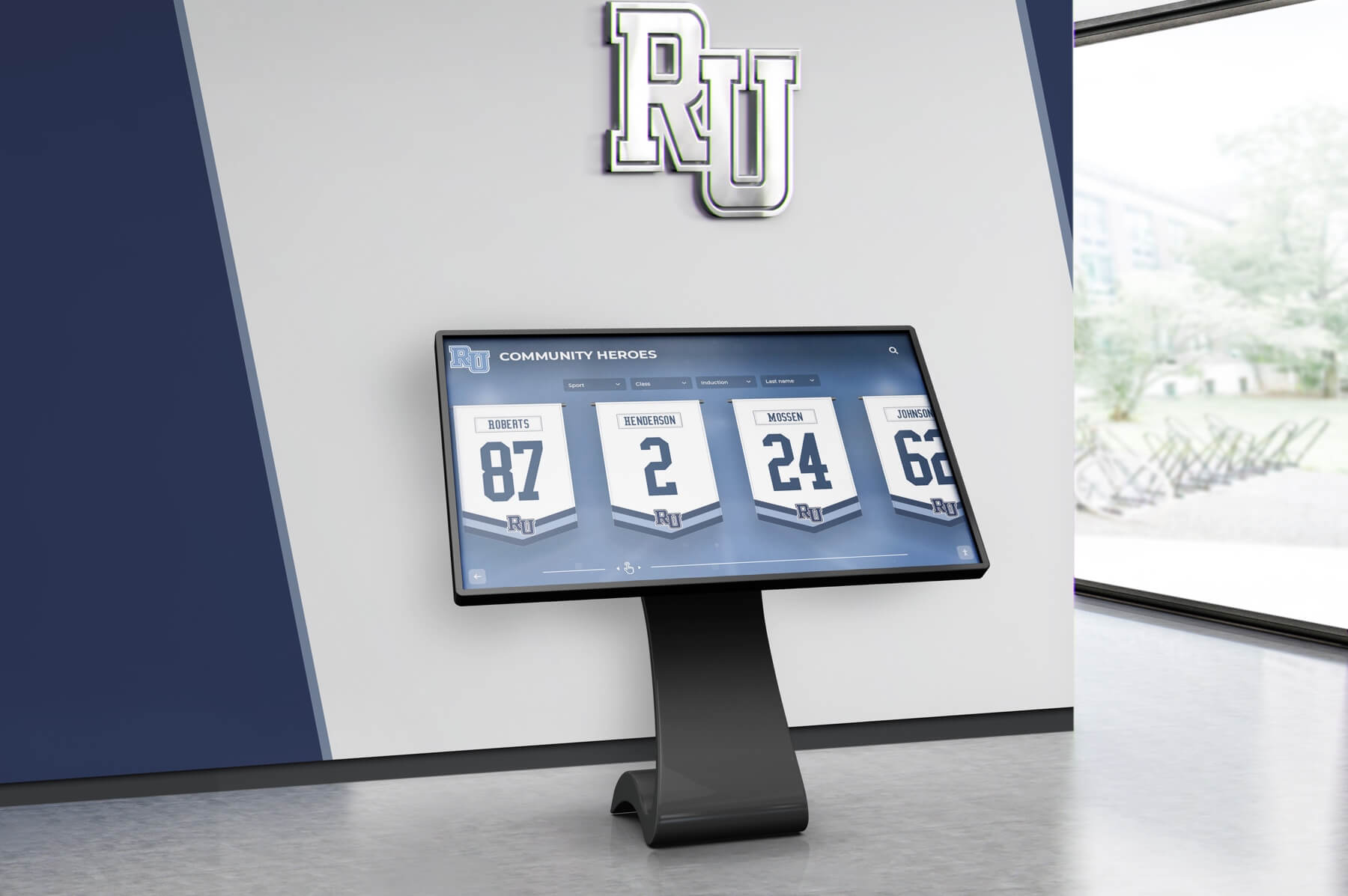
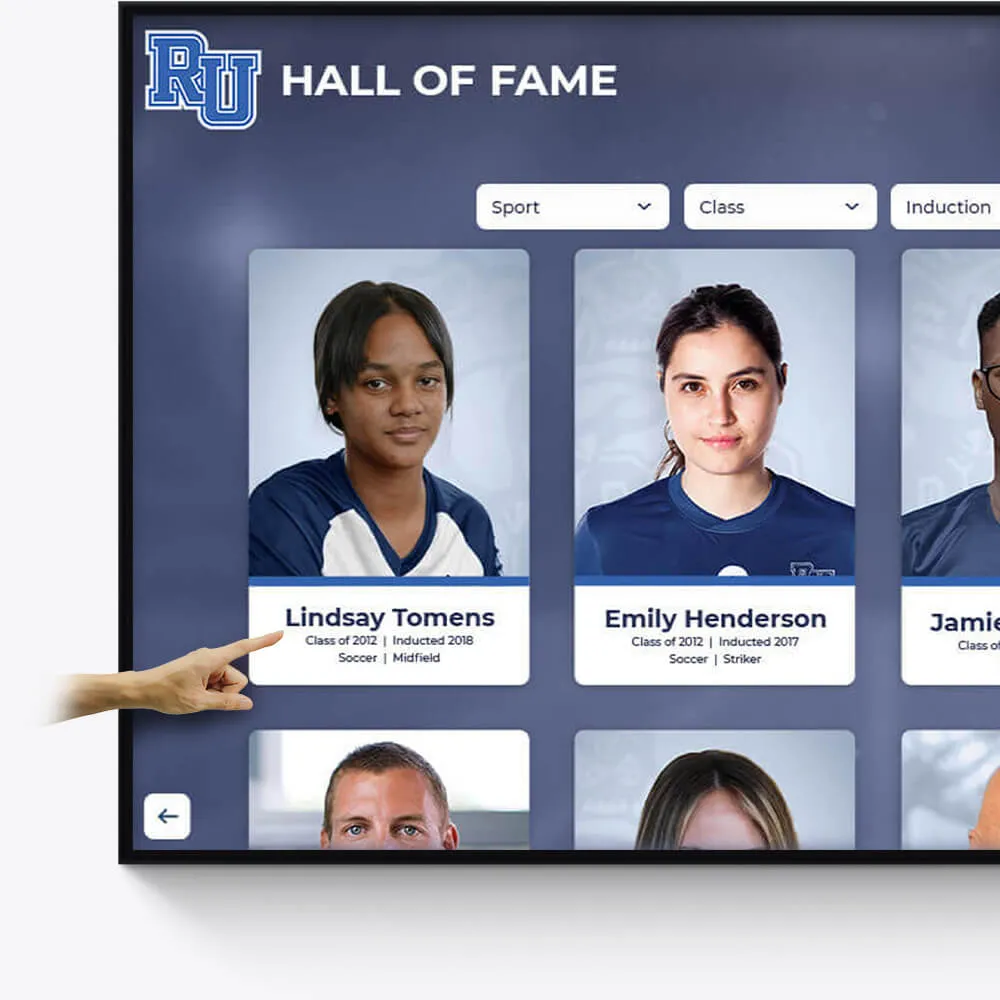
Hall of Fame
Celebrate the achievements of exceptional athletes and teams with our interactive Hall of Fame displays. Tailored to reflect your institution's rich history and spirit.
Customizable design to match school colors and branding
Easily updatable to add new inductees and achievements
Interactive elements to engage visitors and tell compelling stories
Academic Awards
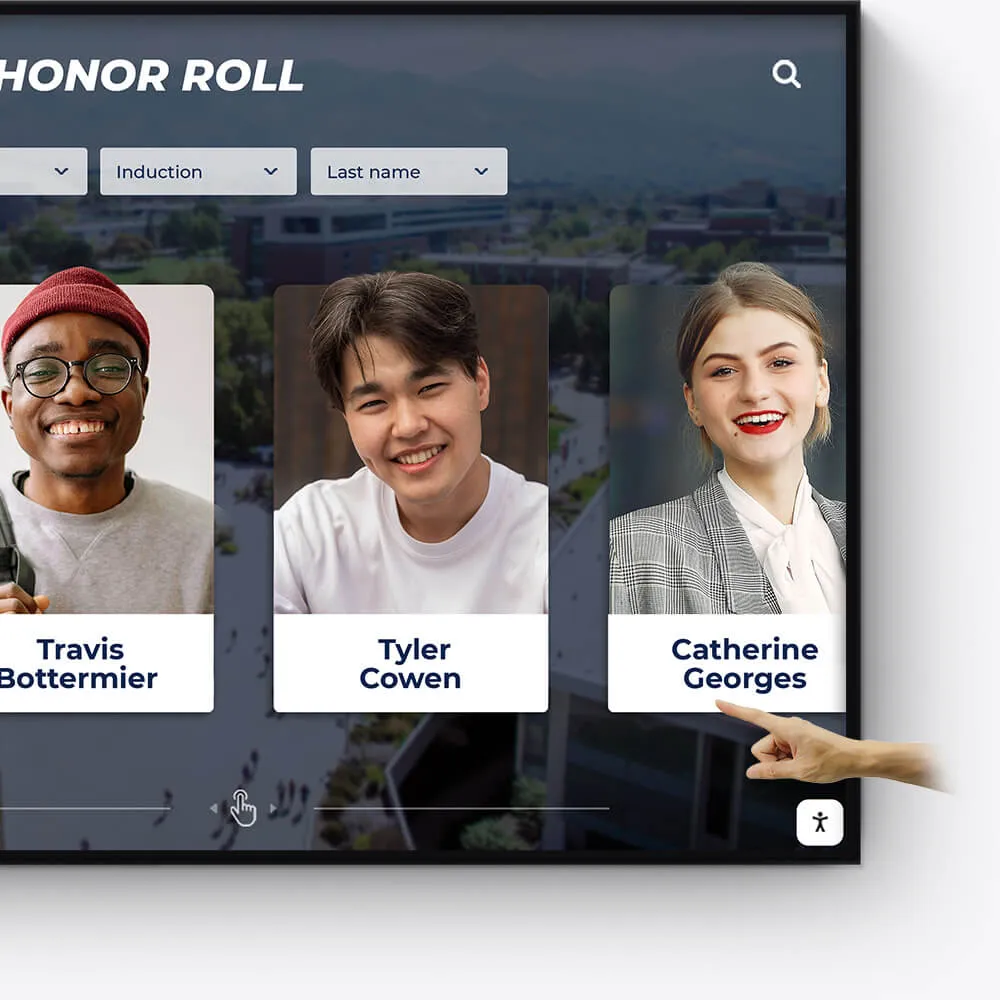
Honor academic excellence with a dynamic and interactive display of student achievements, scholarships, and notable accomplishments.
Showcase academic high achievers and scholarship recipients
Feature departmental and individual academic milestones
Integrate with school databases for real-time updates
Record Boards
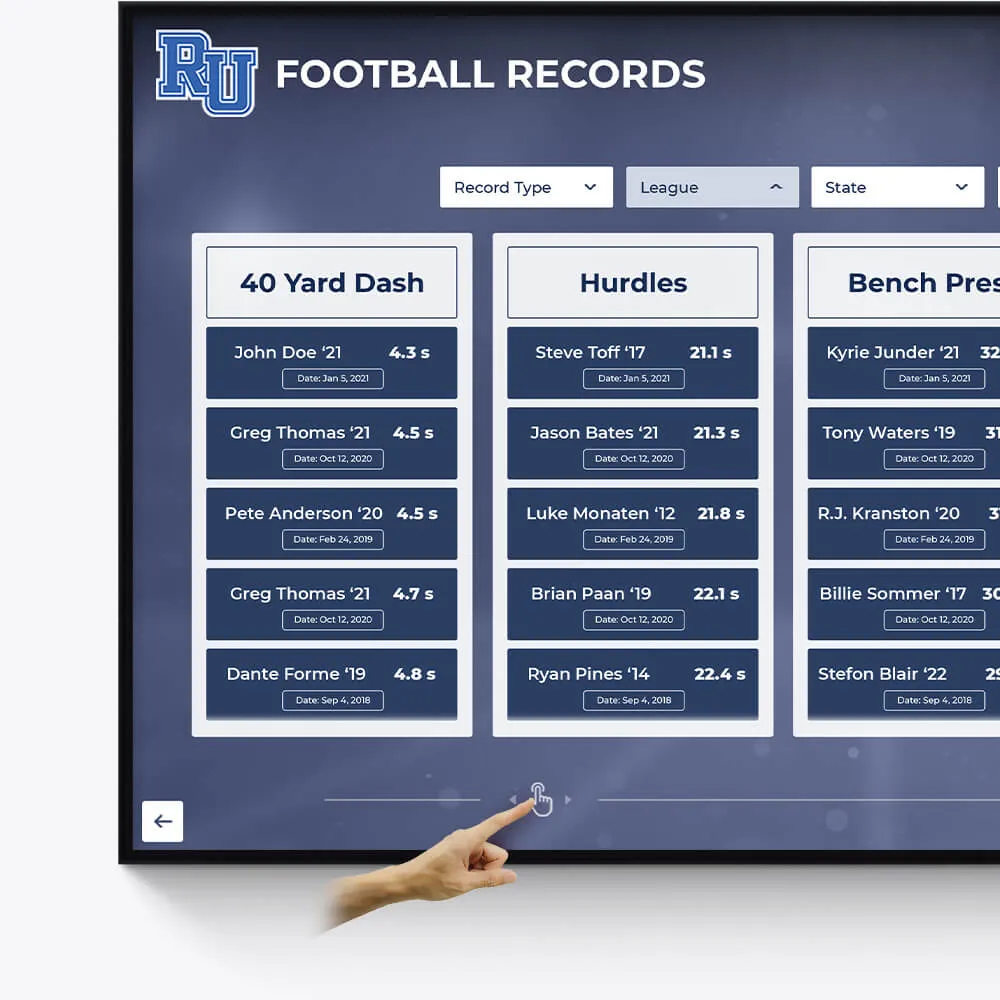
Immortalize outstanding athletic records and performances with our versatile digital record boards, ensuring lasting recognition.
Display current and historical record holders
Easy-to-update interface for new records
Engaging visuals to celebrate athletic achievements
Donor Recognition
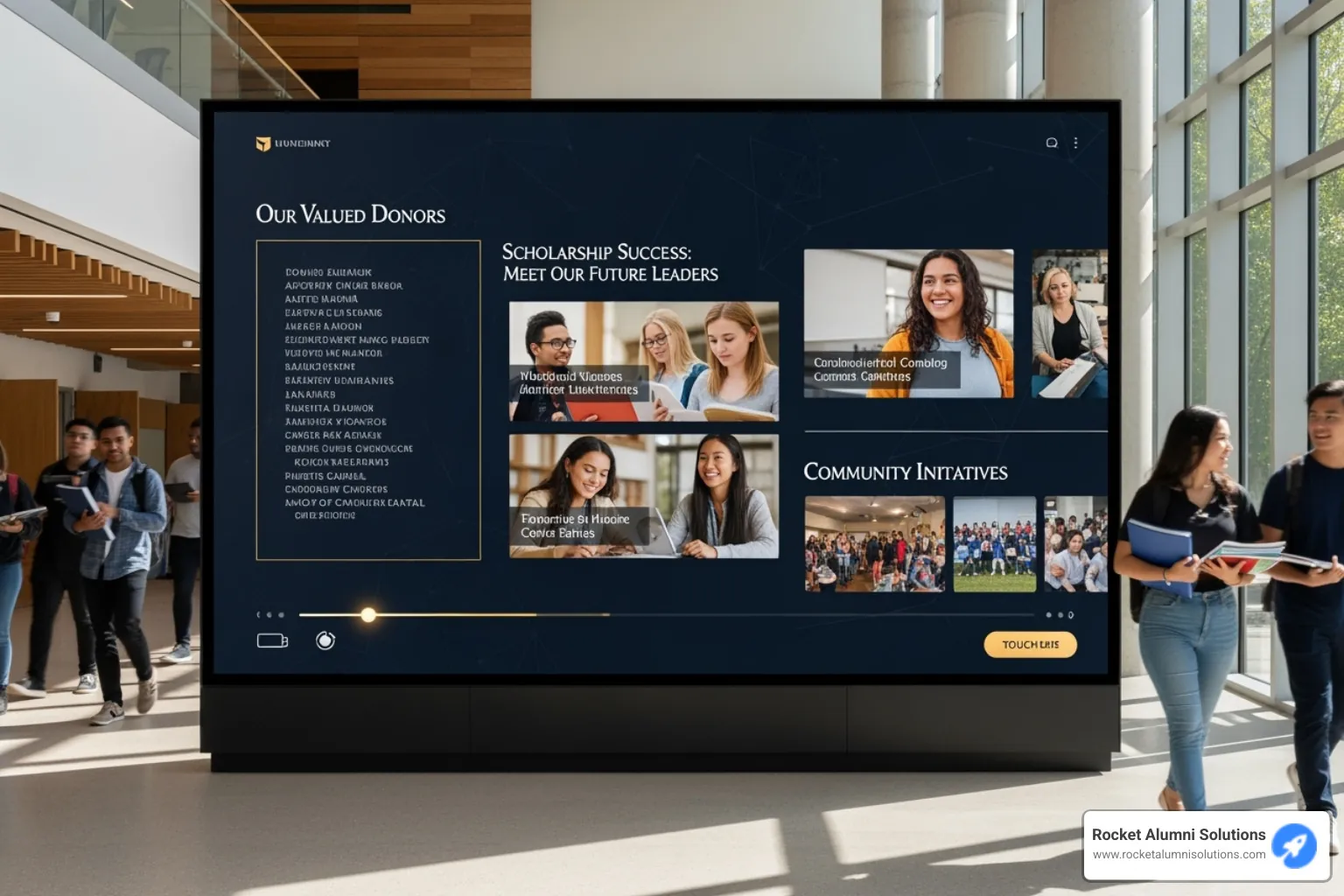
Acknowledge the generosity and impact of your donors with a dedicated and customizable digital display, fostering a culture of gratitude.
Highlight individual donors and their contributions
Incorporate donor stories and impact testimonials
Feature interactive donor walls with search functionality

Distinguished Alumni
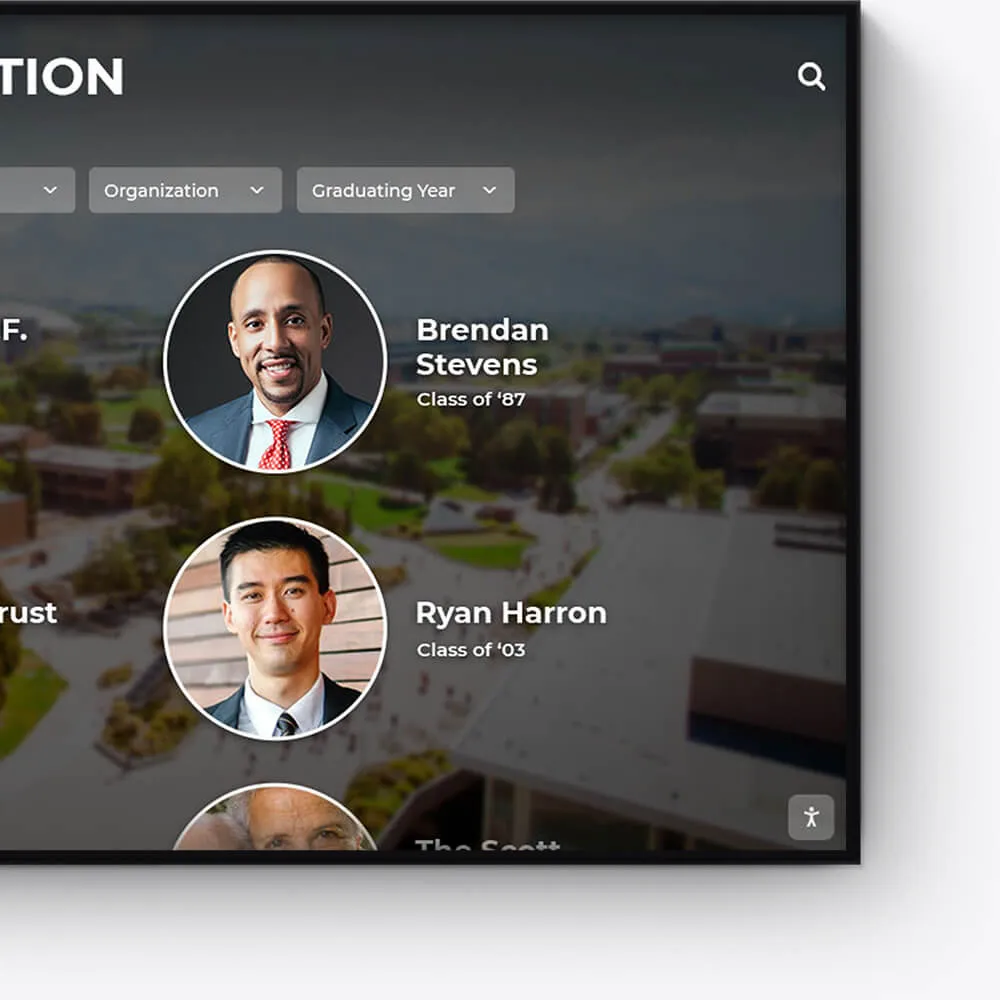
Showcase the success stories of your alumni, inspiring current and future students with a visually appealing and interactive alumni gallery.
Profile notable alumni with biographies and achievements
Link to alumni networks and success stories
Celebrate diverse paths and accomplishments post-graduation
Graduation Honors
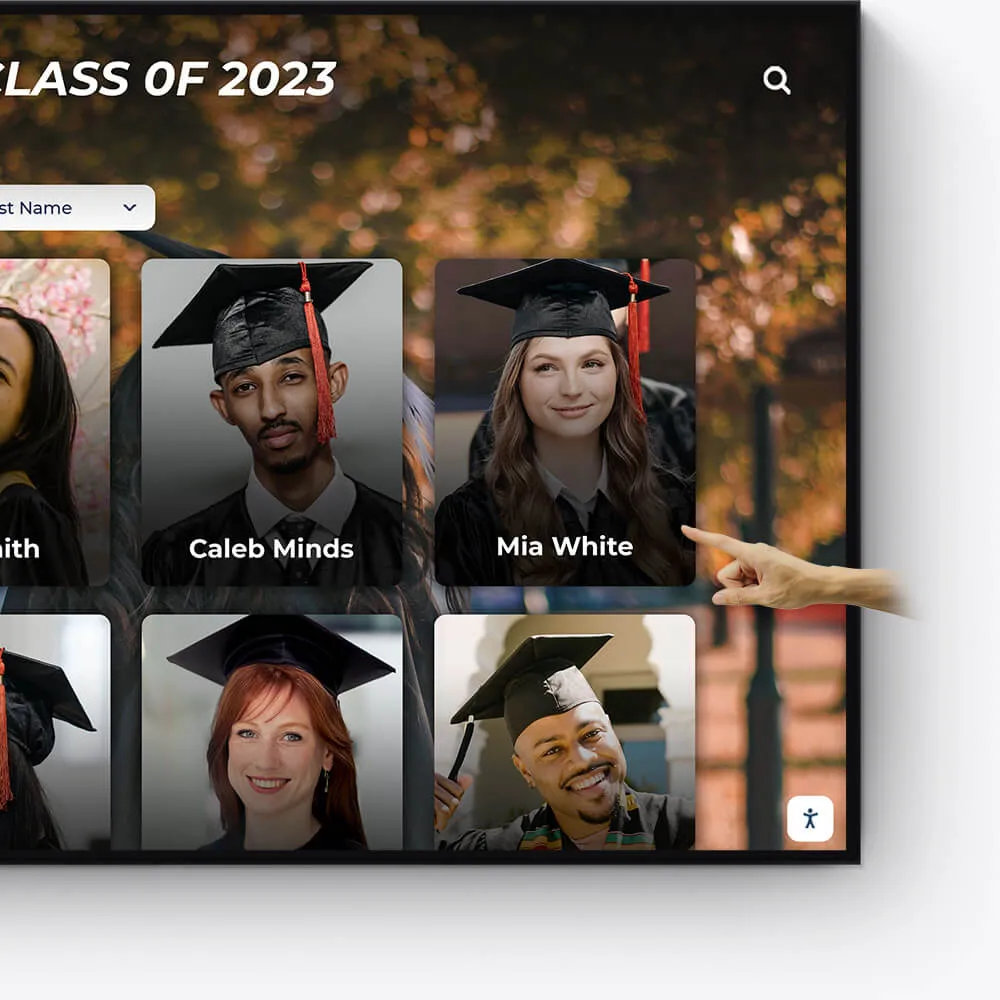
Celebrate your graduates' milestones with a dedicated display for cum laude, magna cum laude, and summa cum laude honorees.
Feature valedictorians, salutatorians, and honor graduates
Showcase graduation speeches and memorable moments
Offer a digital yearbook experience with graduate profiles
Team History
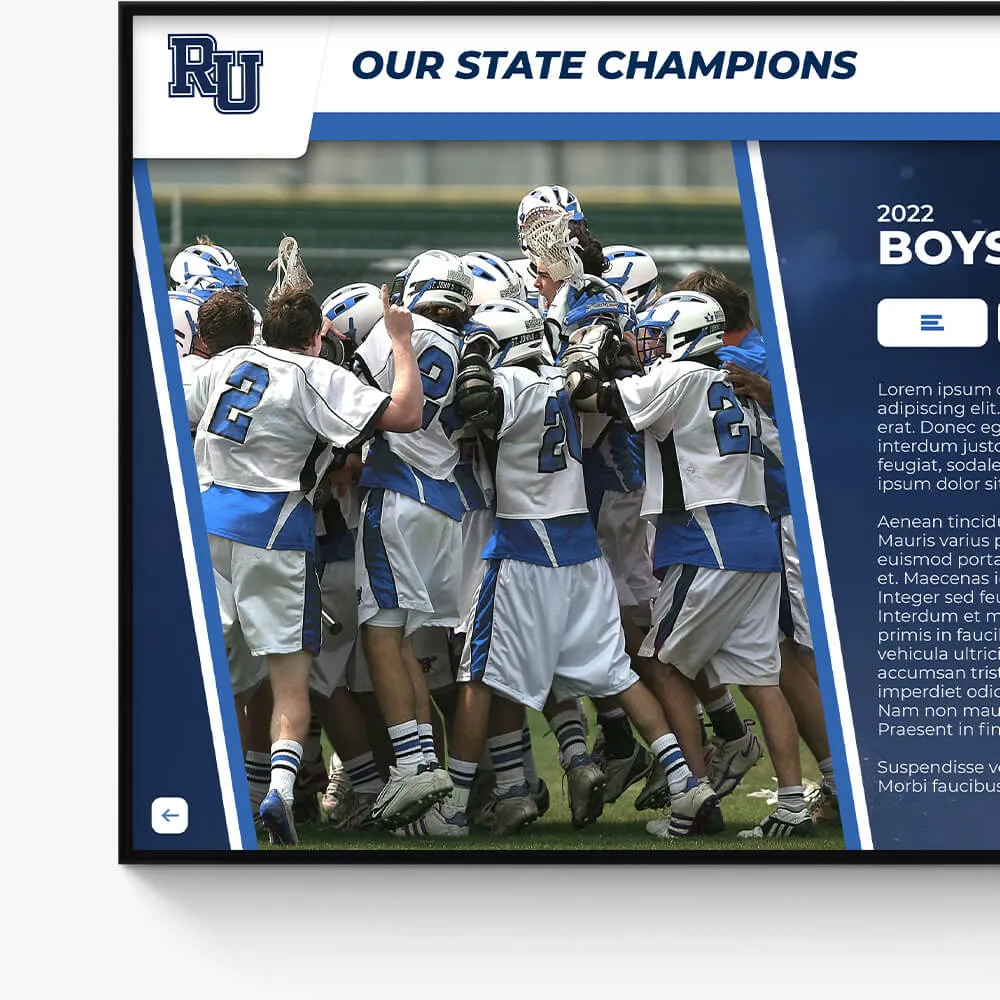
Chronicle the journey and milestones of your sports teams, creating an engaging historical narrative with our interactive displays.
Highlight championship wins and significant games
Showcase evolution of team uniforms and logos
Include past and present team rosters and coaches
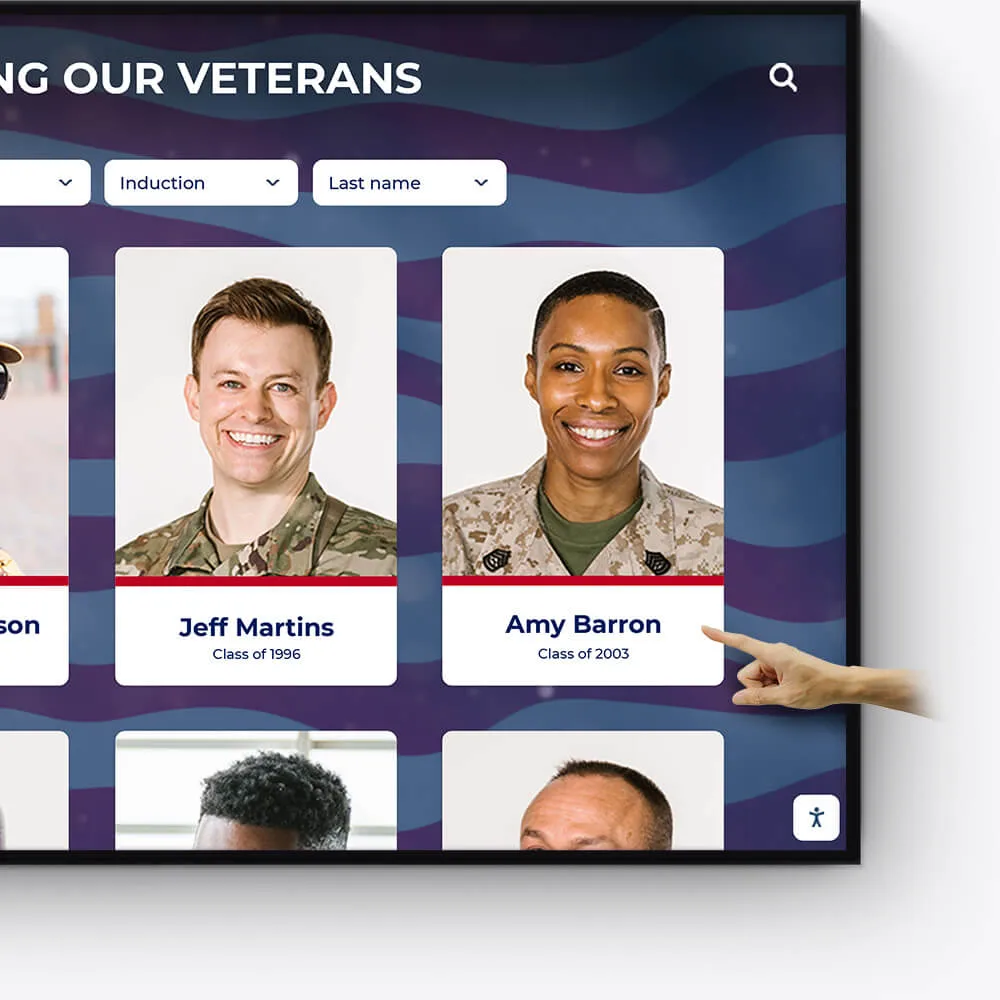
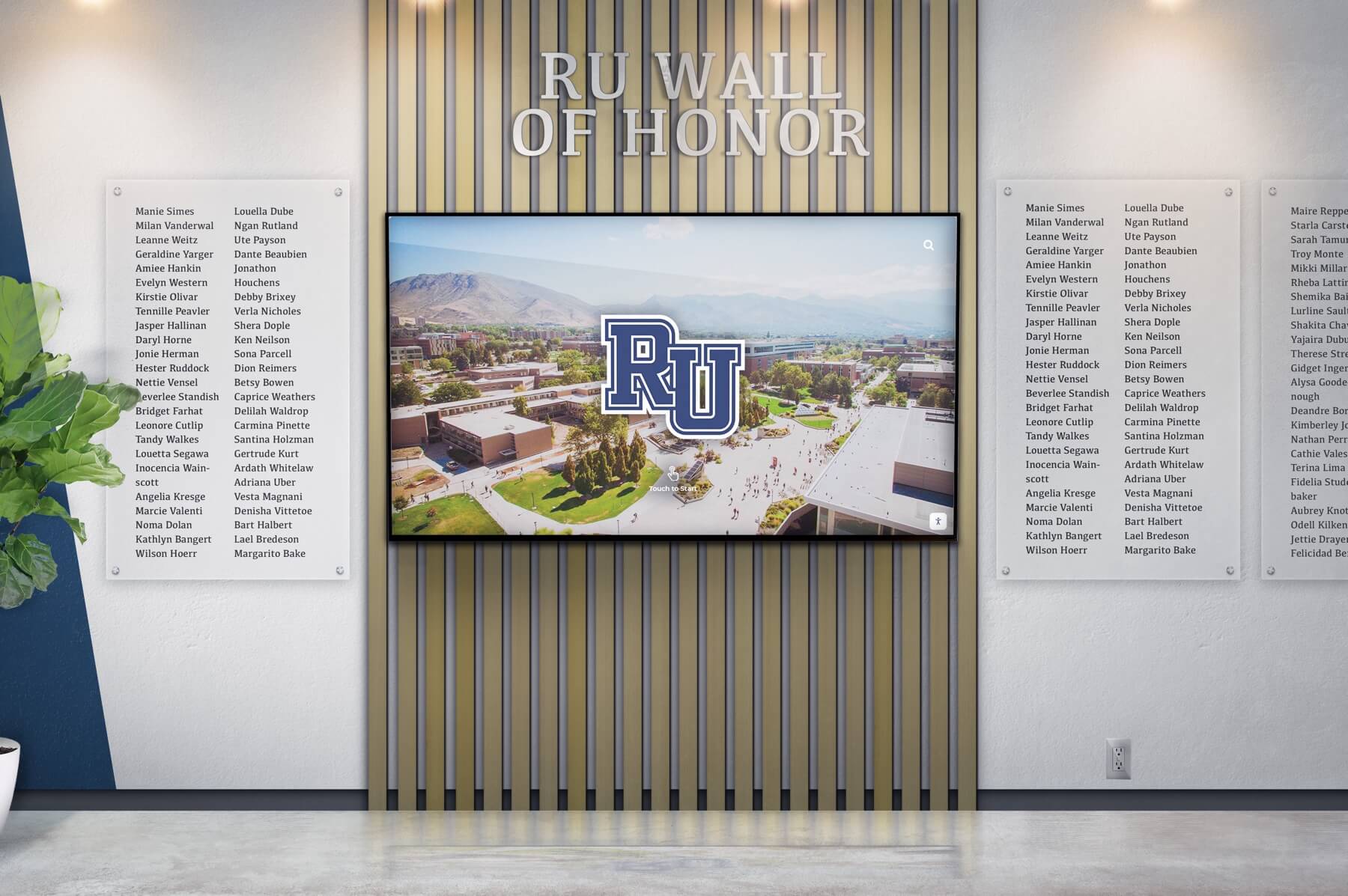
Wall of Honor for Veterans & Service Members
Honor the bravery, service, and sacrifice of veterans and active service members with a dedicated Wall of Honor. This tribute celebrates their commitment and the impact they have made in service to our nation.
Recognize the sacrifices and achievements of veterans and military personnel
Share personal stories, service histories, and accolades
Create a respectful and engaging tribute to those who serve
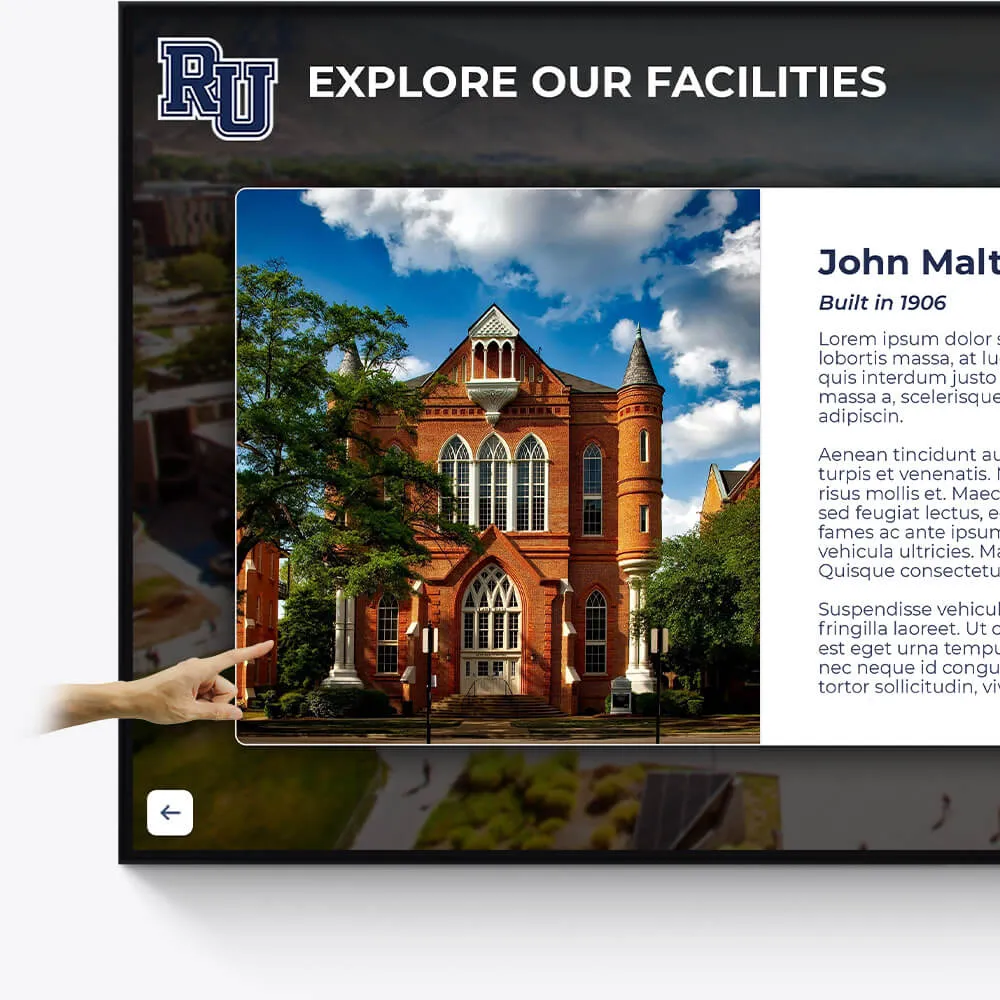
Facilities
Enhance the visitor experience at your facilities with interactive displays showcasing the history, features, and milestones of your buildings and grounds.
Provide virtual tours of your campus and facilities
Highlight renovations, expansions, and historical significance
Include donor recognition for facility contributions
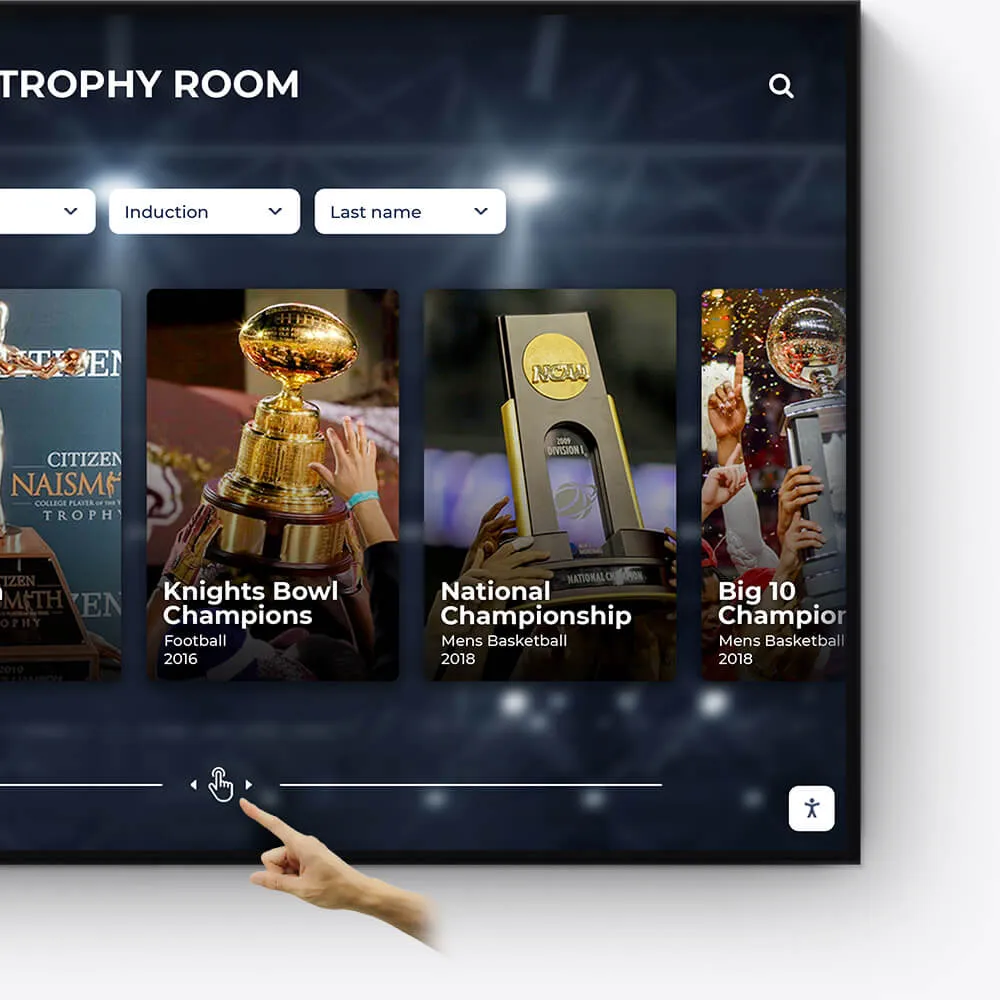
Awards
Showcase the diverse range of awards and honors received by your institution, students, and faculty in an engaging and interactive manner.
Feature departmental, athletic, and extracurricular awards
Highlight national and regional recognitions and rankings
Include interactive timelines of award achievements
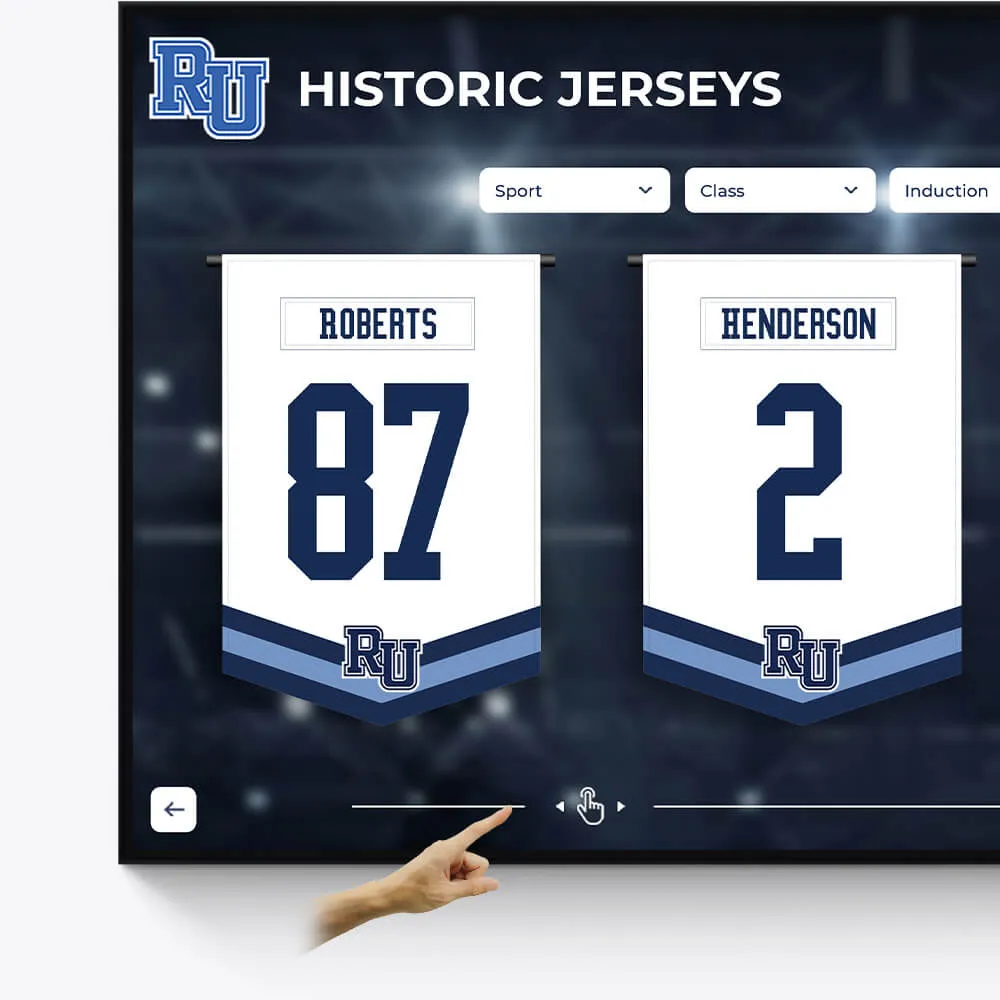
Olympians & Professional Athletes
Celebrate the extraordinary achievements of your alumni who have excelled in the Olympics or turned professional, showcasing their journey and successes.
Profile Olympians and professional athletes with their career highlights
Include achievements, accolades, and professional milestones
Share inspiring stories of dedication and triumph
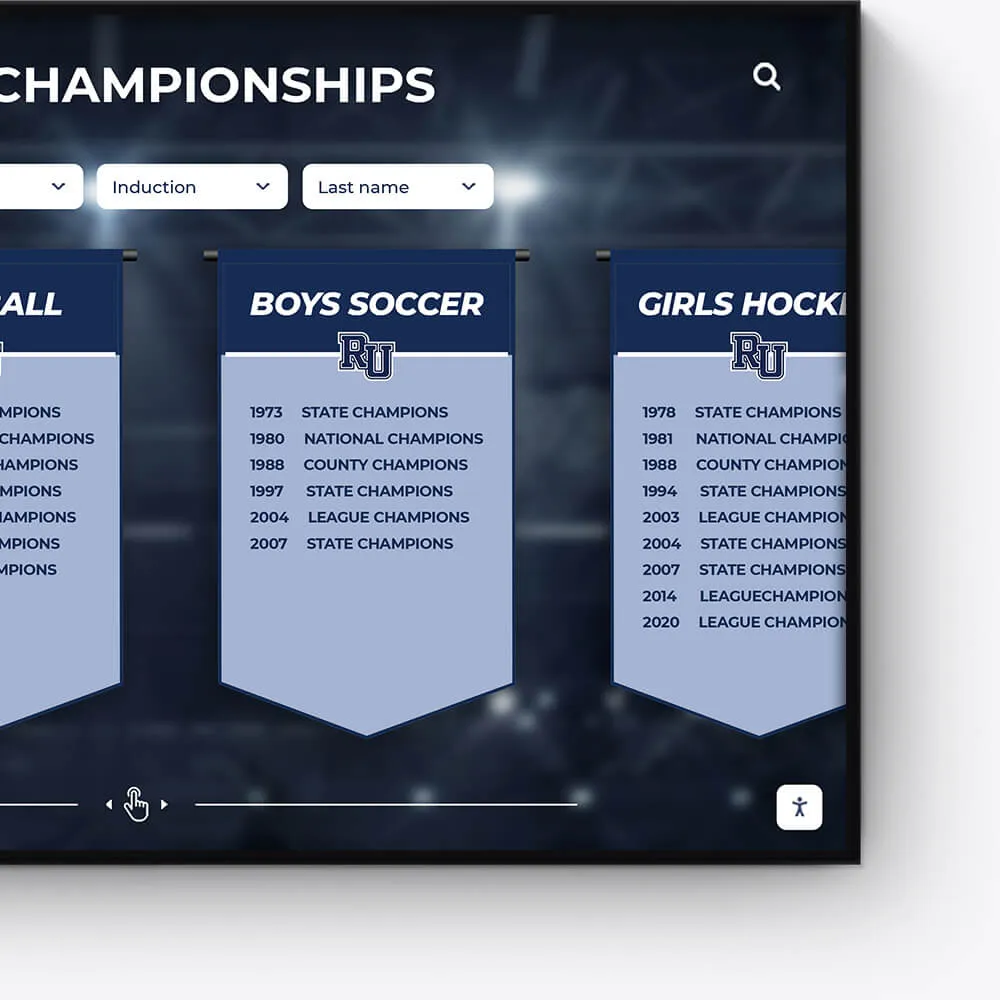
Plaques
Digitally transform traditional plaques into an interactive and dynamic format, offering a modern approach to recognition.
Convert legacy plaques into digital formats
Include detailed information and stories behind each plaque
Offer an interactive and engaging user experience
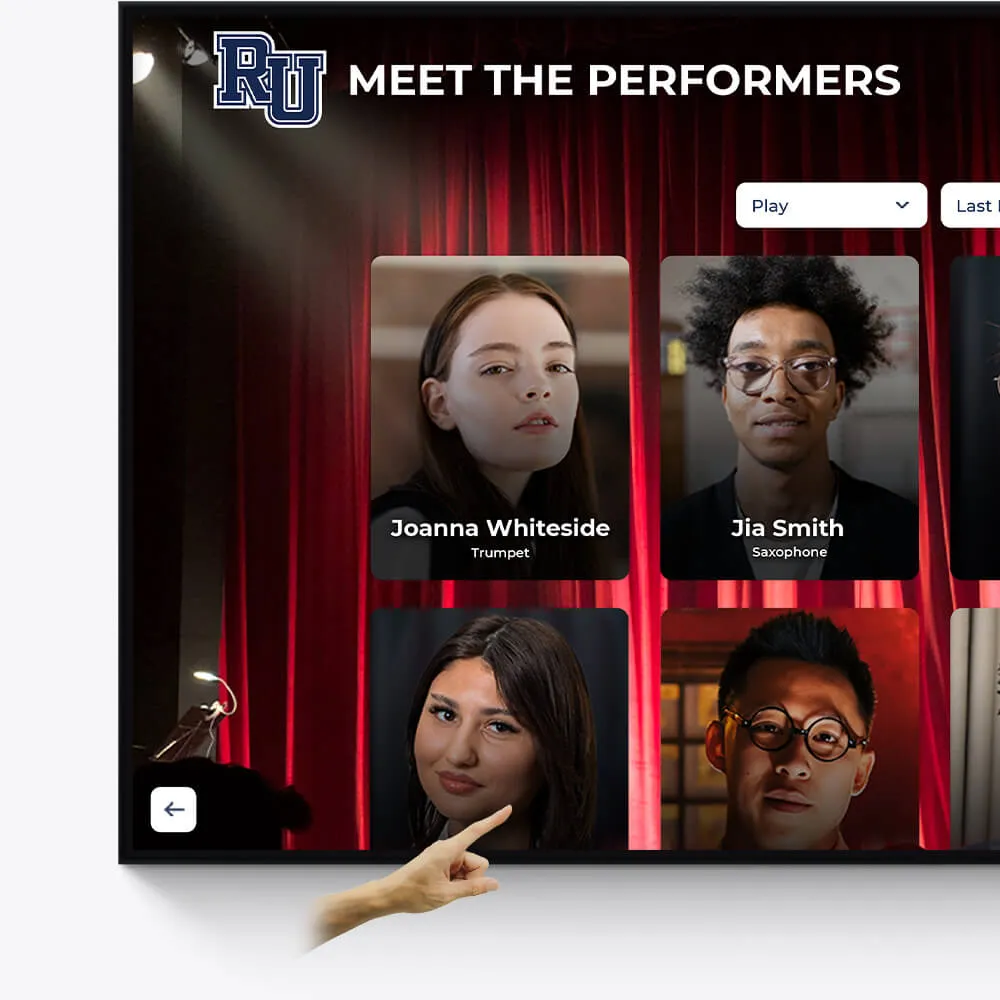
Music & Arts
Seamlessly repurpose old content, dynamically showcase new material, and intelligently adapt to events and announcements.
Make old content relevant again by targeting specific times and audiences
On-demand video access to concerts, a powerful tool for admissions and recognition
Elevated concert promotional content and digital programs
Why Interactive Touchscreen Software Matters for Modern Organizations
Interactive Touchscreen Software is a specialized application that transforms passive displays into engaging, two-way communication tools where users can tap, swipe, and interact with digital content. These platforms are revolutionizing how organizations present information, generate leads, and engage audiences across industries—from retail and education to museums and corporate environments.
Key things to know about Interactive Touchscreen Software:
- What it is: Software that enables touch-based interaction with digital content on screens, kiosks, video walls, and tablets without requiring coding knowledge
- Why it matters: Creates a "WOW factor" that projects your organization as innovative while simplifying complex ideas through visual, hands-on experiences
- Market growth: The global interactive whiteboard market was valued at $10.5 billion in 2022 and is projected to reach $21.7 billion by 2030
- Core capabilities: Multi-touch gestures, offline functionality, data analytics, CRM integration, and hardware compatibility across Windows, Android, and iOS devices
- Common uses: Interactive product catalogs, wayfinding systems, digital yearbooks, lead generation kiosks, and self-service information displays
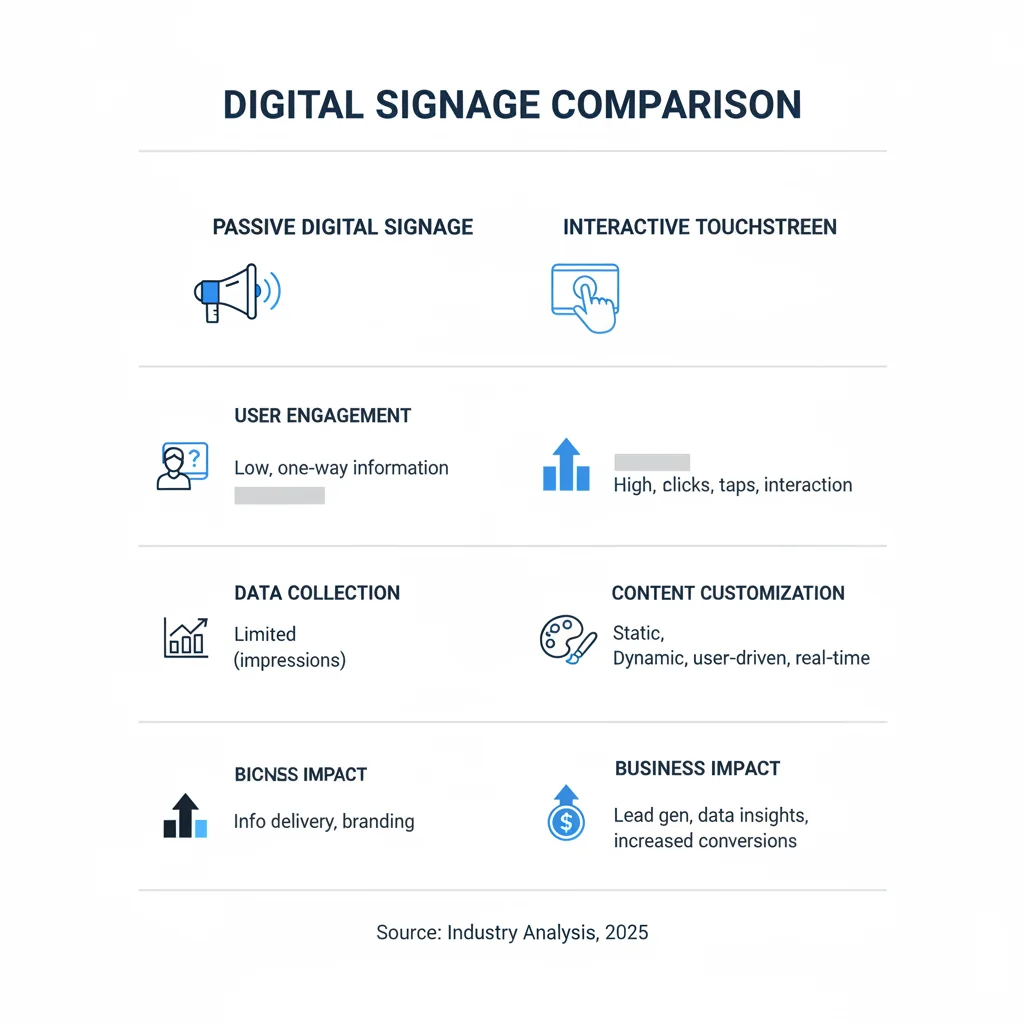
The difference between traditional digital signage and interactive touchscreen experiences is fundamental. While static displays simply broadcast information, interactive software creates genuine engagement—changing viewers into active participants who can explore content at their own pace, customize their experience, and provide valuable data about what interests them most.
As Chase McKee, Founder & CEO of Rocket Alumni Solutions, I've spent years helping schools and organizations implement Interactive Touchscreen Software that brings communities together through recognition displays and digital yearbooks. Our journey to $3M+ ARR taught me that the right platform can increase donor engagement by 25% and boost retention dramatically when you make every interaction feel personal and meaningful.
Terms related to Interactive Touchscreen Software:
Understanding the Fundamentals of Interactive Touchscreen Software
Interactive Touchscreen Software transforms one-way communication into a genuine conversation between your content and your audience. Instead of passively viewing a poster, users can touch a screen to explore stories, browse products, or find information at their fingertips.
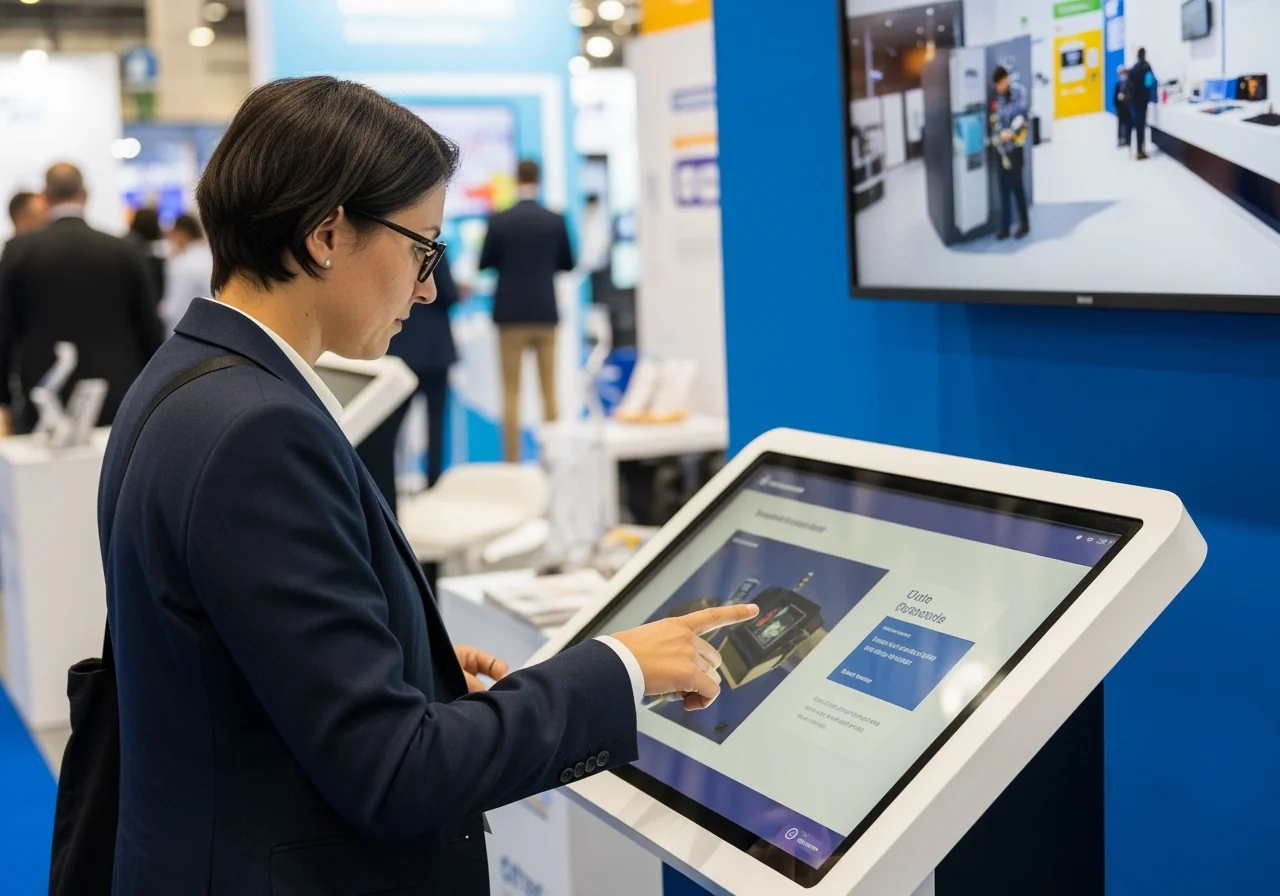
The fundamental difference is the shift from passive viewing to active participation. Traditional digital signage talks at people, while interactive software talks with them. This creates a "WOW factor," making your organization appear innovative and accessible. Complex ideas become intuitive when people can touch, swipe, and explore them visually.
This revolution is unfolding across industries:
- Retail: Customers browse interactive product catalogs and customize items.
- Education: Institutions bring history to life with digital yearbooks and interactive timelines.
- Museums: Static exhibits become multimedia experiences with 3D models and immersive stories.
- Corporate: Lobbies use interactive displays for visitor guidance and company presentations.
- Real Estate: Showrooms let buyers take virtual tours and customize floor plans.
Key Applications for Business Growth
Interactive Touchscreen Software drives tangible business results while creating memorable experiences.
- Lead Generation: Engage users with interactive quizzes or product explorers that collect contact information. QR codes allow visitors to continue their journey on mobile devices, capturing valuable prospect data.
- Customer Engagement: Present products through interactive catalogs with videos, 3D animations, and 360° models. This hands-on approach keeps people engaged far longer than traditional marketing.
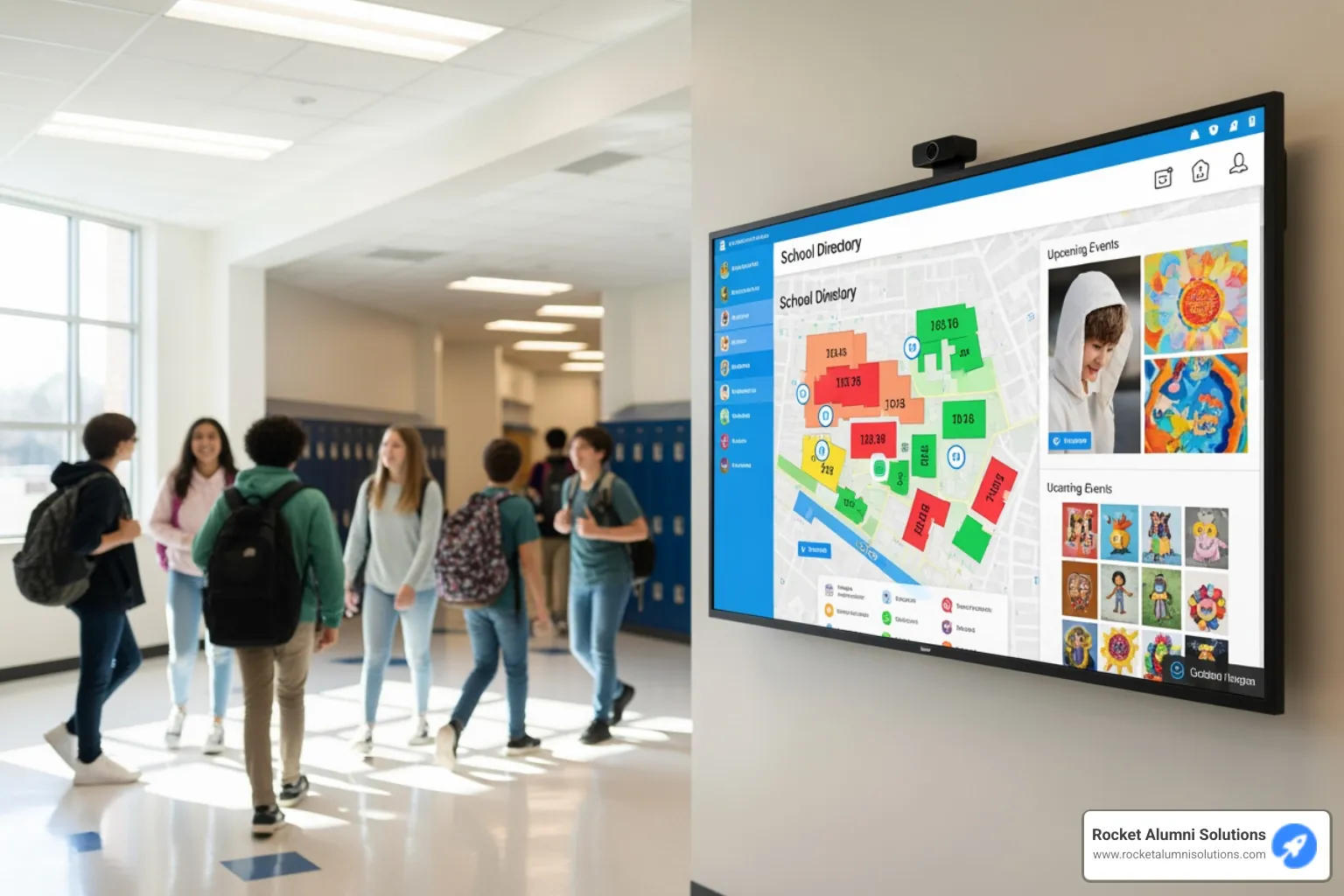
- Wayfinding Systems: Guide visitors through large campuses, event centers, and corporate facilities with interactive maps, reducing confusion and improving the user experience.
- Gamification: Turn information-sharing into entertainment with quizzes, interactive courses, or challenges that make learning fun and memorable.
- Sales Enablement: Allow your team to visually demonstrate complex products or services on interactive displays, making sales conversations dynamic and custom to prospect needs.
- Digital Yearbooks: For educational and athletic communities, changing traditional yearbooks into animated flip books creates nostalgic, interactive experiences. At Rocket Alumni Solutions, we've seen how adding social media integration, calendars, and search functions makes these experiences accessible and engaging for alumni.
- Product Configurators: Let users customize products in real-time, from cars to furniture. This personalized experience dramatically increases purchase intent.
The software's versatility allows for web-based sharing, virtual demo spaces, and event kiosks, opening new doors for audience connection and business growth.
Core Features and Capabilities to Look For
Choosing the right Interactive Touchscreen Software means looking beyond impressive visuals to the features that deliver long-term value. Effective software should be easy to update, provide user insights, and integrate with your existing systems.
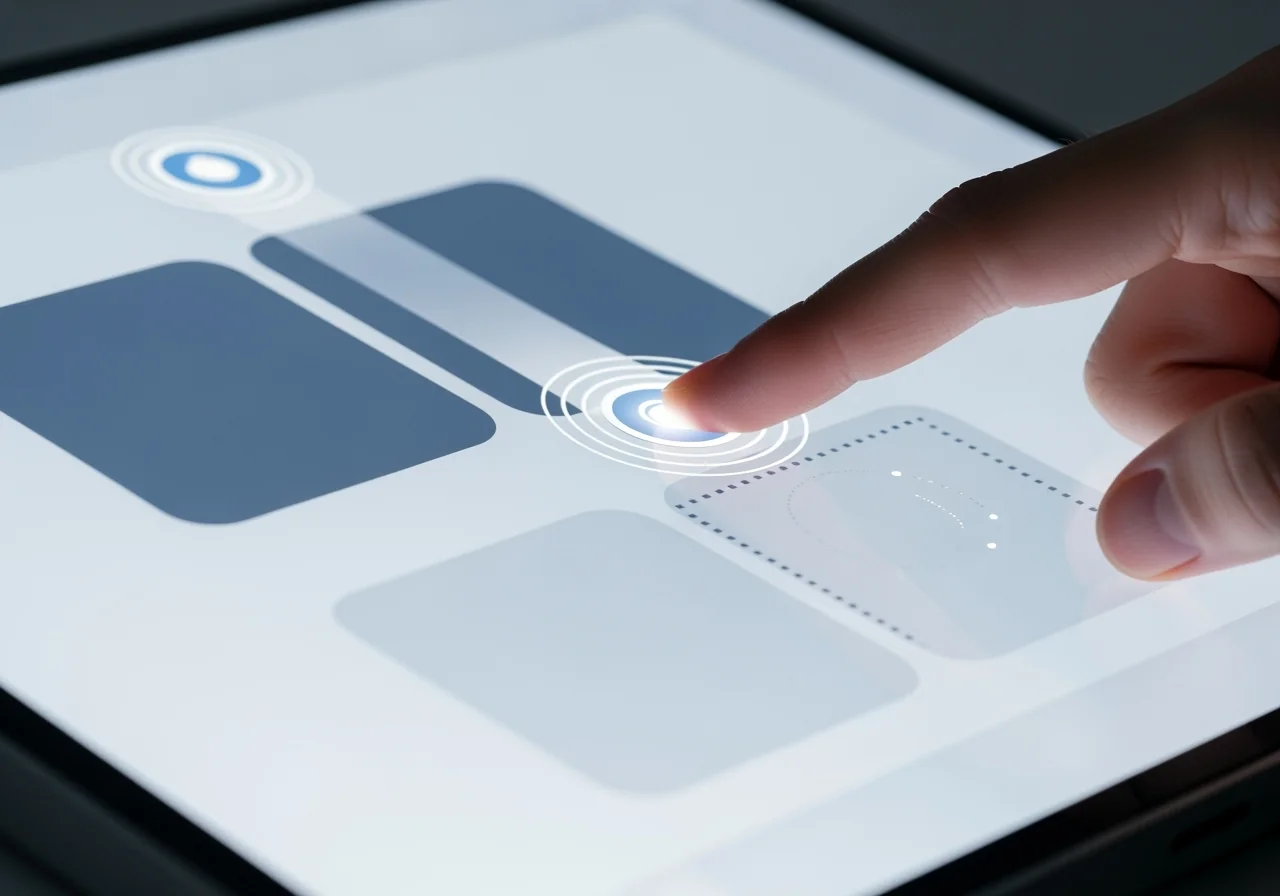
The foundation of any good platform is a robust set of features that puts control in your hands, even without coding knowledge. This allows marketing teams, educators, or community managers to create engaging experiences without relying on IT support.
Essential Functionality for Your Interactive Touchscreen Software
- Content Management System (CMS): A command center to organize media, schedule updates, and keep content fresh. Look for an intuitive drag-and-drop interface that simplifies layout creation.
- Multi-Touch and Multi-User Support: The software must recognize natural gestures like pinch-to-zoom and rotation. Multi-user capability allows several people to interact simultaneously, perfect for collaborative environments.
- Hardware and OS Compatibility: The best software is hardware-agnostic, working across different devices (tablets, kiosks, video walls) and operating systems (Windows, Android, iOS) to protect your investment.
- Kiosk Mode: Essential for public-facing displays, this feature locks the screen to your application, preventing users from accessing device settings and ensuring system security.
- Video Wall Support: Orchestrate content across multiple screens to create one large, cohesive presentation, ideal for recognition walls.
- Offline and Hybrid Functionality: Crucial for reliability, offline capability ensures your experience runs smoothly even without an internet connection. A hybrid mode offers the best of both worlds, running offline but syncing with live data when connected.
- Remote Management: For organizations with multiple displays, the ability to update content and monitor system health from a central location is a significant time-saver.
Advanced Integrations and Analytics
Advanced features transform your software from a display tool into an intelligent system that learns and adapts.
- Data Tracking and Analytics: Turn every interaction into actionable insight. Understand which content resonates and how long people engage. Visualization dashboards present this data in clear charts and graphs.
- CRM and ERP Integration: Connect your interactive experience to business systems. For example, lead information captured on-screen can flow directly into your CRM for follow-up.
- API Access: Allows for custom integrations, such as pulling live sports scores or event calendars from other databases to keep your content dynamic.
- IoT, RFID, and Object Recognition: Merge the physical and digital worlds. Users can place objects (like an old student ID) on a screen to trigger related content, or the display can react to data from nearby sensors.
- Cloud-Based Management: Update content, monitor system health, and manage multiple installations from anywhere with an internet connection, offering maximum flexibility.
These capabilities ensure your Interactive Touchscreen Software grows with your needs. At Rocket Alumni Solutions, we've built these principles into our platform to help schools and athletic communities create truly engaging recognition displays.
Choosing the Right Type of Software and Hardware
Selecting the right Interactive Touchscreen Software and hardware is like building the foundation of a house—get it right, and everything else falls into place. The best approach starts by defining your goals, audience, and environment to guide you toward the right combination of tools and budget.
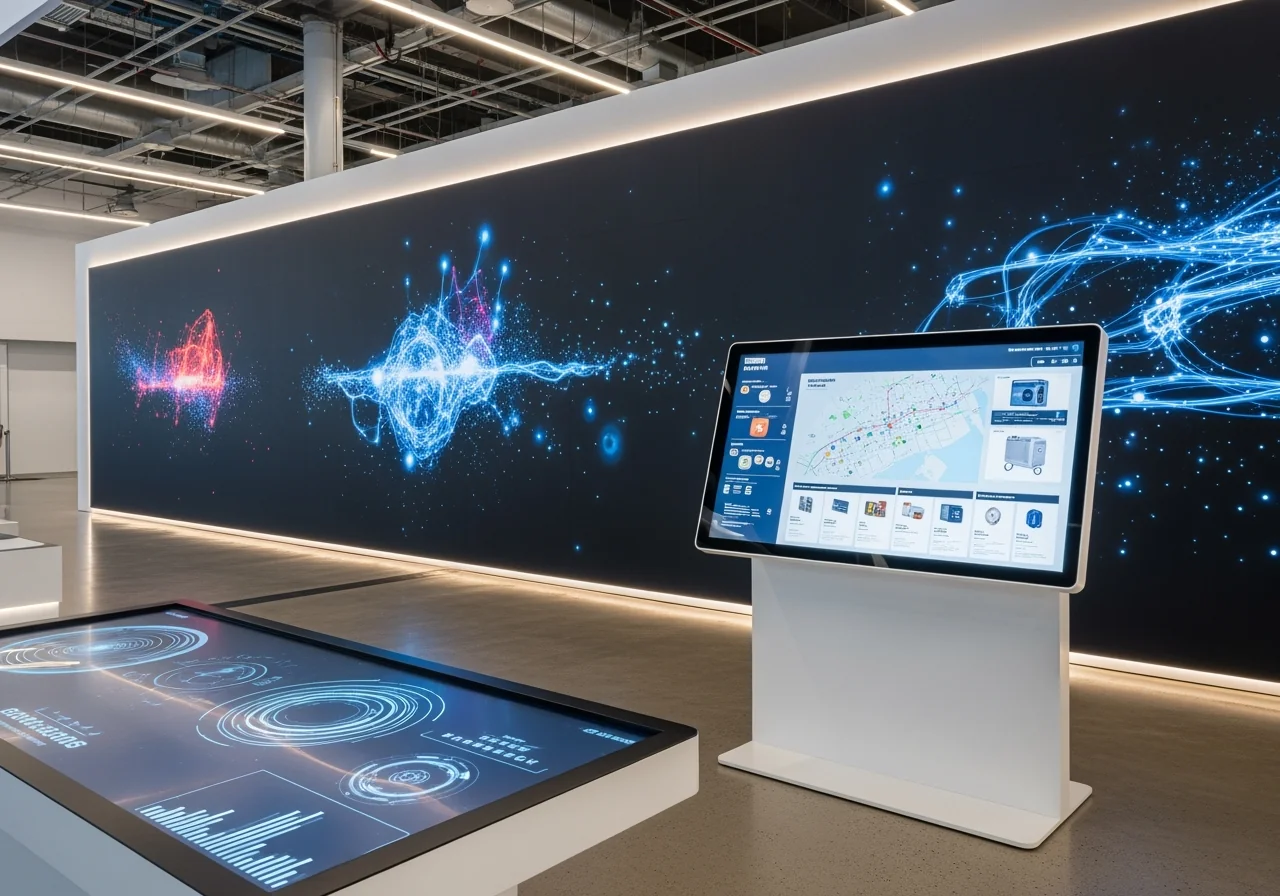
Exploring Software Development Approaches
Today's software landscape offers options for every level of technical expertise and budget.
- No-code and low-code platforms have revolutionized interactive design. They feature intuitive drag-and-drop interfaces that let non-technical users build sophisticated applications quickly. This is liberating for organizations without dedicated development teams.
- Progressive Web Apps (PWAs) use standard web technologies (HTML, JavaScript) to create app-like experiences in a browser. They are flexible and can work offline but require skilled developers to create a seamless touch experience.
- Customizable solutions and specialist software offer complete design control for unique or complex requirements, such as proprietary database integration. This approach provides maximum freedom but comes with higher costs and longer development timelines.
Here's how these approaches stack up:
| Feature | No-Code/Low-Code Platforms | Progressive Web Apps (PWAs) | Customizable Solutions |
|---|---|---|---|
| Cost | Moderate (subscription fees) | Low (no software cost for basic, higher for complex) | High (development and maintenance) |
| Speed | Fast (drag-and-drop, templates) | Moderate (requires skilled developers) | Slow (custom development cycles) |
| Flexibility | Good (customizable within platform limits) | Moderate to High (dependent on developer skill) | Very High (complete control) |
| Technical Skill | Low (non-technical users) | Moderate to High (web developers) | High (specialized developers) |
| Offline Mode | Often included | Yes | Can be integrated |
| Integration | Often included (CRM, APIs) | Possible with skilled development | Full integration potential |
Hardware Compatibility and Cost Considerations
Your interactive experience is only as good as the hardware it runs on. A sluggish or unresponsive screen undermines the entire experience.
- Interactive whiteboards are common in education and corporate settings for collaboration. The market's projected growth to $21.7 billion by 2030 highlights their popularity. An educational resource on interactive whiteboards offers more insight.
- Kiosks and totems are self-service workhorses for public spaces like lobbies, museums, and retail stores. They are rugged, secure, and come in various sizes.
- Touch tables enable a collaborative, multi-user experience where groups can interact simultaneously, perfect for showrooms and museum exhibits.
- Video walls create monumental, immersive displays by combining multiple screens into one large interactive surface.
When evaluating hardware, consider screen size and resolution (larger for public spaces, high-res for crisp visuals) and ensure the operating system is compatible with your software. Connectivity options like Wi-Fi and Ethernet are standard, but offline functionality is critical for reliability.
Financially, subscription licensing (monthly/yearly) is common for no-code platforms and includes updates and support. Perpetual licenses (one-time purchase) are less common and may require separate fees for updates. Consider the total cost of ownership—including hardware, software, content creation, and maintenance—to find the most economical solution over time.
A 5-Step Guide to Launching Your Touchscreen Experience
Launching a successful interactive touchscreen experience requires a thoughtful process from vision to reality. Breaking the project into five key stages—Strategy, Design, Content Creation, Testing, and Deployment—makes all the difference.
Step 1-2: Strategy and Design
A solid foundation begins with clear objectives and a user-centric design.
- Define Your Objectives: What do you want to achieve? Your goal—whether it's lead generation, visitor education, or celebrating alumni history—will guide every decision.
- Analyze Your Target Audience: Who will use the screen? Tailor the experience to their technical comfort level and interests. An interface for tech-savvy teens will differ from one for older alumni.
- Focus on User Experience (UX): A clunky or confusing interface will cause users to walk away. Prioritize simple navigation so no one gets lost. Use large buttons (at least 48 pixels) for easy tapping.
- Use High-Quality Visuals: Stunning, high-resolution images and videos create a "WOW factor" and simplify complex ideas. Keep text concise and let visuals do the talking. Ensure your design meets accessibility standards for contrast and usability.
Step 3-5: Creation, Testing, and Deployment
With a solid strategy, it's time to bring your vision to life.
- Create Engaging Content: Go beyond static images. Incorporate quizzes for interaction, animations for a polished feel, and explorable 3D models for an immersive experience. Visual storytelling, like the animated flip books we create for digital yearbooks at Rocket Alumni Solutions, can transform histories into memorable experiences.
- Test Thoroughly Before Launch:
- Touch Responsiveness: Ensure every tap and swipe is instant and natural, with no lag.
- Navigation Flow: Walk through every user path to confirm it's intuitive. A prominent 'Home' button is essential.
- Offline Performance: Disconnect from the network and test the entire experience to guarantee it works flawlessly without internet access.
- Prepare for Deployment:
- Staff Training: Teach your team basic troubleshooting and how to manage the display.
- Content Update Schedule: Plan for regular updates to keep the content fresh and prevent the display from becoming stale.
Following these steps ensures your Interactive Touchscreen Software delivers an effective, reliable, and engaging experience that achieves your goals.
The Future of Interactive Touch Technology
The world of Interactive Touchscreen Software isn't standing still—it's racing forward at an exciting pace. As we look ahead, we're seeing technologies emerge that will make today's interactive experiences feel like just the beginning. The future promises interactions that are more intuitive, more personalized, and frankly, more magical than what we can imagine today.
Artificial intelligence is already changing how we think about interactive displays. Soon, AI will power personalized content that adapts in real-time to each user. Picture walking up to a museum display that remembers your previous visit and picks up exactly where you left off, or a retail kiosk that understands your style preferences before you even say a word. Voice control will make these experiences accessible to everyone, regardless of physical ability, while chatbots embedded in the interface will answer questions instantly, creating a conversational experience that feels natural and helpful.
The physical and digital worlds are beginning to merge in fascinating ways. Object recognition technology—using systems like TUIO, RFID, or NFC—lets users place real objects on a screen to trigger specific digital responses. Imagine a student placing their school ID on a digital yearbook display and instantly seeing all their photos and memories from that year. When we layer Augmented Reality (AR) into the mix, touchscreens become portals that overlay digital information onto the real world, creating experiences that feel almost like science fiction.
Behind the scenes, data-driven experiences are becoming incredibly sophisticated. Predictive analytics will soon allow interactive displays to anticipate what users need before they ask for it. Every interaction teaches the system something new, creating a continuous feedback loop that makes each experience better than the last. For schools and athletic programs, this means displays that can highlight the exact achievements and stories that resonate most with visitors.
The hardware itself is evolving too. We're moving toward flexible displays that can bend and curve, fitting into spaces we never thought possible. The interactive whiteboard market's projected growth to $21.7 billion by 2030 tells us that organizations everywhere are recognizing the power of these tools. Screens are getting sharper, more responsive, and more durable, making them perfect for high-traffic environments like school lobbies and athletic facilities.
At Rocket Alumni Solutions, we're energized by these developments. As someone who's built a business around helping schools celebrate their communities, I see how these future technologies will make our digital halls of fame and interactive yearbooks even more powerful. The goal remains the same: creating meaningful connections between people and the stories that matter to them. The technology just keeps getting better at helping us achieve that goal.
Conclusion
Throughout this guide, we've journeyed through the transformative world of Interactive Touchscreen Software—from understanding what makes it fundamentally different from static displays to exploring the features that truly matter, the hardware choices that fit your needs, and the strategic steps that turn vision into reality.
The shift from passive viewing to active participation isn't just a technological upgrade—it's a complete reimagining of how we connect with our audiences. When someone taps, swipes, and explores content on their own terms, they're not just receiving information; they're experiencing it. That difference is what makes Interactive Touchscreen Software such a powerful tool for capturing attention, simplifying complex ideas, generating valuable leads, and building genuine engagement.
We've seen how these solutions work across countless settings: retail stores where customers explore products in immersive detail, museums where history comes alive through touch, corporate lobbies that project innovation, and educational spaces where communities gather around shared memories and achievements.
For educational and athletic organizations specifically, the opportunity to transform recognition into something truly special is remarkable. Imagine walking past a display in your school's hallway and being able to explore decades of history, flip through digital yearbooks with animated pages, see championship moments brought to life, and watch your community's story unfold through your fingertips. That's the kind of meaningful connection we've helped countless schools and organizations create at Rocket Alumni Solutions—turning walls into living celebrations of achievement.
Whether you're envisioning an interactive directory for your campus, a digital hall of fame that honors your legacy, or a yearbook experience that bridges generations, the technology is more accessible than ever. The key is choosing solutions that match your goals, serve your audience, and grow with your organization.
Ready to see what's possible? Explore our interactive touchscreen software solutions to build your own digital hall of fame.
The future of recognition is interactive, engaging, and waiting for you to bring it to life.