An Essential Guide to Touchscreen Nursing Home Directories
Discover how a Touchscreen Nursing Home Directory enhances communication, resident engagement, and staff efficiency. Improve your facility today.


The Easiest Solution
All you need:
Power Outlet
Wifi or Ethernet
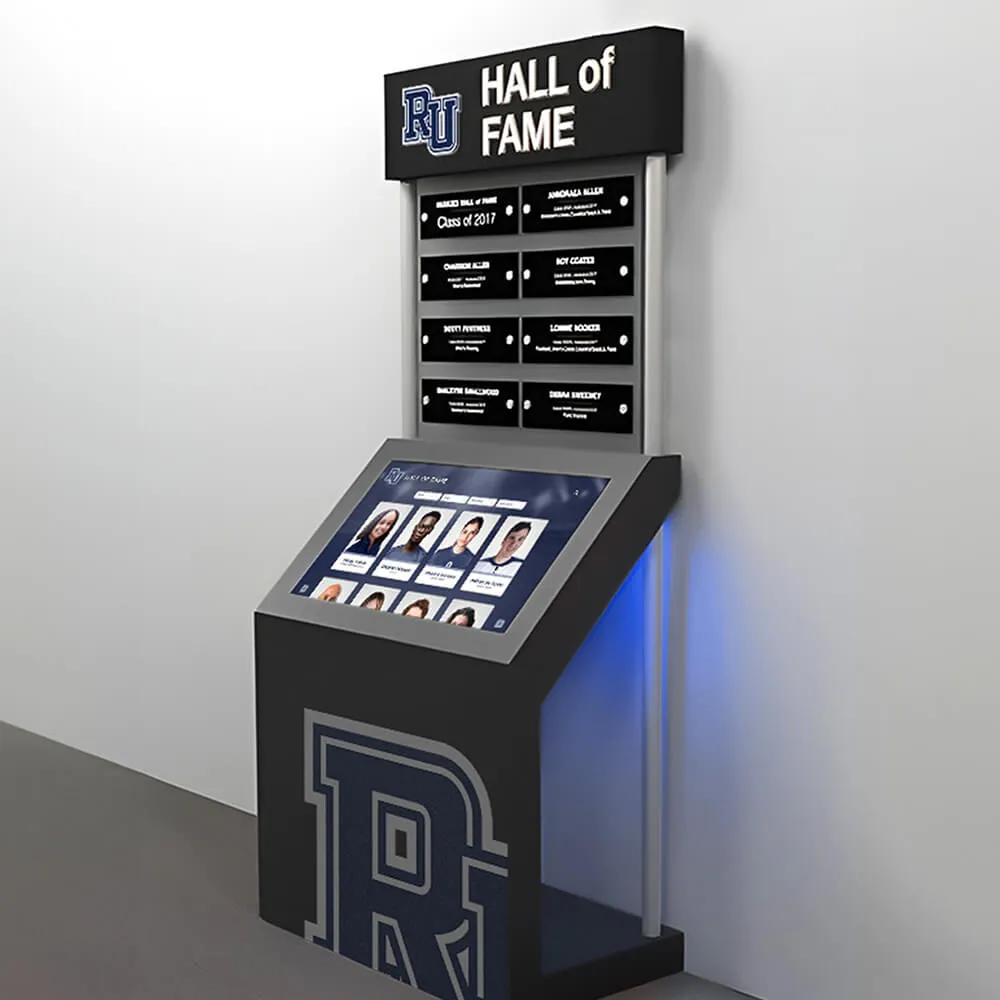
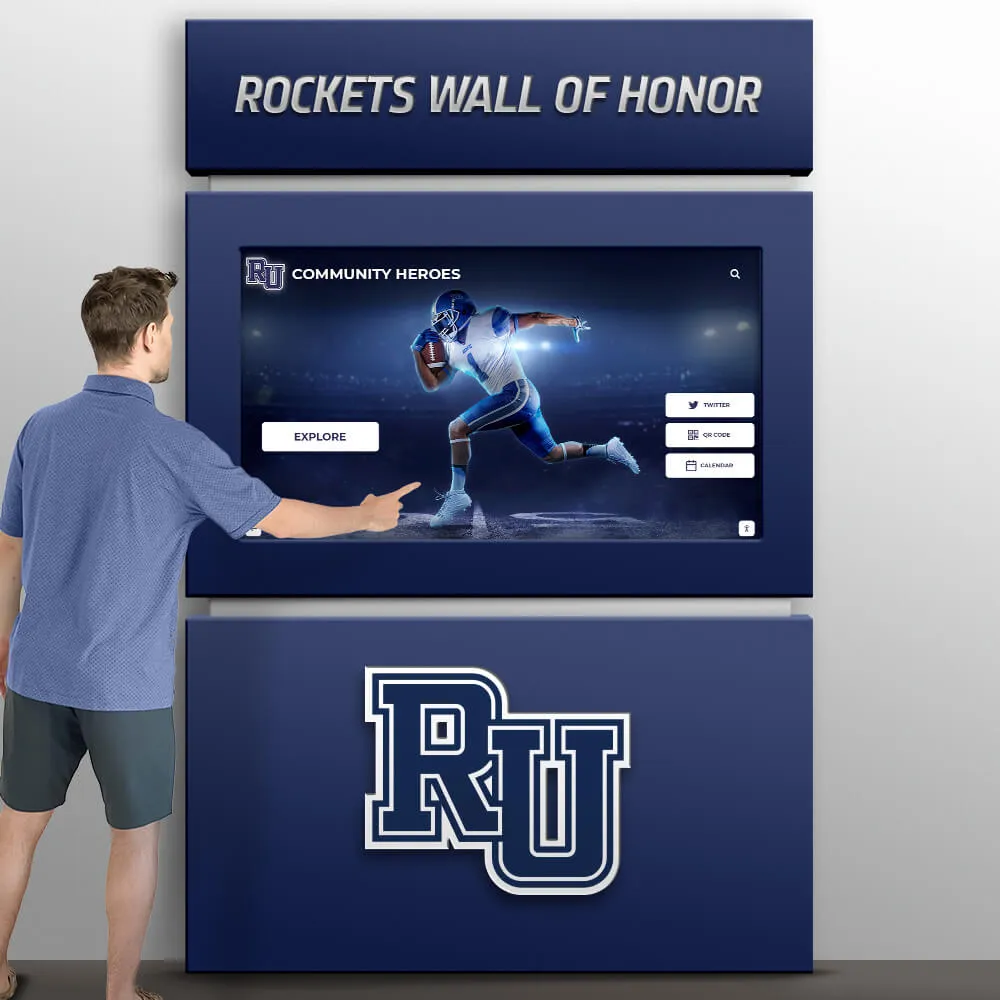
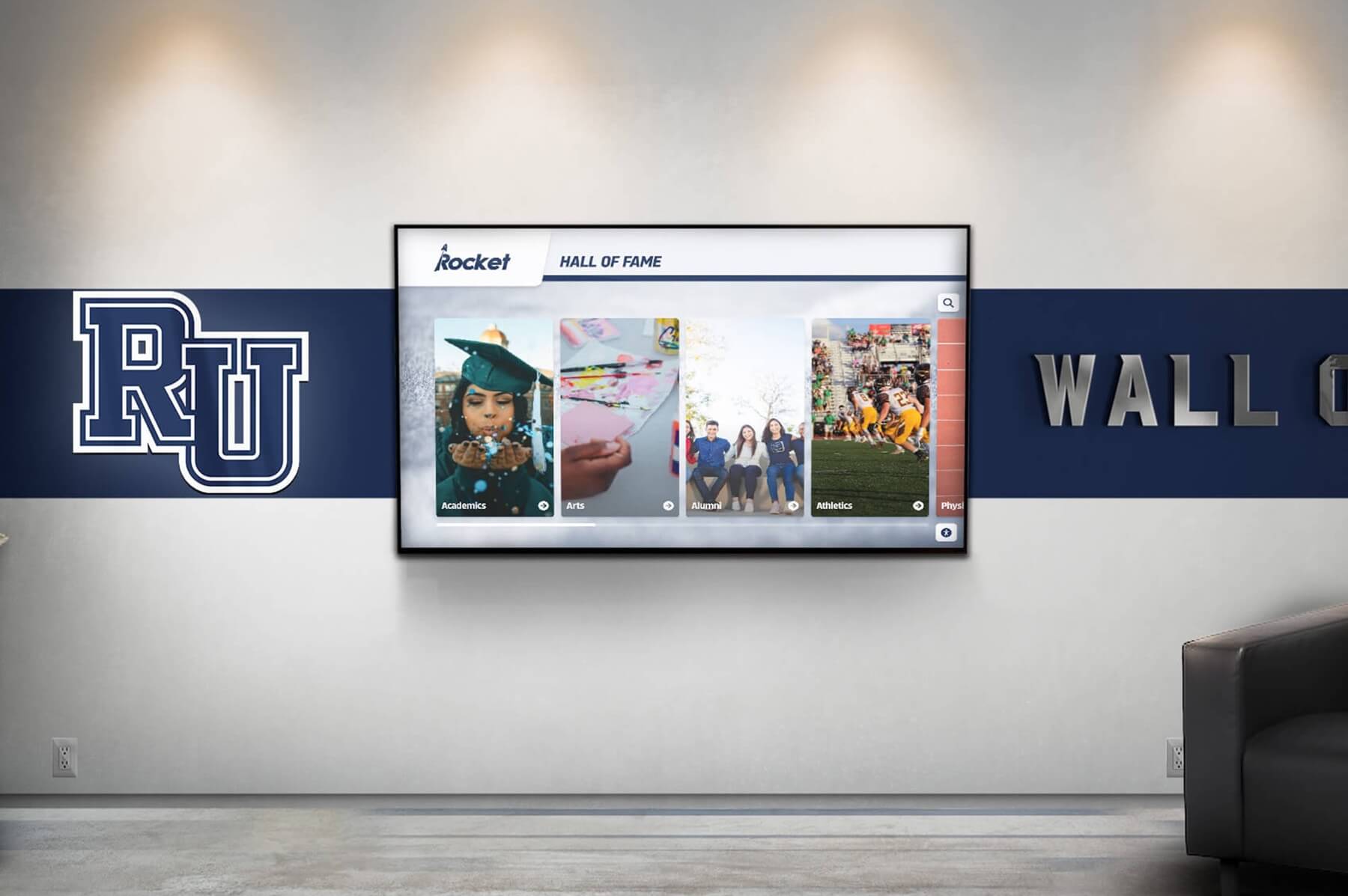
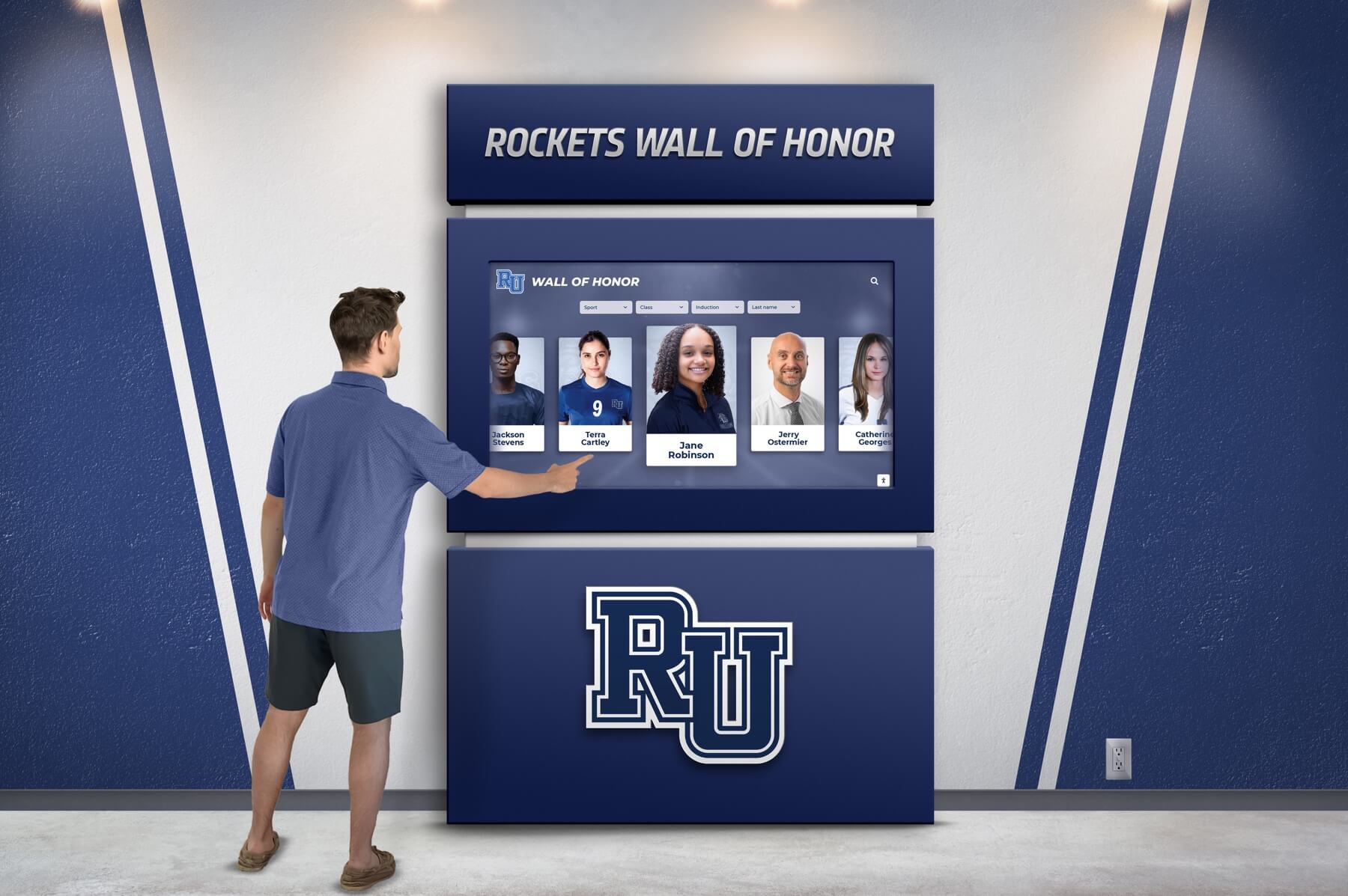
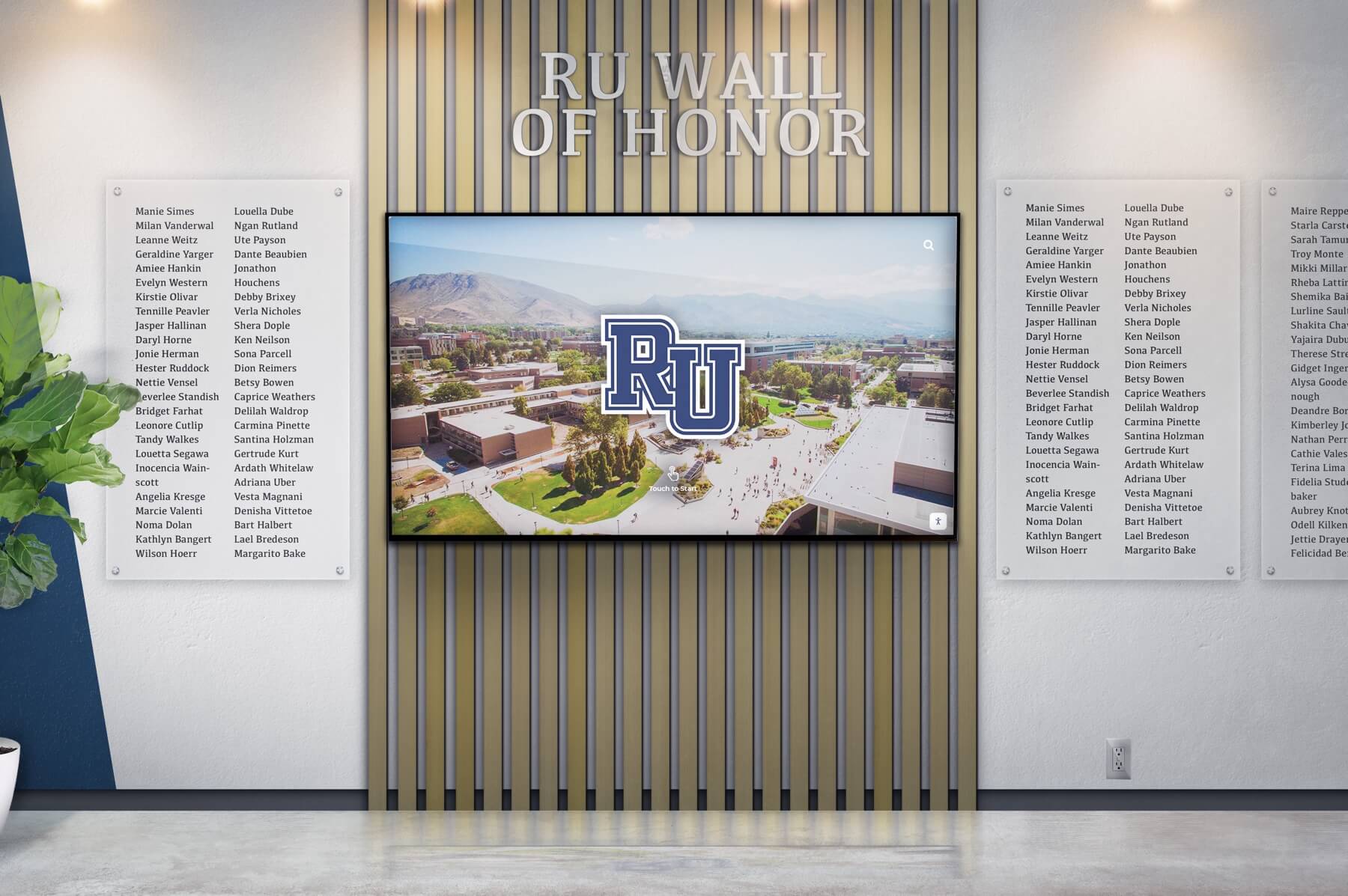
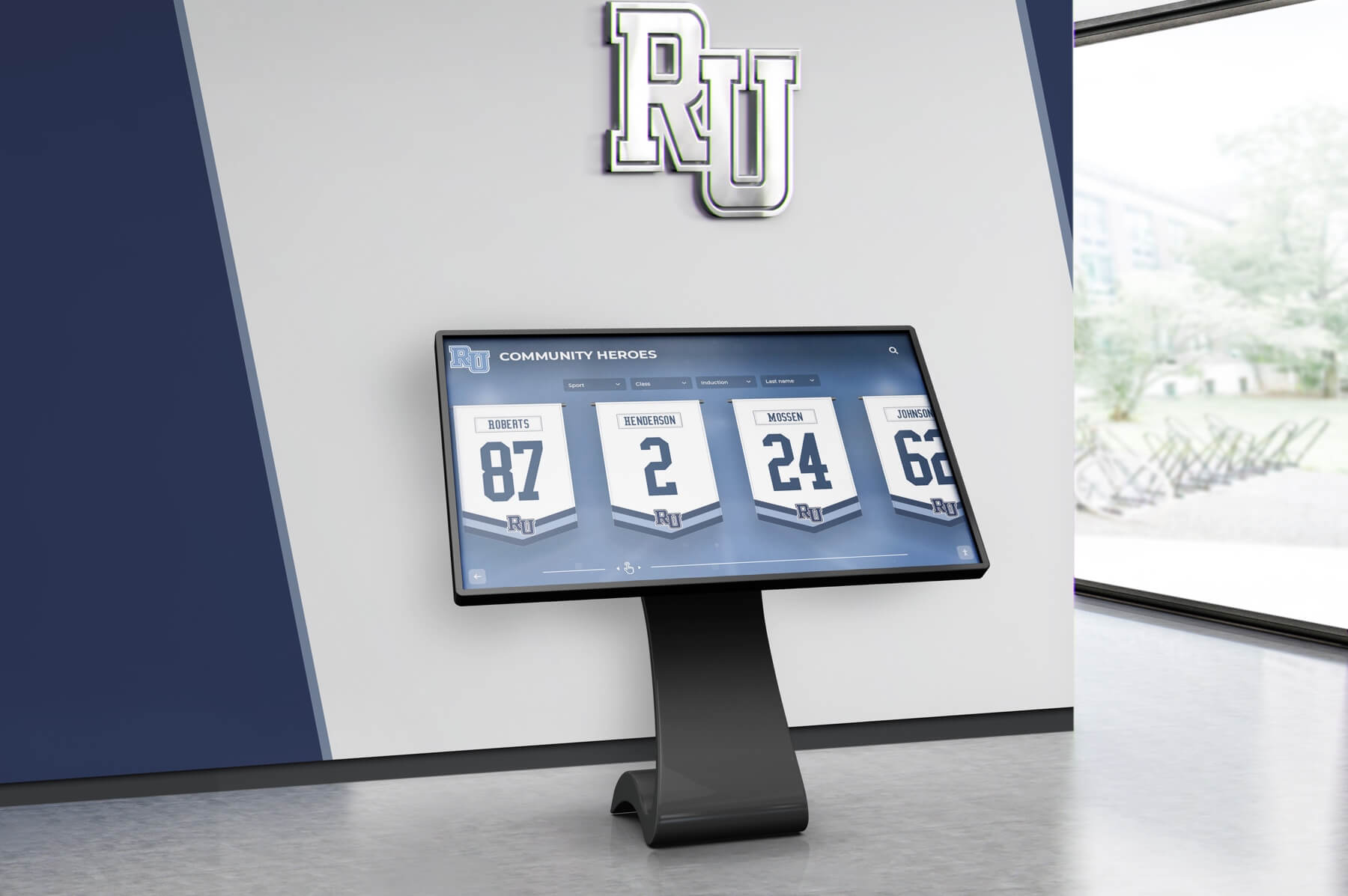
Hall of Fame
Celebrate the achievements of exceptional athletes and teams with our interactive Hall of Fame displays. Tailored to reflect your institution's rich history and spirit.
Customizable design to match school colors and branding
Easily updatable to add new inductees and achievements
Interactive elements to engage visitors and tell compelling stories
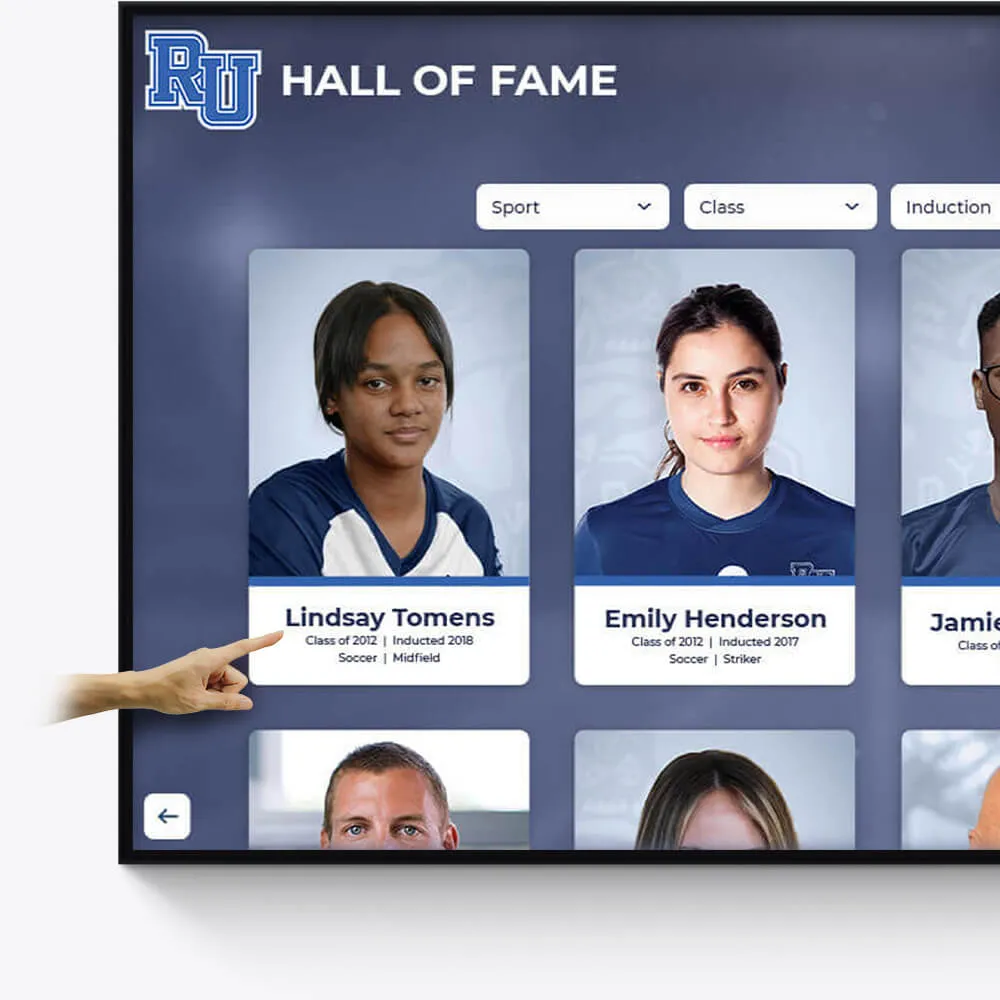
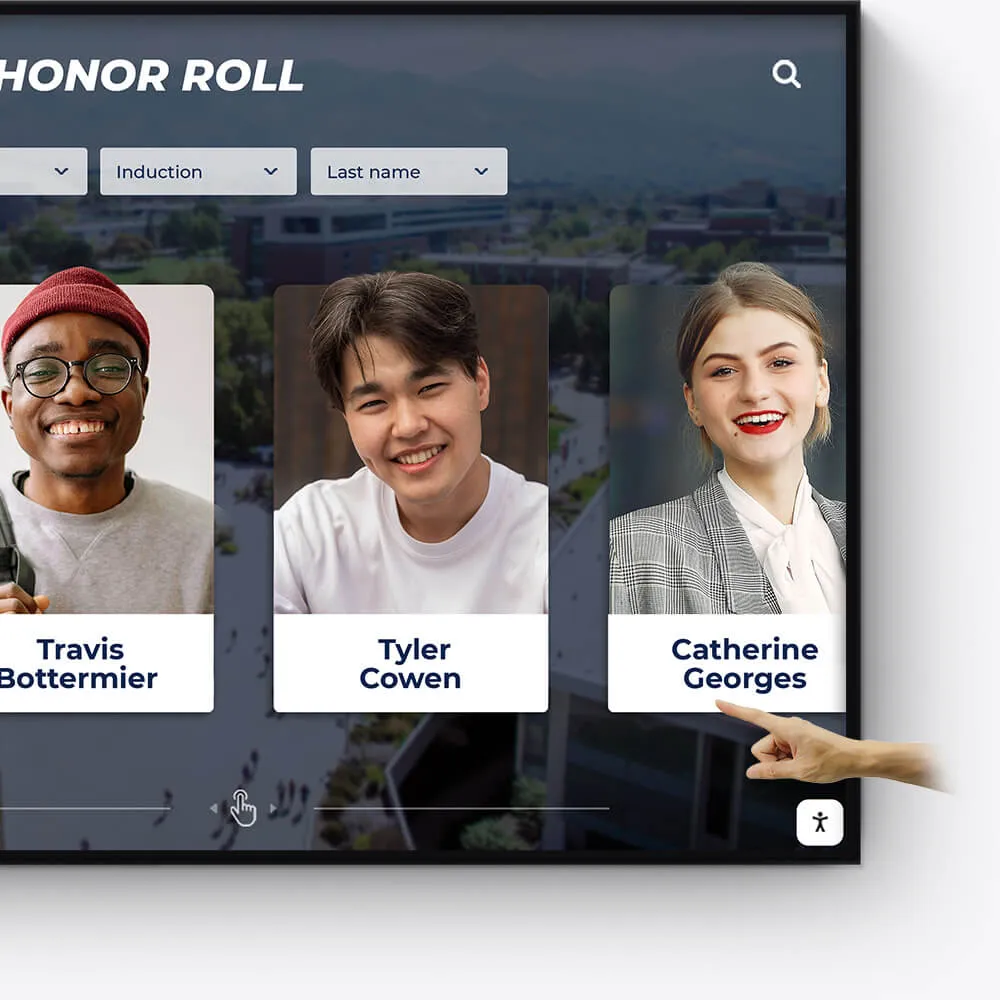
Academic Awards
Honor academic excellence with a dynamic and interactive display of student achievements, scholarships, and notable accomplishments.
Showcase academic high achievers and scholarship recipients
Feature departmental and individual academic milestones
Integrate with school databases for real-time updates
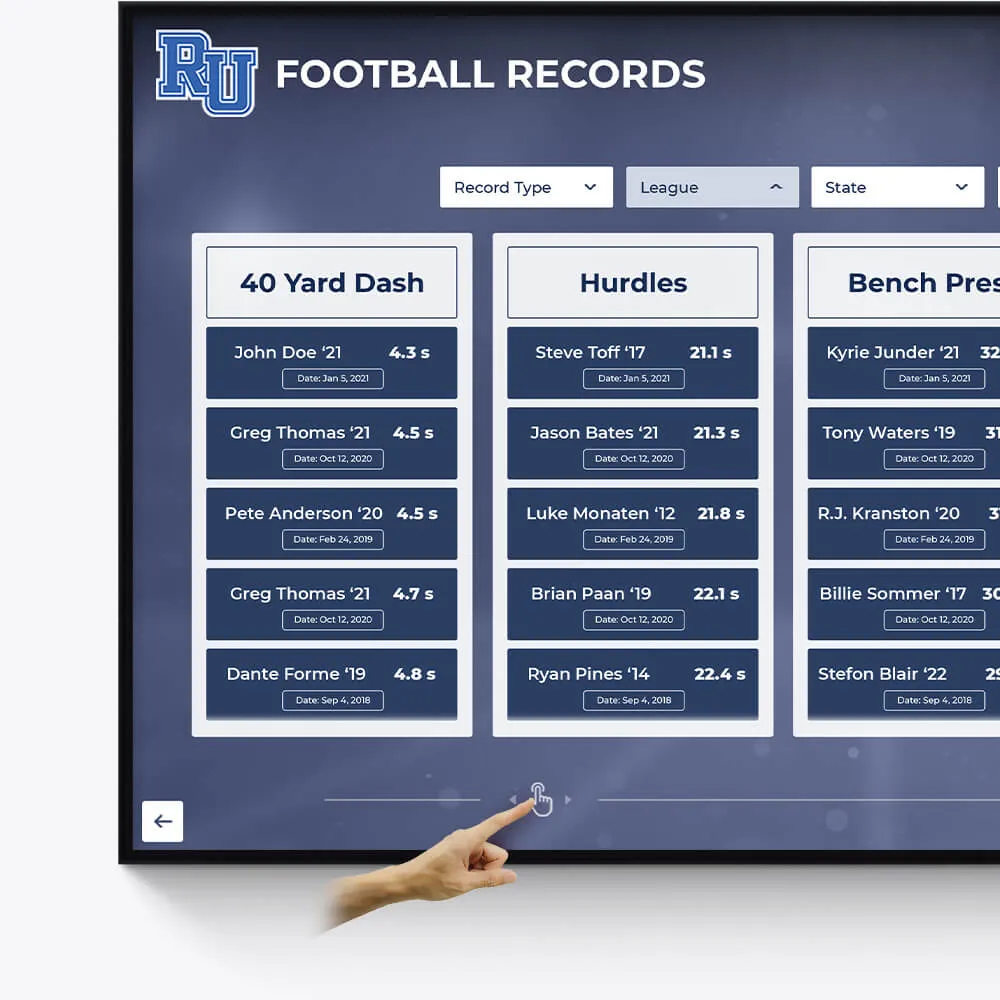
Record Boards
Immortalize outstanding athletic records and performances with our versatile digital record boards, ensuring lasting recognition.
Display current and historical record holders
Easy-to-update interface for new records
Engaging visuals to celebrate athletic achievements
Donor Recognition
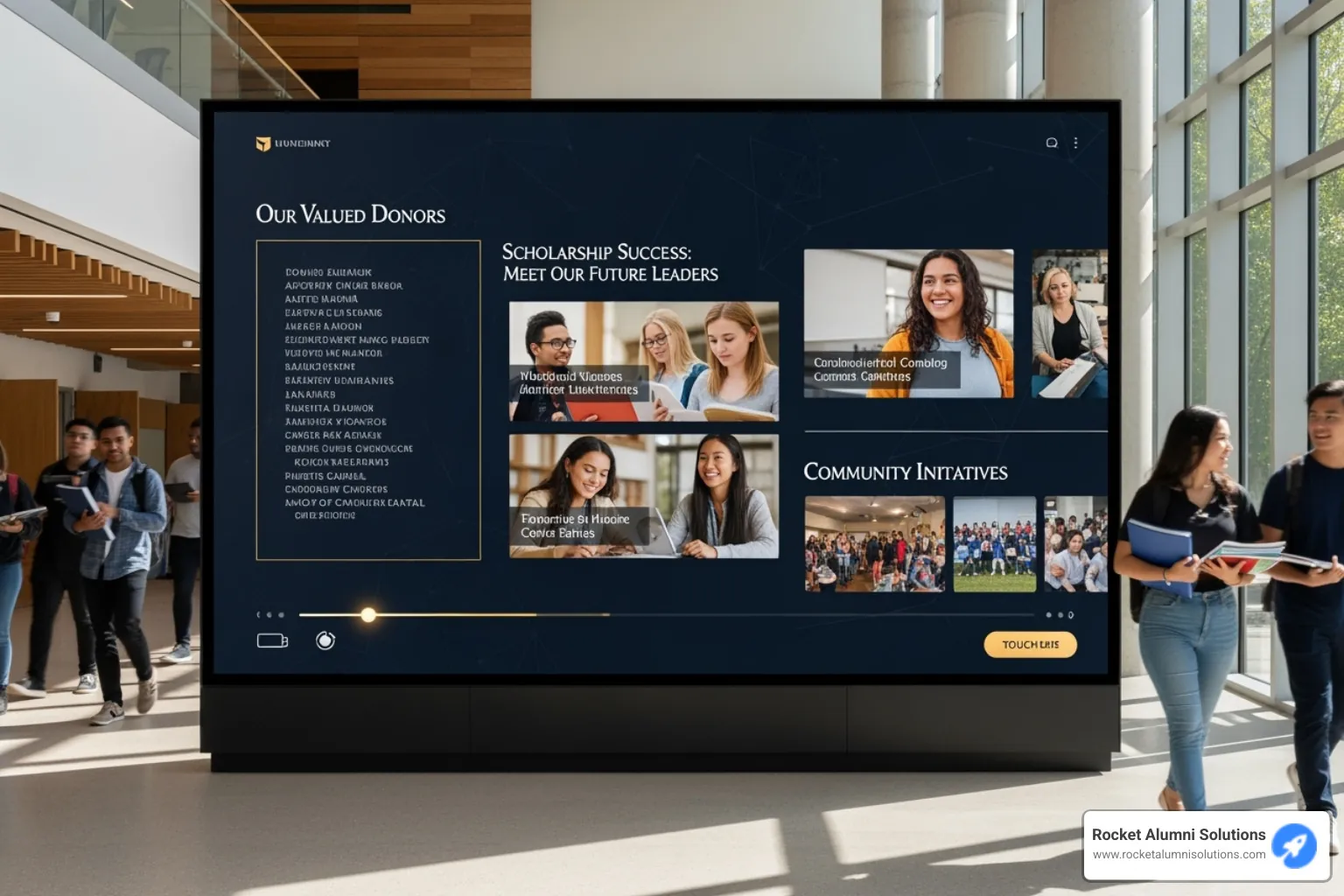
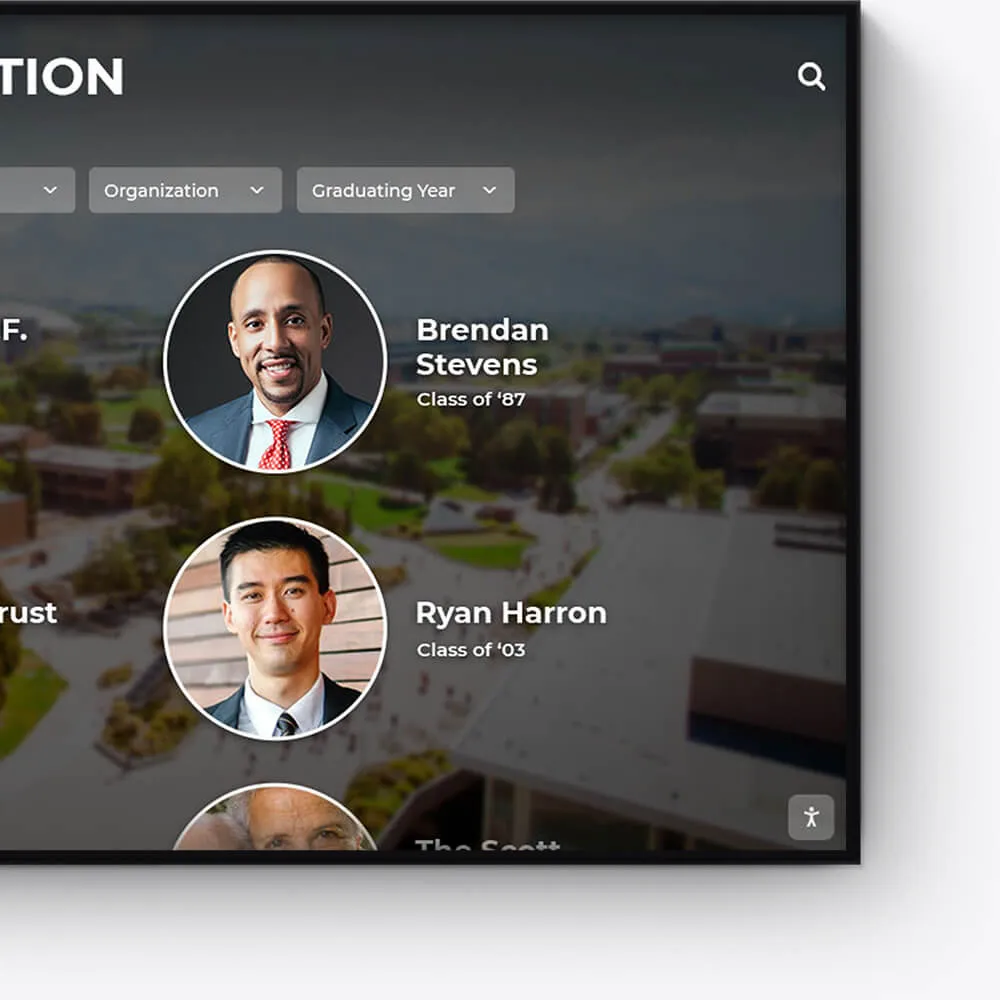
Acknowledge the generosity and impact of your donors with a dedicated and customizable digital display, fostering a culture of gratitude.
Highlight individual donors and their contributions
Incorporate donor stories and impact testimonials
Feature interactive donor walls with search functionality
Distinguished Alumni
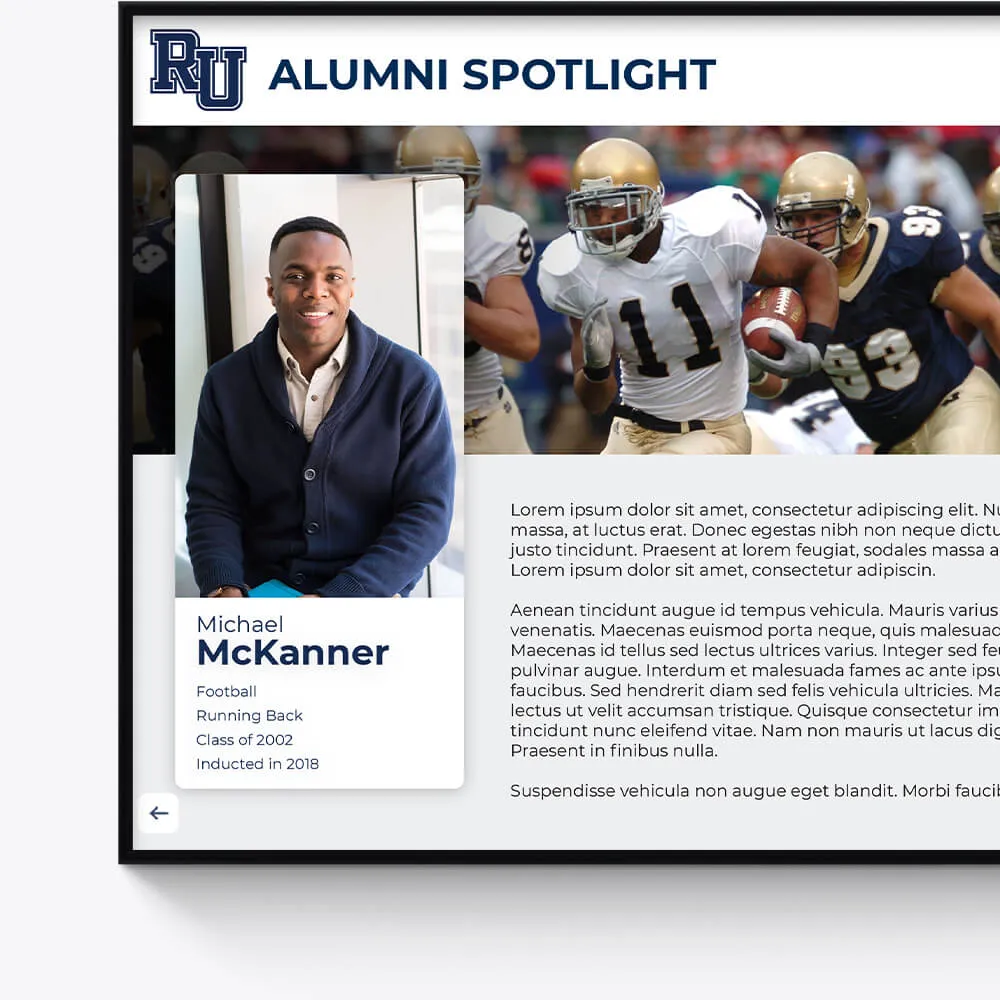
Showcase the success stories of your alumni, inspiring current and future students with a visually appealing and interactive alumni gallery.
Profile notable alumni with biographies and achievements
Link to alumni networks and success stories
Celebrate diverse paths and accomplishments post-graduation
Graduation Honors
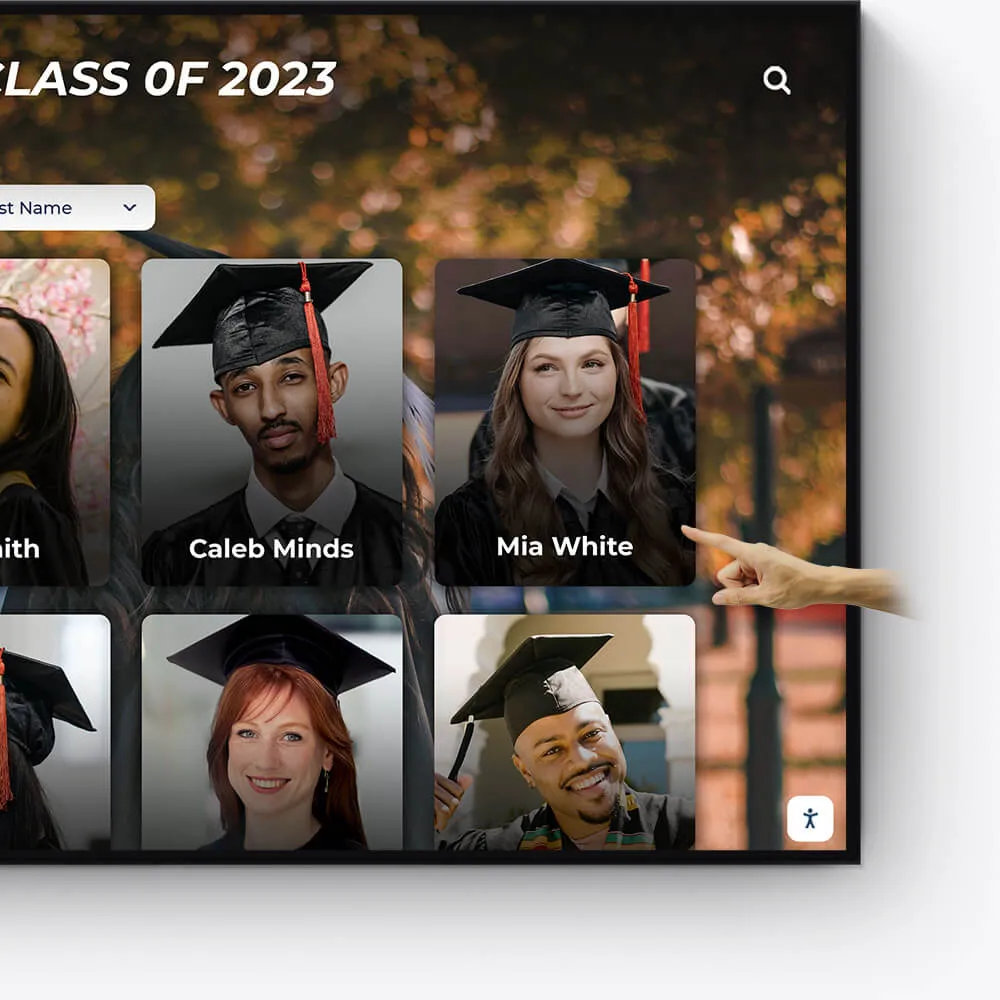
Celebrate your graduates' milestones with a dedicated display for cum laude, magna cum laude, and summa cum laude honorees.
Feature valedictorians, salutatorians, and honor graduates
Showcase graduation speeches and memorable moments
Offer a digital yearbook experience with graduate profiles

Team History
Chronicle the journey and milestones of your sports teams, creating an engaging historical narrative with our interactive displays.
Highlight championship wins and significant games
Showcase evolution of team uniforms and logos
Include past and present team rosters and coaches
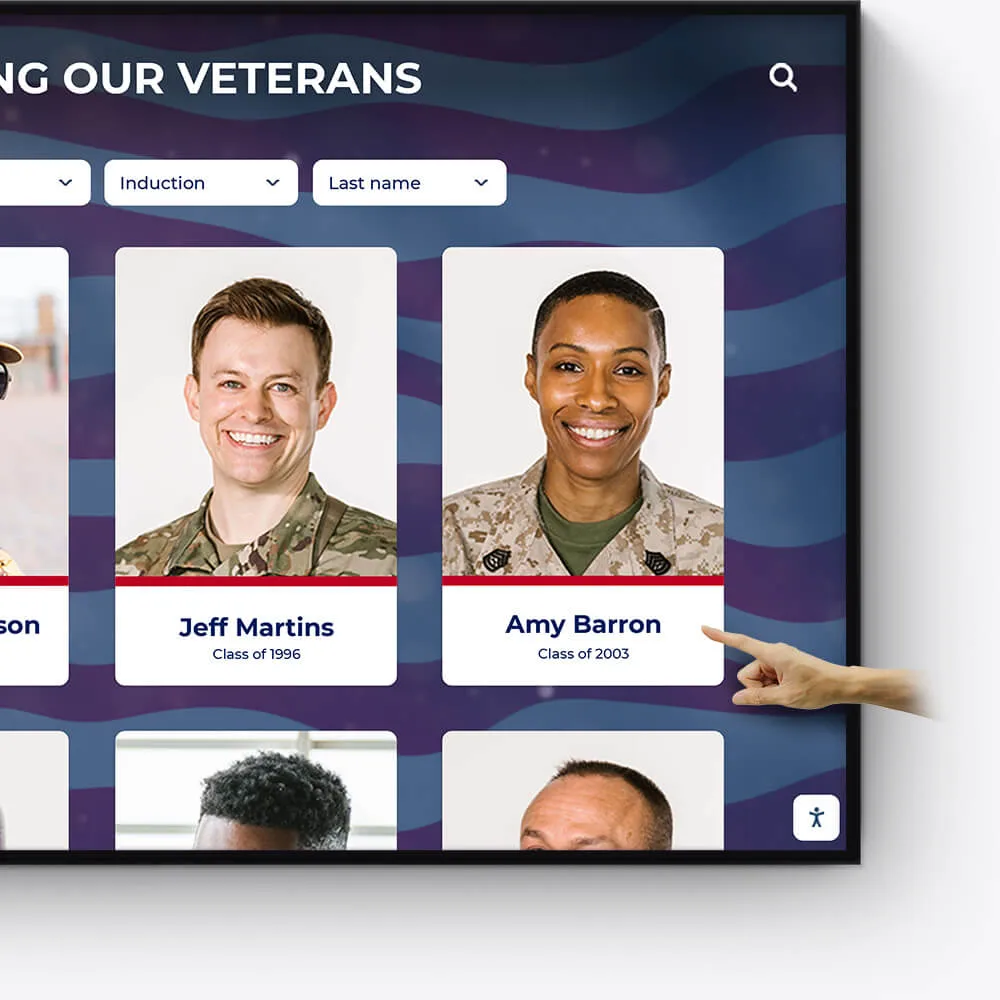
Wall of Honor for Veterans & Service Members
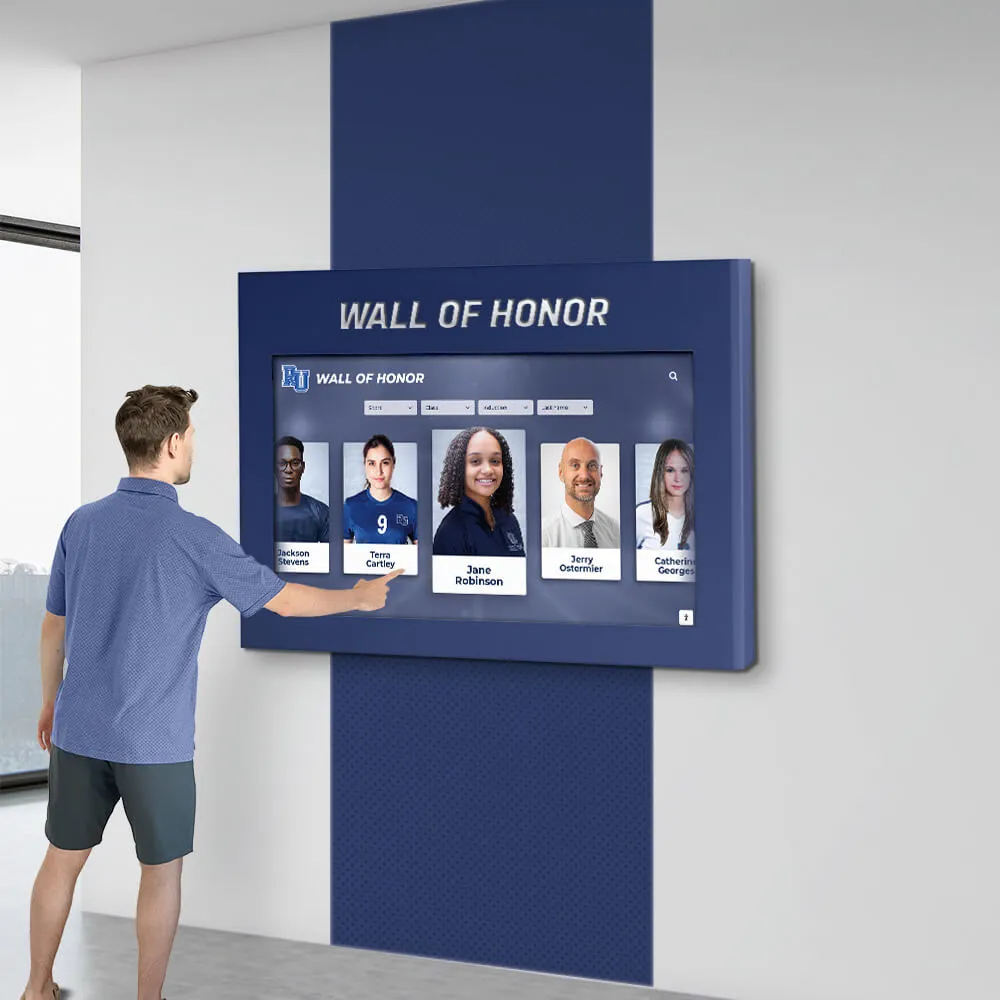
Honor the bravery, service, and sacrifice of veterans and active service members with a dedicated Wall of Honor. This tribute celebrates their commitment and the impact they have made in service to our nation.
Recognize the sacrifices and achievements of veterans and military personnel
Share personal stories, service histories, and accolades
Create a respectful and engaging tribute to those who serve
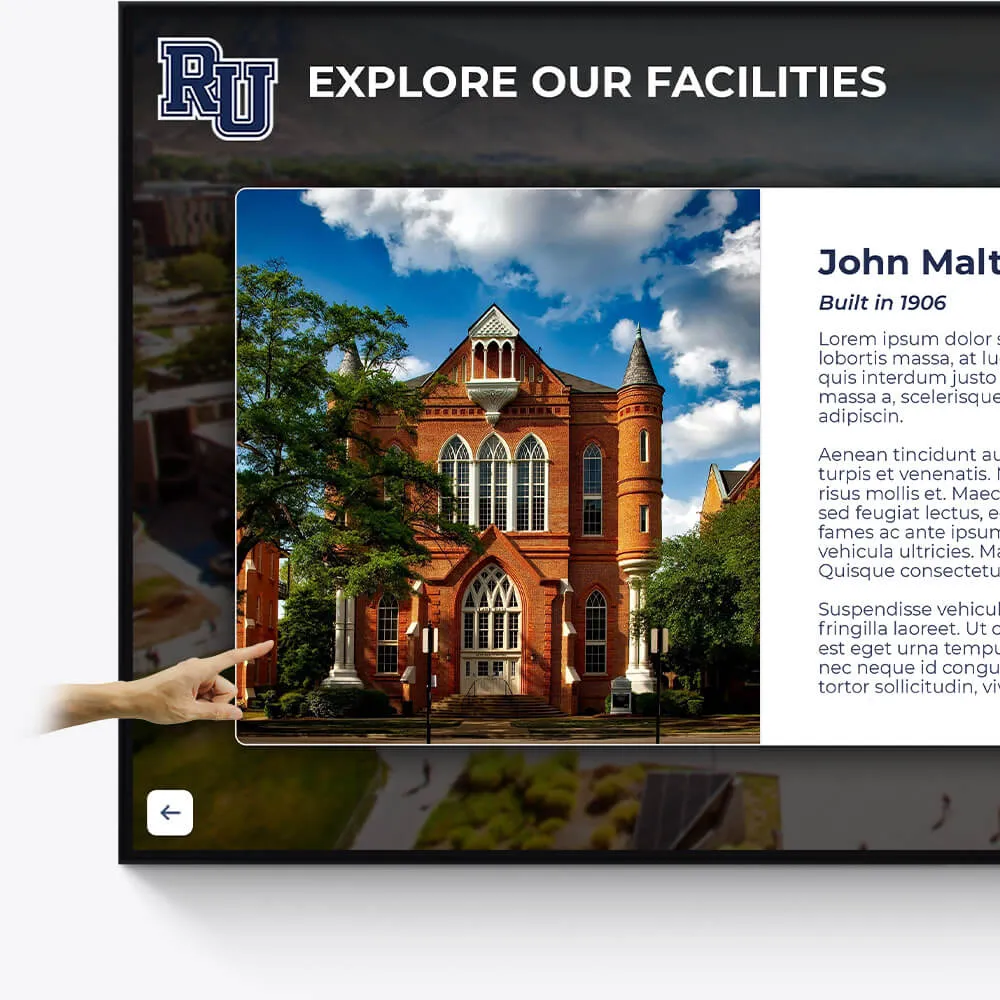
Facilities
Enhance the visitor experience at your facilities with interactive displays showcasing the history, features, and milestones of your buildings and grounds.
Provide virtual tours of your campus and facilities
Highlight renovations, expansions, and historical significance
Include donor recognition for facility contributions
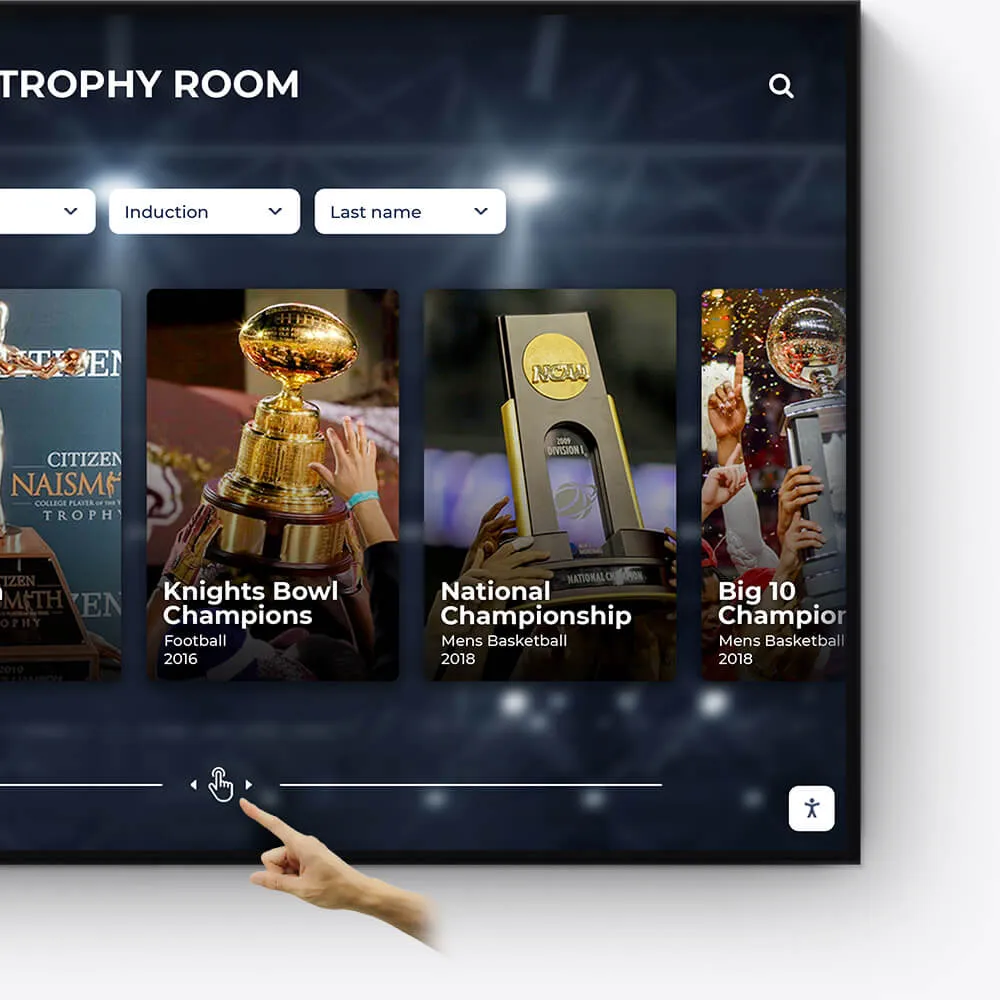
Awards
Showcase the diverse range of awards and honors received by your institution, students, and faculty in an engaging and interactive manner.
Feature departmental, athletic, and extracurricular awards
Highlight national and regional recognitions and rankings
Include interactive timelines of award achievements
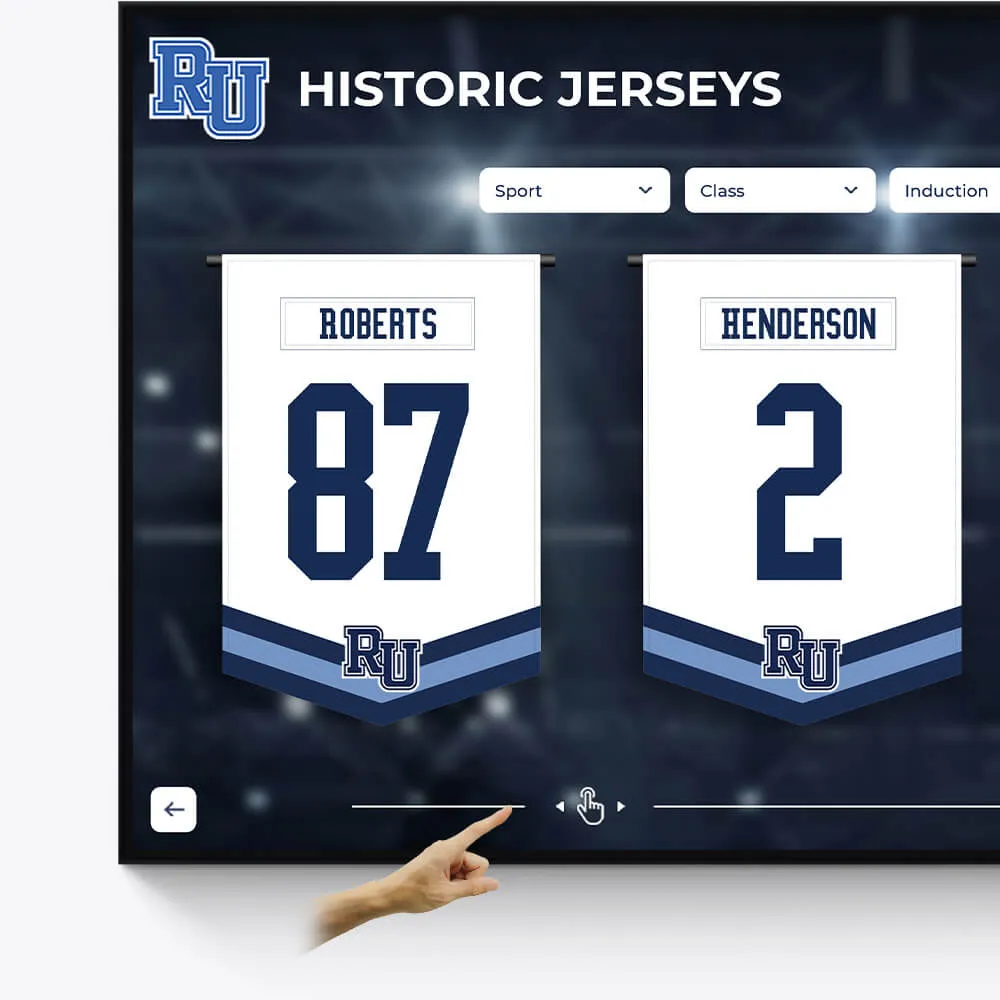
Olympians & Professional Athletes
Celebrate the extraordinary achievements of your alumni who have excelled in the Olympics or turned professional, showcasing their journey and successes.
Profile Olympians and professional athletes with their career highlights
Include achievements, accolades, and professional milestones
Share inspiring stories of dedication and triumph
Plaques
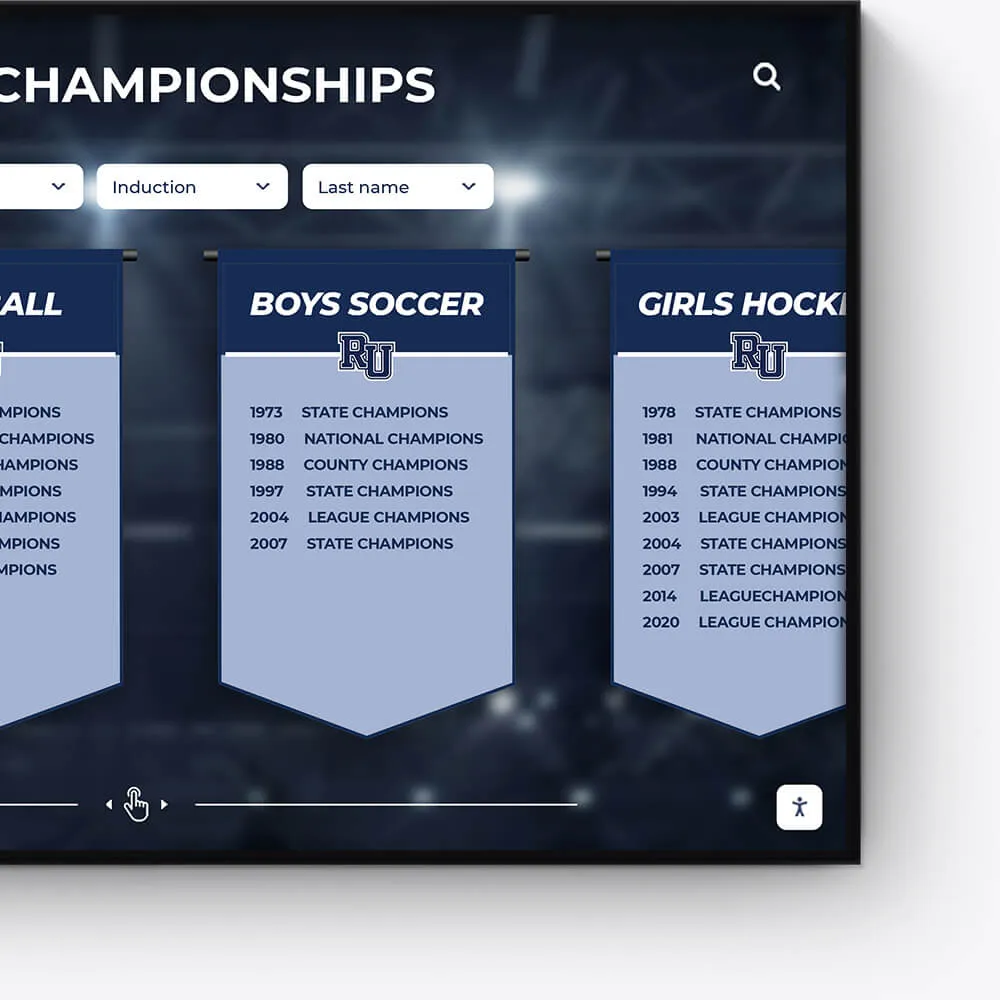
Digitally transform traditional plaques into an interactive and dynamic format, offering a modern approach to recognition.
Convert legacy plaques into digital formats
Include detailed information and stories behind each plaque
Offer an interactive and engaging user experience
Music & Arts
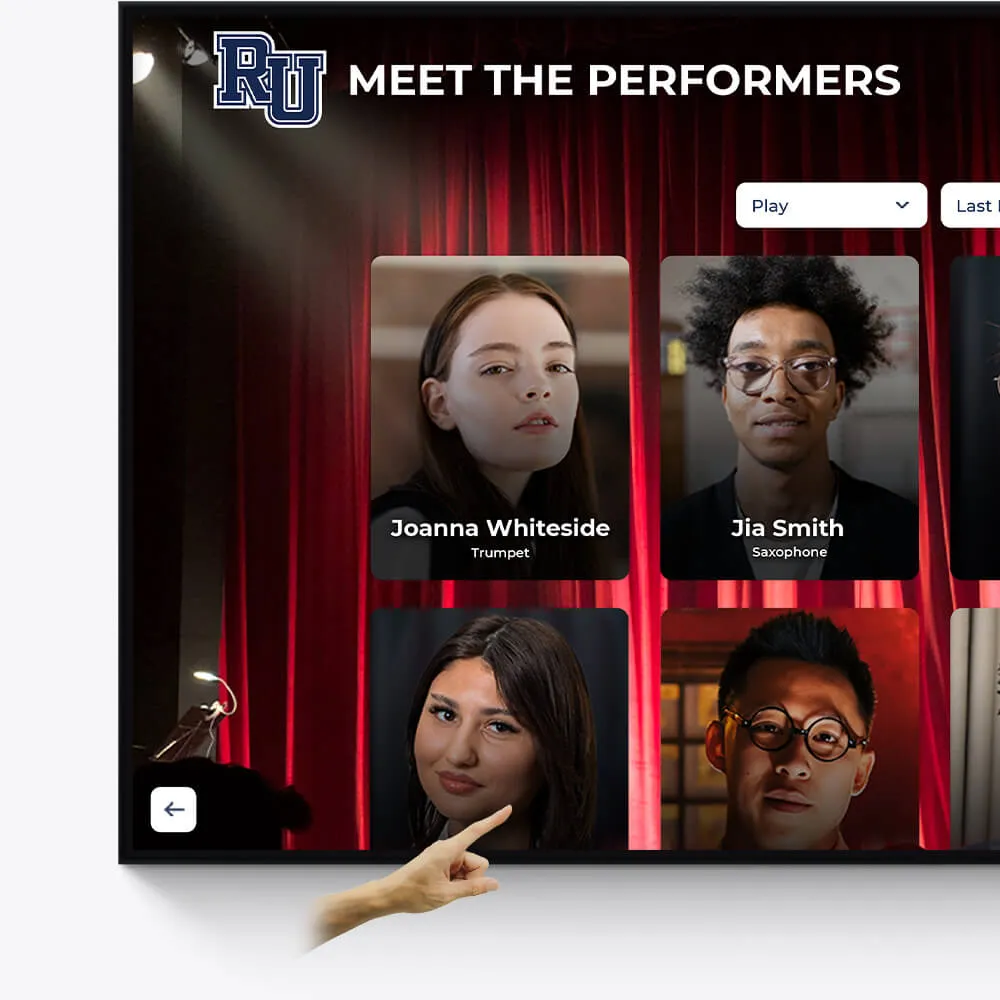
Seamlessly repurpose old content, dynamically showcase new material, and intelligently adapt to events and announcements.
Make old content relevant again by targeting specific times and audiences
On-demand video access to concerts, a powerful tool for admissions and recognition
Elevated concert promotional content and digital programs
The Power of a Touchscreen Nursing Home Directory
A Touchscreen Nursing Home Directory is much more than just a list of names. It’s an interactive digital display. It helps everyone in a senior living community.
Here's a quick look at what it does and why it's so valuable:
- What it is: An interactive screen in a nursing home lobby or common area.
- How it works: It shows important information like resident names, staff contacts, and daily activities. Users can touch the screen to find what they need.
- Key benefits:
- For Residents: Increases engagement and independence. They can easily find their way or see activity schedules.
- For Families: Gives peace of mind and better connection. They can get real-time updates and find loved ones.
- For Staff: Boosts efficiency and communication. It reduces repetitive questions and streamlines information sharing.
The world of senior living is always changing. Technology is now playing a huge role. It connects residents, families, and staff like never before. As one expert puts it, "Technology is a game-changer for healthcare and, more importantly, senior living." Touchscreen directories lead this change. They make communities more vibrant and connected.
I’m Chase McKee RAS, and I’ve seen how interactive technology transforms communities. My work involves creating cutting-edge software that improves recognition and engagement, including for Touchscreen Nursing Home Directory solutions.
What is a Touchscreen Nursing Home Directory and How Does It Work?
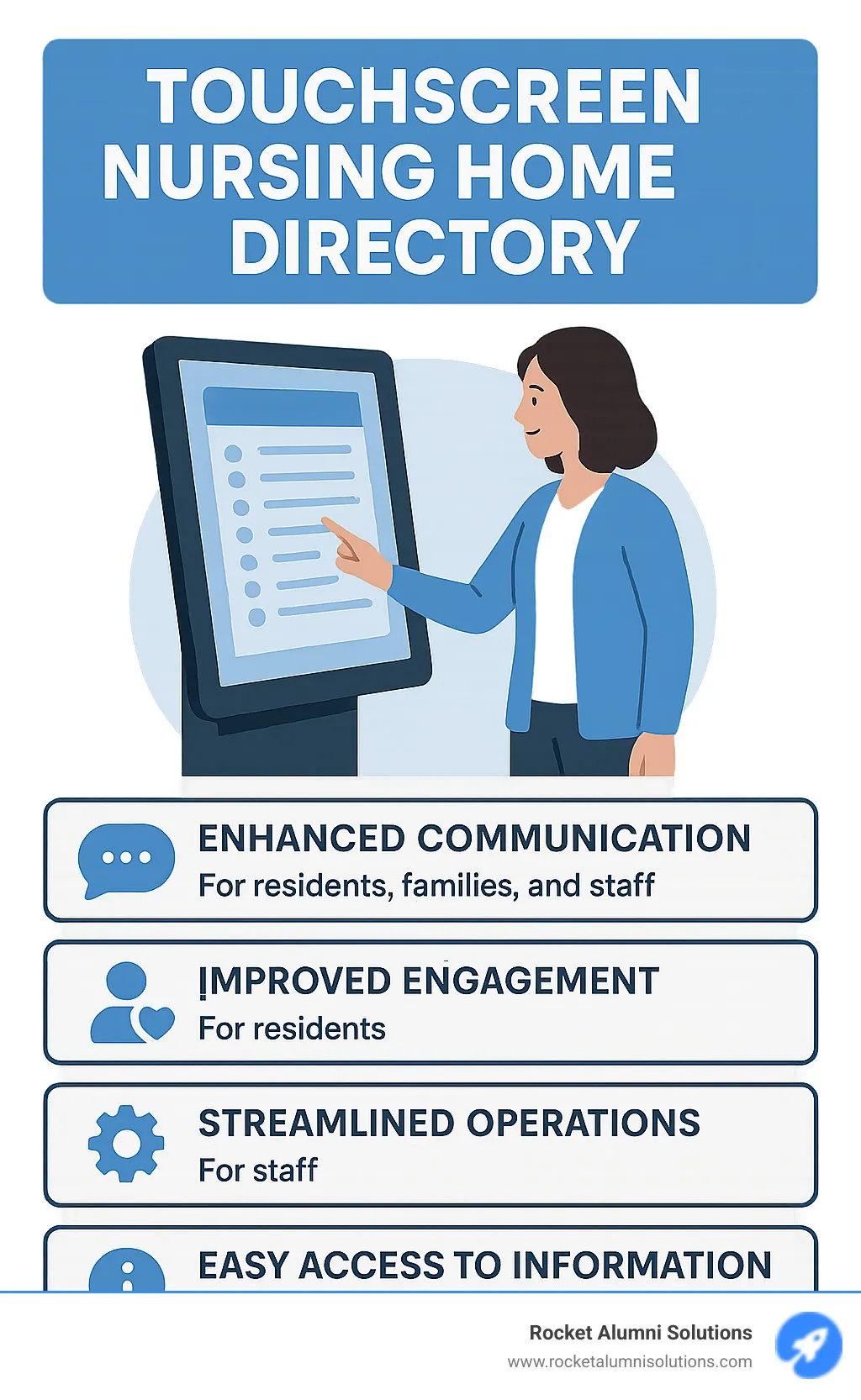
At its heart, a Touchscreen Nursing Home Directory is an interactive digital display designed to serve as a central information hub within a senior living facility. Think of it as a modern, dynamic bulletin board that goes far beyond static paper listings. Instead of squinting at a tiny printout or asking a staff member for directions, residents, families, and visitors can simply walk up to a sleek screen and tap their way to the information they need.
These directories typically function as sophisticated digital signage systems, built upon robust kiosk hardware and powered by cloud-based software. This combination allows for centralized communication and effortless updates. When you approach one, you'll see a clear, welcoming interface. With a simple touch, you can steer through various sections, much like using a large tablet. The magic lies in its interactive nature; it's not just displaying information, it's inviting user interaction.
The software behind the scenes is what makes it truly powerful. Our systems, for instance, are designed with a user-friendly Content Management System (CMS) that allows staff to update content in real-time. This means that if an activity time changes, or a new resident moves in, the directory can be updated instantly from any internet-connected device. This ensures that the information is always fresh, accurate, and easily accessible.
For a deeper dive into how these systems are built and function, you can explore our insights on a Touchscreen Directory.
The Transformative Benefits for the Entire Senior Living Community
Bringing a Touchscreen Nursing Home Directory into your community is so much more than just adding a cool new gadget. It’s about creating a truly positive change in the daily lives of everyone who calls your facility home, works there, or visits. We've seen how these systems lead to clearer communication, deeper engagement, smoother daily operations, and a stronger sense of community all around. It really is a wonderful win-win-win for residents, their families, and your dedicated staff.
For Residents: Fostering Independence and Engagement
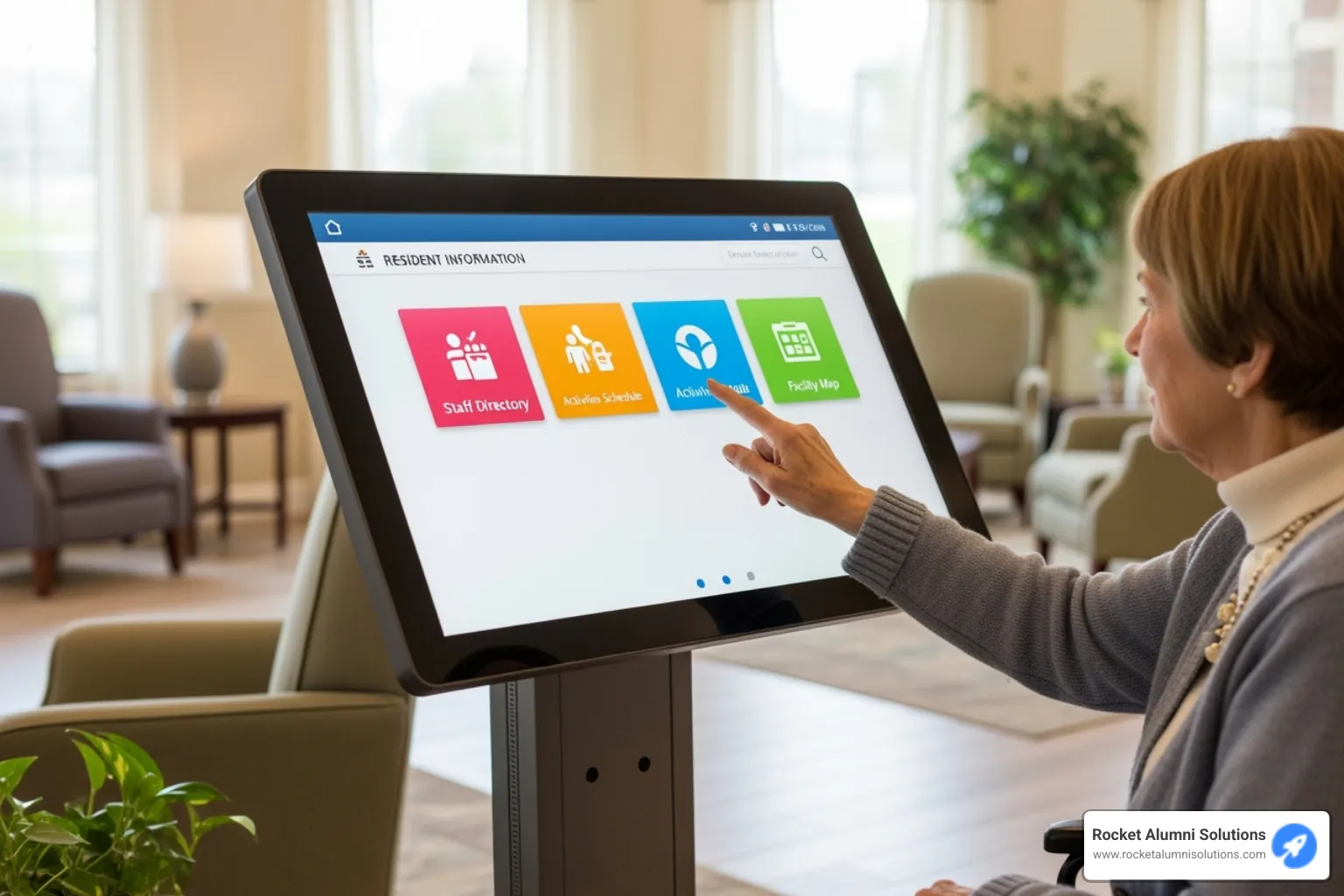
Imagine being able to easily find out what delicious meal is for dinner, when your favorite exercise class starts, or even see fun photos from last week's outing – all without needing to ask anyone or search for a paper schedule. This is the wonderful independence a Touchscreen Nursing Home Directory brings to residents. It means they rely less on staff for basic information. This gives residents a greater sense of control and autonomy over their own daily lives.
This easy access to information is key to keeping residents engaged and feeling connected. They can simply browse activity schedules, RSVP for events, or view dining menus with a few taps. For those with cognitive impairments, these systems can even offer a gentle form of cognitive stimulation through interactive games or reminiscence therapy. As one expert notes, "Technology, while not curing mental decline, is crucial in preventing its onset by keeping elderly residents engaged." The ability to tailor content helps reduce stress and build connections, truly adapting to each resident's needs.
It's great to see that seniors are truly embracing digital tools! They often find touchscreens very easy to use, thanks to features like large text, clear icons, and simple, direct navigation. They enjoy solutions that look good and are intuitive to learn, making these directories valuable daily companions. This feeling of empowerment can greatly reduce feelings of isolation and help residents enjoy a higher quality of life. To learn more about how seniors are connecting with technology, check out The Rise of Touchscreen Technology - How Seniors Are Embracing Digital Innovation | Resort Lifestyle Communities.
For Families: Enhancing Peace of Mind and Connection
Families often carry a lot of worry about their loved ones in senior living facilities. A Touchscreen Nursing Home Directory can gently ease many of these concerns by giving real-time updates and a clear, transparent look into daily life. Picture this: you're visiting and can quickly find the staff directory, see what fun activities your family member joined that day, or even browse event photos and videos from a recent community celebration.
This easy, streamlined communication means families can feel much more connected and informed, even when they can't be physically present. Some advanced systems can even link up with online portals, letting families make service requests through a simple ticketing system and then keep track of their progress. This level of openness and access brings immense peace of mind, knowing that important information about their loved one and the community is always just a tap away.
For Staff: Streamlining Operations and Improving Efficiency
For the wonderful, dedicated staff in nursing homes, a Touchscreen Nursing Home Directory is a powerful ally for making operations smoother and boosting efficiency. Think about how many repetitive questions staff answer every single day: "What's for lunch?", "Where is Room 205?", "When is the next bingo game?". Our digital directories can significantly cut down on these administrative tasks by making common information readily available to everyone who needs it.
This valuable tool frees up staff time, allowing them to focus on what truly matters: providing direct care and engaging more meaningfully with residents. They can stop being "human information kiosks" and start spending more quality time where it counts. The ability to broadcast announcements instantly, update schedules with just a few clicks, and offer interactive wayfinding tools means a much smoother workflow. It means less time spent on manual updates or answering the same questions over and over. A central communication hub, like a digital directory, also helps lessen the impact of staff turnover. It provides clear, organized information, helping new staff learn quickly and access vital insights to serve residents effectively.
This improved efficiency touches many parts of facility management, from handling service requests to being a central place for all resident information. It truly changes how a facility operates, making daily tasks easier and more pleasant for everyone involved. For a closer look at how these kiosks can improve how your facility runs, take a look at our insights on a Building Directory Kiosk.
Key Features of a Modern Touchscreen Nursing Home Directory
Think of a modern Touchscreen Nursing Home Directory as the beating heart of your senior living community. It's not just showing information – it's creating connections, solving problems, and making everyone's day a little easier. These systems shine because they offer customizable modules that can be custom to fit your community's unique personality and needs.
The real magic happens with dynamic content that updates in real-time. When the chef changes tomorrow's lunch special or a beloved activity coordinator calls in sick, the information changes instantly across all screens. No more outdated paper notices or confused residents wondering why bingo was cancelled. This information accessibility means everyone stays in the loop, from the tech-savvy resident to the visiting grandchild.
Essential Information and Interactive Modules
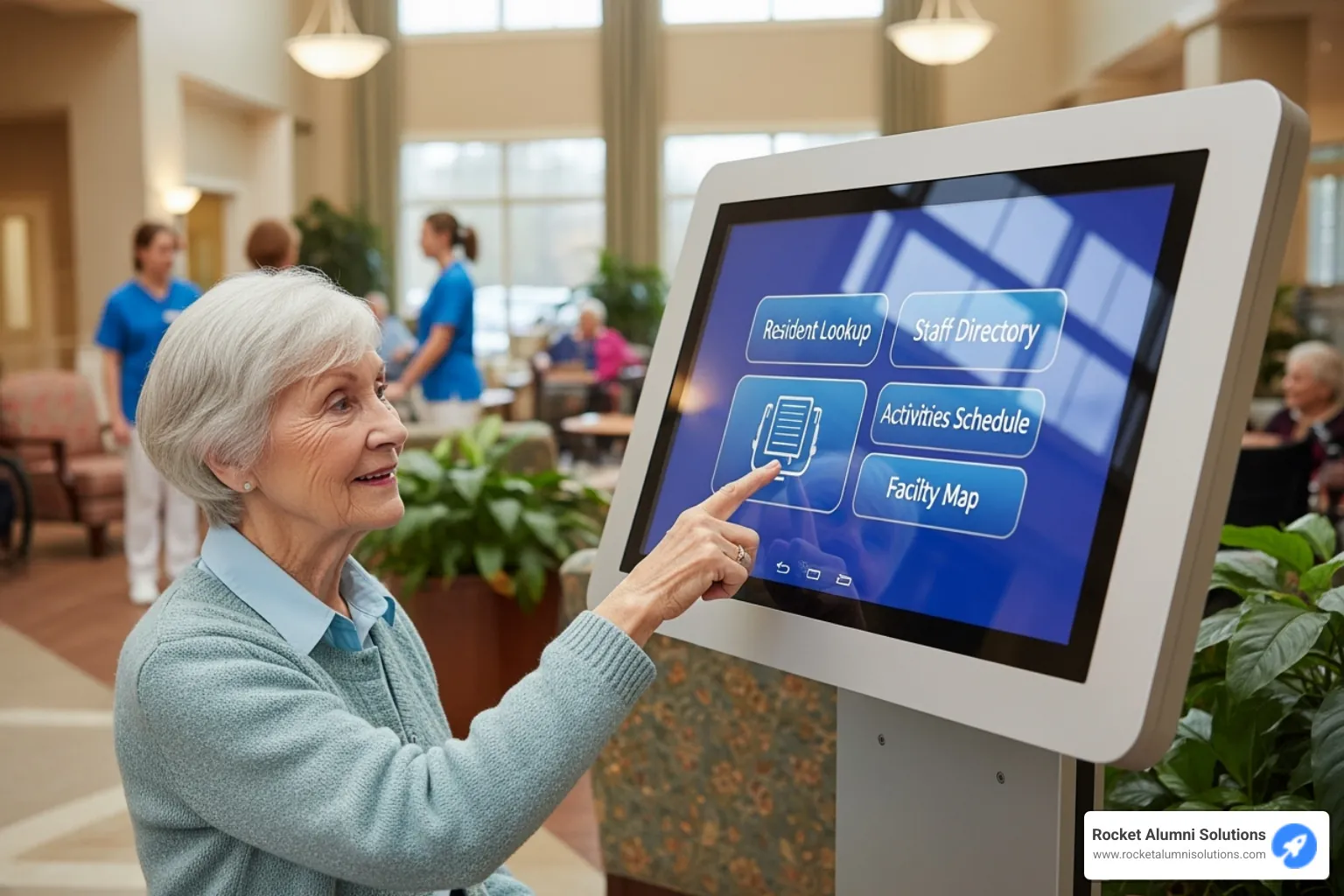
Every great Touchscreen Nursing Home Directory needs its core features – the ones that make daily life smoother for everyone who walks through your doors. The Staff & Department Directory acts like a friendly digital receptionist, complete with photos so families can put faces to names. No more awkward moments trying to remember if Sarah works in dining or activities.
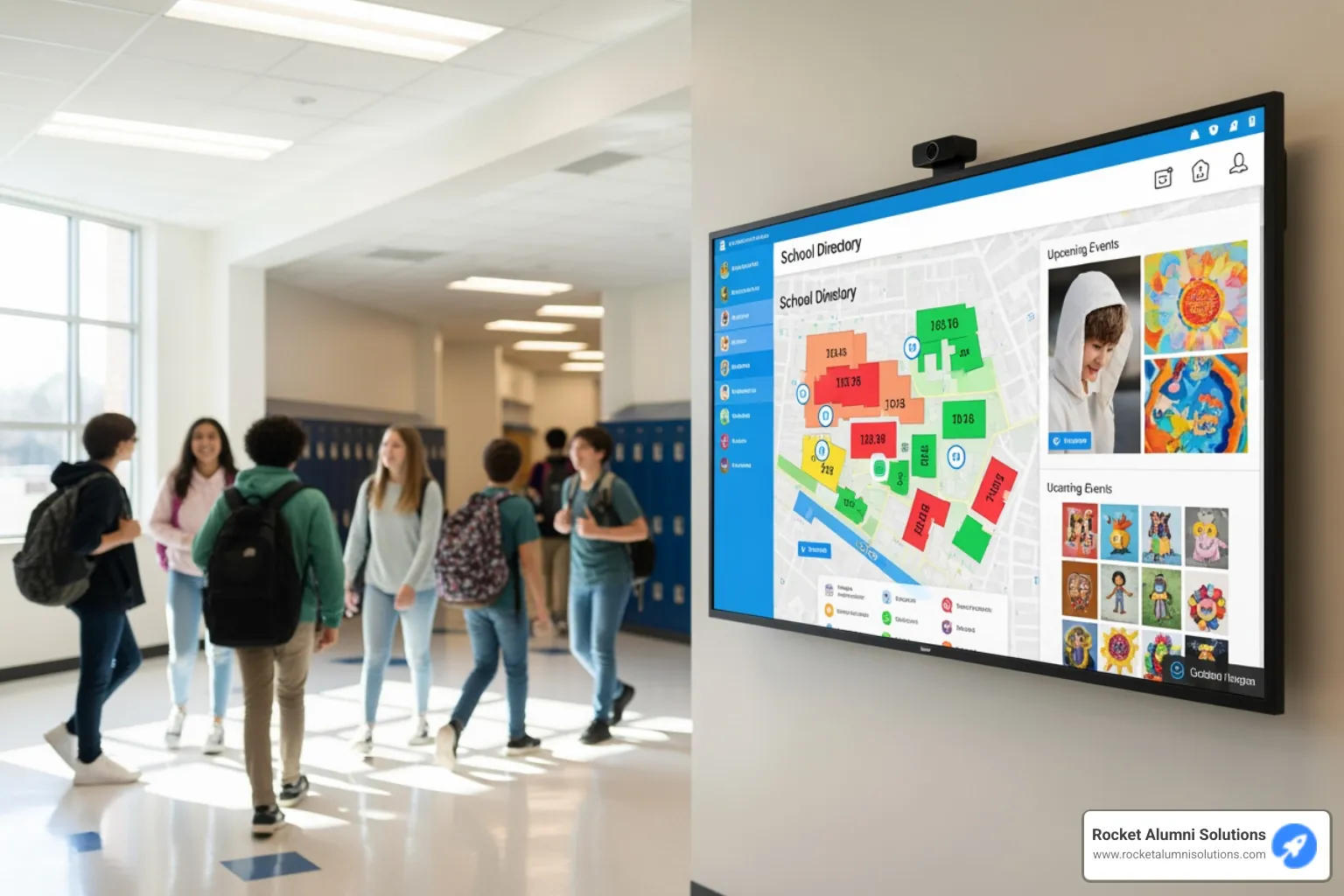
Interactive Facility Maps transform those confusing hallway moments into confident navigation. Whether it's a new resident finding the library or a visitor locating the dining room, wayfinding becomes as simple as a few taps on the screen.
The Daily/Weekly Activity Calendars bring your community's vibrant life to the forefront. Residents can browse upcoming events, see what they missed, and even RSVP for that cooking class everyone's talking about. Pair this with Dining Menus & RSVP functions, and suddenly meal planning becomes interactive and engaging rather than just informational.
News, Announcements & Alerts keep everyone connected to what's happening right now. From weather updates to celebration announcements, important information reaches everyone instantly. And those Photo & Video Galleries? They're pure gold for showing off your community's personality – from birthday parties to garden club achievements, these visual stories create lasting connections.
Advanced Capabilities and System Integrations
The most impressive Touchscreen Nursing Home Directory systems don't work alone – they play well with others. Integration capabilities mean your directory can connect seamlessly with existing facility systems, creating a truly smart community environment.
Imagine your directory working alongside nurse call systems to provide general status updates, or connecting with service request management so families can submit maintenance requests during their visit. Some systems can even display social media feeds, keeping residents connected to the outside world and showcasing your community's online presence.
When emergencies happen, these directories can instantly switch to broadcast emergency alerts, providing clear, immediate information to everyone in the area. This level of integration transforms a simple information display into a comprehensive communication hub that supports your entire operation.
These advanced features ensure your Touchscreen Nursing Home Directory grows with your community's needs, adapting and expanding as technology evolves. For communities looking to explore these possibilities further, our Assisted Living Touchscreen Directory resources offer deeper insights into customization options.
Choosing and Implementing the Right System for Your Facility
Thinking about bringing a Touchscreen Nursing Home Directory into your facility? That's a fantastic step! It's much more than just putting up a new screen. It's a big decision, a true investment in your community's future. When you pick the right system and put it in place well, it can really boost happiness for residents, bring peace of mind to families, and make daily tasks smoother for your staff. It’s all about finding a system that truly fits your unique needs and helps you reach your long-term goals. Let's explore how to make the best choice and get it up and running smoothly.
Critical Considerations for Your Touchscreen Nursing Home Directory
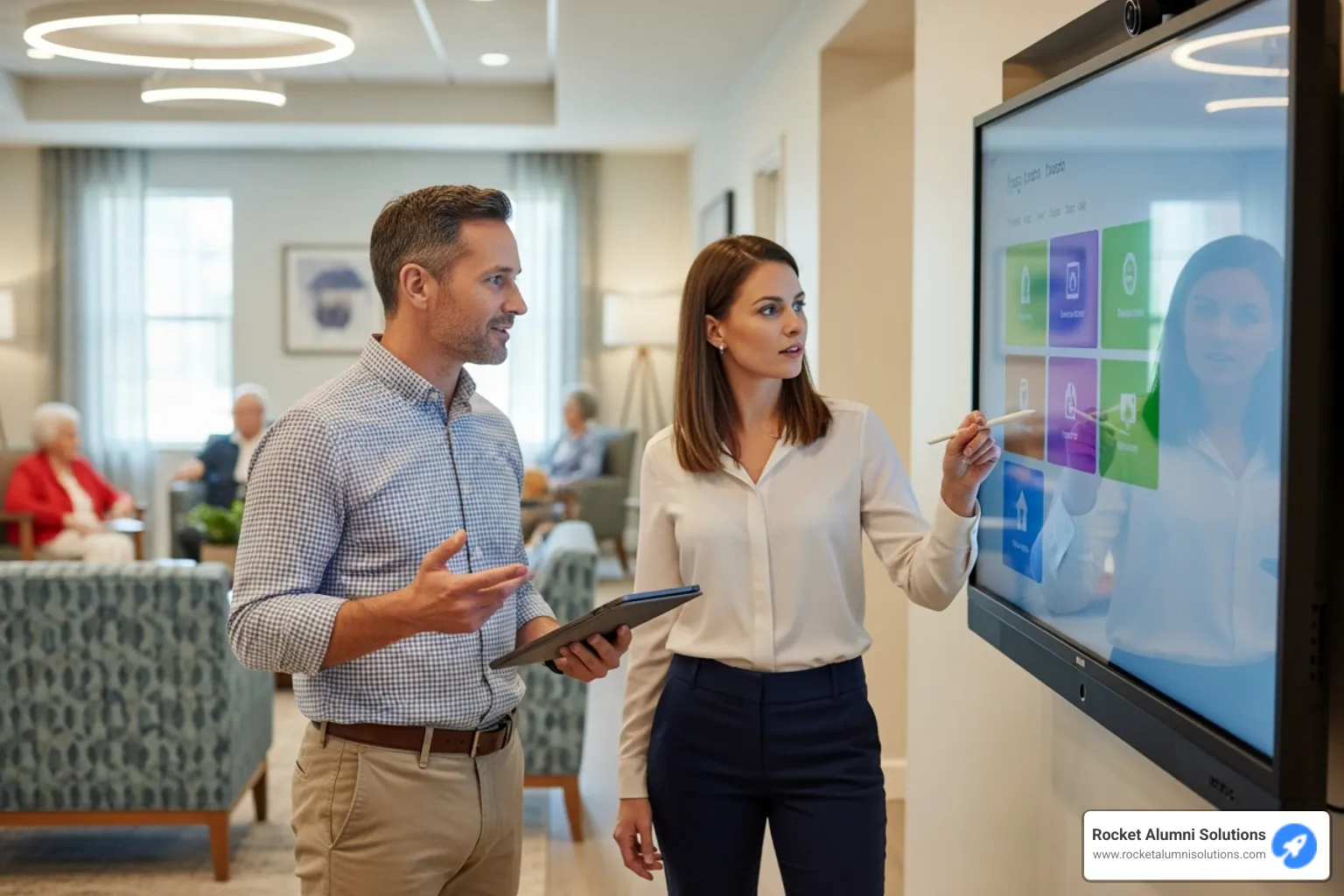
When you're looking at different options for your Touchscreen Nursing Home Directory, it's smart to focus on a few key things. These points will help you choose a system that will truly work for your community for years to come.
First, think about the Hardware Selection. This is the physical screen itself. You'll want something really tough that can handle being used a lot every day. Consider the size – popular choices are 43, 55, or 65 inches – and make sure it's bright enough to see clearly. It also needs to be easy to keep clean.
Next, the Software is like the brain of the whole system. You need software that's super easy for your staff to use. They should be able to update content without needing a tech wizard. Look for lots of ways to customize it so it perfectly matches your facility's look and what information you want to show. Our systems at Rocket Alumni Solutions, for instance, are built for unlimited content updates and custom layouts, making your life easier.
Accessibility features are super important, especially in a senior living setting. The screen should be easy for everyone to use, including those with different abilities. This means big, clear fonts, colors that stand out, and simple ways to move around the screen. Make sure it follows ADA rules for accessibility. Some systems even offer voice commands or touch-free options, which can be a huge plus.
Then there's Data Security & Privacy. When you're showing resident information, even just names, keeping that data safe is crucial. Make sure the system has strong security measures, like password protection for content updates, and that it follows all privacy rules.
Don't forget about Installation & Support. Ask the company how they handle setting everything up and if they train your staff. And what about help if something goes wrong? A good provider should offer support whenever you need it, perhaps even 24/7, and be able to fix things remotely.
Finally, consider the Cost & ROI (Return on Investment). This means looking at the full price tag – the screen, the software, getting it set up, and any ongoing fees. Think of it as an investment. The benefits, like happier residents, calmer families, and more efficient staff, often far outweigh the initial cost.
To help you compare, here's a quick look at some key features to look for in directory software:
| Feature | Description |
|---|---|
| Cloud-based CMS | Manage content from anywhere with an internet connection, easily and securely. |
| Custom Templates | Design layouts that perfectly match your facility's branding and needs. |
| Integration API | Connects with other systems you use, like calendars or facility management. |
| 24/7 Support | Get help whenever you need it, day or night. |
Leveraging Your Directory as a Powerful Marketing Tool
Did you know your Touchscreen Nursing Home Directory can also be a fantastic marketing tool? It’s true! It helps you make a great first impression and showcase all the wonderful things happening in your community.
When new families visit, seeing a modern, interactive directory instantly tells them you are a forward-thinking facility that cares about communication and technology. It gives off a modern first impression that can truly set you apart.
You can use it for showcasing community life by displaying vibrant photos and videos from events, daily activities, and celebrations. Imagine families seeing residents laughing during a craft session or enjoying a musical performance right there on the screen. It can even offer interactive tours or highlights of your facility's best features, like the dining room or activity areas.
And don't forget the power of happy voices! You can display testimonials from current residents and their families, sharing why they love your community. These authentic stories are incredibly powerful. All of these features work together to create a warm, inviting picture of life in your facility, which can ultimately lead to increased occupancy. It truly helps you put your best foot forward! For more on how a digital display can serve as a powerful marketing asset, check out our insights on a Nursing Home Kiosk.